
- Độ tuổi4+
- Danh mụcKinh Doanh
- Nhà phát triểnReference Point Limited
- Ngôn ngữTiếng Tây Ban Nha
- Kích thước5,6 MB
Liên kết đến trang App Store chính thức
Download.org không lưu trữ tệp nào của Validate 5. Nút này mở trang ứng dụng trên App Store, nơi Reference Point Limited phát hành ứng dụng. Trang được kiểm tra lần cuối: 16/11/2026.
Ảnh chụp màn hình


Giới thiệu
Nhà phát triển chưa cung cấp nội dung này bằng ngôn ngữ của bạn.
The app can be used by approved access controllers, spot checkers and lone workers. Navigation controls and features are shown depending on the role.
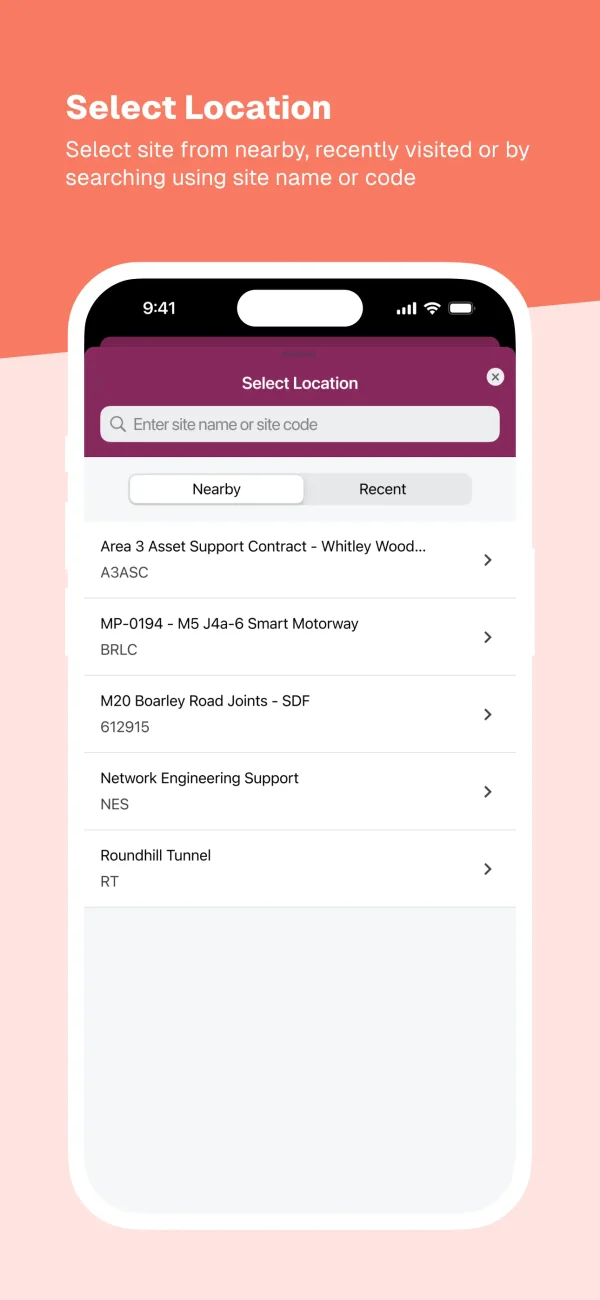
Location Search
• Search for nearby sites (if geo services are enabled on the mobile device), search for a site using a site name or code or select from recent sites.
• Get directions to the selected site.
• For sites containing zones, the site or zone can be selected as the location.
Team features
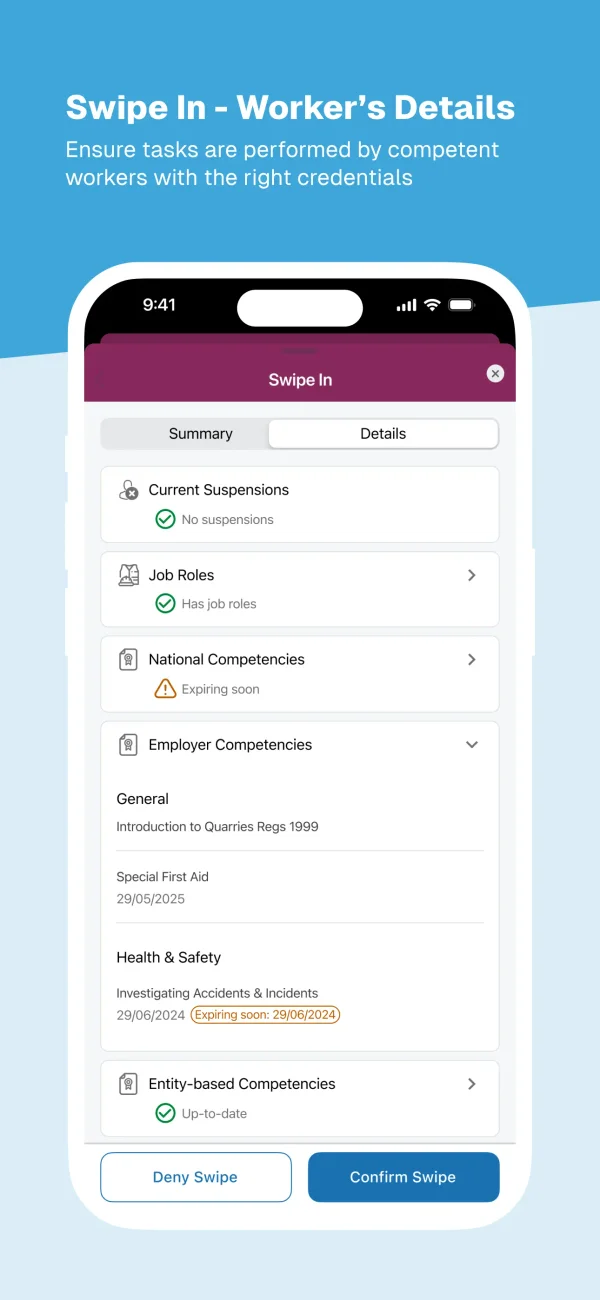
• Start a team to optionally swipe in the access controller, then check and confirm/deny access to workers and visitors.
• System rules determine a worker’s eligibility to work on a site – the app checks these in real time when a card is swiped and highlights if any are not met. Relevant worker record can then be reviewed along with upcoming competency and other expiries.
• Access controllers can then confirm (if system rules are met) or deny access.
Card Reading
• The app supports reading of supported cards via both NFC (where supported by the device) and QR code.
• Virtual cards stored in Vircarda are also supported. If located on the same mobile device as the Validate app, the virtual card can be used to identify the user (e.g. an access controller). • Please refer to the app store listing for Vircarda for more information.
• Use “forgotten card” functionality to swipe in workers who have forgotten their card by entering details provided by the worker.
To read physical smartcards via NFC, for example when swiping in a worker:
• When prompted, hold the card in contact with the NFC area on the rear of your device until the card has been read successfully and any required card updates have completed.
• NFC functionality must be enabled on the device.
Swipe Out
• Swipe out workers from site when their card is presented, even if they are not part of your team.
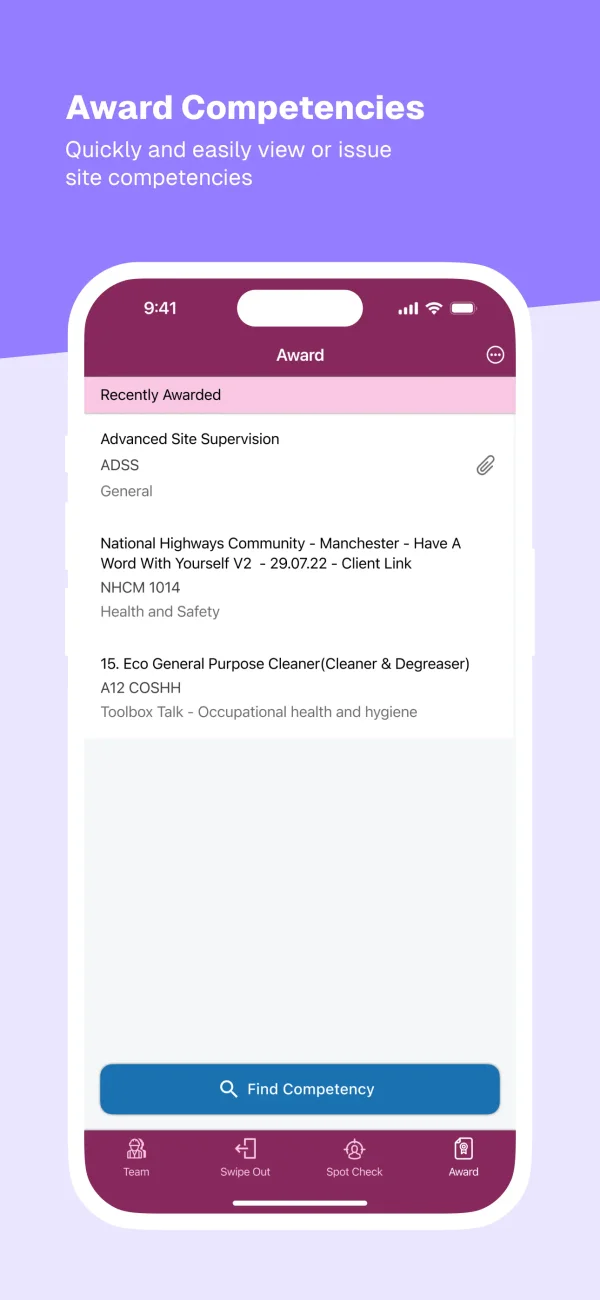
Competency and Briefing Award
• Search for and award competencies and briefings to workers.
• Review and award competencies and briefings that have been scheduled for award.
• Attach files stored on the device or use photos as evidence.
• Use the same group evidence for awarding the same competency to multiple workers.
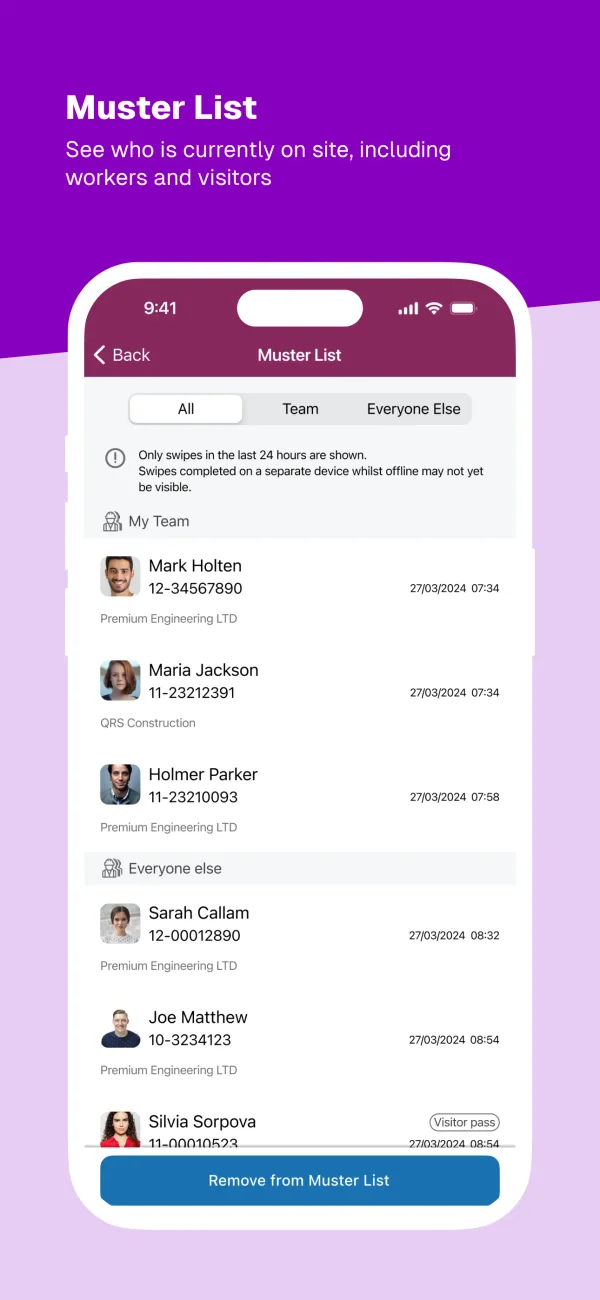
Muster List
• Review workers currently on site, even if they have been swiped in by other access controllers.
Other Features
• View requirements to swipe into the current location.
• Change location when moving to a new site.
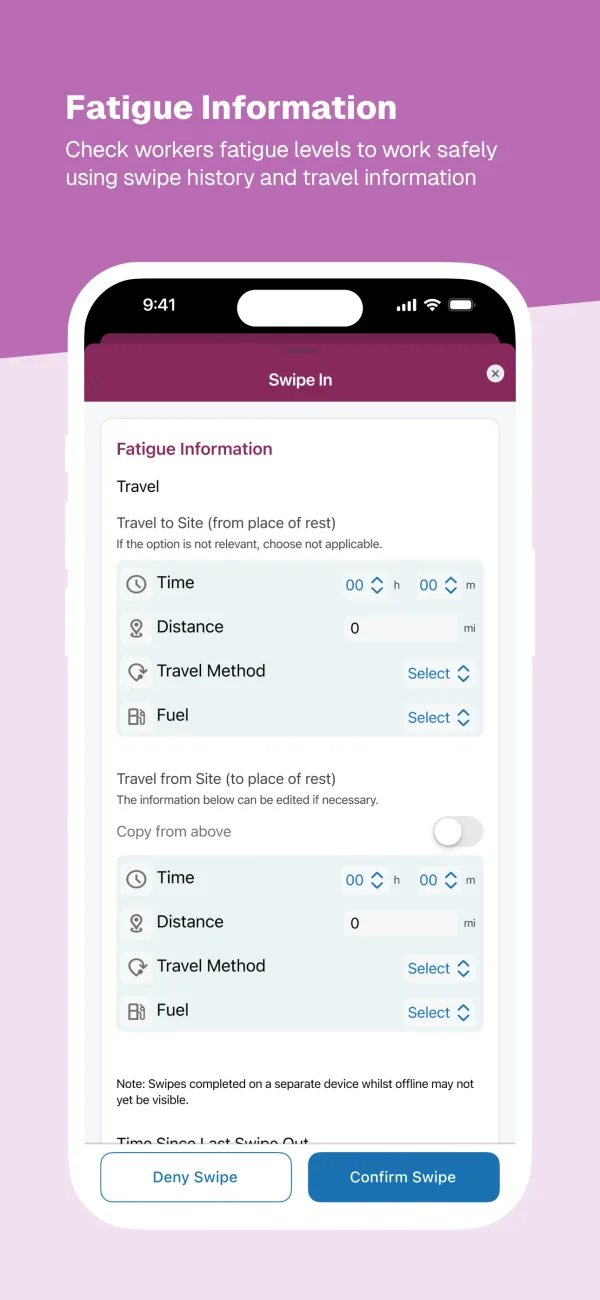
• Travel information captured in the app is recorded centrally in Validate, providing a basis for environmental and carbon emission reporting.
• Swipe history shows a history of recent swipes performed on the device. These can be cleared locally from the device if desired (swipes will always be retained centrally in Validate).
• Navigation controls are readily available within the app to allow fast switching between features.
• Application security via two-factor authentication during login (email or SMS).
• Online help can be viewed to learn more about using the app.
• Internet access is not required to read smartcards using NFC – the last details stored in the smartcard’s microchip will be read if the app is offline. If internet access is available when an • NFC card is read, any offline updates for that smartcard from the Validate database are transferred automatically to it.
• Offline smartcard checks recorded in the app are uploaded automatically to Validate when an internet connection is available.
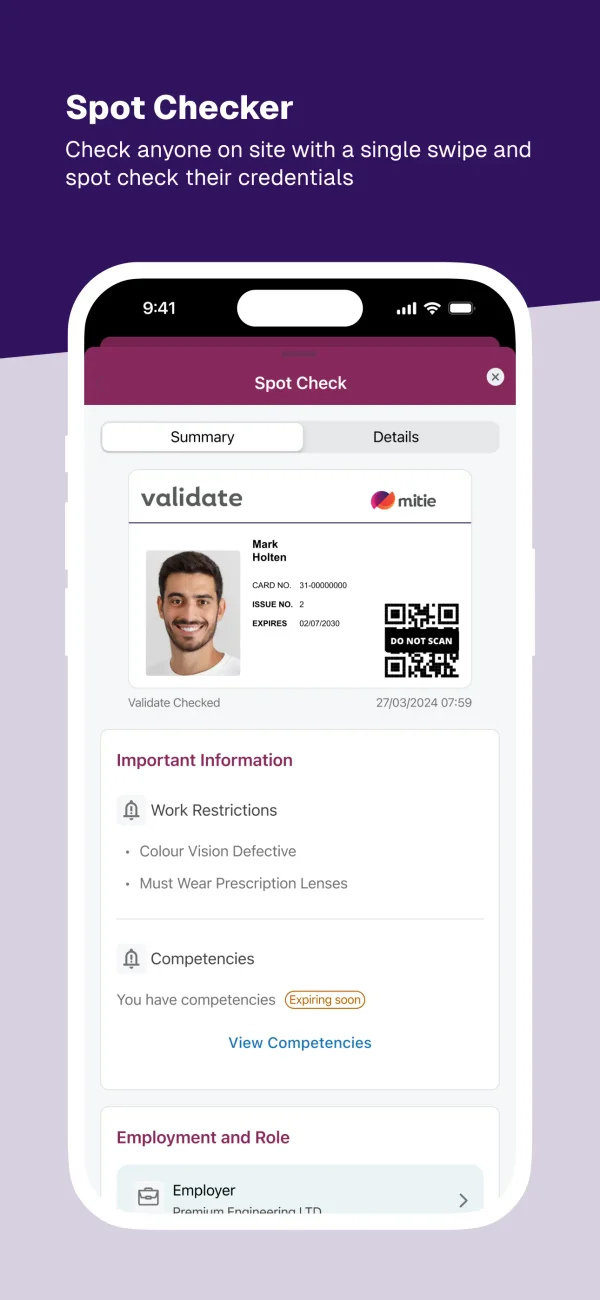
Access controllers can access all of these features. Spot checkers can spot check cards, view the muster list and change location. Lone workers can swipe themselves in and out of a site, change location and check their card details.
Validate is sold exclusively by MITIE and is the full copyright of Causeway Technologies Ltd.
Có gì mới
Phiên bản 5.5.0 · 05/02/2025
• Multi-region support.
• Bug fixes.
Quyền riêng tư của ứng dụng
Những gì Reference Point Limited khai báo trên App Store về cách ứng dụng này xử lý dữ liệu.
-
Dữ liệu liên kết với bạn
Có thể được thu thập và liên kết với danh tính của bạn.
- Mã định danh
- Chẩn đoán
Phương thức đảm bảo quyền riêng tư có thể khác nhau, chẳng hạn như tuỳ theo các tính năng bạn sử dụng hoặc độ tuổi của bạn.
Thông tin
- Người bán
- Reference Point Limited
- Danh mục
- Kinh Doanh
- Phiên bản
- 5.5.0
- Cập nhật
- 05/02/2025
- Phát hành
- 10/07/2020
- Kích thước
- 5,6 MB
- Yêu cầu
- iOS 15.0 trở lên
- Độ tuổi
- 4+
- Giá
- Miễn phí
- Ngôn ngữ
- Tiếng Tây Ban Nha
- Bản quyền
- © Reference Point Ltd.