Vibration analysis
Vibrometer
Được thiết kế cho iPhone, iPod touch
Mua hàng trong ứng dụng
- Độ tuổi4+
- Danh mụcTiện Ích
- Nhà phát triểnDmitriy Kharutskiy
- Ngôn ngữTiếng Anh+ 10 ngôn ngữ khác
- Kích thước4,9 MB
Vibration analysis hiện có thể không có trên App Store
Ở lần kiểm tra gần nhất, chúng tôi không truy cập được trang trên cửa hàng. Liên kết vẫn dẫn đến trang App Store chính thức.
Ảnh chụp màn hình

Giới thiệu
Nhà phát triển chưa cung cấp nội dung này bằng ngôn ngữ của bạn.
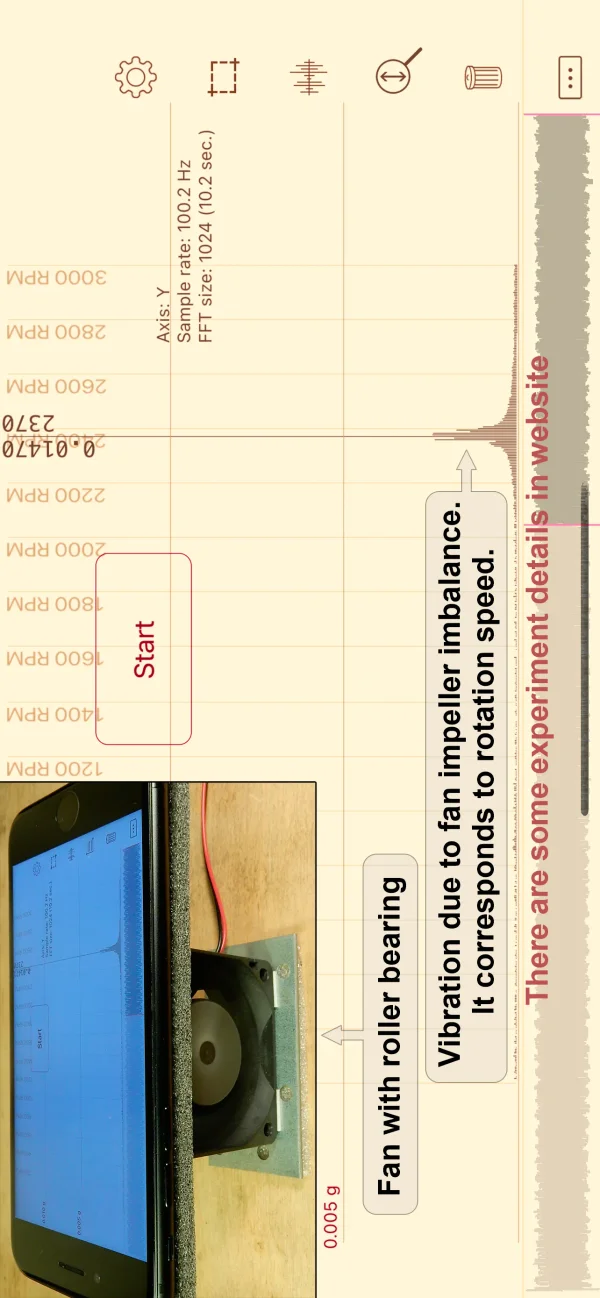
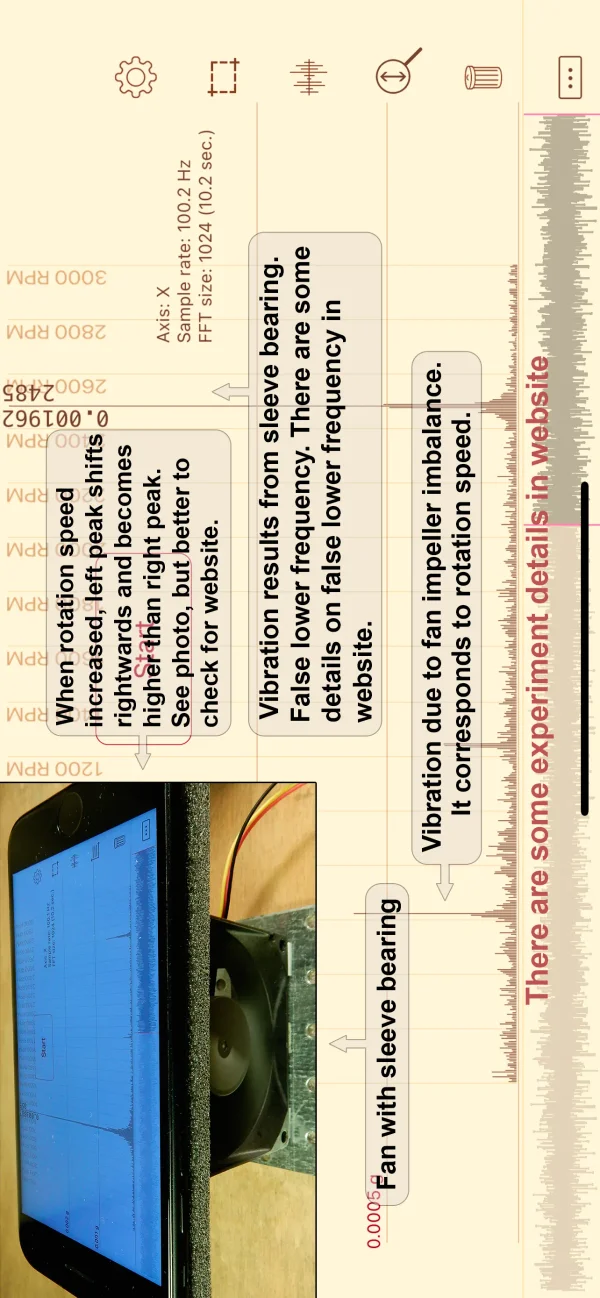
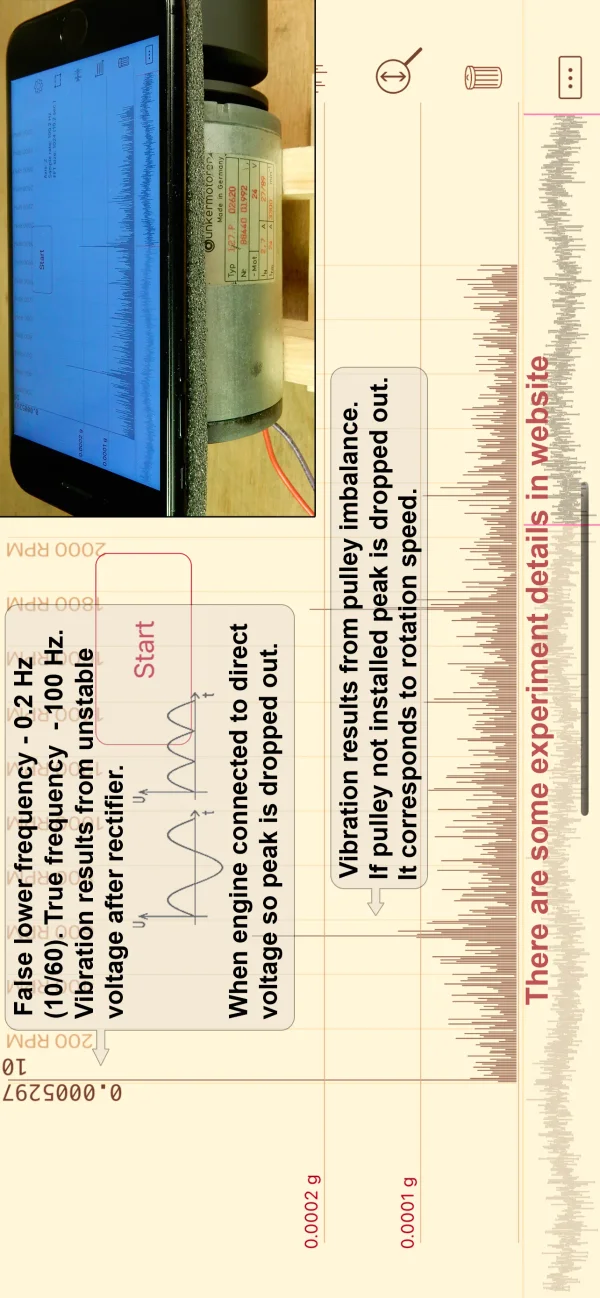
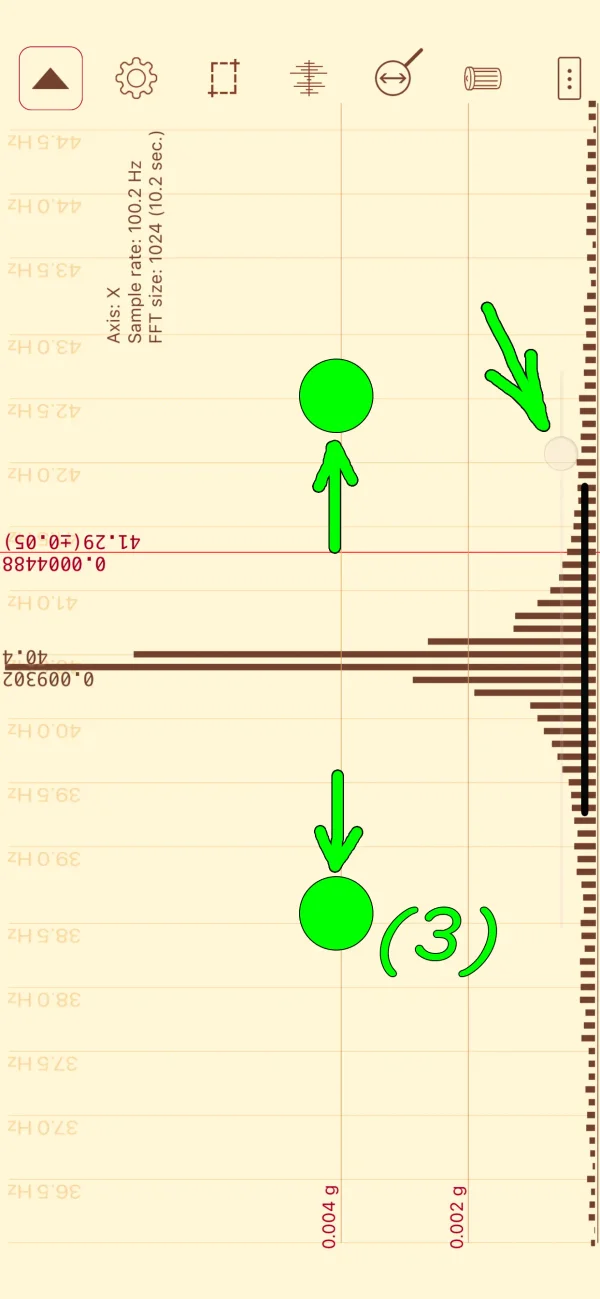
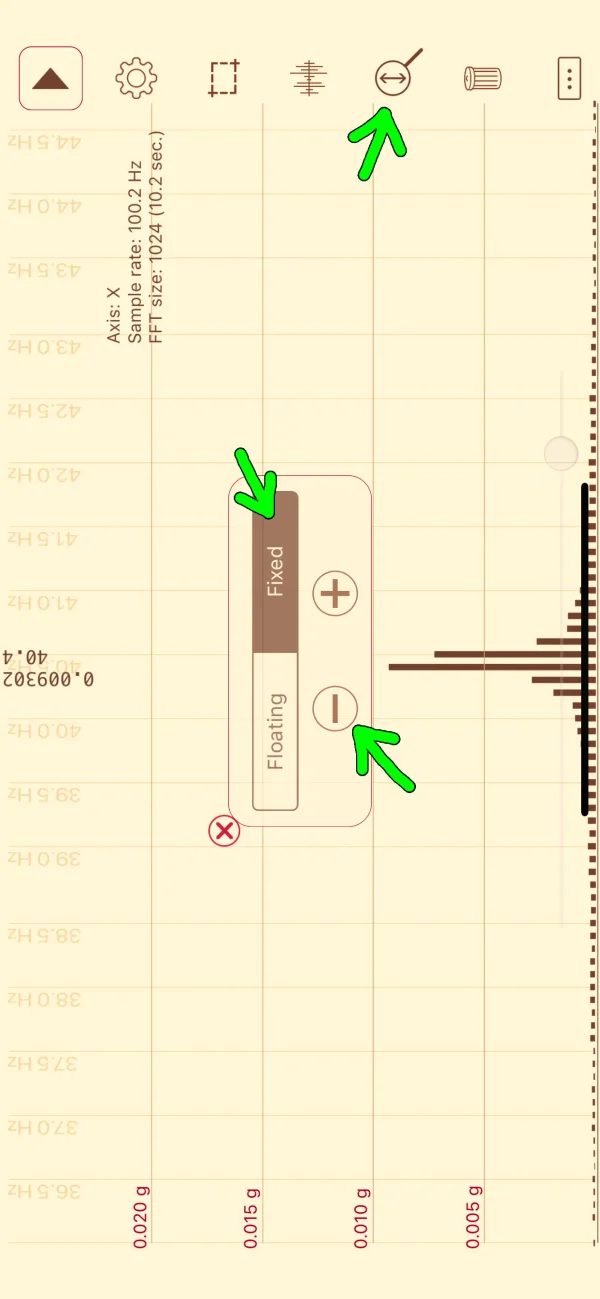
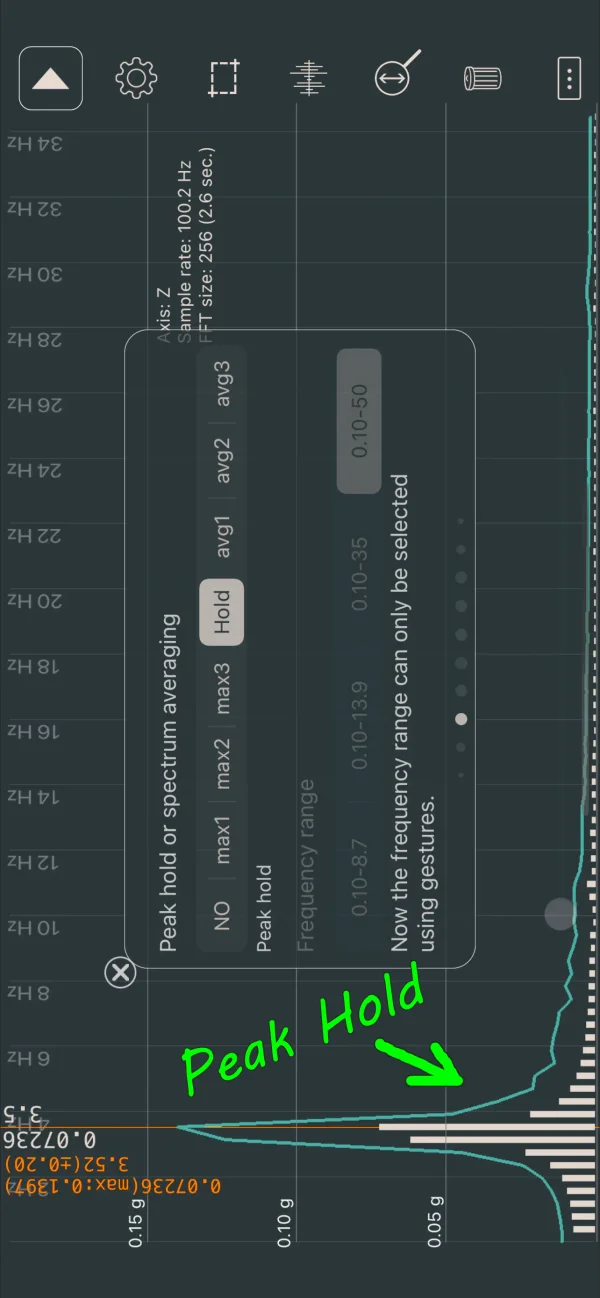
The application analyzes the data from the phone's accelerometer and builds a vibration spectrum. This allows the evaluation of not only the strength and frequency of the vibration, but also the speed of rotation of various mechanisms: fans, motors, various rotating components; since the vibration frequency often (but not always) coincides with the frequency of rotation. The application will be useful in determining the quality of fans and motors, in determining whether their actual parameters coincide with the ones declared by the manufacturer, it will find its uses in monitoring of malfunctions (e.g. in bearings) or while testing the quality of assembly and balancing of the homemade mechanisms with rotating parts.
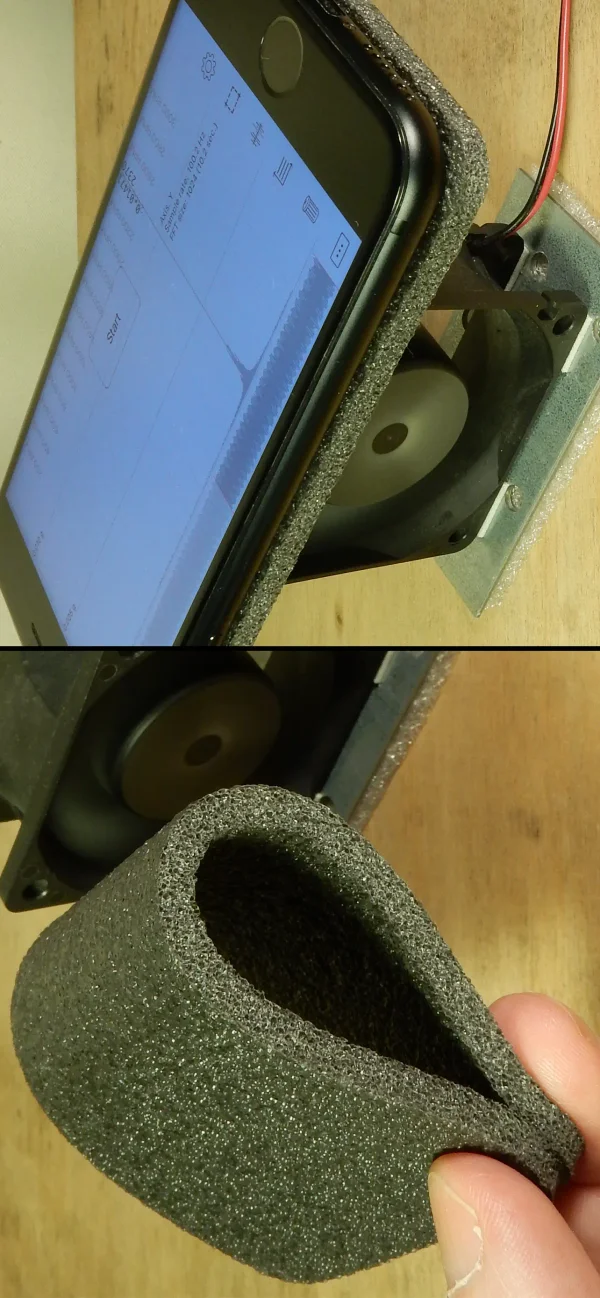
Do not expose your iPhone to an excessive vibration, as it may break. If the analyzed vibration is too strong, use a foam material pad, or put your iPhone at a distance where the force of the vibration is not dangerous to your device. In addition to decreasing vibration for the iPhone, a foam pad improves contact between the iPhone and the vibrating part, which makes the transmission of vibration more accurate and produces better results.
BE SURE TO READ THE EXAMPLES OF THE VIBRATION SPECTRUM ANALYSIS AT THE APPLICATION WEB SITE (usefulmobileapps.com).
Features of the full version of the application:
• The choice of units of measurement. X-axis: Hz or RPM. Y-axis: g, m/s², ft/s², mm/s, in/s (ips), mm, mil, dB(A), dB(V).
• FFT size (for built-in accelerometer): 64, 128, 256, 512, 1024, 2048, 4096 (data collection time from 0.64 sec. to 40 sec.). For an accelerometer connected to the headphone jack FFT size from 2048 to 131072. For Bluetooth-accelerometer FFT size from 512 to 32768.
• Linear and logarithmic frequency scale.
• Linear frequency scale with maximum details (there is a choice for the displayed frequency range).
• Peak frequency detection.
• Values of any point (for frequency scale and sound wave (at maximum detail)).
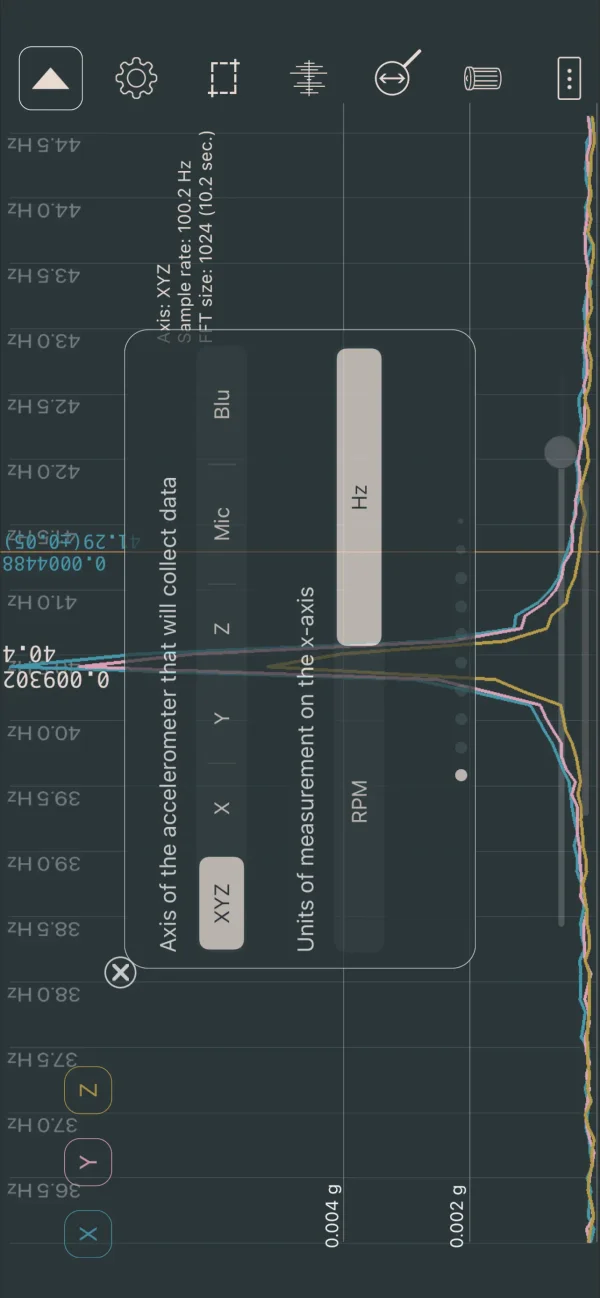
• Selecting which axis of the accelerometer is to collect data.
• Octave bands (1/1,1/3,1/6,1/12).
• Window functions (Blackman, Hamming, Hann (Hanning), Blackman–Nuttall, Gaussian, Flat top).
• Peak hold.
• Exponential spectrum averaging.
• Taking a screenshot by lightly touching the screen.
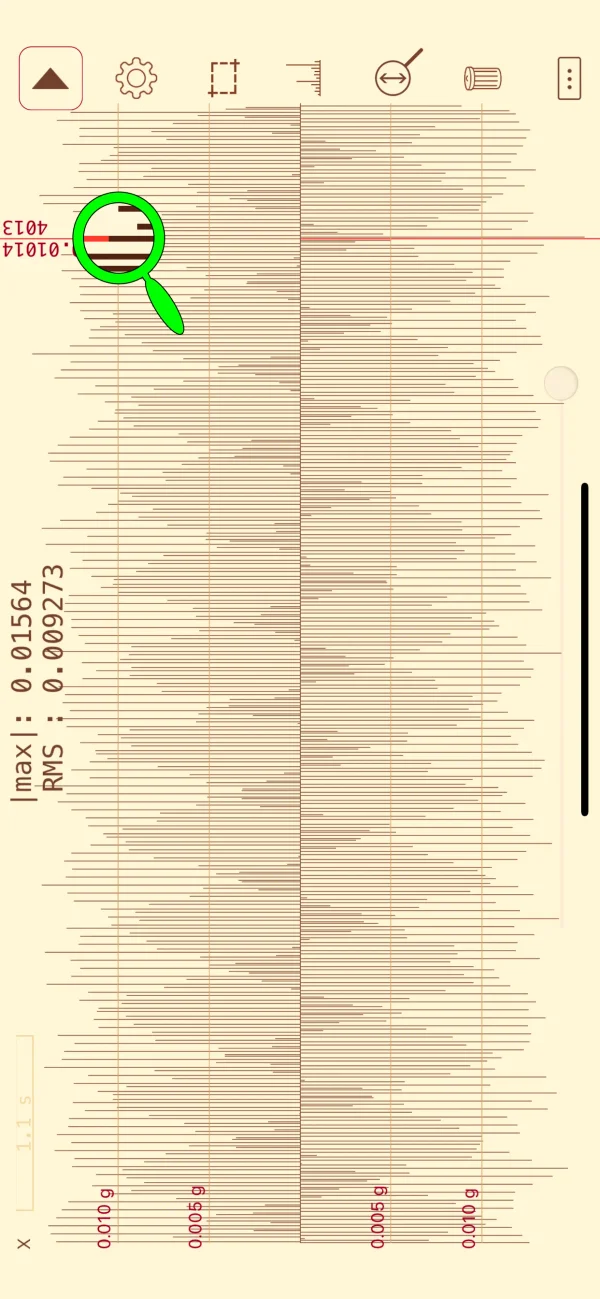
• Root mean square (RMS, for vibration) or average value (AVG, for absolute values) for vibration wave. Values are calculated only for data displayed on the screen.
• Calibration of the built-in accelerometer. Need EXCLUSIVELY for measuring absolute acceleration values (gravitational acceleration). To activate the settings, turn on the "Vibration wave" mode and turn off the "Only fluctuations" mode. The parameters of the accelerometer depend on the temperature and voltage of the battery, and may change over time. To obtain stable values, the accelerometer should work for several minutes.
• Saving the measurement results in the application. Files with saved data (SavedData_[date]_[time].txt) can be copied to a desktop/laptop computer or transferred to another iPhone using iTunes.
• Export data to a text ("Y=[y1 y2... yn]", "y1;y2;... yn", "x1;y1\nx2;y2;...") or WAV file. Number of points is adjusted via "FFT size". To export octaves, use "x1;y1\nx2;y2;...".
• Accelerometer connects to the headphone jack (measurement range from 5 Hz to 24000 Hz).
• A stroboscope for an external accelerometer (the feature was proposed by Todd French from Los Angeles, California).
• Bluetooth accelerometer.
When converting acceleration into speed or displacement, at 0-5 Hz frequencies noise starts prevailing over vibration peaks, which is why such frequencies are disregarded when doing the conversion. Should vibration frequency exceed 50 Hz, the peak will be recorded at an incorrect frequency, and hence speed or displacement will not be calculated correctly. Unrealistically high speed or large displacement may be a sign of this kind of false frequency.
Có gì mới
Phiên bản 4.3.15 · 31/08/2026
The app has been updated only to answer new age rating questions.
Quyền riêng tư của ứng dụng
Những gì Dmitriy Kharutskiy khai báo trên App Store về cách ứng dụng này xử lý dữ liệu.
-
Dữ liệu không được thu thập
Nhà phát triển không thu thập bất kỳ dữ liệu nào từ ứng dụng này.
Phương thức đảm bảo quyền riêng tư có thể khác nhau, chẳng hạn như tuỳ theo các tính năng bạn sử dụng hoặc độ tuổi của bạn.
Thông tin
- Người bán
- Dmitriy Kharutskiy
- Danh mục
- Tiện Ích
- Phiên bản
- 4.3.15
- Cập nhật
- 31/08/2026
- Phát hành
- 27/02/2014
- Kích thước
- 4,9 MB
- Yêu cầu
- iOS 15.6 trở lên
- Độ tuổi
- 4+
- Mua hàng trong ứng dụng
- Có
- Ngôn ngữ
- Tiếng Anh, Tiếng Séc, Tiếng Hà Lan, Tiếng Pháp, Tiếng Đức, Tiếng Ý, Tiếng Nhật, Tiếng Bồ Đào Nha, Tiếng Nga, Tiếng Tây Ban Nha, Tiếng Thụy Điển
- Bản quyền
- © 2014 Dmitriy Kharutskiy
Có thể bạn cũng thích
-
 Rung mét - dò động đấtĐo tất cả các rung động
-
 Máy đo địa chấn+Máy đo độ rung
-
 Công cụ Đo Độ Rung - Địa ChấnBe ready for the big one
-
 Smart Vibration MeterSeismometer - Earthquake Alert
-
 SignalScope XTiện Ích
-
 Accelerometer – G-Force MeterTiện Ích
-
 VR Mobile - Vibration TestingTiện Ích
-
 Đồng Hồ Đo Âm Thanh & Độ RungPro Sound & Vibration Detector
-
 Sensors & Speedometer: GaugesTiện Ích
-
 WITMOTIONTiện Ích