Video tachometer
Strobe light effect, RPM meter
Được thiết kế cho iPhone, iPad, iPod touch
Miễn phí · Mua hàng trong ứng dụng
- Độ tuổi4+
- Danh mụcTiện Ích
- Nhà phát triểnDmitriy Kharutskiy
- Ngôn ngữTiếng Anh+ 10 ngôn ngữ khác
- Kích thước5,5 MB
Liên kết đến trang App Store chính thức
Download.org không lưu trữ tệp nào của Video tachometer. Nút này mở trang ứng dụng trên App Store, nơi Dmitriy Kharutskiy phát hành ứng dụng. Trang được kiểm tra lần cuối: 20/11/2026.
Ảnh chụp màn hình




Giới thiệu
Nhà phát triển chưa cung cấp nội dung này bằng ngôn ngữ của bạn.
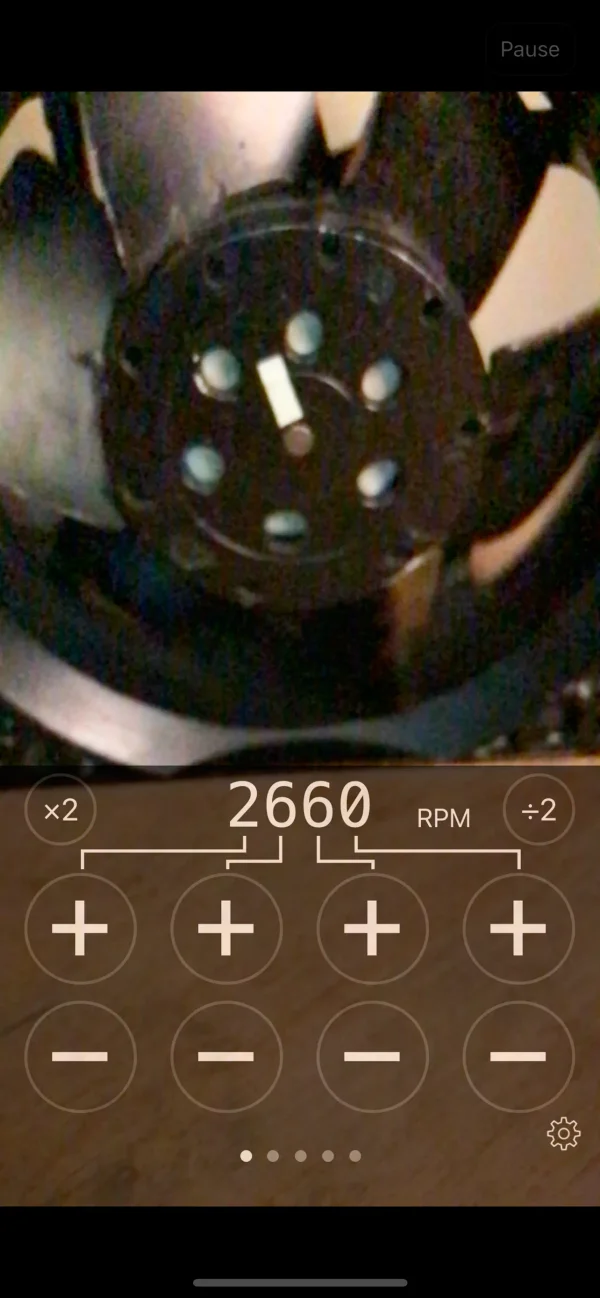
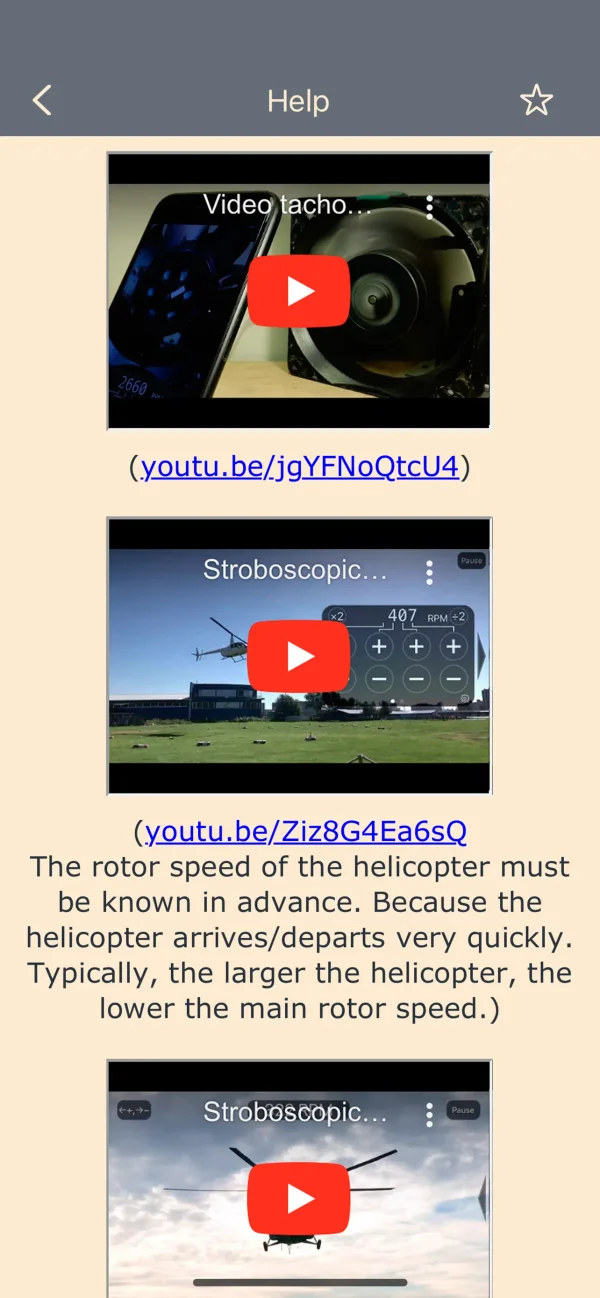
When the frame rate of a video matches the speed of a particular part, the effect is the same as using a strobe light. In the video, that part freezes.
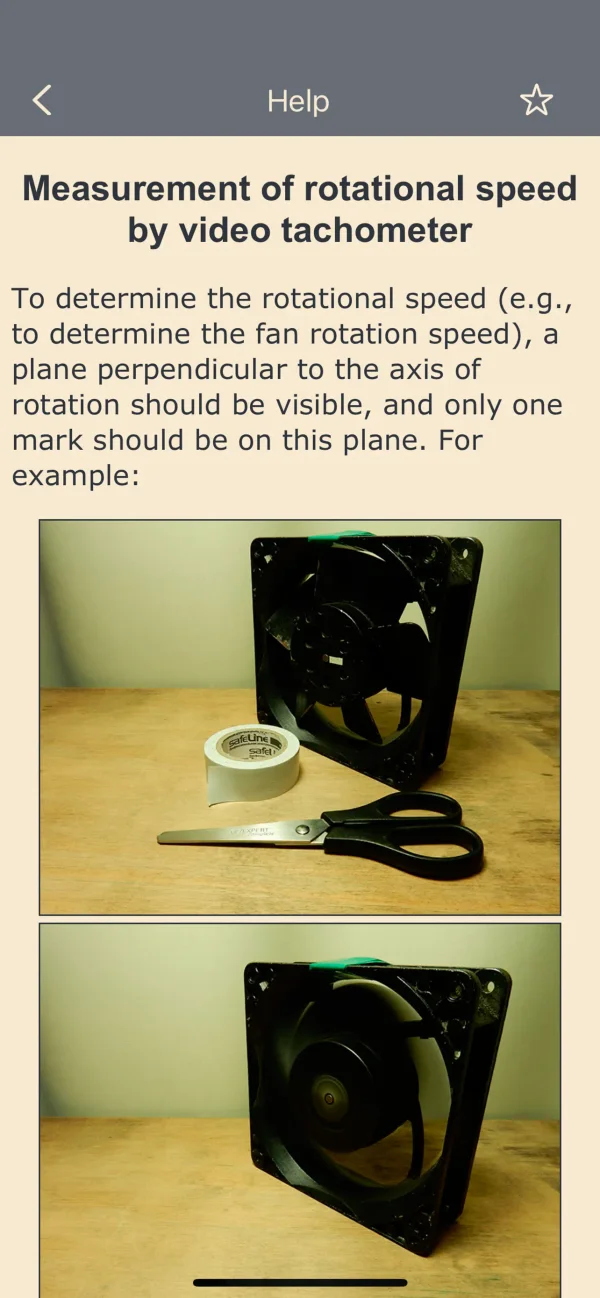
Since the frame rate of a video can be adjusted, this effect can be used to determine the rotational speed of a part.
The smartphone must support slow-motion video recording (filming at a high frame rate). This is the case for all smartphones starting with iPhone 5S. The range is as follows:
• 0.5—240 Hz (30—14400 RPM), for all phones from iPhone 6 onward
• 0.5—120 Hz (30—7200 RPM), for iPhone 5S
THE HERTZ (Hz) VALUE IS MORE ACCURATE THAN THE REVOLUTIONS PER MINUTE (RPM) VALUE, SINCE REVOLUTIONS PER MINUTE ARE CALCULATED FROM HERTZ AND ROUNDING IS DONE.
To get a clear image, good lighting is important. The clarity of the image is controlled by the exposure of the video (exposure time and light sensitivity (ISO)). If the exposure time is reduced, the image will increase in clarity, but brightness will lower. To increase the brightness, you need to raise the camera's light sensitivity (ISO), but then the amount of noise increases. You also need to manually adjust the focus of the camera.
The app can record video. The video format depends on the selected format in the app settings. If your iPhone supports 4K video format (3840x2160), then you can record 4K video at the frame rate supported by your iPhone. Text with important information is added to the frames of the recorded video: the selected frame rate, exposure duration, ISO, time stamp, time difference between the current and previous frames (Tcurr. − Tprev.), the sequence number of the frame in the recorded video. If you want any other information to be added, then let me know.
You can choose to add only part of this information, and you can choose a different text color. You also have the option of not adding any information. You can change the information that is added and the color of the text while recording a video. At high frame rates, frames that do not have time to be processed may be discarded. This does not affect subsequent frames and can be controlled using the time difference between the current frame and the previous frame (Tcurr. − Tprev.). Dropping frames affects the video frame rate displayed in the "Photos" app. But the time interval between frames that were taken one after another and were not discarded will correspond to the selected frame rate. Frames may be dropped even when shooting slow motion video using the "Camera" app. You can check this by looking at the frame rate for slow motion video in the "Photos" app.
Video containing the app's interface can be captured using the iOS "Screen Recording" function.
The app can take a photo with the measurement result, date, and time written on the photo. The exposure time and ISO settings will be saved in the photo's metadata. To take a photo that shows the app interface, tap the "Pause" button and take a screenshot.
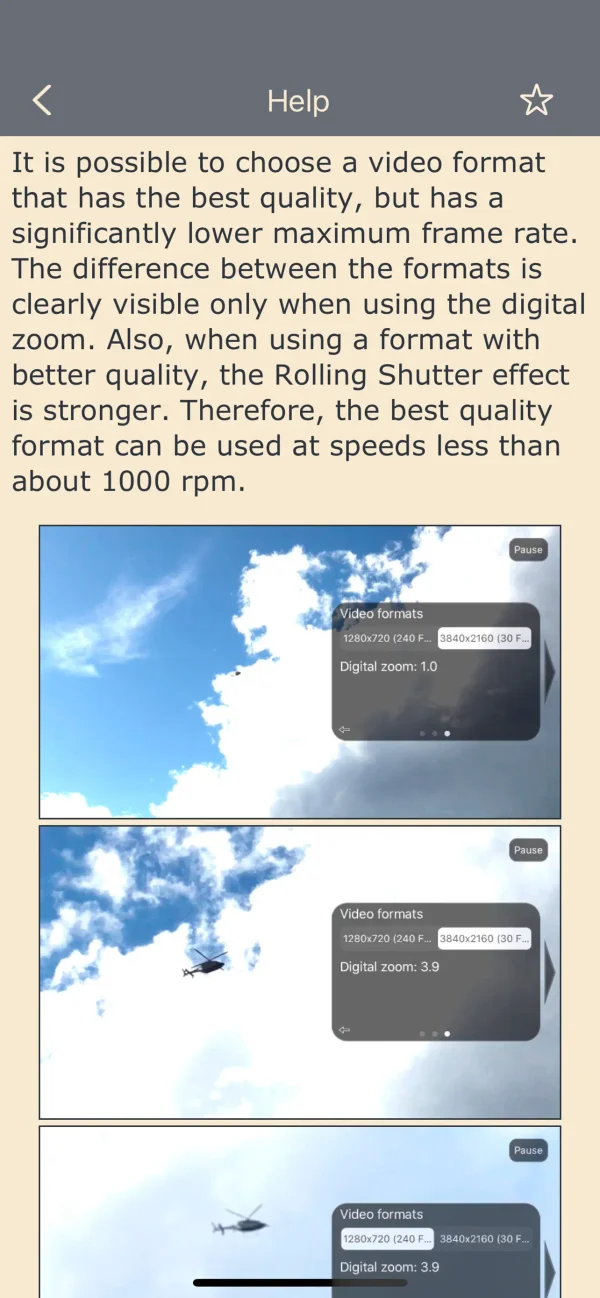
It is possible to choose a video format that has the best quality, but has a significantly lower maximum frame rate. The difference between the formats is clearly visible only when using the digital zoom. Also, when using a format with better quality, the Rolling Shutter effect is stronger. Therefore, the best quality format can be used at speeds less than about 2000 rpm.
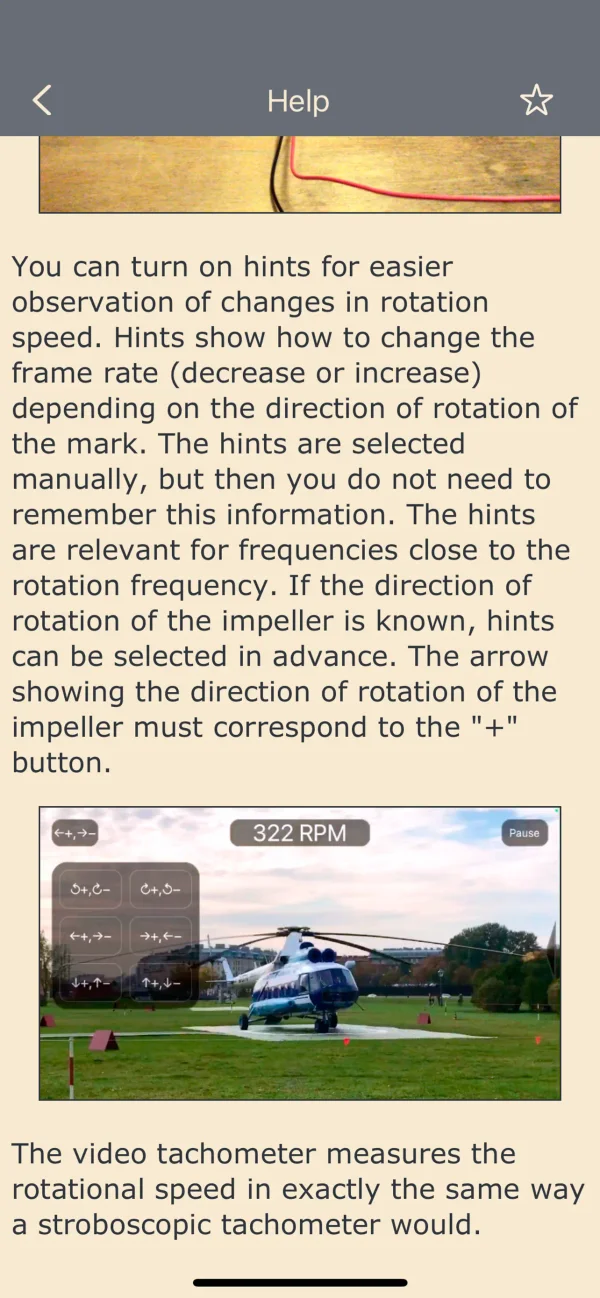
You can turn on hints for easier observation of changes in rotation speed. Hints show how to change the frame rate (decrease or increase) depending on the direction of rotation of the mark. The hints are selected manually, but then you do not need to remember this information. The hints are relevant for frequencies close to the rotation frequency. If the direction of rotation of the impeller is known, hints can be selected in advance. The arrow showing the direction of rotation of the impeller must correspond to the "+" button.
The video tachometer measures the rotational speed in exactly the same way a stroboscopic tachometer would.
Có gì mới
Phiên bản 2.1.10 · 22/08/2026
• The phase shift of a moving object in an image when the image is made still. Touch and hold.
Quyền riêng tư của ứng dụng
Những gì Dmitriy Kharutskiy khai báo trên App Store về cách ứng dụng này xử lý dữ liệu.
-
Dữ liệu không được thu thập
Nhà phát triển không thu thập bất kỳ dữ liệu nào từ ứng dụng này.
Phương thức đảm bảo quyền riêng tư có thể khác nhau, chẳng hạn như tuỳ theo các tính năng bạn sử dụng hoặc độ tuổi của bạn.
Thông tin
- Người bán
- Dmitriy Kharutskiy
- Danh mục
- Tiện Ích
- Phiên bản
- 2.1.10
- Cập nhật
- 22/08/2026
- Phát hành
- 28/12/2019
- Kích thước
- 5,5 MB
- Yêu cầu
- iOS 15.6 trở lên
- Độ tuổi
- 4+
- Giá
- Miễn phí
- Mua hàng trong ứng dụng
- Có
- Ngôn ngữ
- Tiếng Anh, Tiếng Séc, Tiếng Hà Lan, Tiếng Pháp, Tiếng Đức, Tiếng Ý, Tiếng Nhật, Tiếng Bồ Đào Nha, Tiếng Nga, Tiếng Tây Ban Nha, Tiếng Thụy Điển
- Bản quyền
- © 2019 Dmitriy Kharutskiy