- Độ tuổi17+
- Danh mụcTiện Ích
- Nhà phát triểnShenzhen zetara power system Co.,LTD
- Ngôn ngữTiếng Anh+ 1 ngôn ngữ khác
- Kích thước15,7 MB
Liên kết đến trang App Store chính thức
Download.org không lưu trữ tệp nào của Voltgo. Nút này mở trang ứng dụng trên App Store, nơi Shenzhen zetara power system Co.,LTD phát hành ứng dụng. Trang được kiểm tra lần cuối: 12/11/2026.
Ảnh chụp màn hình
Giới thiệu
Nhà phát triển chưa cung cấp nội dung này bằng ngôn ngữ của bạn.
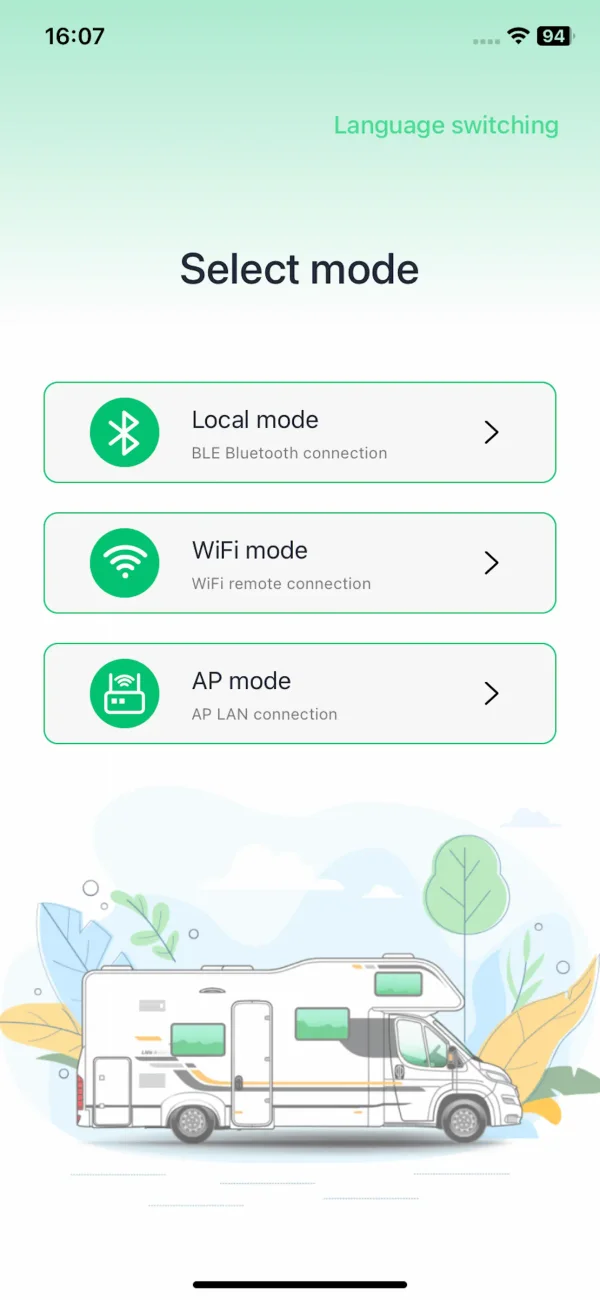
The RV power system equipment supports three connection methods through the APP: Bluetooth connection, device Wi Fi hotspot connection, and IOT connection.
There are three connection methods for RV power system equipment: Bluetooth connection, device hotspot connection, and IOT connection. After establishing a Bluetooth or Wi Fi hotspot connection between the mobile app and the device, the device's working status can be viewed through the app, allowing for wireless control and management of the device. Zeta Power also provides users with a third and more intelligent device connection method: IOT connection. On the basis of establishing Bluetooth connection or Wi Fi hotspot connection between mobile app and device, connect the device to the Internet by joining WiFi. At this point, the connection method of the device is switched to IoT connection, and users can use the app to remotely control and manage RV power system devices from any corner of the earth.
Bluetooth connection: Automatically discover Bluetooth devices, manually connect Bluetooth devices.
For devices that support Bluetooth connection, a Bluetooth connection between the phone and the device can be established through the app. For information on whether the device supports Bluetooth connection, please refer to the corresponding device manual.
Device Wi Fi hotspot connection:
Click the "Add Device" button on the homepage of the app to select the corresponding device that supports Wi Fi hotspot connection from the manually added device list. Follow the app's instructions and long press the "RESET" button to reset the device and connect it to the Wi Fi hotspot.
IOT connection
On the basis of establishing a Bluetooth or Wi Fi hotspot connection between the app and the device, according to the app's instructions, select the Wi Fi name and enter the correct Wi Fi password. At this point, the device's connection method will switch to IoT connection.
Equipment control
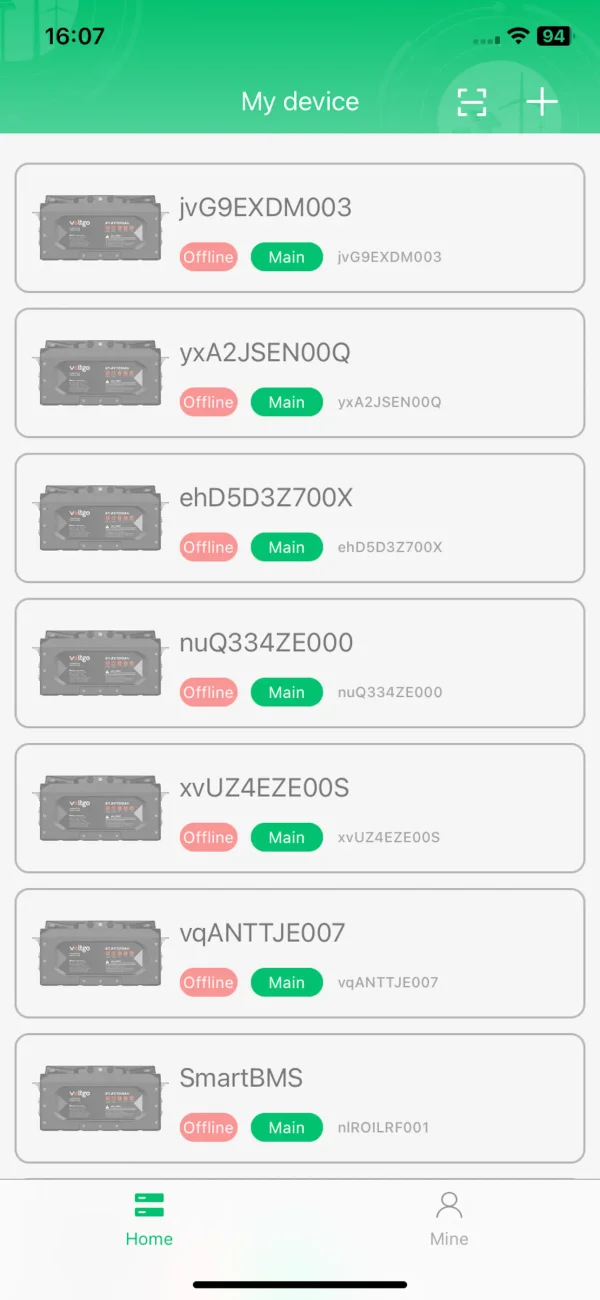
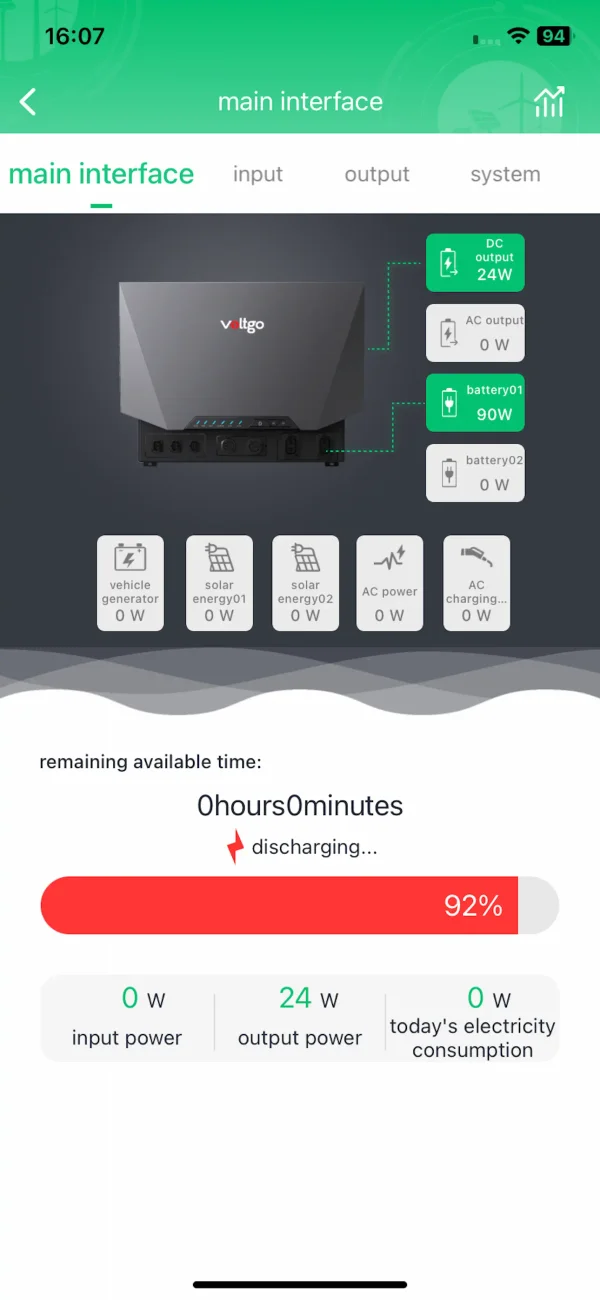
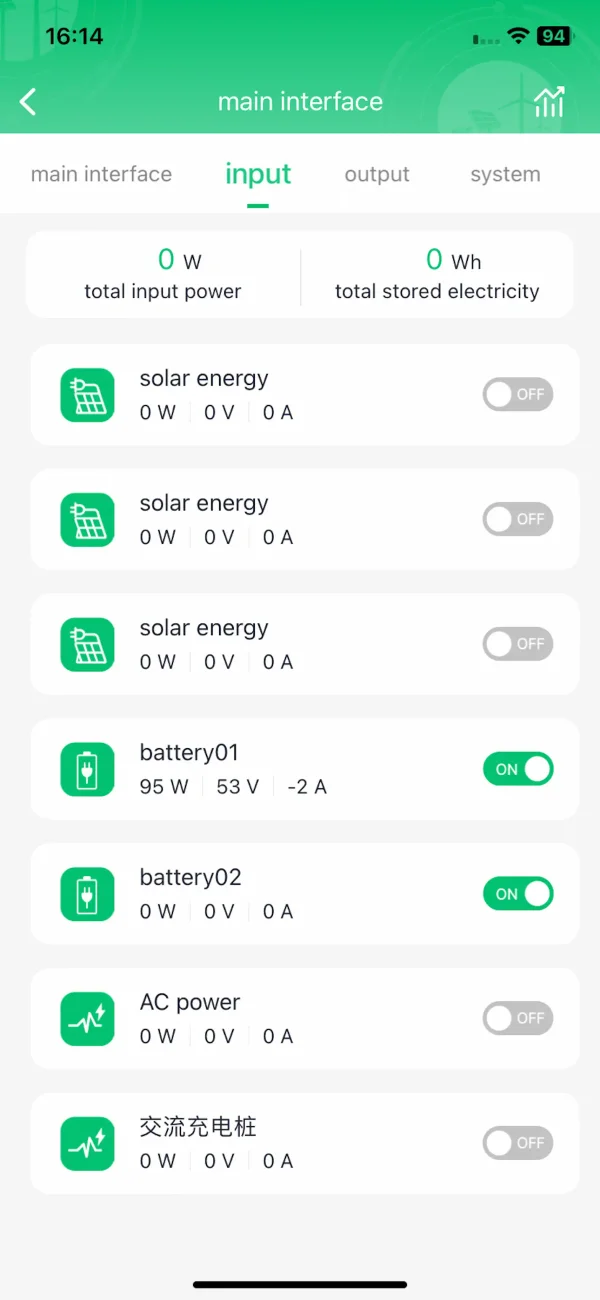
After connecting the device, the App homepage will display the connected devices. After selecting the corresponding device icon, you can enter the device details page to view the device's status and data, and control the device.
Equipment online:
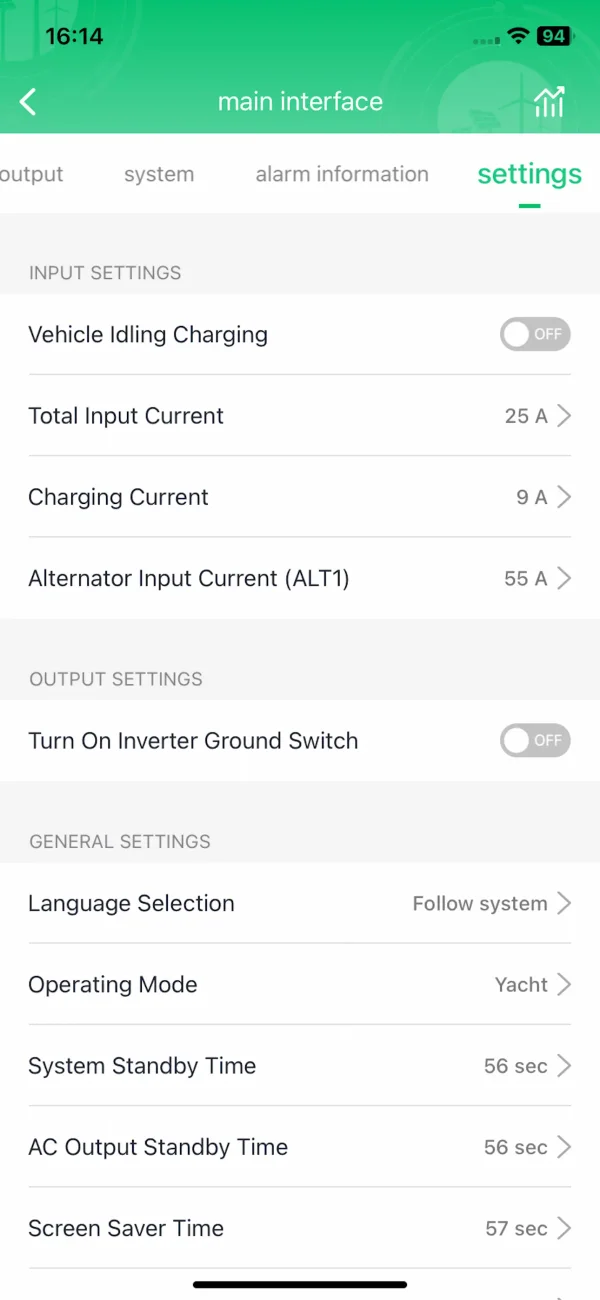
View device status and data in real-time on the App device details page, and control devices, unbind devices, etc.
Device offline:
When there is no Bluetooth, Wi Fi hotspot or IOT connection between the app and the device, the device is offline and cannot be viewed for device status and data or controlled through the app.
Firmware upgrade:
The firmware upgrade function is a fundamental service of the Voltgo App, which is particularly important when updating device firmware for software bug maintenance, self function optimization, and device performance improvement.
Có gì mới
Phiên bản 1.0.25 · 22/09/2026
Optimize display and fix issues
Quyền riêng tư của ứng dụng
Những gì Shenzhen zetara power system Co.,LTD khai báo trên App Store về cách ứng dụng này xử lý dữ liệu.
-
Dữ liệu không được thu thập
Nhà phát triển không thu thập bất kỳ dữ liệu nào từ ứng dụng này.
Phương thức đảm bảo quyền riêng tư có thể khác nhau, chẳng hạn như tuỳ theo các tính năng bạn sử dụng hoặc độ tuổi của bạn.
Thông tin
- Người bán
- Shenzhen Zetara Power System Co. ,Ltd
- Danh mục
- Tiện Ích
- Phiên bản
- 1.0.25
- Cập nhật
- 22/09/2026
- Phát hành
- 21/10/2024
- Kích thước
- 15,7 MB
- Yêu cầu
- iOS 15.0 trở lên
- Độ tuổi
- 17+
- Giá
- Miễn phí
- Ngôn ngữ
- Tiếng Anh, Tiếng Trung Giản thể
- Bản quyền
- © Shenzhen zetara power system Co.,LTD