- Độ tuổi4+
- Danh mụcTiện Ích
- Nhà phát triểnNC& Co., Ltd.
- Ngôn ngữTiếng Anh+ 13 ngôn ngữ khác
- Kích thước181,8 MB
Liên kết đến trang App Store chính thức
Download.org không lưu trữ tệp nào của Vueroid Cloud. Nút này mở trang ứng dụng trên App Store, nơi NC& Co., Ltd. phát hành ứng dụng. Trang được kiểm tra lần cuối: 10/11/2026.
Ảnh chụp màn hình




Giới thiệu
Nhà phát triển chưa cung cấp nội dung này bằng ngôn ngữ của bạn.
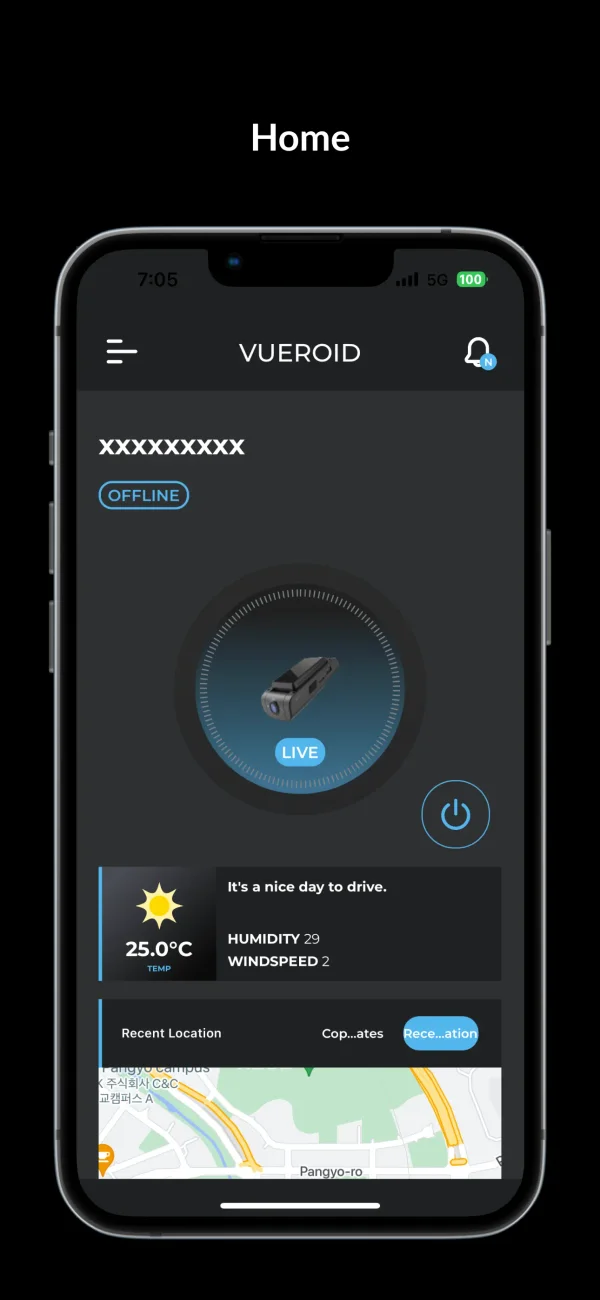
You can connect your smartphone to the Vueroid dashcam via BT and Wi-Fi connections and view and configure the Vueroid dashcam from your smartphone.
A Vueroid dash cam with built-in LTE can also be connected, but a Cloud account is required.
▶ Create a cloud account for Vueroid dash cam with built-in LTE (in app or website: https://www.vueroid-cloud.com/)
▶ Live View
You can directly view live video from Vueroid dashcam.
- Left/right inversion of video
- All connected camera screens can be viewed, horizontal view possible
- ADAS calibration
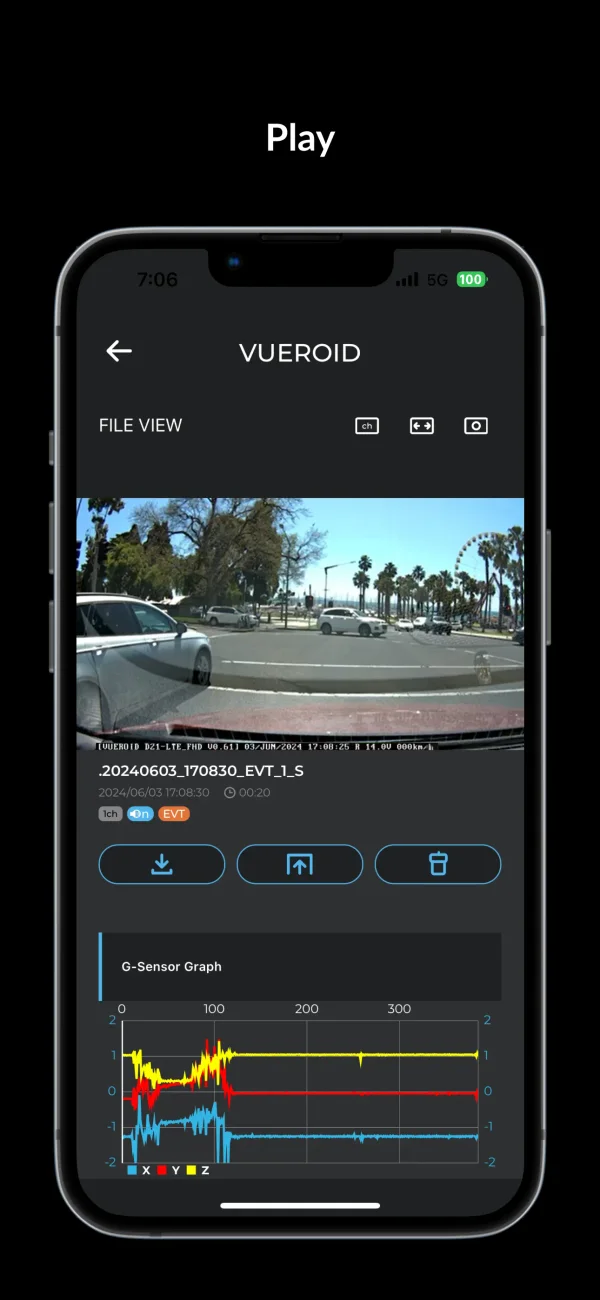
▶ File view
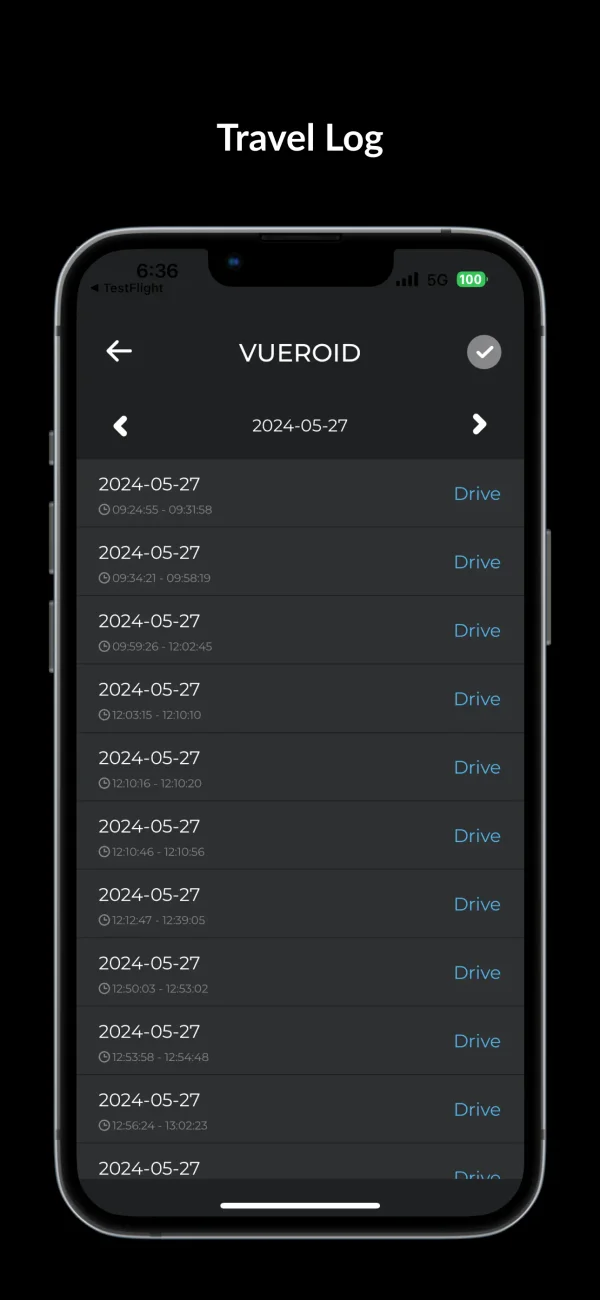
The file list in the file view section is the recording files for each mode recorded by the Vueroid dashcam.
Video files from external storage devices can be played via USB
Downloaded video files can be played
“Drive” is a typical video.
“Event” is a video of an impact event occurring while driving.
“Park” is the video recorded when parking mode is activated, and “Event Park” video is the video recorded when shaking of the vehicle is detected in parking mode.
“Manual” is video recorded in manual recording mode.
"PHONE" allows you to check and edit videos using the downloaded video list.
“External” allows you to play videos from an external storage device via USB.
Connect the SDCard directly to your smartphone using a USB dongle.
“Auto Upload” refers to video automatically uploaded to the Cloud.
“Cloud” is video stored in the cloud for long-term storage.
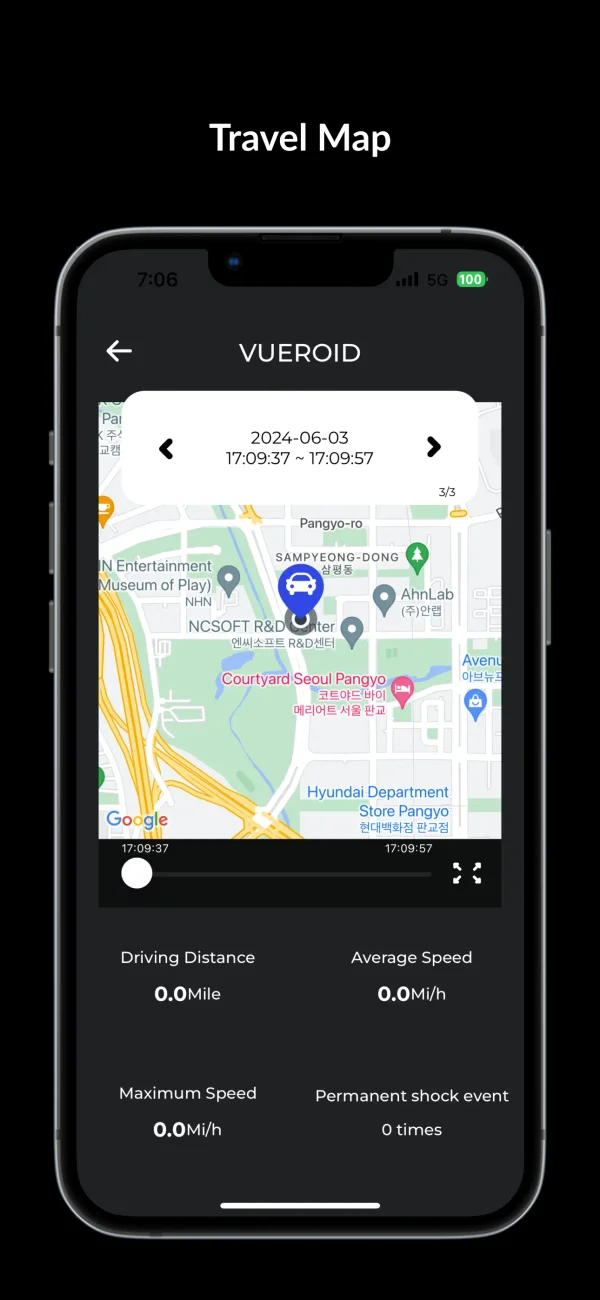
▶ Driving record
Driving records are safely stored inside the Vueroid dash cam mobile viewer, and you can check the situation and status through the saved driving records.
We recommend that you compare the time and distance to your destination every day and select a good route depending on the situation.
In the trip log, topics (e.g. "Driving", "Parking") are highlighted in different colors, making it easier to identify recorded items.
▶ Settings
Quality of recorded video, sensitivity of parking mode G-sensor, motion detection sensitivity,
Set power-off time to prevent vehicle battery drain
This menu also allows you to customize how your Vueroid dashcam interacts with you.
You can change it by selecting different languages.
※ The applicable functions of this mobile app may differ slightly depending on the Vueroid dash cam model.
If you have any questions or problems while using the mobile app, please contact info@nconnect.co.kr.
Có gì mới
Phiên bản 1.0.5 · 03/11/2026
- bug fix
Quyền riêng tư của ứng dụng
Những gì NC& Co., Ltd. khai báo trên App Store về cách ứng dụng này xử lý dữ liệu.
-
Dữ liệu không liên kết với bạn
Có thể được thu thập nhưng không liên kết với danh tính của bạn.
- Chẩn đoán
Phương thức đảm bảo quyền riêng tư có thể khác nhau, chẳng hạn như tuỳ theo các tính năng bạn sử dụng hoặc độ tuổi của bạn.
Thông tin
- Người bán
- NC& Co., Ltd.
- Danh mục
- Tiện Ích
- Phiên bản
- 1.0.5
- Cập nhật
- 03/11/2026
- Phát hành
- 10/12/2024
- Kích thước
- 181,8 MB
- Yêu cầu
- iOS 16.0 trở lên
- Độ tuổi
- 4+
- Giá
- Miễn phí
- Ngôn ngữ
- Tiếng Anh, Tiếng Ả Rập, Tiếng Hà Lan, Tiếng Pháp, Tiếng Đức, Tiếng Do Thái, Tiếng Ý, Tiếng Nhật, Tiếng Hàn, Tiếng Ba Lan, Tiếng Tây Ban Nha, Tiếng Thái + 2 ngôn ngữ khác
- Bản quyền
- © NC& Co., Ltd