WatchPoint
Your tennis score : your watch
Được thiết kế cho iPhone, iPod touch
199.000đ
- Độ tuổi4+
- Danh mụcSức Khỏe & Thể Dục
- Nhà phát triểnClipboard
- Ngôn ngữTiếng Anh
- Kích thước26,1 MB
Liên kết đến trang App Store chính thức
Download.org không lưu trữ tệp nào của WatchPoint. Nút này mở trang ứng dụng trên App Store, nơi Clipboard phát hành ứng dụng. Trang được kiểm tra lần cuối: 16/11/2026.
Ảnh chụp màn hình



Giới thiệu
Nhà phát triển chưa cung cấp nội dung này bằng ngôn ngữ của bạn.
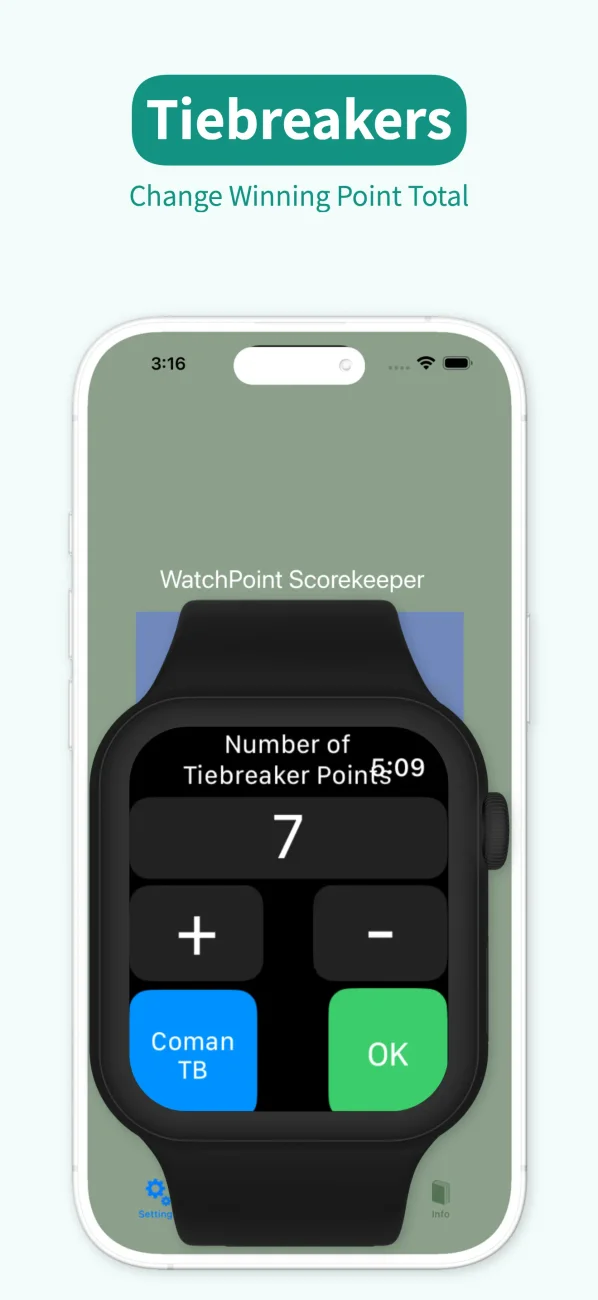
It's hard to remember the score in tennis, especially after a long point which distracts everyone. Use WatchPoint to keep track of the score on your Apple Watch as you play. WatchPoint keeps track of the game score, number of games and sets won.
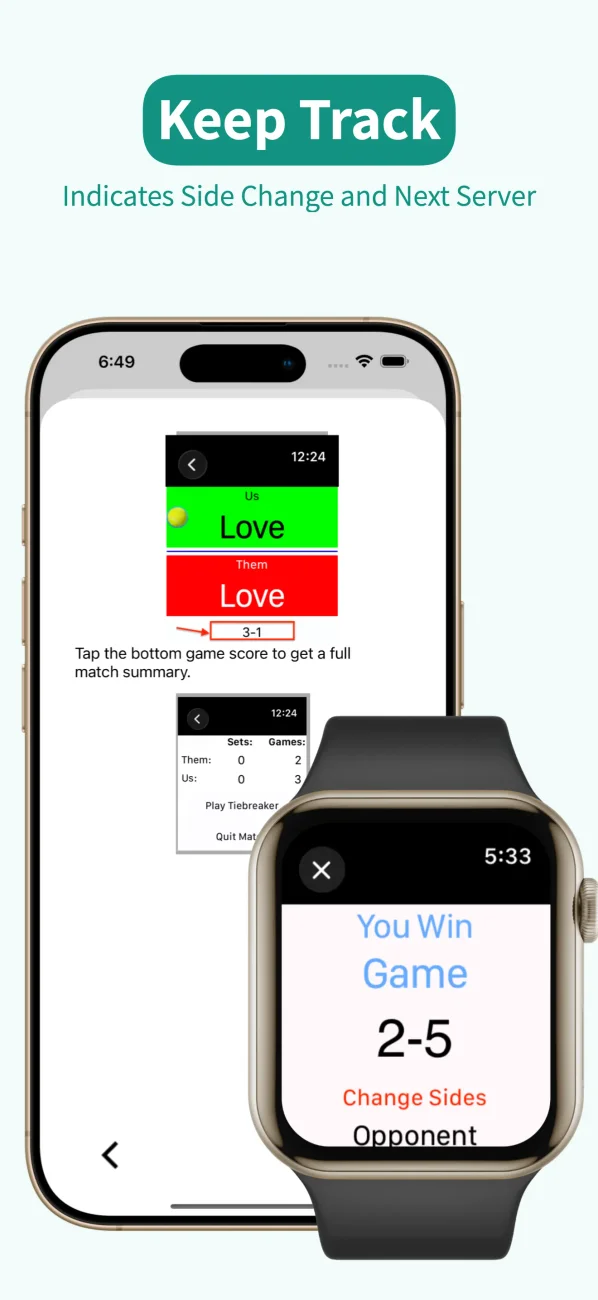
Start WatchPoint, select the number of sets you intend to play, and hit play. Tap on the winner's score after each point to add that point to the score. Watchpoint displays the score in brilliant large type that's easy to read. Hit the wrong score? Just do a swipe right to left on the watch to bring up the Undo menu. If the end of the set is tied, you get to choose between scoring using normal win by two or using a tiebreaker. There's even a setting for no-ad scoring and to adjust the number of points for a tiebreaker.
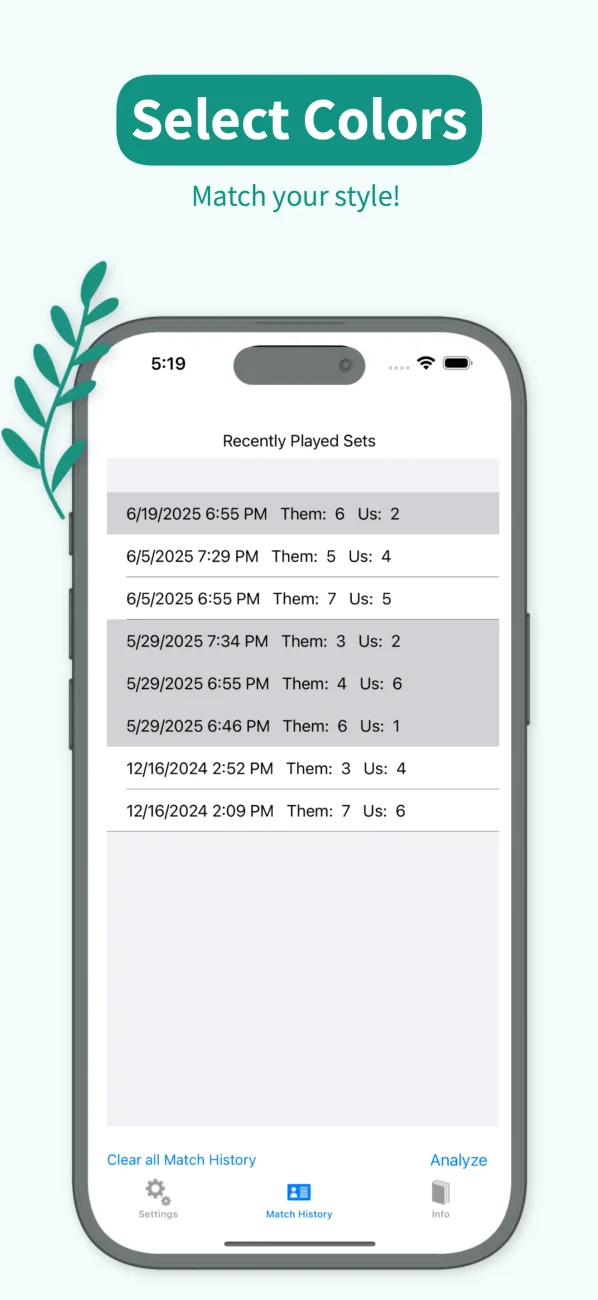
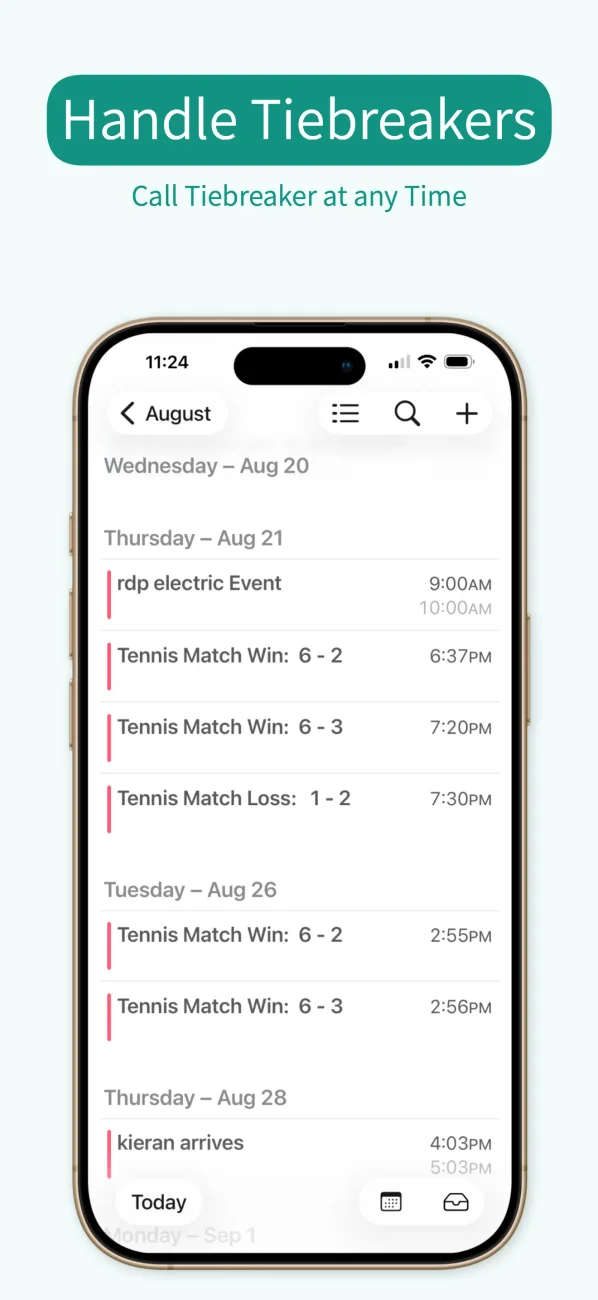
When you're done playing, your game history in sets appears in the iPhone iOS app. If you allow the app to access your calendar, it will record your tennis scores directly into your calendar.
WatchPoint displays the server score on top, so just read top to bottom for normal scoring.
No more arguments, bad feelings, and wrong scores. For the cost of a can of balls, you can keep the score right on your Apple Watch.
WatchPoint integrates with the Health App, to indicate that you are starting a tennis workout session. It also does this to keep WatchPoint in the foreground while you are playing your point, so it will be running when you're ready to enter the score. Other than data normally stored within the Health App for a workout session, no other health related data is stored or accessed or retained by WatchPoint.
Có gì mới
Phiên bản 1.19 · 18/05/2026
Add additional screen shots. Improve Undo screen to provide more information as you continue to undo points.
Quyền riêng tư của ứng dụng
Những gì Clipboard khai báo trên App Store về cách ứng dụng này xử lý dữ liệu.
-
Dữ liệu không được thu thập
Nhà phát triển không thu thập bất kỳ dữ liệu nào từ ứng dụng này.
Phương thức đảm bảo quyền riêng tư có thể khác nhau, chẳng hạn như tuỳ theo các tính năng bạn sử dụng hoặc độ tuổi của bạn.
Thông tin
- Người bán
- Clipboard, Inc.
- Danh mục
- Sức Khỏe & Thể Dục
- Phiên bản
- 1.19
- Cập nhật
- 18/05/2026
- Phát hành
- 12/10/2015
- Kích thước
- 26,1 MB
- Yêu cầu
- iOS 12.0 trở lên
- Độ tuổi
- 4+
- Giá
- 199.000đ
- Ngôn ngữ
- Tiếng Anh
- Bản quyền
- © 2016-2026 Clipboard Owen Hartnett
Có thể bạn cũng thích
-
 HollyFitSức Khỏe & Thể Dục
-
 Tennis PlusSức Khỏe & Thể Dục
-
 Philips CT LearningY Tế
-
 TennisKeeper: Swings & ScoresSức Khỏe & Thể Dục
-
 ProTennisFitnessSức Khỏe & Thể Dục
-
 City of Charleston RecreationSức Khỏe & Thể Dục
-
 Resonance by LavendaireSức Khỏe & Thể Dục
-
 Philips Ultrasound Circle CVY Tế
-
 Leisure World ColchesterSức Khỏe & Thể Dục
-
 Philips MR LearningY Tế