Weights & Biases
Monitor training runs anywhere
Được thiết kế cho iPhone
Miễn phí
- Độ tuổi4+
- Danh mụcCông Cụ Nhà Phát Triển
- Nhà phát triểnWeights and Biases
- Ngôn ngữTiếng Anh
- Kích thước49,7 MB
Liên kết đến trang App Store chính thức
Download.org không lưu trữ tệp nào của Weights & Biases. Nút này mở trang ứng dụng trên App Store, nơi Weights and Biases phát hành ứng dụng. Trang được kiểm tra lần cuối: 18/11/2026.
Ảnh chụp màn hình
Giới thiệu
Nhà phát triển chưa cung cấp nội dung này bằng ngôn ngữ của bạn.
Your model trains for hours. You shouldn't have to be at your desk the whole time.
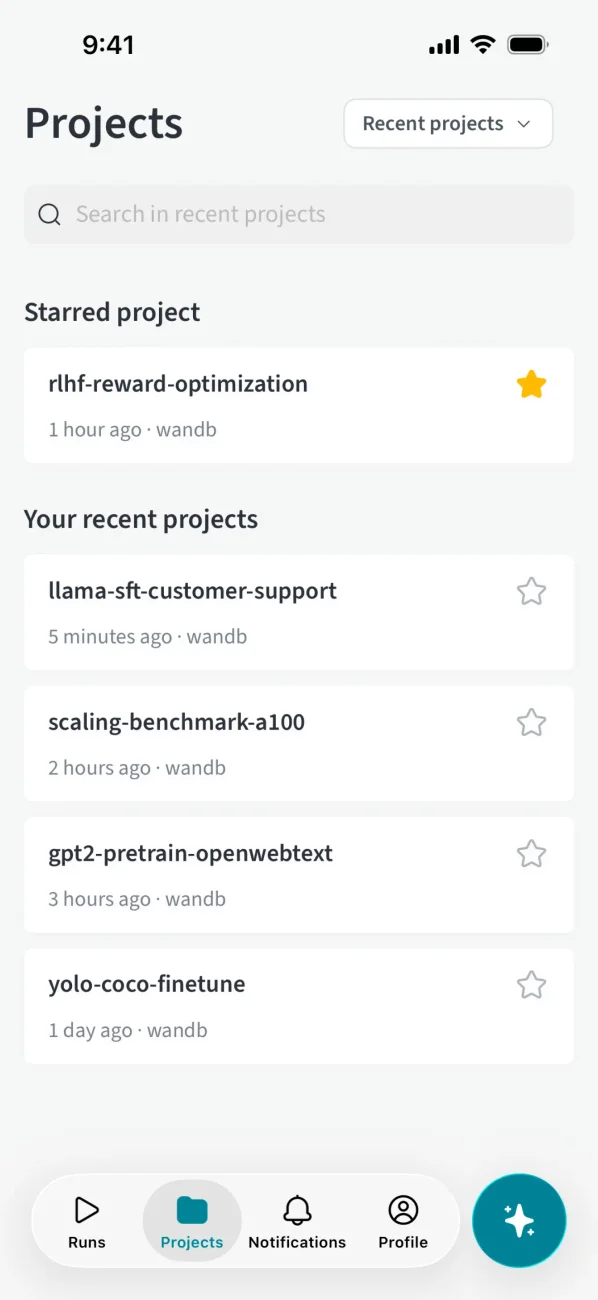
Weights & Biases for iOS puts your experiments in your pocket. Check on a run during a seminar, catch a diverging loss before you leave the lab, or find out why a run crashed without opening your laptop.
SEE WHAT'S HAPPENING
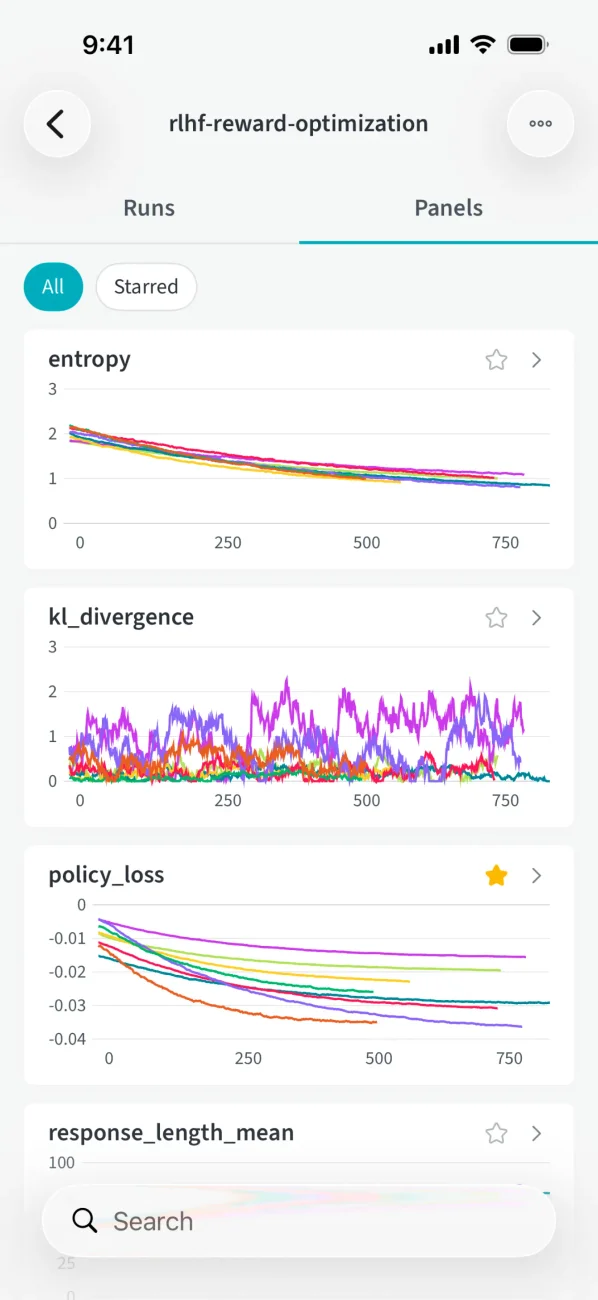
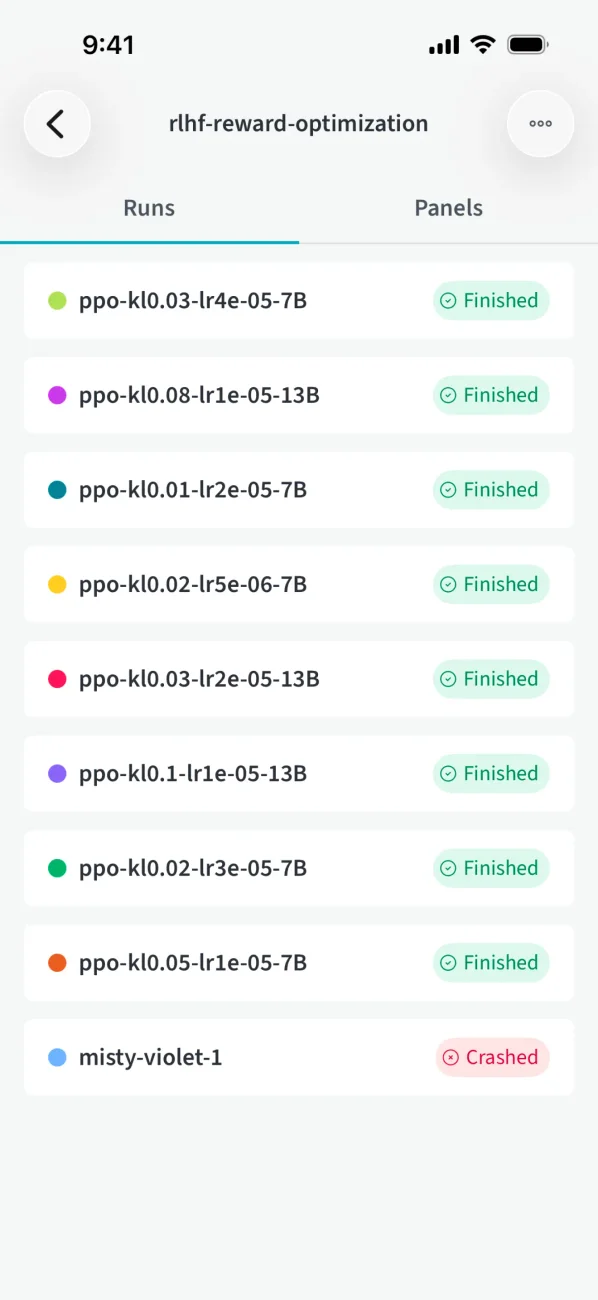
• Browse your projects and runs, with your starred and recent projects first
• Pan, zoom and scrub training curves to read exact values at any step
• Switch to log scale, choose your x-axis, and adjust each chart to fit
• Open the Overview tab for config, summary metrics, hardware and environment details
• Read live logs when a run does something unexpected
KNOW WHEN IT MATTERS
• Get a push notification when a run fails
• Set metric alerts, such as "notify me if validation loss increases by at least 10%"
• Tap a notification to go straight to the run
ACT ON IT
• Stop a run that's gone wrong from your phone, so you stop burning GPU hours
BUILT FOR HOW RESEARCHERS WORK
No dashboards to rebuild. Sign in with your existing W&B account, and the app shows the projects you already track. The charts you see on the web are the ones you see on your phone.
Whether you're fine-tuning an LLM, training a model from scratch, or racing a conference deadline, W&B mobile helps you spend less time checking and more time thinking.
Available for Free, Academic, Enterprise (SaaS) and Dedicated Cloud accounts. On-premises deployments are not yet supported.
Có gì mới
Phiên bản 26.32 · 09/11/2026
Improved Run Comparison
- New tools make it easier to compare runs. Pin a run in any project to keep it in view, and use the bulk visibility tools to show or hide many runs at once. Pinned runs appear in the runs list, stay visible when you hide all other runs, and are always charted on project panels. Find them on a project’s runs list.
What’s New
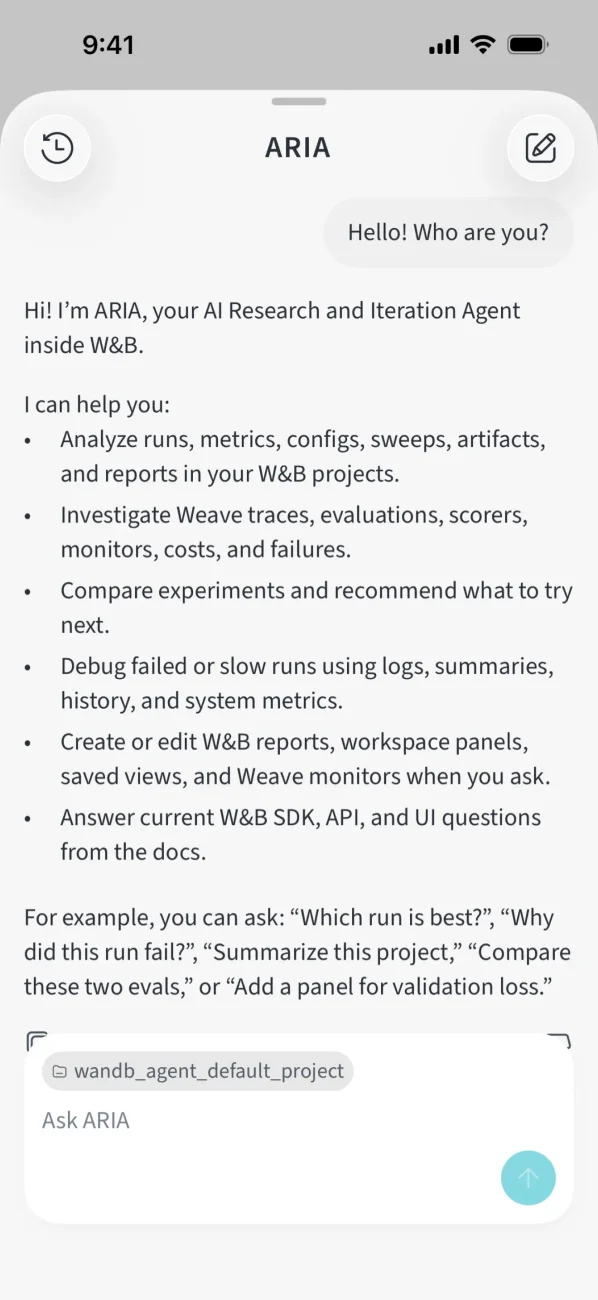
- Scatter and Plotly charts from the agent render as native charts in chat instead of JSON.
- Bounding boxes appear on logged images in image metrics, with labels and an on/off toggle when you open an image.
- Download an image from an image metric when you open it.
- Metric charts show a “last updated at” time, so you can confirm the app is still updating.
- Run two instances of the app side by side on iPhone Duo.
- Images in image metrics extend full bleed on the page.
- The multi-run image grid shows only runs that logged images for the metric.
- Log-scale charts label ticks within a single decade, such as 0.2, 0.3, and 0.4.
- The single-run page title is left-aligned with a smaller status icon, matching the rest of the app.
Bug Fixes
- Creating a metric change notification succeeds instead of failing with a client error.
- Project panels chart each metric from the newest runs that logged it, so projects whose recent runs only log system metrics no longer show empty cards.
- Zoomed metric charts refresh with new data, and a reset zoom stays reset.
- The single-project page on iPhone Duo’s inner display in portrait includes the panels tab.
- The error view in the metric change notification sheet fills the sheet’s width and matches its background.
- Close buttons on the metric change notifications sheet fit within iPhone Duo’s vertical bars.
- Scrubbing across gaps on a log-scale chart keeps the selection steady.
- VoiceOver reads each line plot settings toggle row once, and the whole row acts as the switch.
Quyền riêng tư của ứng dụng
Những gì Weights and Biases khai báo trên App Store về cách ứng dụng này xử lý dữ liệu.
-
Dữ liệu liên kết với bạn
Có thể được thu thập và liên kết với danh tính của bạn.
- Thông tin liên hệ
- Mã định danh
- Dữ liệu sử dụng
- Chẩn đoán
Phương thức đảm bảo quyền riêng tư có thể khác nhau, chẳng hạn như tuỳ theo các tính năng bạn sử dụng hoặc độ tuổi của bạn.
Thông tin
- Người bán
- Weights and Biases, Inc.
- Danh mục
- Công Cụ Nhà Phát Triển
- Phiên bản
- 26.32
- Cập nhật
- 09/11/2026
- Phát hành
- 16/03/2026
- Kích thước
- 49,7 MB
- Yêu cầu
- iOS 18.0 trở lên
- Độ tuổi
- 4+
- Giá
- Miễn phí
- Ngôn ngữ
- Tiếng Anh
- Bản quyền
- © 2026 CoreWeave, Inc.
Có thể bạn cũng thích
-
 Haladir Wand ViewerCông Cụ Nhà Phát Triển
-
 KittyLitterCông Cụ Nhà Phát Triển
-
 Happier - Remote Claude, CodexCông Cụ Nhà Phát Triển
-
 WhisperCodeCông Cụ Nhà Phát Triển
-
 Stray ScannerCông Cụ Nhà Phát Triển
-
 Moshi: herdr/tmux on SSH/MOSHCông Cụ Nhà Phát Triển
-
 rootshell: Local Terminal, SSHCông Cụ Nhà Phát Triển
-
 TeleDexCông Cụ Nhà Phát Triển
-
 brrr • send push notificationsCông Cụ Nhà Phát Triển
-
 Foxglove WebSocket BridgeCông Cụ Nhà Phát Triển