
ZBrush - 3D Model Maker
Design, sculpt, blend & create
Được thiết kế cho iPad
Miễn phí · Mua hàng trong ứng dụng
- Độ tuổi4+
- Danh mụcĐồ Họa & Thiết Kế
- Nhà phát triểnMAXON Computer GmbH
- Ngôn ngữTiếng Anh+ 7 ngôn ngữ khác
- Kích thước1,2 GB
Liên kết đến trang App Store chính thức
Download.org không lưu trữ tệp nào của ZBrush - 3D Model Maker. Nút này mở trang ứng dụng trên App Store, nơi MAXON Computer GmbH phát hành ứng dụng. Trang được kiểm tra lần cuối: 23/11/2026.
Ảnh chụp màn hình

Giới thiệu
Nhà phát triển chưa cung cấp nội dung này bằng ngôn ngữ của bạn.
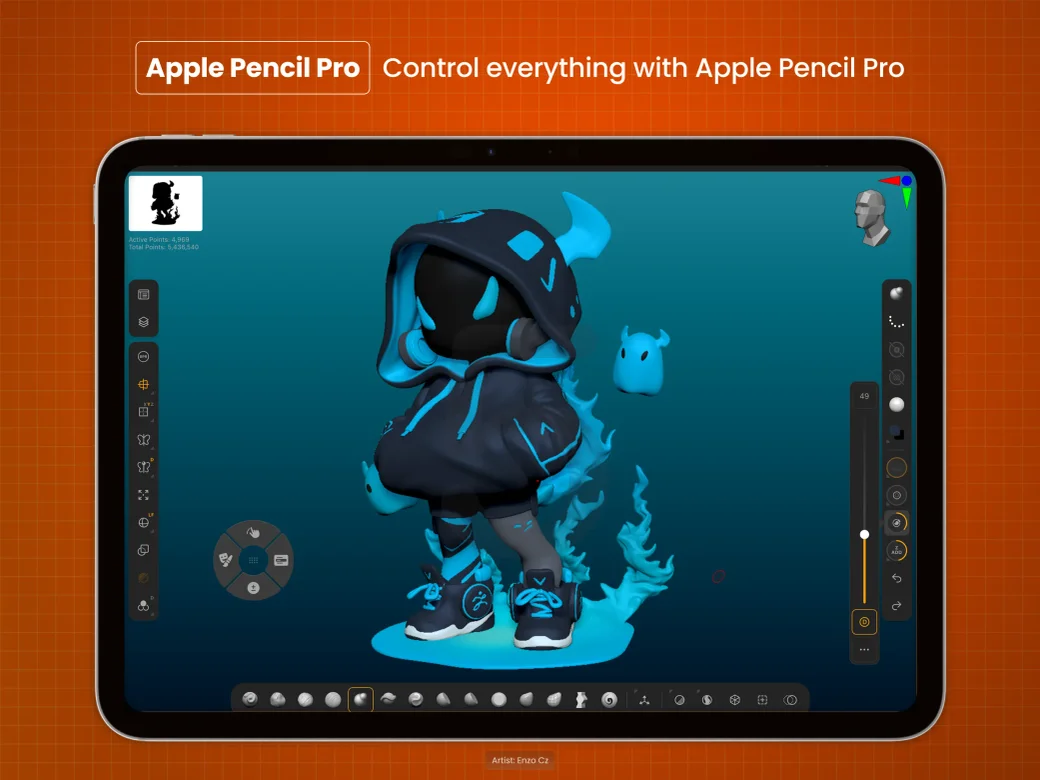
ZBrush for iPad. Create stunning 3D models, digital sculptures, concept art, and detailed characters with ZBrush for iPad—the award-winning, industry-leading digital sculpting app trusted by professional artists across film, AAA games, collectibles, toy design, jewelry, illustration, and 3D design.
ZBrush for iPad brings unrivaled desktop-grade digital sculpting and 3D painting power into an intuitive, touch-first mobile environment optimized for Apple Pencil. Take complete creative freedom on the go with high-poly mesh density, proprietary digital clay brushes, procedural detailing, and seamless cross-platform interoperability.
Subscribers to Maxon One or ZBrush desktop can download the iPad app and sign in to activate full access instantly. A comprehensive free tier is also available to start sculpting immediately.
NEW FOR IPAD
• Spotlight Integration: Seamlessly load reference images directly onto the canvas, apply projection painting and texture mapping across complex mesh surfaces, and extract custom 3D geometry from 2D source imagery.
• 3D Layers: Store high-resolution sculpting details, PolyPaint color channels, and masking non-destructively. Effortlessly toggle layer visibility, blend sculpt deformations, and refine feature intensity with precise slider controls.
CORE SCULPTING & MODELING FEATURES
• 200+ Sculpting Brushes: Pressure-sensitive digital brushes engineered for Apple Pencil and Apple Pencil Pro, supporting squeeze, roll, hover, double-tap gestures, and haptic feedback.
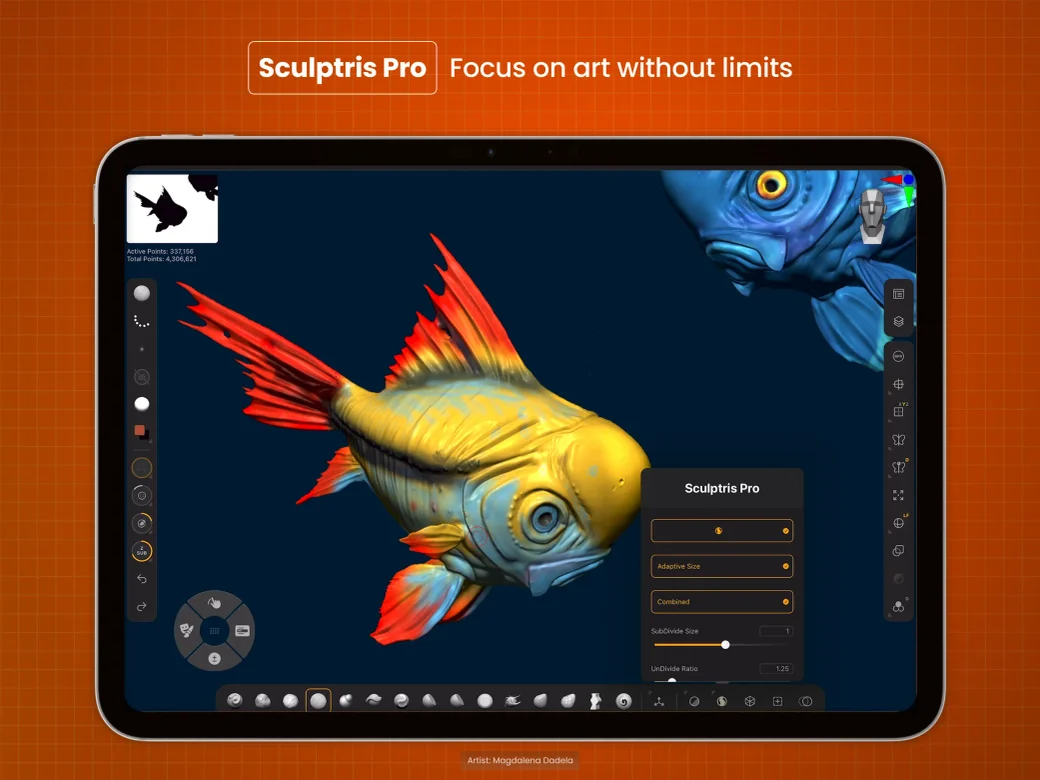
• Sculptris Pro & Dynamic Tessellation: Add local mesh detail on the fly without manual topology management.
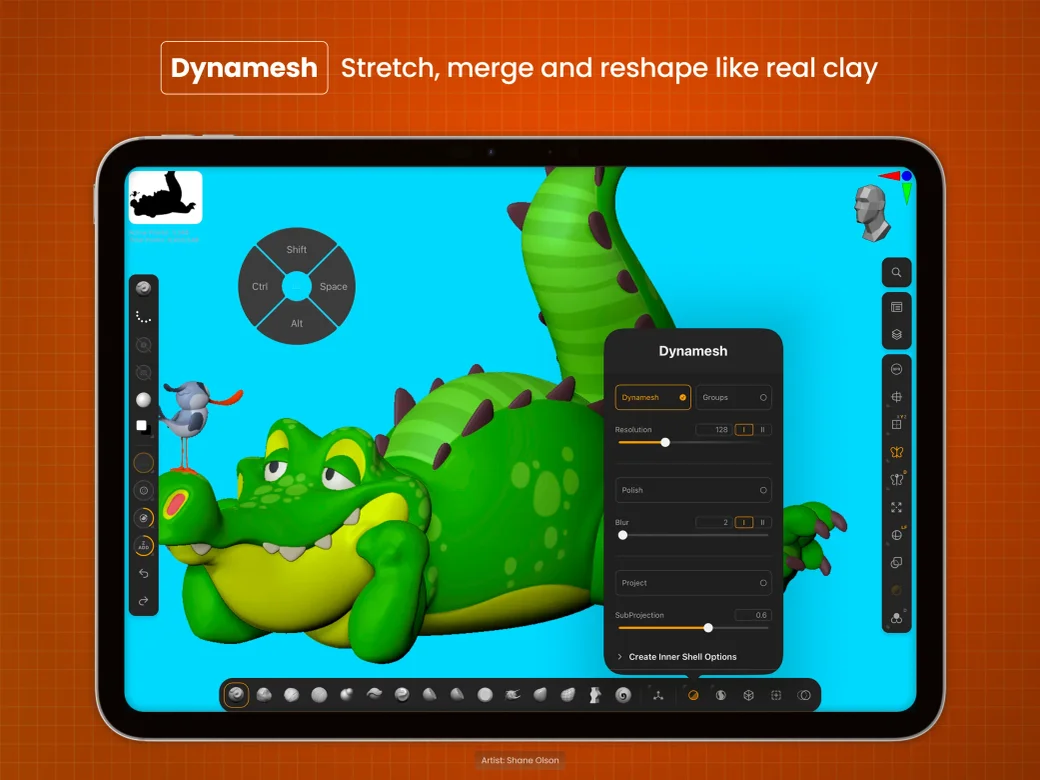
• DynaMesh Digital Clay: Re-topologize mesh density evenly during early concept exploration.
• ZRemesher: Industry-standard automatic retopology for clean, optimized edge flow.
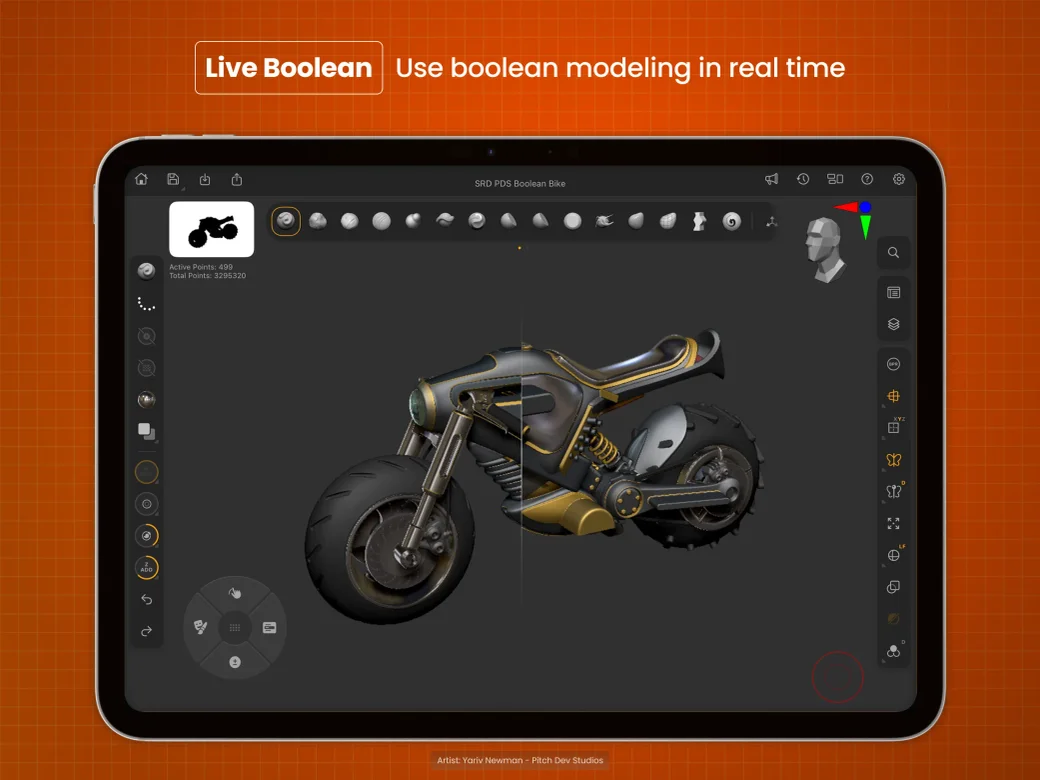
• Live Boolean: Non-destructive real-time union, subtraction, and intersection modeling.
• PolyPaint: High-resolution 3D painting directly on vertex geometry without preliminary UV unwrapping.
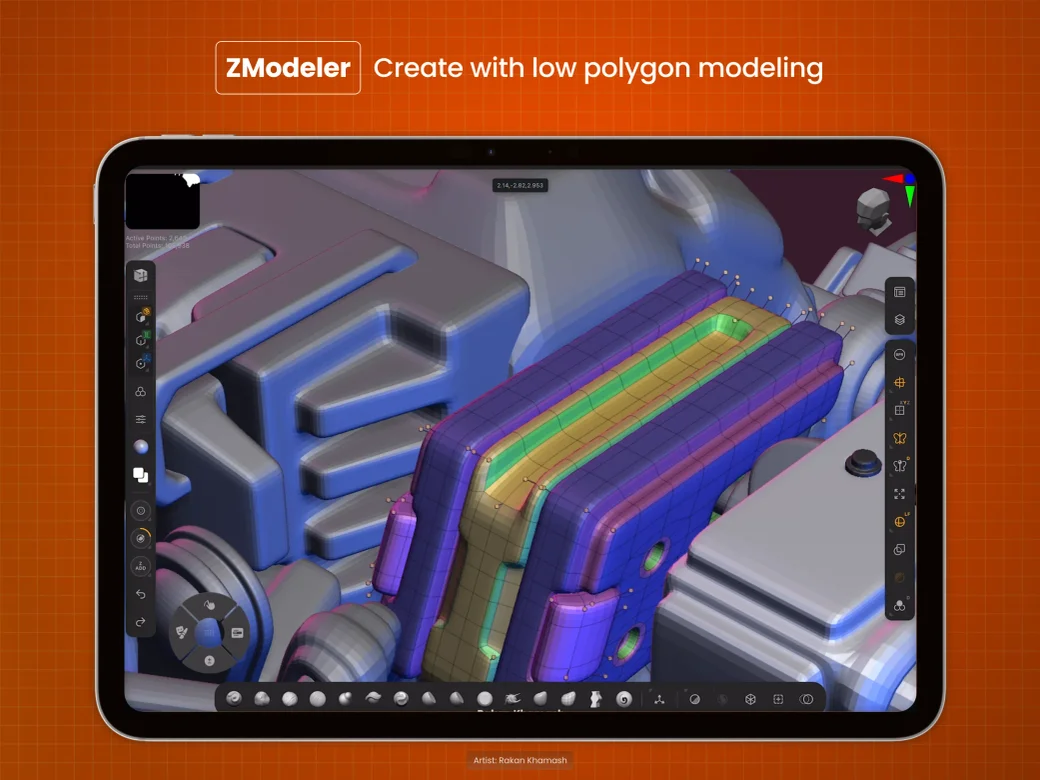
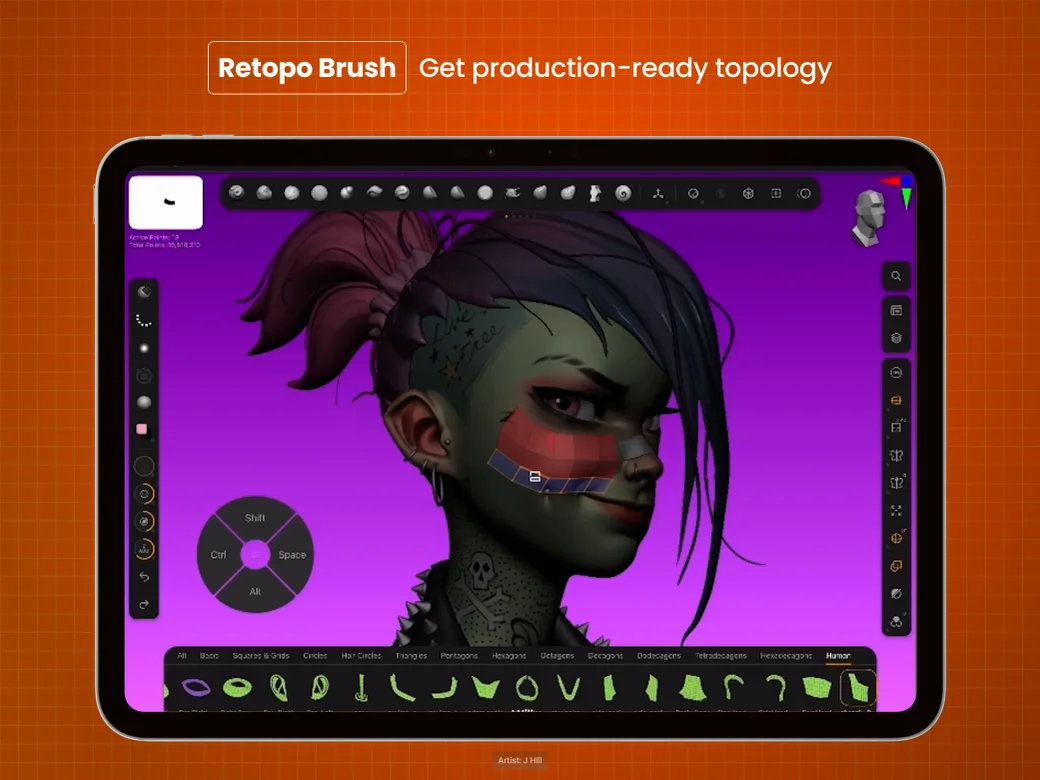
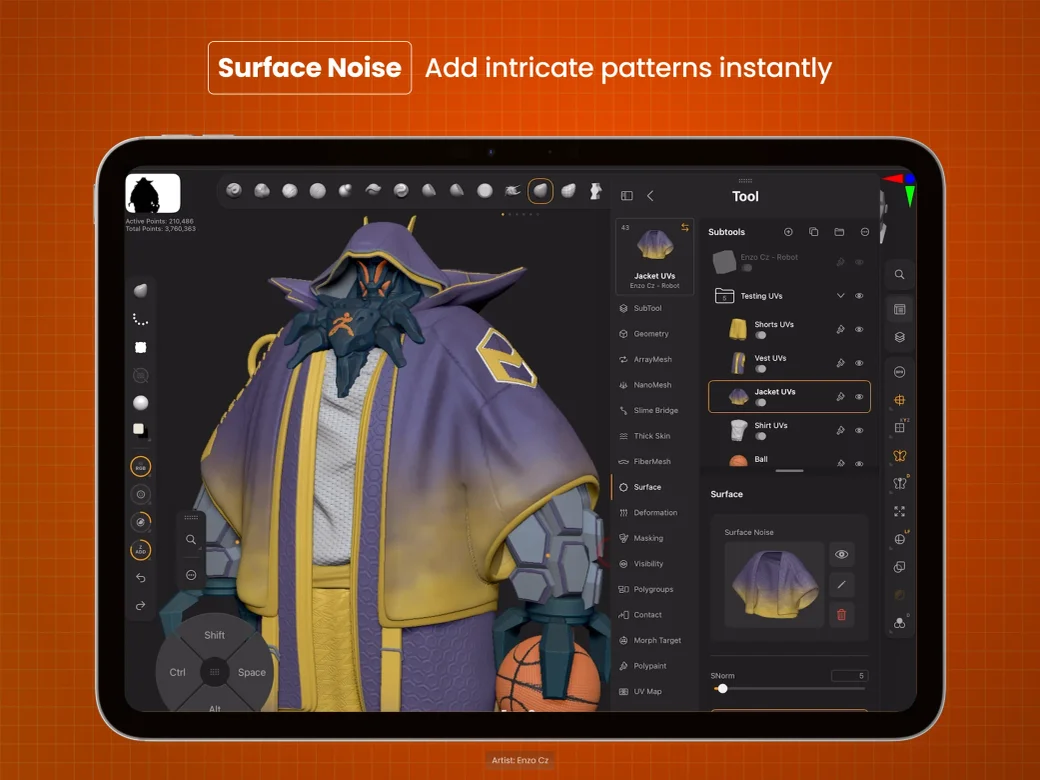
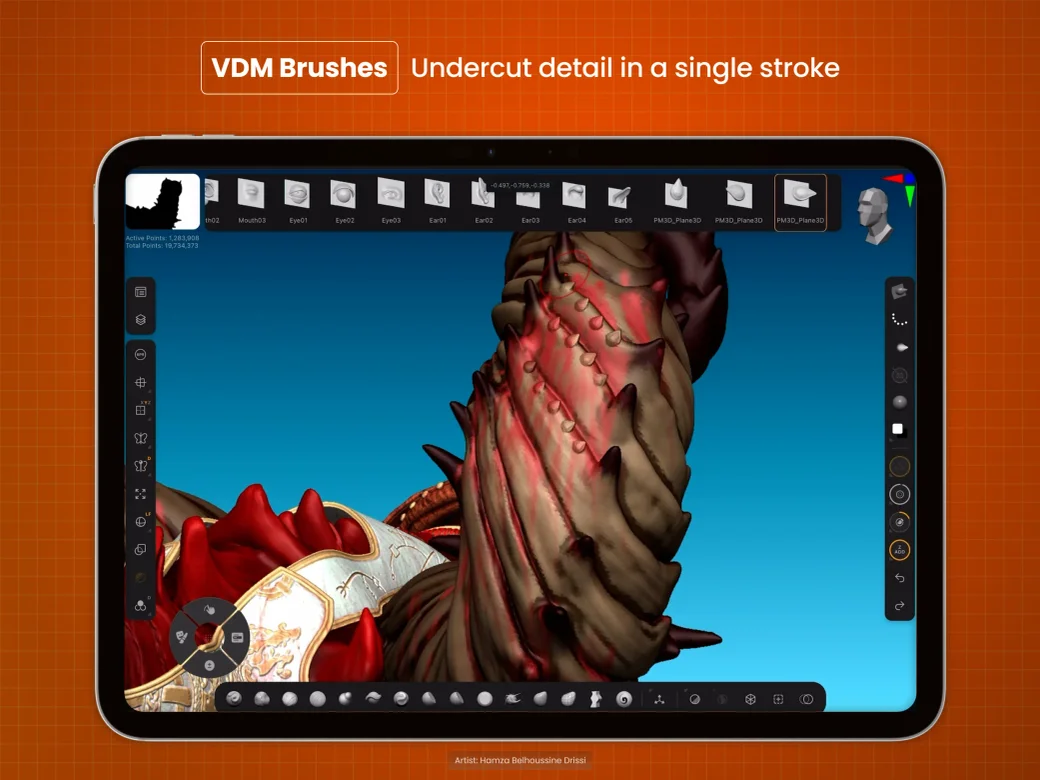
• Advanced Detailing: VDM Brushes, Surface Noise, Retopo Brush, Subdivision Modeling, NanoMesh, and ArrayMesh.
DESKTOP INTEROPERABILITY & EXPORT
• One-Click GoZ: Seamless transfer of ZTool and ZProject files between iPad and desktop ZBrush.
• 3D Print Hub: Direct export for additive manufacturing and 3D printing workflows.
HIGH-PERFORMANCE HARDWARE OPTIMIZATION
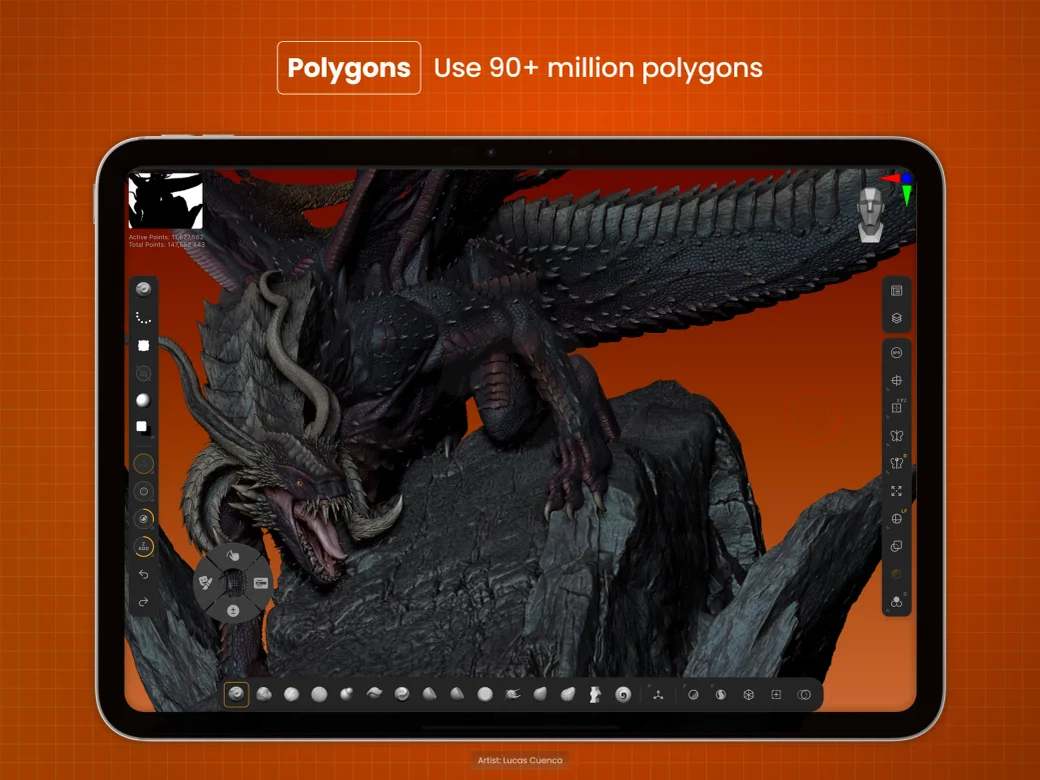
Handles up to 90+ million polygons per mesh on M4 iPad hardware. Optimized for multi-touch gestures, custom hotkey bars, rapid undo/redo touch shortcuts, and real-world photogrammetry base mesh imports for high-end digital asset creation.
TARGET CREATIVE USE CASES
1. Game Developers: Hero character modeling, creature design, and environment asset creation.
2. Collectibles & Toy Designers: High-detail prototyping and precise 3D print preparation.
3. Film & VFX Artists: Production-grade concept sculpting and digital asset creation.
4. Industrial & Jewelry Designers: Precision organic detailing for consumer products, apparel, and hardware.
5. 2D Illustrators & Concept Artists: Fast 3D block-outs and visual design expansion.
LANGUAGE SUPPORT
English, Japanese, Korean, Chinese, Spanish, German, French, and Portuguese (BR).
Có gì mới
Phiên bản 2027.1.0 · 23/11/2026
Added
- Maxon Plus Clay Builder:
Get to a sculpting starting point faster with a new way to build a base mesh. Describe an idea, upload an image, or sketch your own, select your options and open the result in ZBrush to start sculpting. Clay Builder uses credits and is part of the new Maxon Plus subscription plan.
Fixed
- Login issues for some users in China.
- Occasional crash after locking the screen.
- Crash when generating unified skin (since 2026.2.0).
- Crash after viewing unified skin following using ZSketch.
- Wrong undo history in the curve editor.
- In 3D Layers, the invert function did not show the change on the sculpt.
- 3D Layers Rename sometimes cuts off the name prematurely.
- HPolish brush cannot be found via the alphabetical brush navigation.
Quyền riêng tư của ứng dụng
Những gì MAXON Computer GmbH khai báo trên App Store về cách ứng dụng này xử lý dữ liệu.
-
Dữ liệu liên kết với bạn
Có thể được thu thập và liên kết với danh tính của bạn.
- Mã định danh
- Dữ liệu sử dụng
- Chẩn đoán
Phương thức đảm bảo quyền riêng tư có thể khác nhau, chẳng hạn như tuỳ theo các tính năng bạn sử dụng hoặc độ tuổi của bạn.
Thông tin
- Người bán
- Maxon Computer GmbH
- Danh mục
- Đồ Họa & Thiết Kế
- Phiên bản
- 2027.1.0
- Cập nhật
- 23/11/2026
- Phát hành
- 10/09/2024
- Kích thước
- 1,2 GB
- Yêu cầu
- iOS 17.0 trở lên
- Độ tuổi
- 4+
- Giá
- Miễn phí
- Mua hàng trong ứng dụng
- Có
- Ngôn ngữ
- Tiếng Anh, Tiếng Pháp, Tiếng Đức, Tiếng Nhật, Tiếng Hàn, Tiếng Bồ Đào Nha, Tiếng Trung Giản thể, Tiếng Tây Ban Nha
- Bản quyền
- © 2025 Maxon Computer, Inc.
Có thể bạn cũng thích
-
 Nomad SculptSculpt, paint and create in 3D
-
 Shapr 3D CAD modelingĐồ Họa & Thiết Kế
-
 3D Modeling: Blender Shapeyard3D Design, 3D Model, 3D Prints
-
 Feather: Draw in 3DĐồ Họa & Thiết Kế
-
 ToonSquidĐồ Họa & Thiết Kế
-
 Pixquare - Pixel Art StudioĐồ Họa & Thiết Kế
-
 AmberDraw: Animated DrawingĐồ Họa & Thiết Kế
-
 Magic Poser - Art Pose ToolĐồ Họa & Thiết Kế
-
 Resprite: pixel art studioĐồ Họa & Thiết Kế
-
 Head Model Studio - Art StudyĐồ Họa & Thiết Kế