
- Độ tuổi12+
- Danh mụcTiện Ích
- Nhà phát triểnZeptive, Inc.
- Ngôn ngữTiếng Anh+ 3 ngôn ngữ khác
- Kích thước72,7 MB
Liên kết đến trang App Store chính thức
Download.org không lưu trữ tệp nào của Zeptive. Nút này mở trang ứng dụng trên App Store, nơi Zeptive, Inc. phát hành ứng dụng. Trang được kiểm tra lần cuối: 14/11/2026.
Ảnh chụp màn hình

Giới thiệu
Nhà phát triển chưa cung cấp nội dung này bằng ngôn ngữ của bạn.
Zeptive vape detection systems application for monitoring and control.
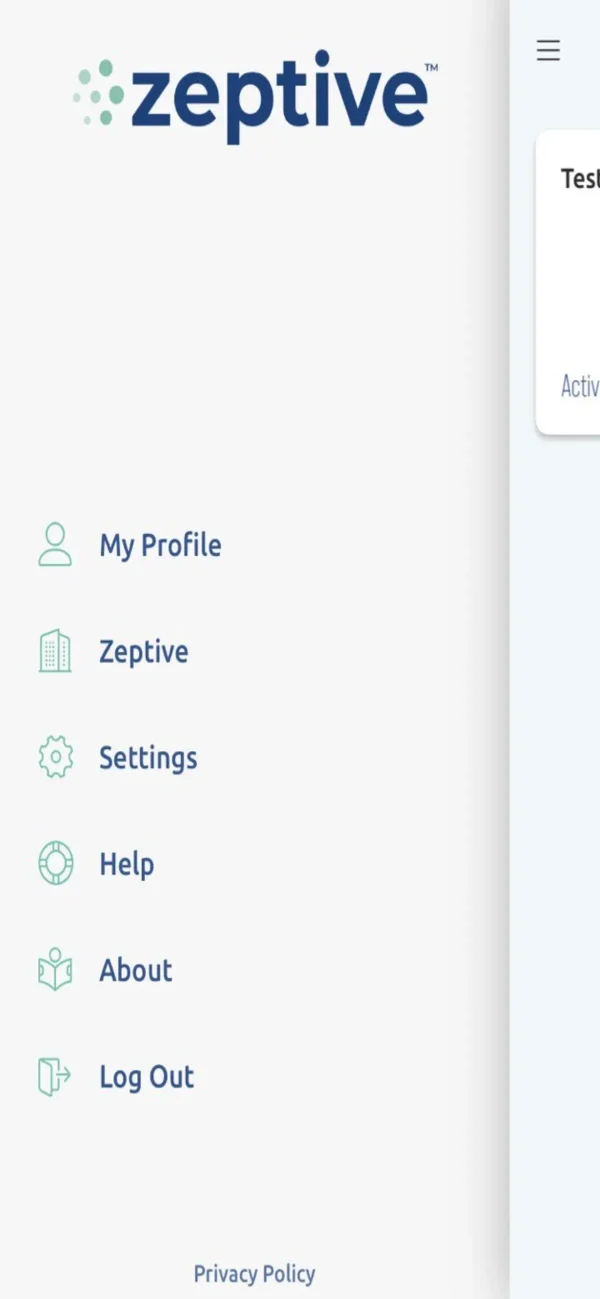
The VapeAlert application allows users to see the status, data, and settings for vape detectors deployed in the field.
The Dashboard shows a summary view of the device status. The Readings page is an overview of the current data view and historical data view. The Settings page allows users to modify system parameters. The Dashboard and Readings pages updated as data changes on the sensors and get relayed to the Zeptive application. The Settings page changes how the device is configured.
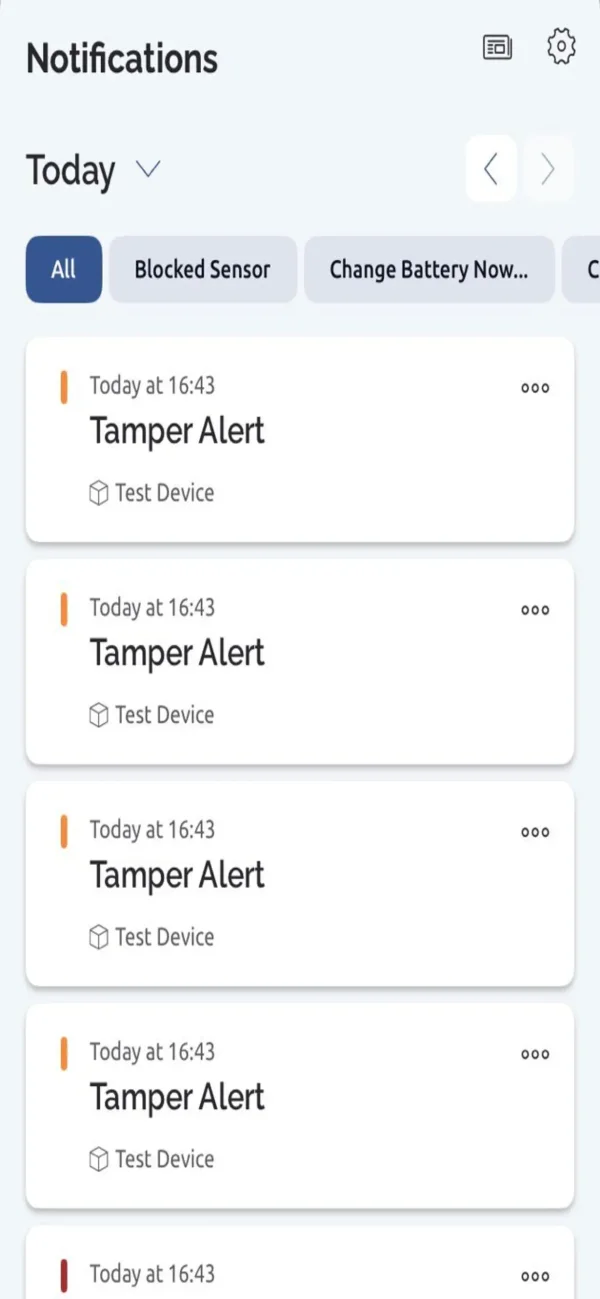
The Dashboard page shows the status of the instrument. The four states are READY, STANDBY (STBY), ALERT, ERROR. In the Ready State the system is ready to analyze the environment. In Standby the system has finished analyzing the environment and is in sleep mode. An Alert state is displayed when the system detects a tamper event or a vape event. An Error state describes a hardware failure in the system. The Dashboard also shows the date and time and the battery charge of the system. Users can view more details on the Alerts from the lower right corner tab. Each alert event is shown in chronological order of the events.
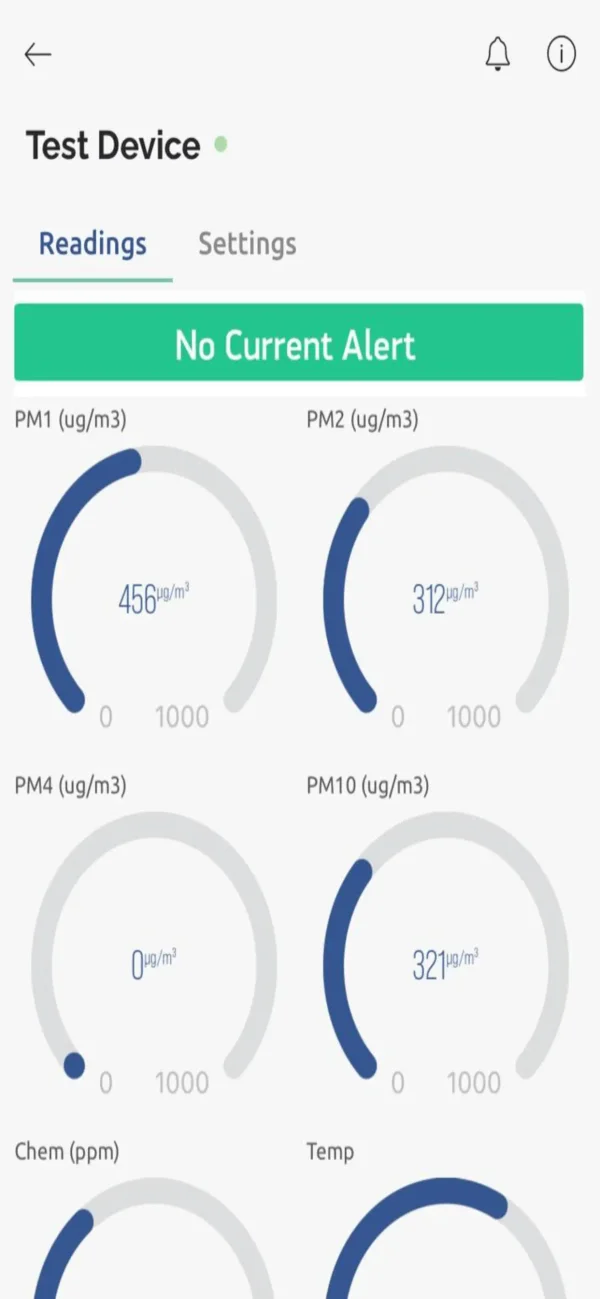
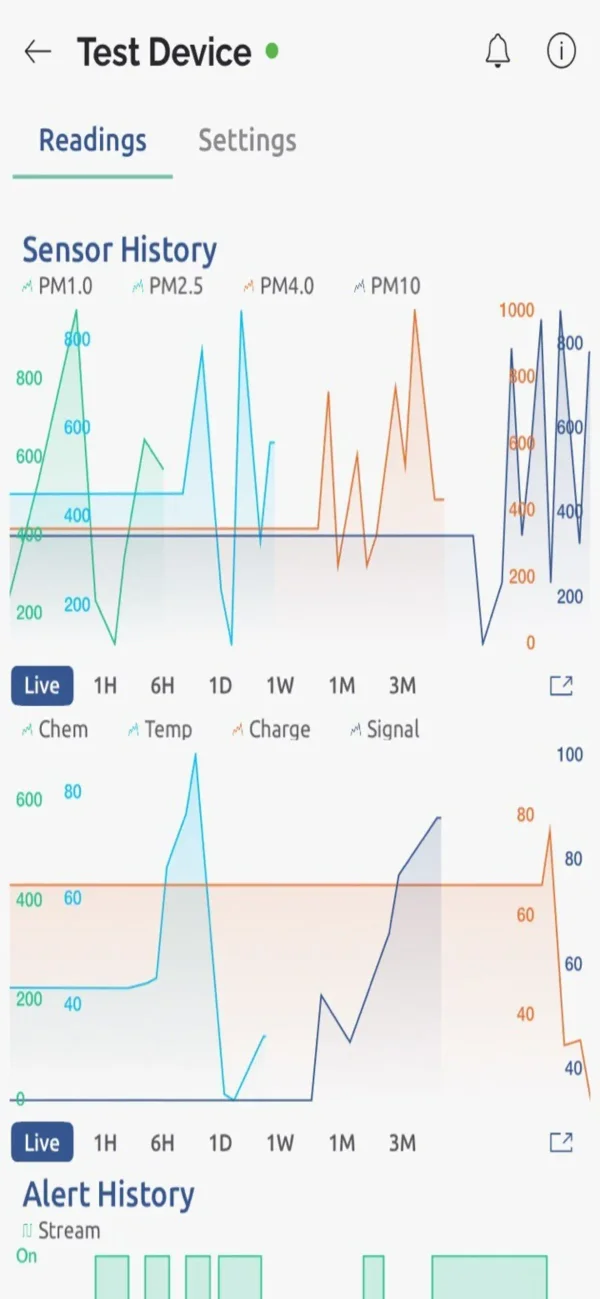
The Readings Page can be selected by clicking on the main dashboard tile for the sensor of interest. The Readings Page displays the data outputs from the sensors for a selected system. Users can also see quickly if there is an Alert or the system has No Alert. Gauges are used as a tool to show each sensor output while historical data can be viewed in graphs. The time range of the graphs can be selected to see live data all the way up to 90 days past.
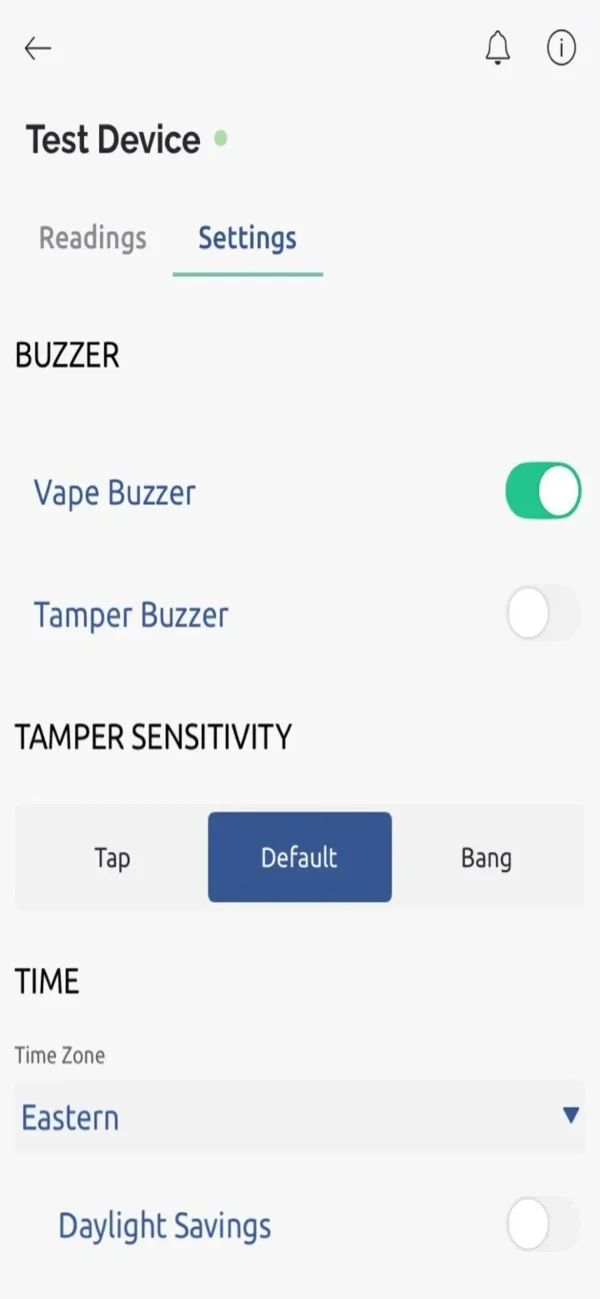
The Settings Page allows users to modify detection and warning parameters of the sensors. Users can modify the detection thresholds and data transmission rates as well as the time zone of the system. There is also a button to turn the audible buzzer on or off and a debug window for troubleshooting.
Có gì mới
Phiên bản 1.9 · 07/05/2025
Updated design
Quyền riêng tư của ứng dụng
Những gì Zeptive, Inc. khai báo trên App Store về cách ứng dụng này xử lý dữ liệu.
-
Dữ liệu liên kết với bạn
Có thể được thu thập và liên kết với danh tính của bạn.
- Thông tin liên hệ
-
Dữ liệu không liên kết với bạn
Có thể được thu thập nhưng không liên kết với danh tính của bạn.
- Dữ liệu sử dụng
- Chẩn đoán
Phương thức đảm bảo quyền riêng tư có thể khác nhau, chẳng hạn như tuỳ theo các tính năng bạn sử dụng hoặc độ tuổi của bạn.
Thông tin
- Người bán
- Zeptive, Inc.
- Danh mục
- Tiện Ích
- Phiên bản
- 1.9
- Cập nhật
- 07/05/2025
- Phát hành
- 03/02/2020
- Kích thước
- 72,7 MB
- Yêu cầu
- iOS 16.4 trở lên
- Độ tuổi
- 12+
- Giá
- Miễn phí
- Ngôn ngữ
- Tiếng Anh, Tiếng Pháp, Tiếng Đức, Tiếng Bồ Đào Nha
- Bản quyền
- © 2020 Zeptive, Inc.