123 PDF Text Editor 2.0.0 for Windows
Edit, sign, and secure PDFs on Windows, all offline
Screenshots

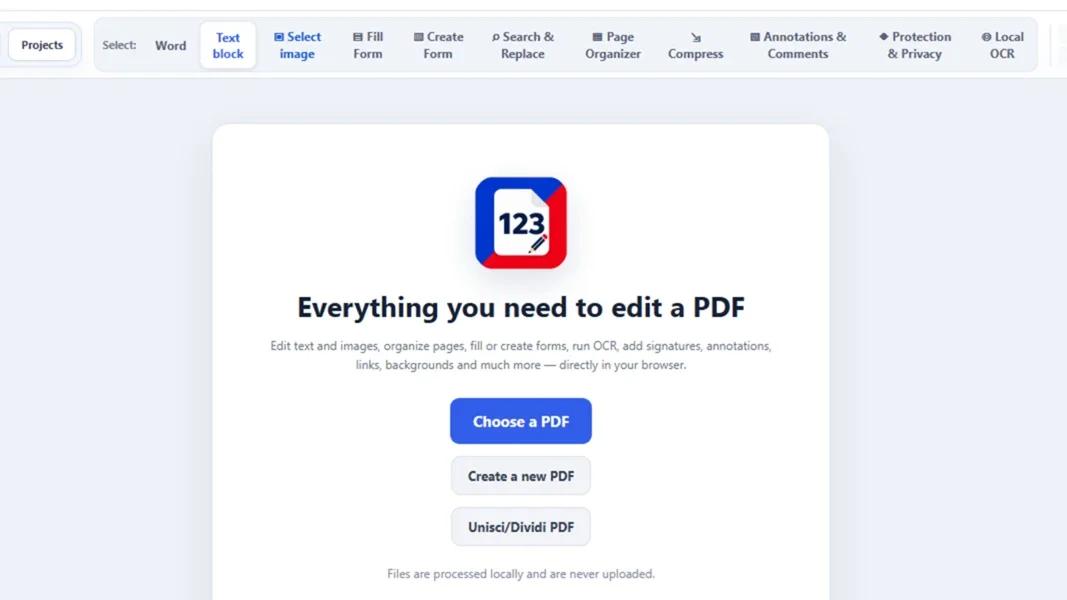
Description
Click a paragraph in a PDF and start typing. 123 PDF Text Editor works in place, matching the original font, size, and colour as you type. Open the file on a Windows PC and everything happens there. No account, cloud service, or upload is involved, and the app works without an internet connection.
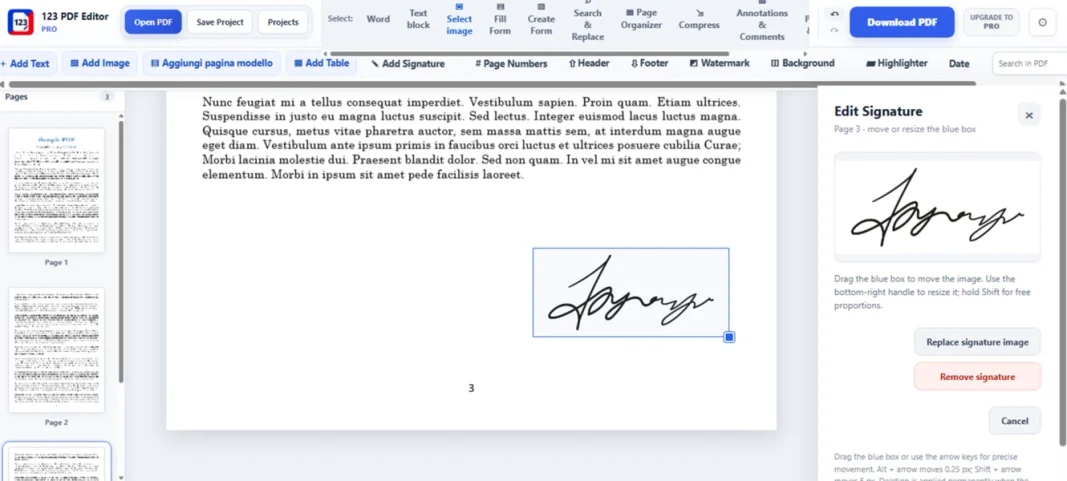
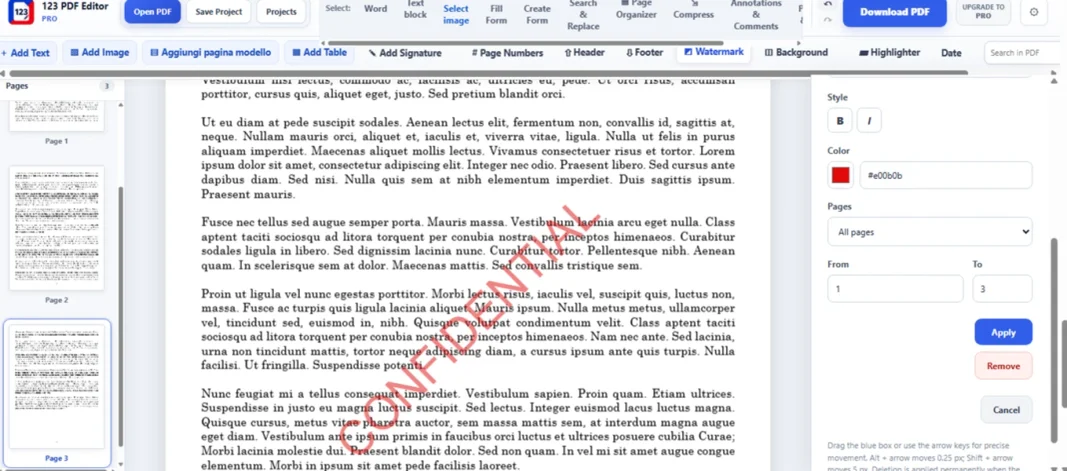
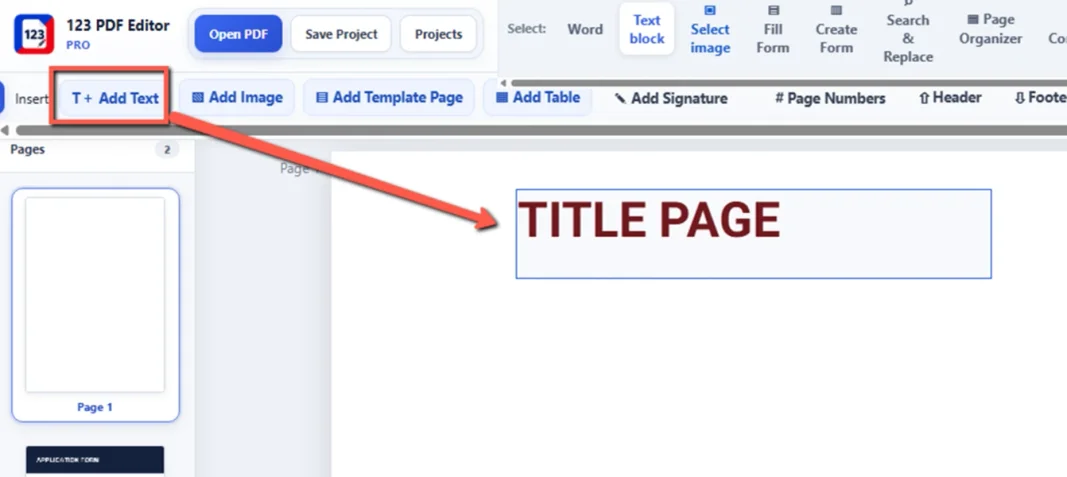
Text editing goes with full formatting. You can find and replace across the whole document in one pass, insert new images, tables, and signatures, and move, resize, swap, or remove existing images. Pages can be reordered, rotated, duplicated, cropped, resized by dragging, or extracted in any way. Multiple PDFs can be merged. Headers, footers, page numbers, watermarks, and backgrounds can be added, and 16 editable page templates are included along with 13 bundled fonts. Annotations include sticky notes, highlights, shapes, and review marks, and they remain editable. Forms can be filled in, and text fields, checkboxes, dropdowns, and buttons can be created. Certificate-based digital signatures can be applied, or you can add an image signature. Encryption uses AES-256 or RC4 with user and owner passwords, and permissions can be set in fine-grained detail. Metadata, JavaScript, and hidden data can be removed with one click.
OCR runs locally and converts scanned pages into editable text, with automatic detection across 10 languages. File size can be reduced using Web, Email, or Print profiles, also locally.
Download files
3522d4320e4c46733ada5e82251980fbff57fd333da6ecee167ed67a980c4d45
Signed by Globosoft S.R.L. · valid until Dec 6, 2028System requirements
Available on:
Additional information
Developer
Latest release
Size
Category
File type
SHA-256
3522d4320e4c46733ada5e82251980fbff57fd333da6ecee167ed67a980c4d45





