
360 Total Security for Windows
Scans for threats, tunes startup, and clears junk on Windows PCs
You are on macOS — this is the Windows version. See the macOS version
Screenshots

Description
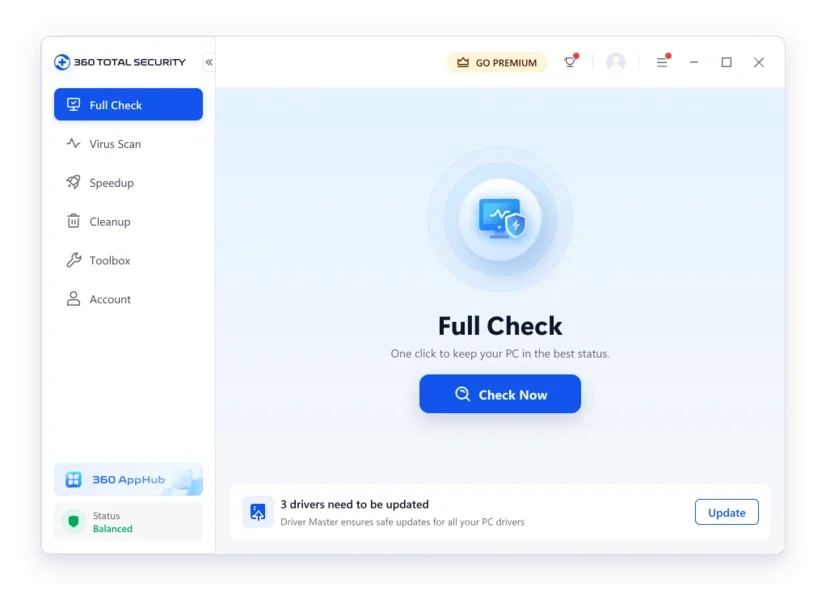
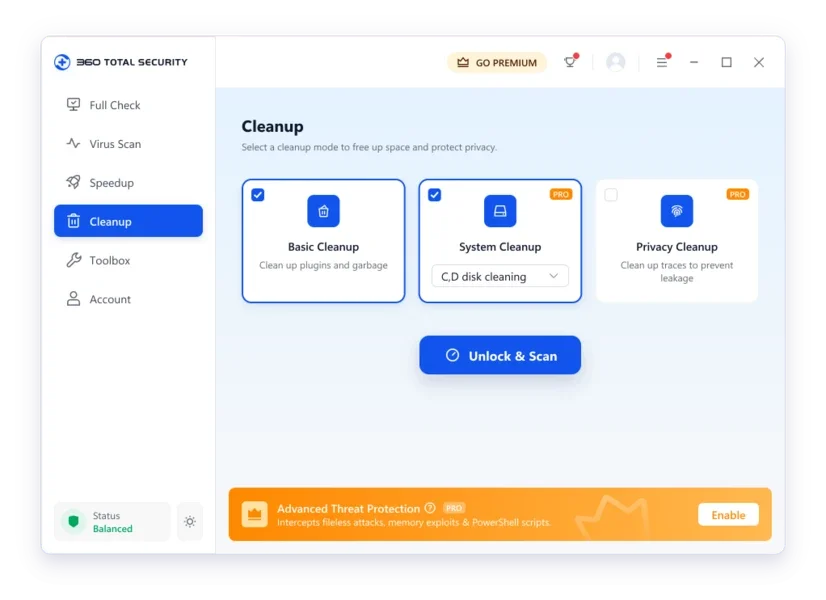
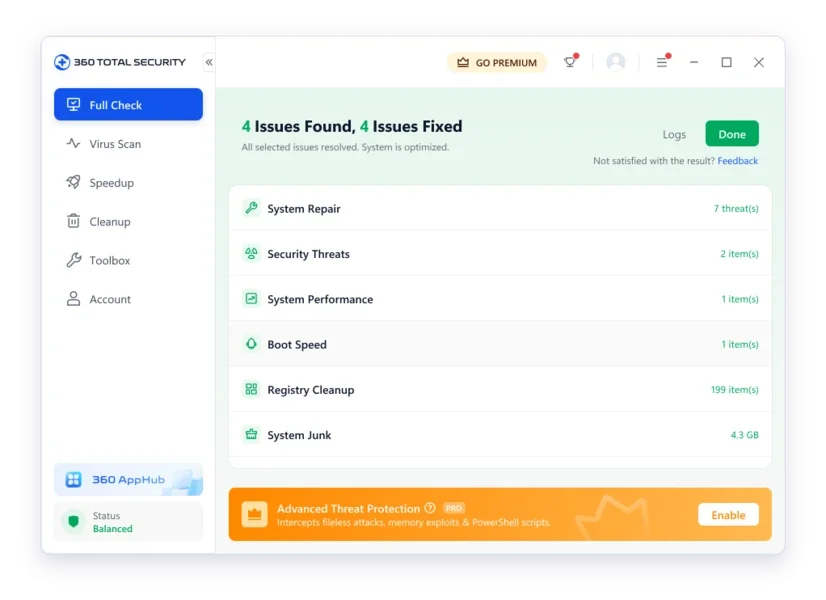
360 Total Security scans a PC for malware and clears out the files that slow it down. The antivirus and the system optimizer share one menu, so a scan and a cleanup are two tabs apart. The reviewer installed it on a Windows 11 machine and ran a cleanup that removed over 4 GB of junk files.
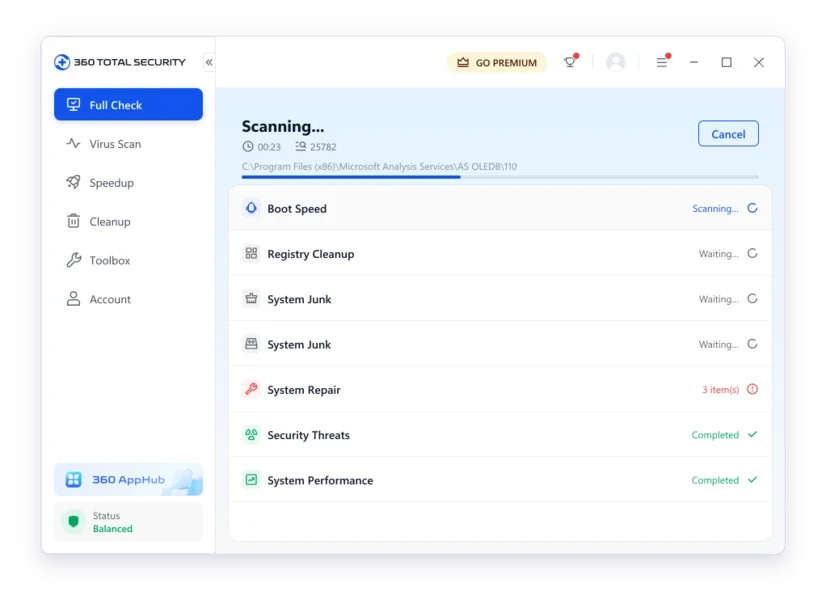
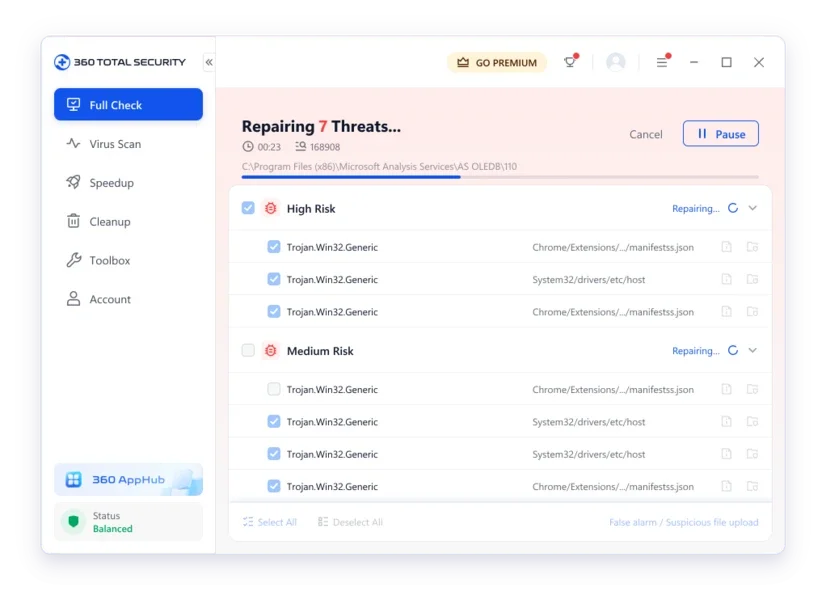
Several analysis engines work at once during a scan, among them the AI-based QVM II and the 360 Cloud Scan Engine. Behavior is watched in real time, and files that try to alter critical logs or encrypt data get blocked before the damage lands. Scans cover Trojans, ransomware and other familiar viruses. With Full Check, one pass looks for threats and performance fixes together, covering browser extensions and system files at high and medium risk. A visual breakdown of what turned up lets you decide what gets deleted, and during disinfection each generic Trojan's path can be inspected before it is removed.
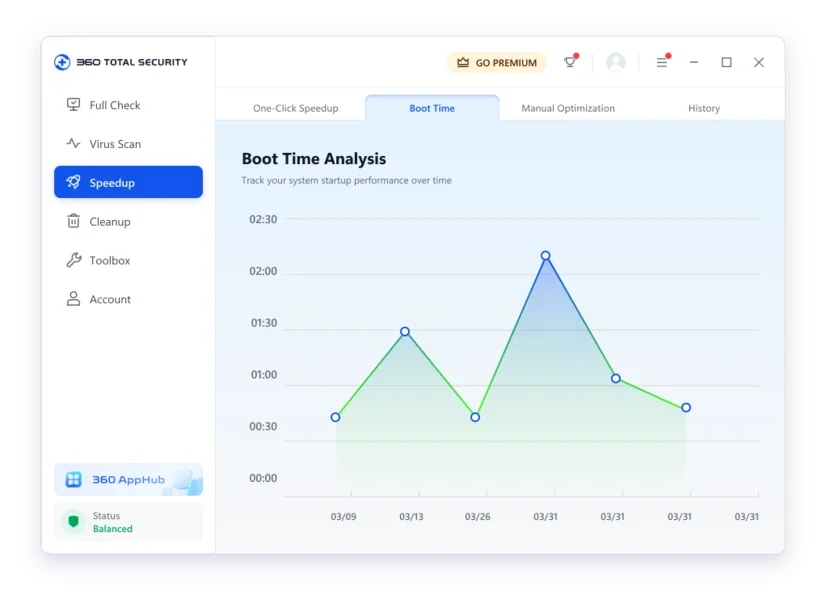
The optimizer side has disk cleaning, system acceleration and boot management. Cleaning pulls junk files, hidden caches and leftovers from programs that were uninstalled badly. The startup manager draws a picture of what loads with the OS, so needless processes can be switched off, and a Boot Time Analysis graph shows how boot times shift. The interface runs on side tabs and stays visual throughout. Upgrade prompts for the premium edition do get in the way at times. The version the reviewer ran was 6.6.0.1090.
Download files
4ba7acbc5251fd93ba7370d0ff2831d74e9eb552bbde9ac60f3b40ee44a5461b
1eacd34857dc0e88db203edabc8a230f251e42a2af3689f799332f6fa37249e9
fdf689b9c8e44502c5c0d72a3bbe7e6d327412203751dbd1b3033991c110af86
a9a13429498da8b028ab3601e8ee83491e9e9673d7595d32b6d7d17105f67ee2
c5bb8360cb93e5eb5e54015e24ad3b65f9250b391a785e8a4dfc2389da1de2a1
System requirements
Available on: