
7-Zip 26.06 for Windows
Free file archiver with strong 7z compression
You are on macOS — this is the Windows version. See the macOS version
Screenshots
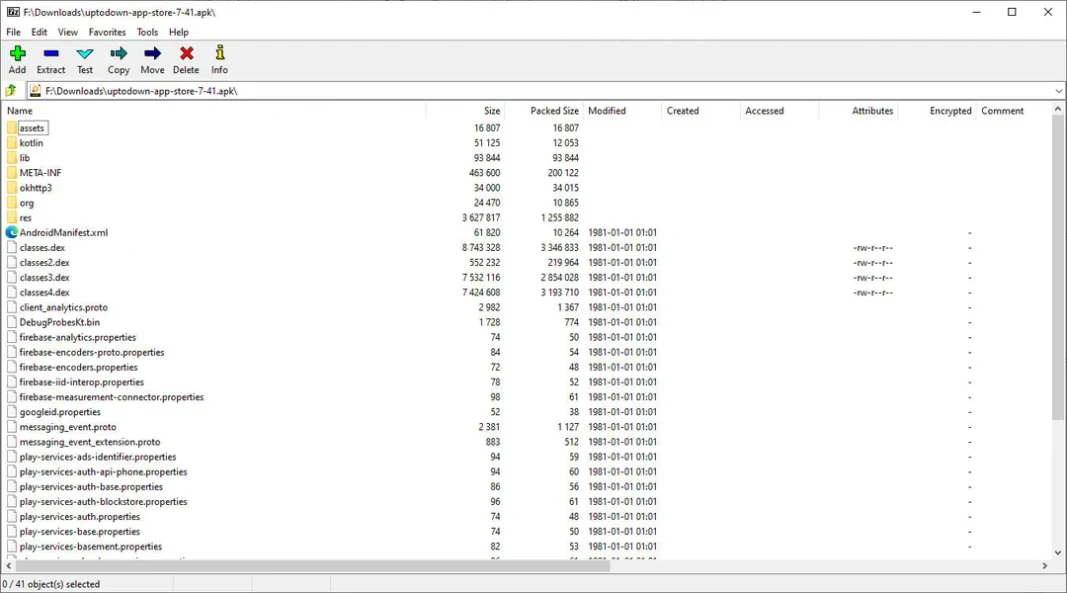
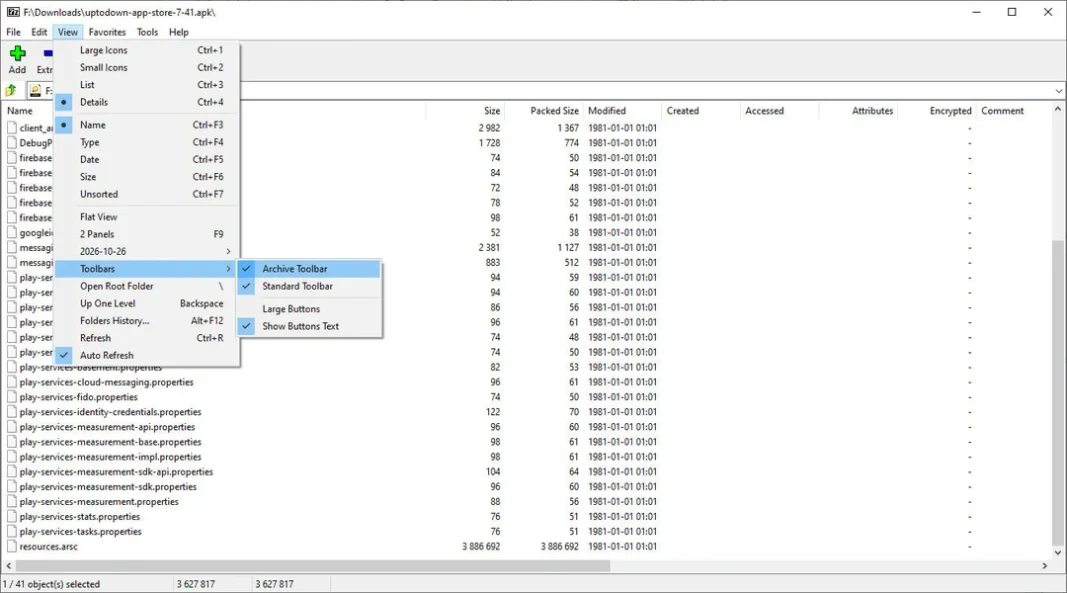
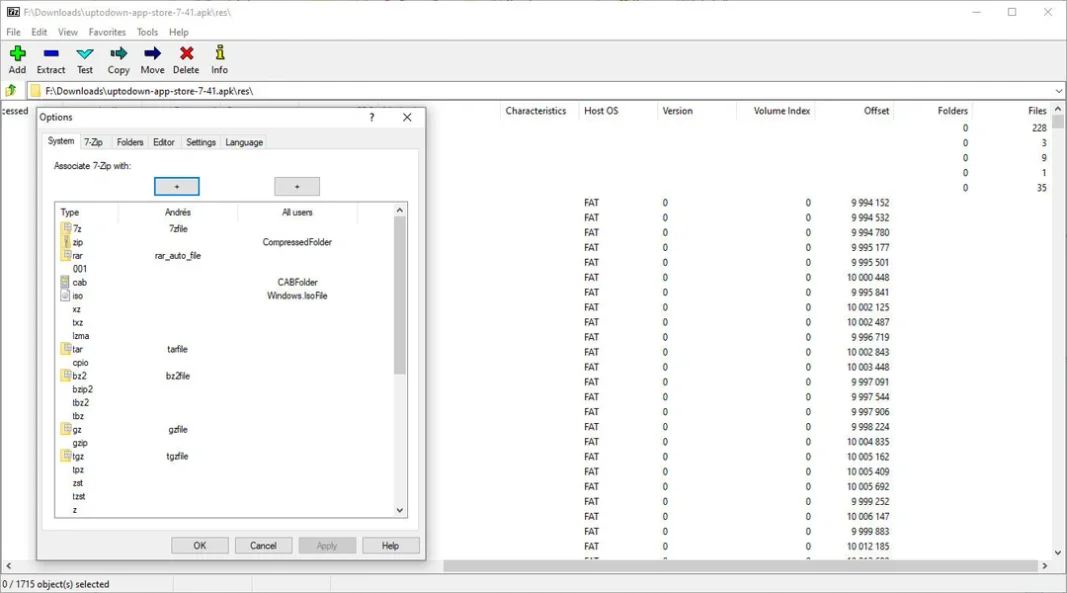
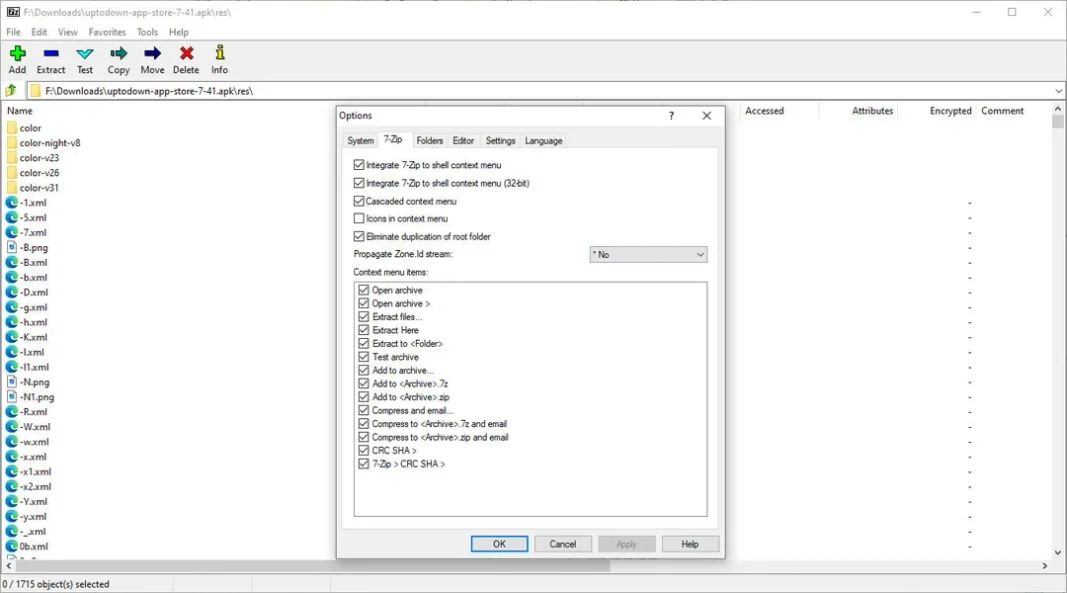
Description
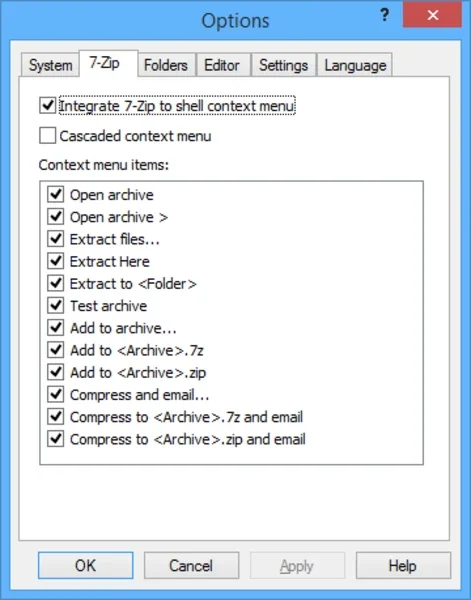
A right-click on a file is the main entry point. 7-Zip adds itself to the Windows context menu after installation, so you can compress a file or folder without opening the program itself. The menu also has entries like compress and email for sending an archive straight on.
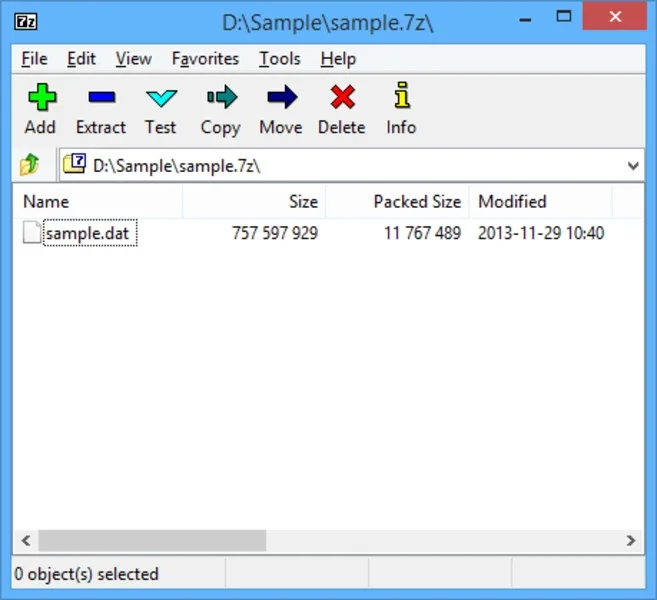
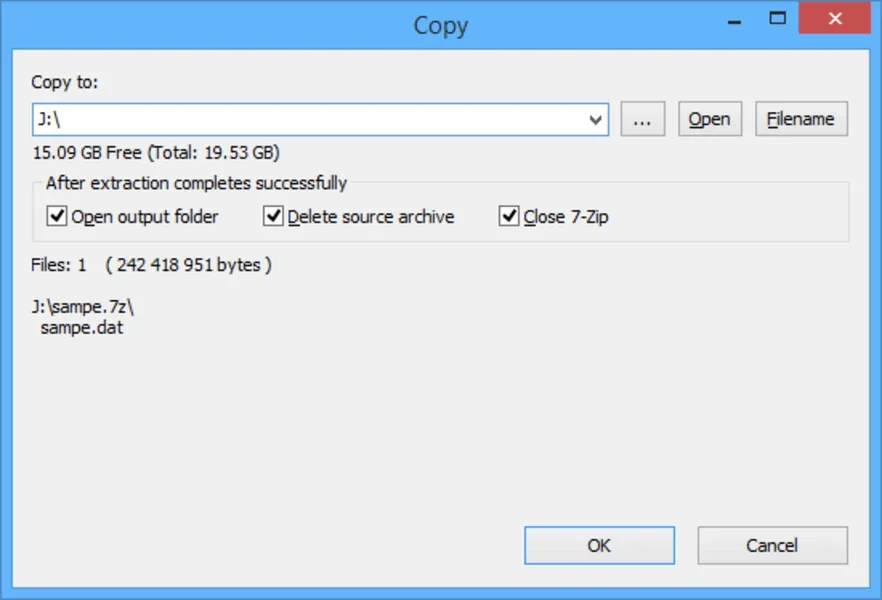
Right-clicking an archive gives the opposite options: extract to the file's own directory or into a separate folder. The formats it reads cover 7z and ZIP, CAB arrears, RAR, and the rest of the pack: ARJ, GZIP, BZIP2, TAR, CPIO, RPM and DEB. Files made by other compression apps open too, and almost any format you come across will decompress. Large ones are no obstacle; archives over 8 GB come out fine.
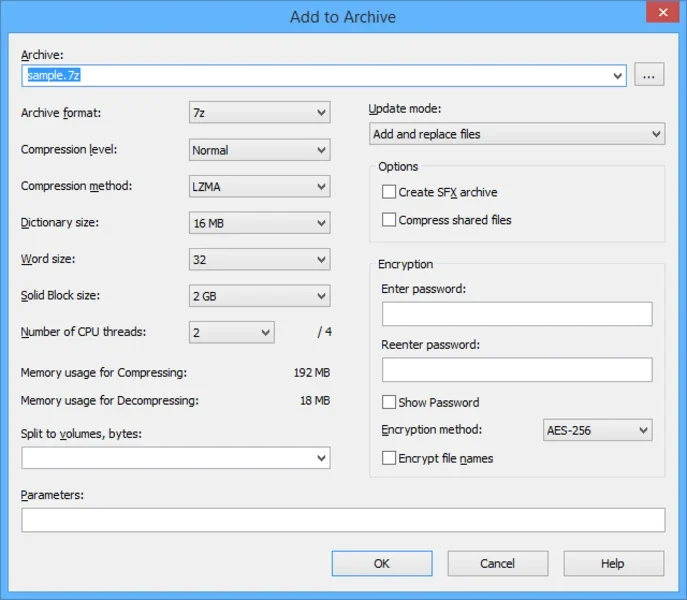
On the compression side it handles folders and whole sets of files, with a ratio that in some formats beats other similar tools. More compression usually means slower decompression, which is worth remembering before you pick the top setting. The whole program takes up less than 2 MB. It is free and open-source.
Download files
9b697f65ecc2d9b0152f5ee96d72dde522a7827690349d9307935dacf40f42ec
No digital signaturefd99e86f57d8f429ef5ed045bf98315af962e2309b0f1ba87a147a44c71647d0
No digital signatured54bf805f9f3704d1e8db2fa3498ae7ef2df0312b40b558e7c71c734430a665d
No digital signature0859c524b8a63551848f0c246abddcb1d0b7b656b0fbfe879f8d85e61a9e6edd
No digital signature6745fa76dc2ea031596d8678f6f6b99c3c1b435b4164a63485adbbc7b8d82ef0
No digital signatureSystem requirements
Available on:
Architecture:
64-bit
Additional information
Developer
Latest release
Size
Category
File type
SHA-256
9b697f65ecc2d9b0152f5ee96d72dde522a7827690349d9307935dacf40f42ec