
Adobe Acrobat Reader DC 2026.003.22110 for Windows
Views and works with PDF files on Windows, with free tools and an online layer
You are on macOS — this is the Windows version. See the macOS version
Screenshots
Description
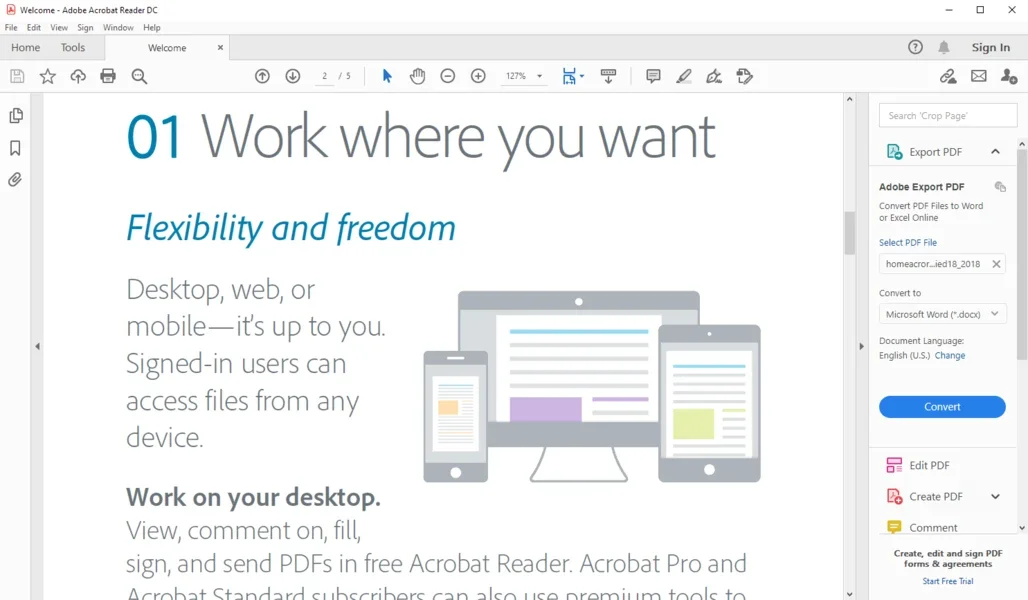
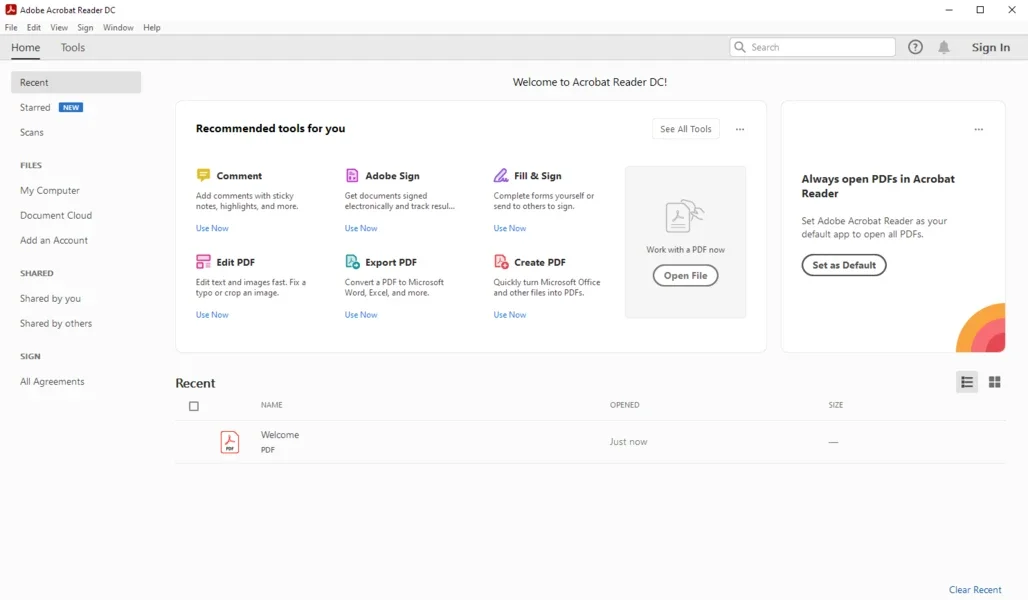
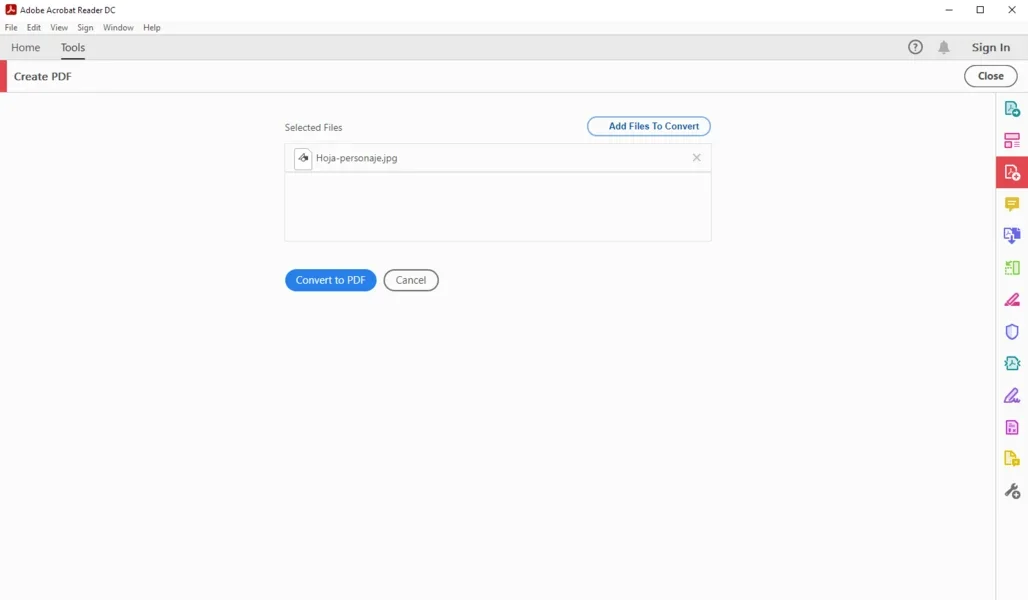
Adobe Acrobat Reader DC is an app for working with PDF documents on Windows. You pick a PDF from any folder on your PC and it shows the pages; the main screen lays out the built-in tools so you can get to them without hunting through menus. An offline installer is available for Windows.
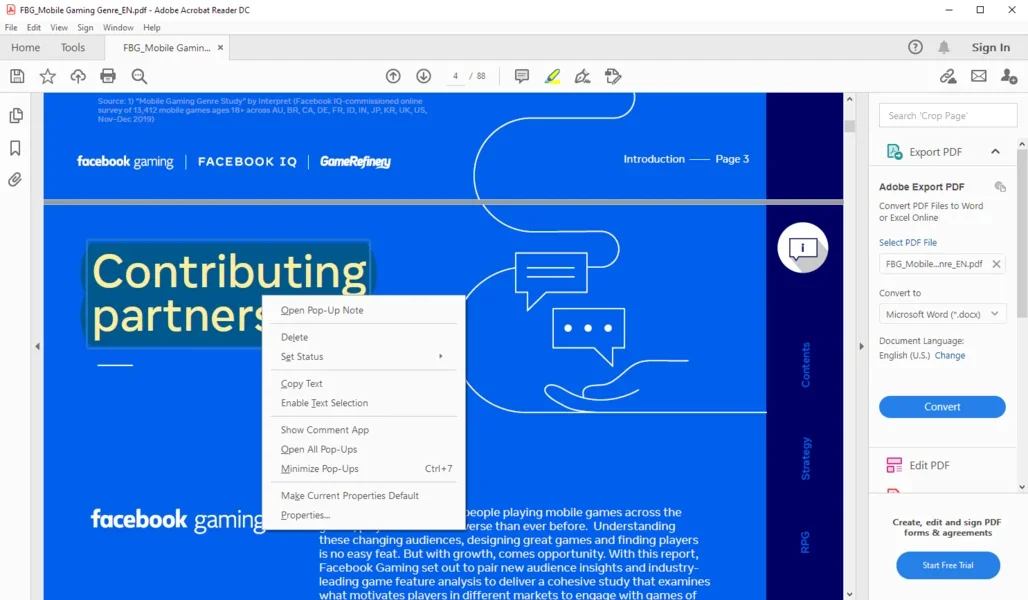
A range of free tools is on hand. You can annotate any part of a PDF, add text boxes to pages to put comments in different areas, and doodle with the brushes at no cost. The program also helps you create signatures to prove your identity, and a signature feature lets you sign documents and add validity to them. There is a section for encrypting any PDF, though editing a file after encryption causes it to lose its official validity. Some features are usable only with an active premium subscription, and the more advanced ones require one.
Documents can be synced between devices. Adobe Document Cloud technology lets you view any PDF regardless of which device it is stored on, and the online version of the program can share annotations in real-time with contacts. It is compatible with the Android, Mac and iPhone versions.
Download files
345617baf5eadb2bedddf6ab485085385fef9e81f742957167b20f61e3a44f9f
Signed by Adobe Inc. · valid until Oct 5, 20277bec66953457f6bc78bce9f0a1dcdde1c4cf2a8f8ac26f73fcecf5738f42f307
Signed by Adobe Inc. · valid until Oct 5, 20276ff26e9d58df0e6af633ced481a1efff97f17a30d2b1554d054c398e824e7c77
Signed by Adobe Inc. · valid until Oct 5, 20276ba5598cb742f21d373a21a5980da9a45bae165b7de11a94252bde7840e5a625
Signed by Adobe Inc. · valid until Oct 5, 20276b8ef8d648b01889173cb2808d31a50c25a5d65b3478f27c07d7c47cdeed9f2b
System requirements
Additional information
Developer
Latest release
Size
Category
File type
SHA-256
345617baf5eadb2bedddf6ab485085385fef9e81f742957167b20f61e3a44f9f





