
Advanced Font Viewer 5.1 for Windows
SHA-256 listed
Preview and compare all installed fonts with your own text
All ages
Age rating
Screenshots
Description
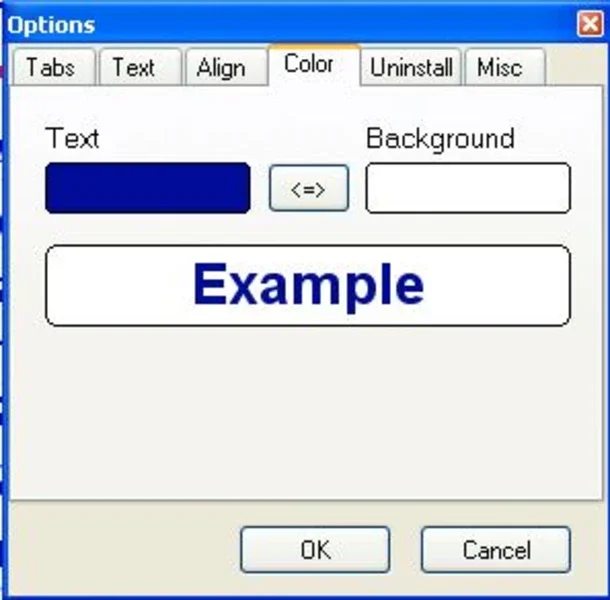
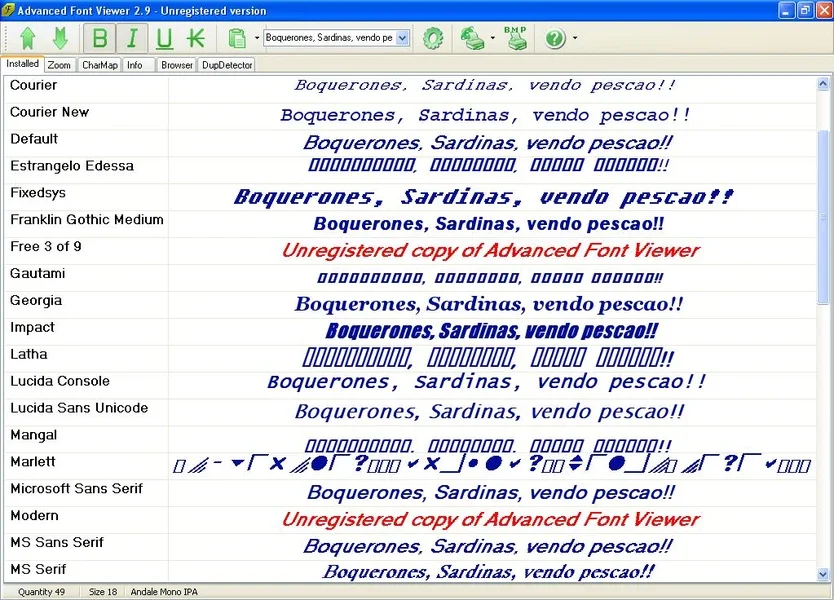
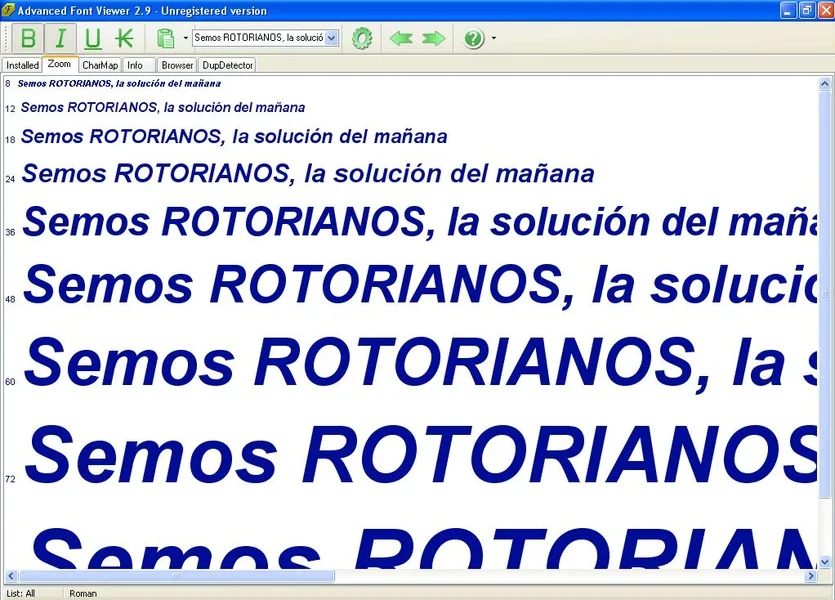
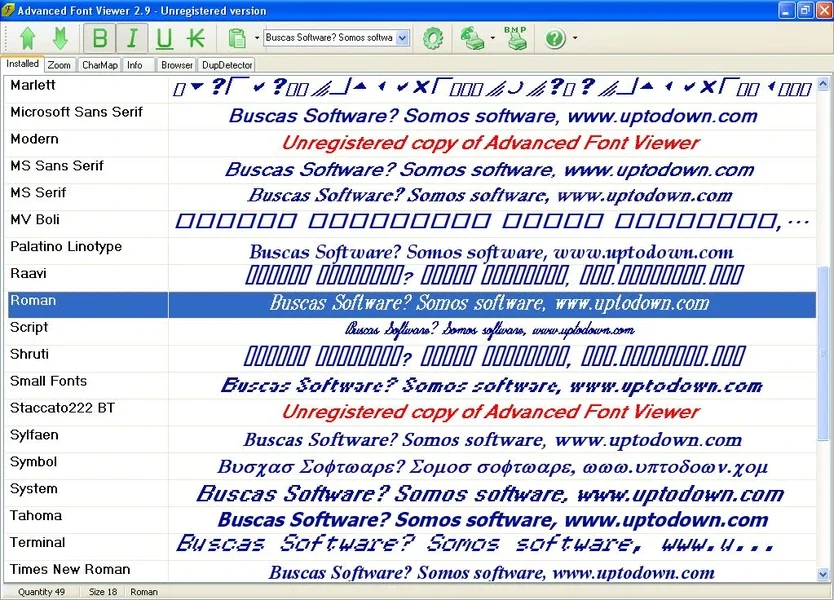
Advanced Font Viewer opens with every font installed on the computer listed on screen. Type the text you want to test, and it shows that text in each font at once. You can set the style, bold, cursive, color and size to see how the text will look.
Printing and reading uninstalled fonts
The program can print a page that shows your text in different fonts. It also reads font files that are not installed, so you can check them without adding them to the system.
Download files
File5.1EXE
Version5.1
ReleasedOct 27, 2008
Size1.4 MB
SHA-256
Get
7fbc3bee53a982207561d8c439a1740f93b210f6816baba2f22daa4119fcc493
No digital signatureSystem requirements
Available on:
Additional information
Developer
Latest release
5.1 · Oct 27, 2008
Size
1.4 MB
File type
EXE
SHA-256
7fbc3bee53a982207561d8c439a1740f93b210f6816baba2f22daa4119fcc493
Digital signature
No digital signature