
Alive Bookmark 2.0.0 for Windows
SHA-256 listed
Adds sites to favorites by capturing a screen area and turning it into link windows
All ages
Age rating
Screenshots
Description
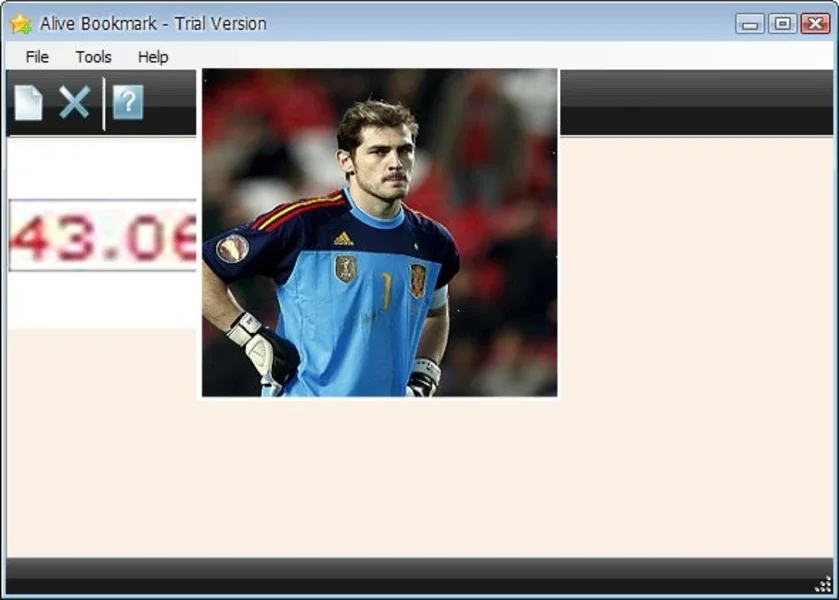
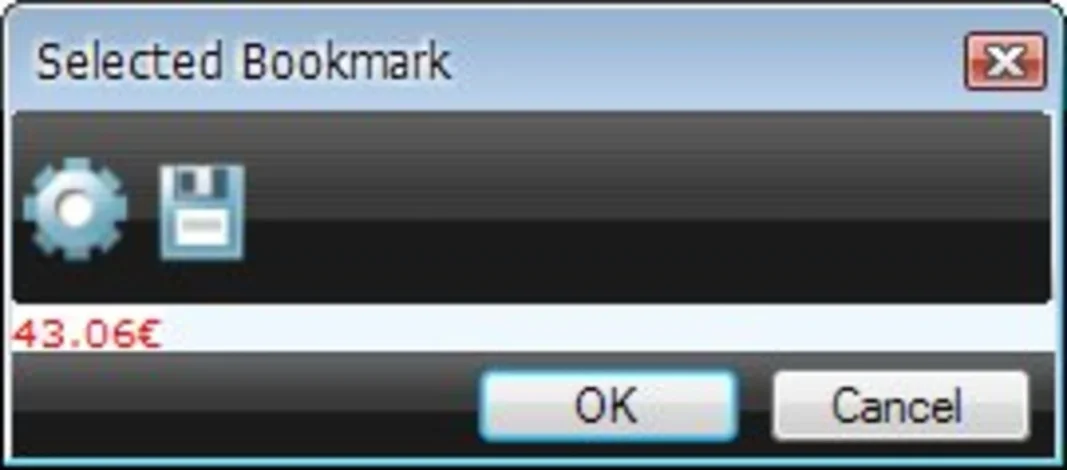
Alive Bookmark is a Windows web tool that adds websites to favorites by selecting a section of the screen, similar to a photo editing program. You drag out the area you want, and the links in it appear as small windows once the screenshot is taken.
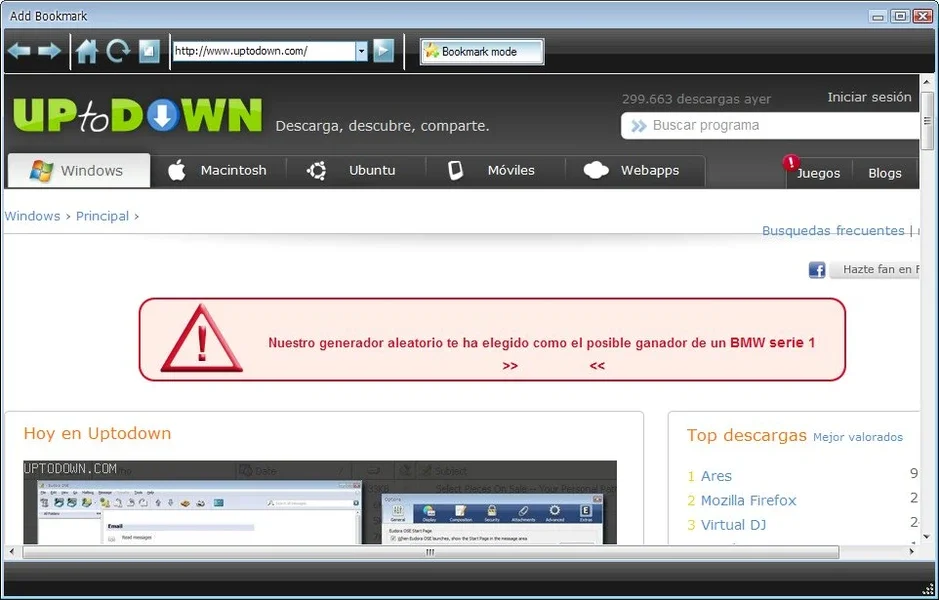
Those small link windows can be accessed from the normal browser. Links can only be added while browsing inside the Alive Bookmark window, so adding a page means working there first. The capture step is what does the work: you pick the part of the screen holding the links, and the program turns that region into the small windows.
It runs on Windows. A trial is available.
Download files
File2.0.0EXE
Version2.0.0
ReleasedApr 25, 2012
Size4.0 MB
SHA-256
Get
21232fe8dd68afc799552112f30417418b15bf55fb6296556f2188278791aa49
No digital signatureFilealive-bookmark-1.2.1.exeEXE
Version1.2.1
ReleasedNov 18, 2010
Size3.7 MB
SHA-256
Get
dfcc480a9a389f6e3327b463b4e997210a2ffd0b3e189bfb73a382a3326add6f
System requirements
Available on:
Additional information
Developer
Latest release
2.0.0 · Apr 25, 2012
Size
4.0 MB
File type
EXE
SHA-256
21232fe8dd68afc799552112f30417418b15bf55fb6296556f2188278791aa49
Digital signature
No digital signature