All PDF Converter 4.2.3.2 for Windows
SHA-256 listed
Converts PDFs to other formats, with page and image extraction options
All ages
Age rating
Screenshots
Description
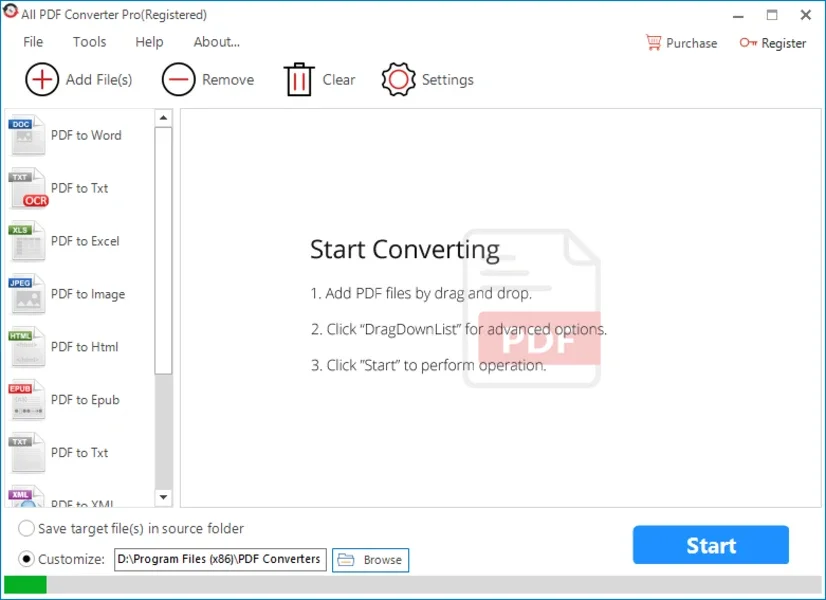
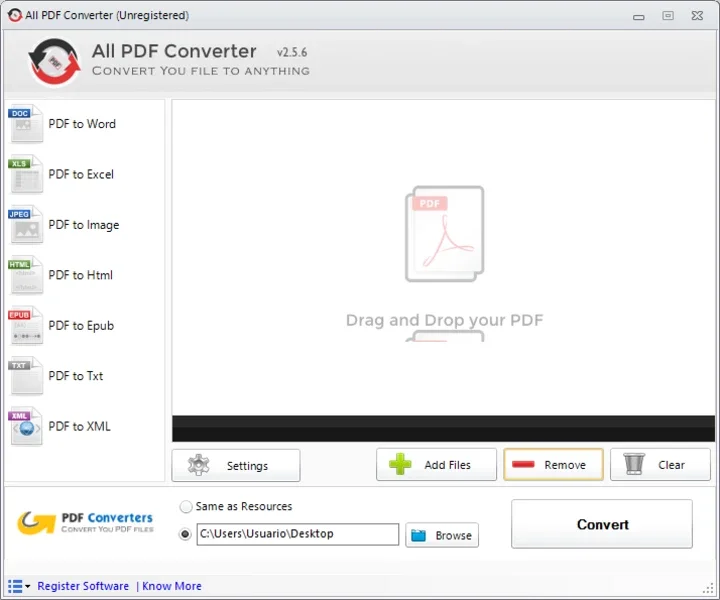
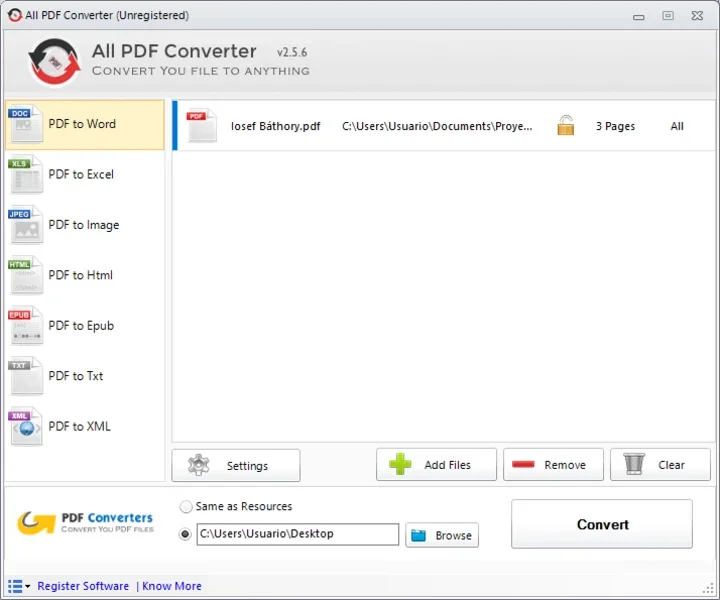
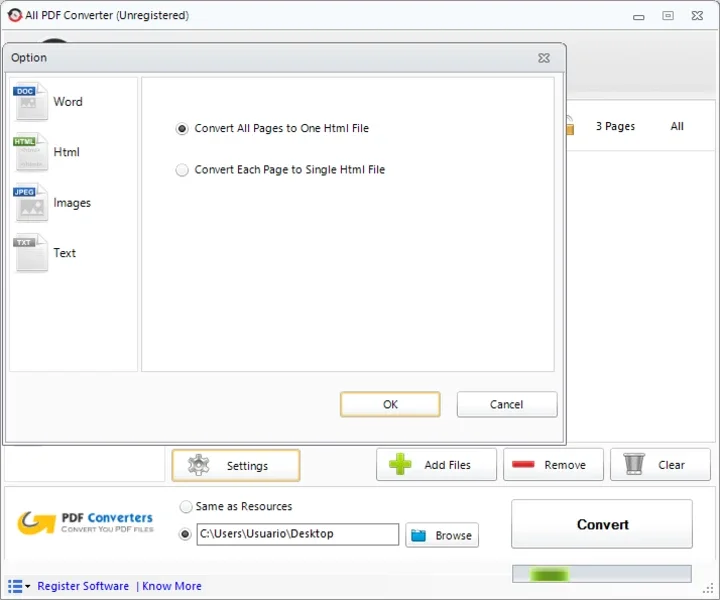
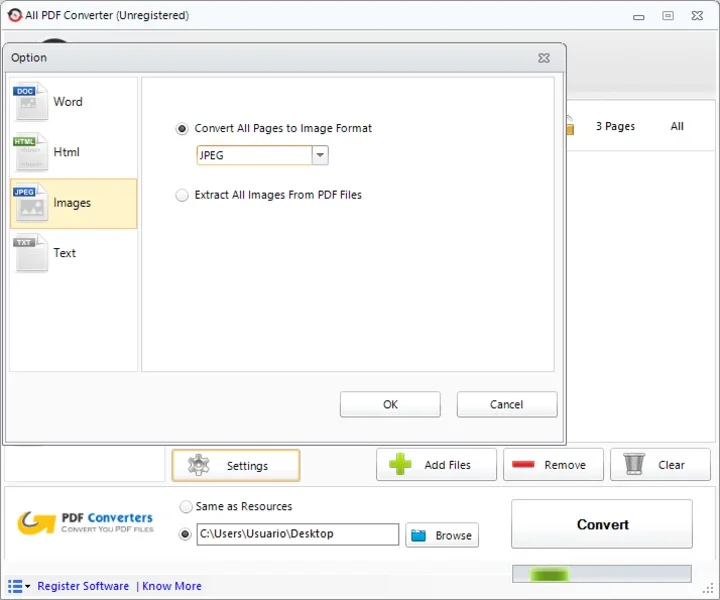
All PDF Converter turns PDF files into other formats. You pick the document, choose the output format, and click convert. The process takes seconds. Conversion can be customized, and you set the quality of the result. Converting a finished PDF lets you edit its structure, which you cannot do in the original file. You can convert to image formats or to ebook-readable formats. Individual pages can be selected for conversion, and you can extract only the images from a PDF. Quality is not sacrificed during conversion.
The program runs on Windows.
Download files
File4.2.3.2EXE
Version4.2.3.2
ReleasedFeb 12, 2021
Size36.2 MB
SHA-256
Get
856bd3c3adb614927a9527169f69adbebde7a099f733b651e7fb25a5b4f16da3
No digital signatureFileall-pdf-converter-4.2.3.1.exeEXE
Version4.2.3.1
ReleasedOct 16, 2019
Size36.3 MB
SHA-256
Get
0e0ac3b5b25c40df080e1fba3d2d0ccfcc43ae75193c7b26742f5883127e1fb0
Fileall-pdf-converter-4.2.2.1.exeEXE
Version4.2.2.1
ReleasedDec 5, 2017
Size33.1 MB
SHA-256
Get
aa33dbb04642a166f243058781e1020d17ab1688329dfde427b62f22af63ce27
Fileall-pdf-converter-2.5.6.exeEXE
Version2.5.6
ReleasedAug 17, 2017
Size20.3 MB
SHA-256
Get
35f97713822fdc7cf78bdf96f7db223266931be3878d7bf64ae4265c704a1e6a
System requirements
Available on:
Additional information
Developer
Latest release
4.2.3.2 · Feb 12, 2021
Size
36.2 MB
Category
File type
EXE
SHA-256
856bd3c3adb614927a9527169f69adbebde7a099f733b651e7fb25a5b4f16da3
Digital signature
No digital signature





