
Allavsoft for Windows
Grabs video files from websites and keeps them usable offline
You are on macOS — this is the Windows version. See the macOS version
Screenshots
Description
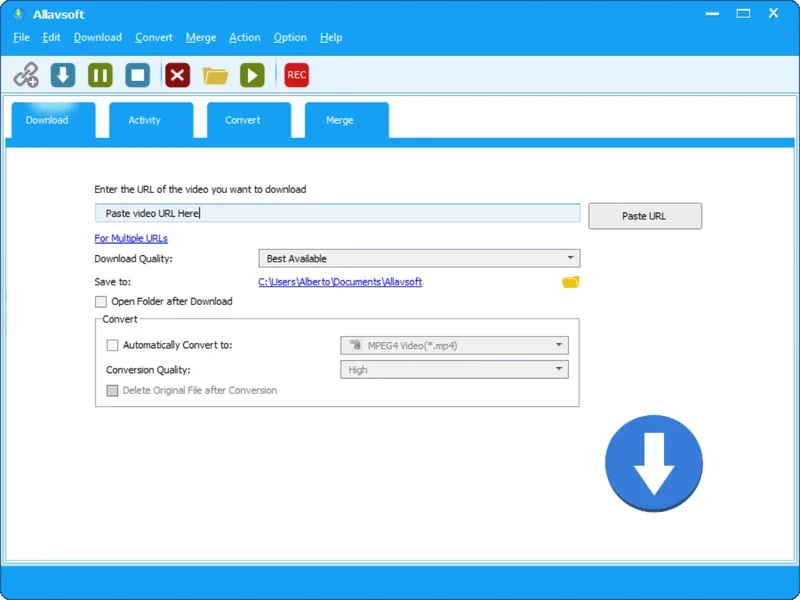
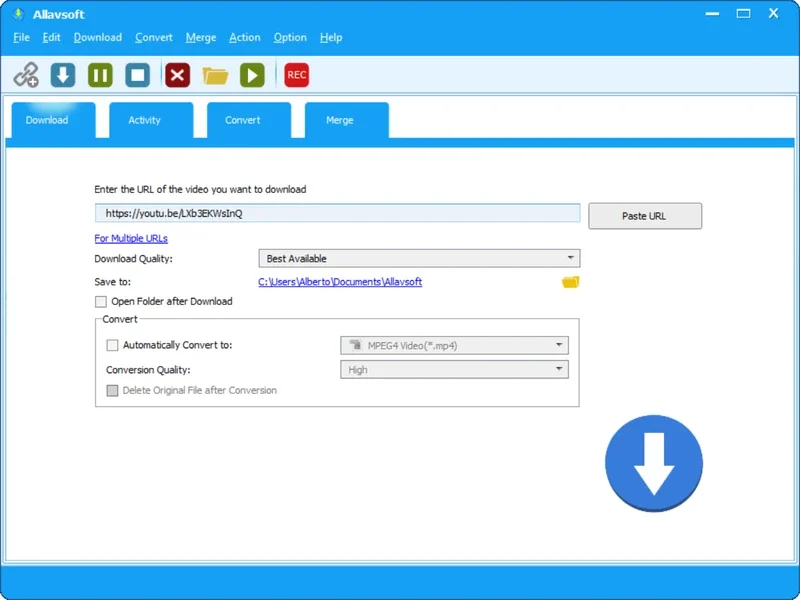
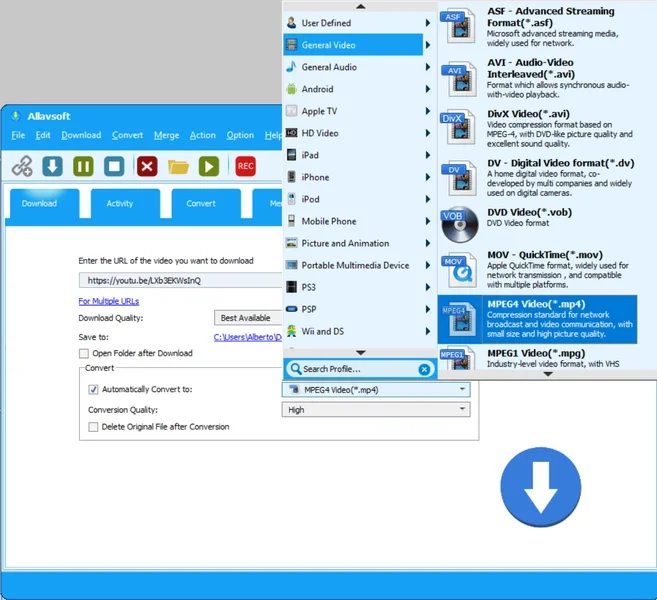
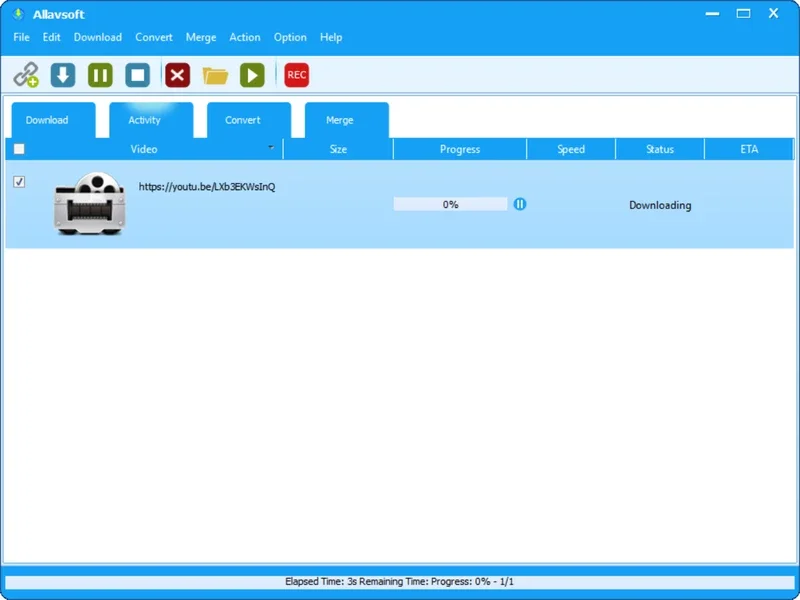
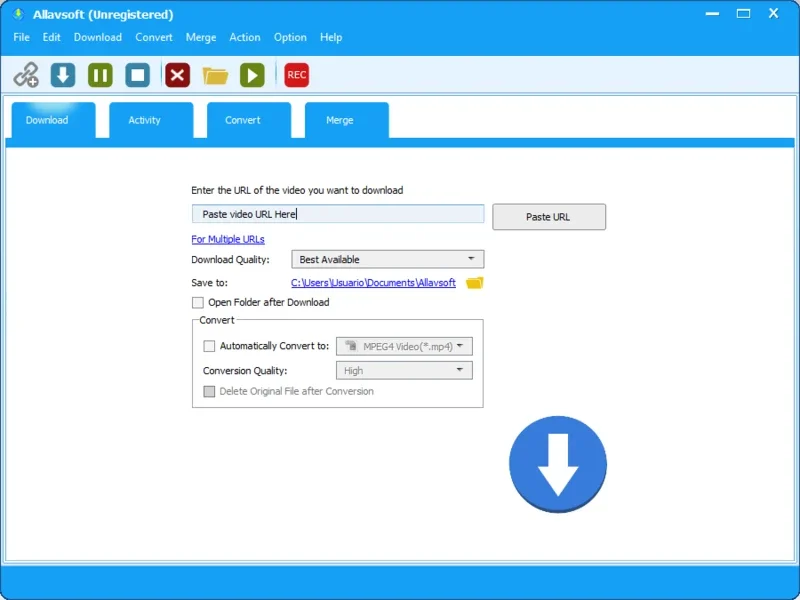
Allavsoft Downloader gets videos off websites and keeps them as files. The main screen holds an input field and the download options. Paste a video's URL there and press the large download button. A browser add-on does the same job from the page itself: it adds a button, and picking a resolution from it starts the download.
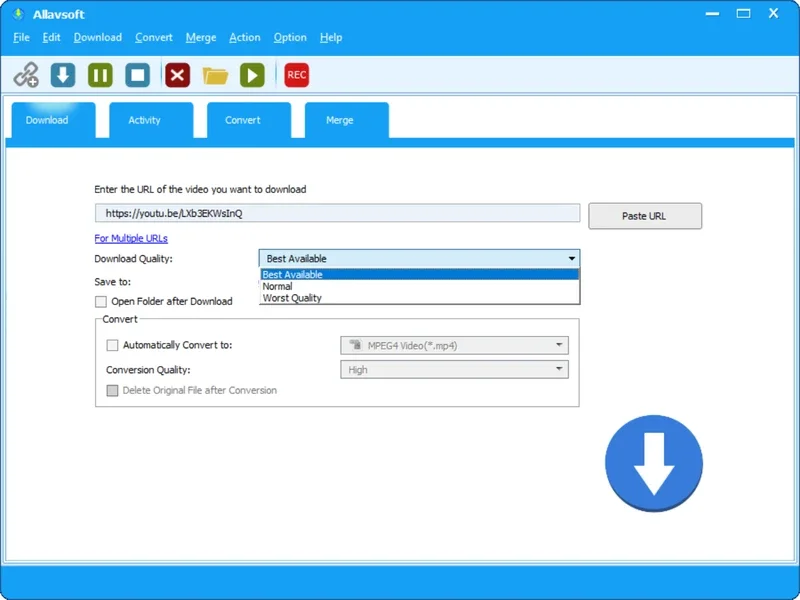
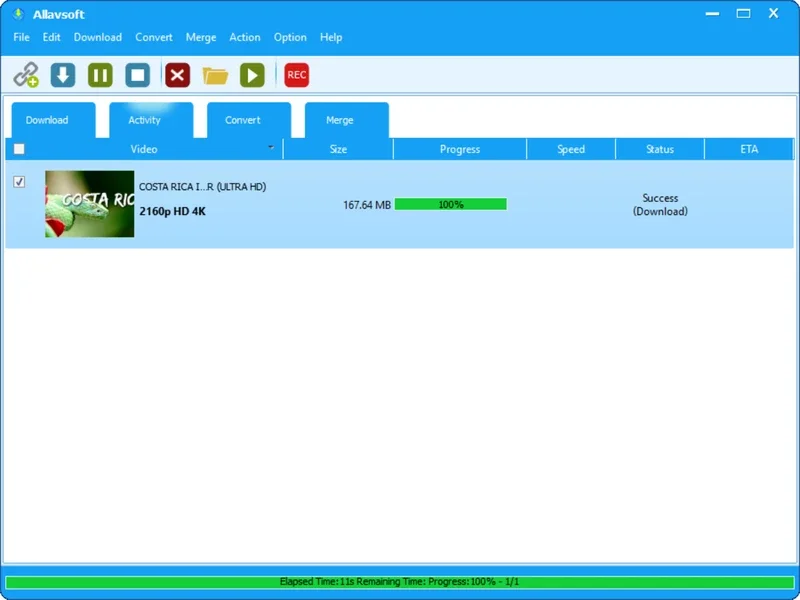
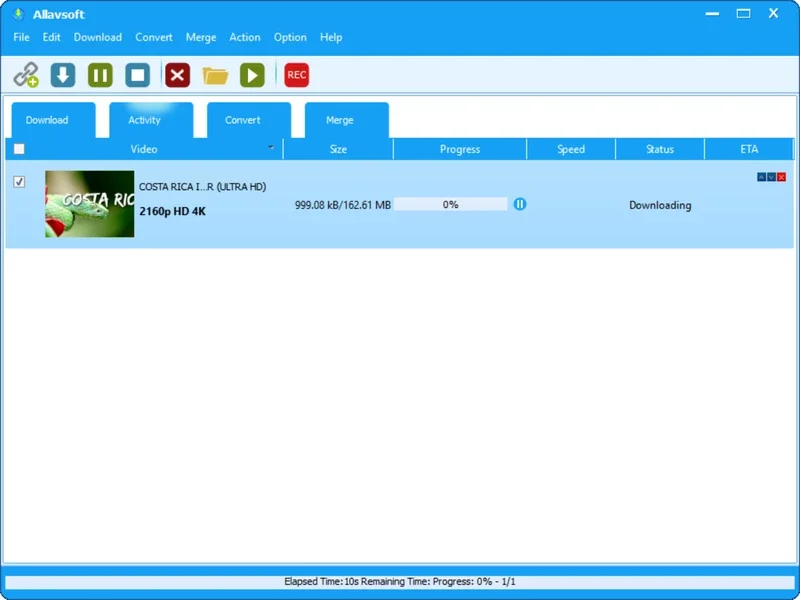
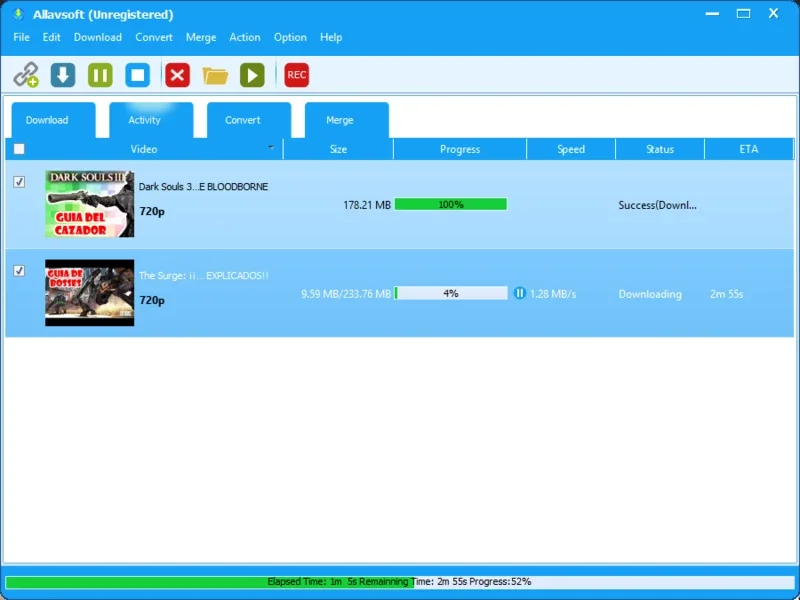
Before a download begins you choose the resolution, from ultra-high definition down to standard definition; 4K and 360p both work. Pausing is safe at any point. Progress is kept if you shut the computer down or the Internet connection drops, and it resumes where it stopped. Several downloads can be queued at once through batch processing.
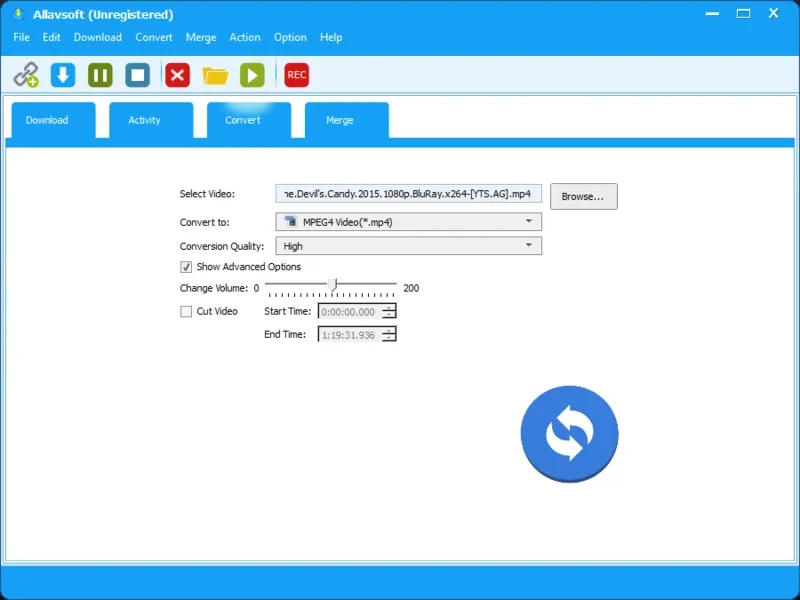
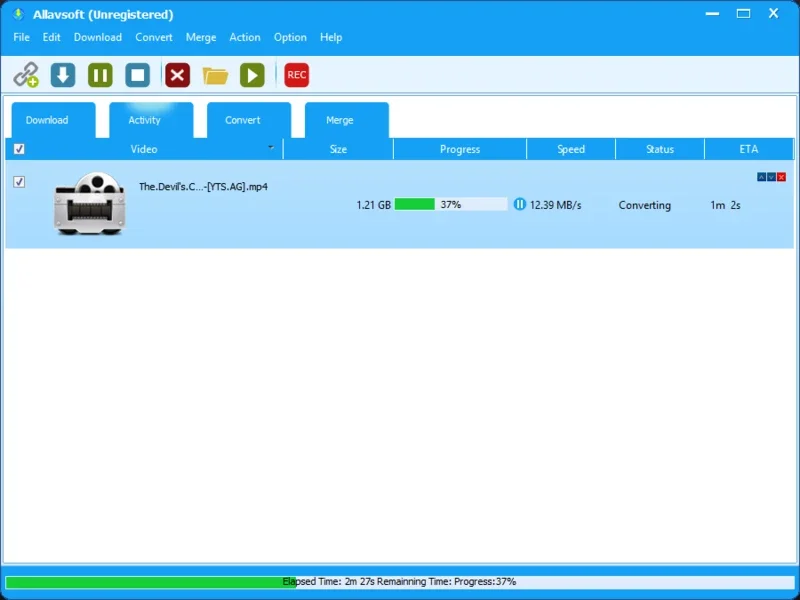
By default the file keeps the format of the source video. Turn on automatic conversion during download, or convert later in the Convert tab, to get a different format. The Merge tab joins several videos into one file. Two more tabs show past activity and keep the input fields and options in view. Repeated trouble comes with music streaming downloads. Sites that change their code can also stop downloads from working, and signing in with a streaming account has left some users with blocked or compromised accounts.
Download files
130935db6d420832b32df83ad22ed724c49350fcef0433201d14d6de1e2b6656
1751965a051dba32392089af1270f42b4d6290e820f65667061d9af04743dbea
c5e94aaaac0376a4994d5f4853d14e6108893e31575a6c64f2e48750c1bcea4e
b1d1c2bbe2302c5bc7d0d5d266b068e9f4d3ad8c6f5545fb34c4ce8da0cf140a
ff62cdb94983f1a1a58430a786a4a599aa11190fb178e705a7d610d4c91bd7c4
System requirements
Available on: