
Android Screen Unlock(4uKey) 2.8.6 for Windows
Windows tool that clears Android lock screens by erasing the device
Screenshots
Description
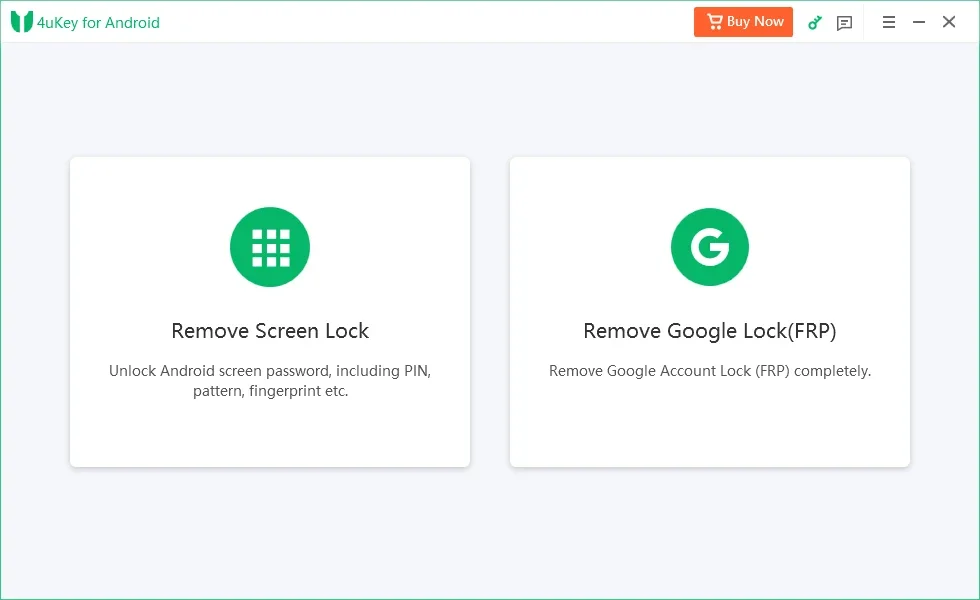
Geekersoft Android Screen Unlock Tool is a Windows program that removes Android screen lock passwords, mainly for the case where the password has been forgotten. The locked device is connected to the computer with a USB cable, and the unlock begins with a button such as "Remove Password". It removes pattern, PIN, password, and fingerprint lock screen types. On Samsung devices it can also clear an FRP lock tied to a Google account, with no password needed.
Before any of that, the program checks the status of the connected Android device to help keep the process stable, and after a successful connection it recognizes the device model. USB Debugging has to be on, and computer debugging has to be authorized on the device. The program usually tries to install the needed device drivers by itself. If the connection fails, its prompts guide troubleshooting. During the process the device may enter Recovery Mode or Download Mode on its own.
Unlocking works by erasing all device data and doing a factory reset, so the operation permanently deletes personal data such as apps, photos, contacts, and files. You read the data-erasure warning, then confirm and authorize the unlock. The device reboots automatically and returns to its initial state with all lock screen settings removed; after the restart it can be set up as new, including a new lock screen password. Before starting, make sure no other way exists to recover the password, and back up data if possible. For important data that has no backup, the advice is to seek professional repair services that may unlock while preserving data.
The interface is clear and the steps are guided, so no professional expertise is needed. It suits cases where data was backed up or device access matters more than the lost data.
Download files
d5ab458e4f85115459963095a2de464dd807c3a6d1f8b6f3c54d3a8abcff432a
Signed by Tenorshare Co., Ltd. · valid until Jul 11, 2024System requirements
Available on:
Additional information
Developer
Latest release
Size
Category
File type
SHA-256
d5ab458e4f85115459963095a2de464dd807c3a6d1f8b6f3c54d3a8abcff432a