AnyGo varies-with-devices for Windows
Changes GPS location and simulates movement on PC and mobile
You are on macOS — this is the Windows version. See the macOS version
Screenshots
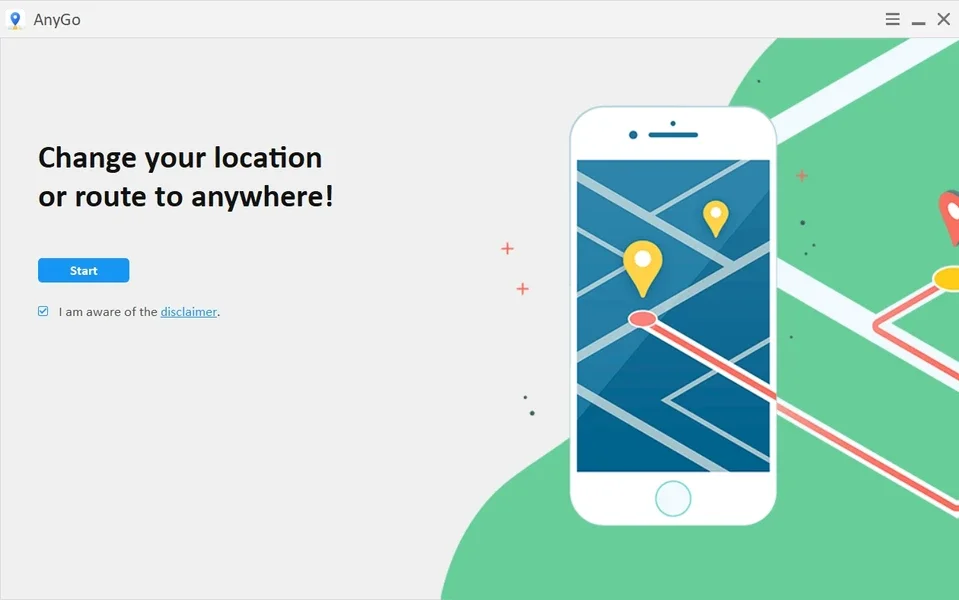
Description
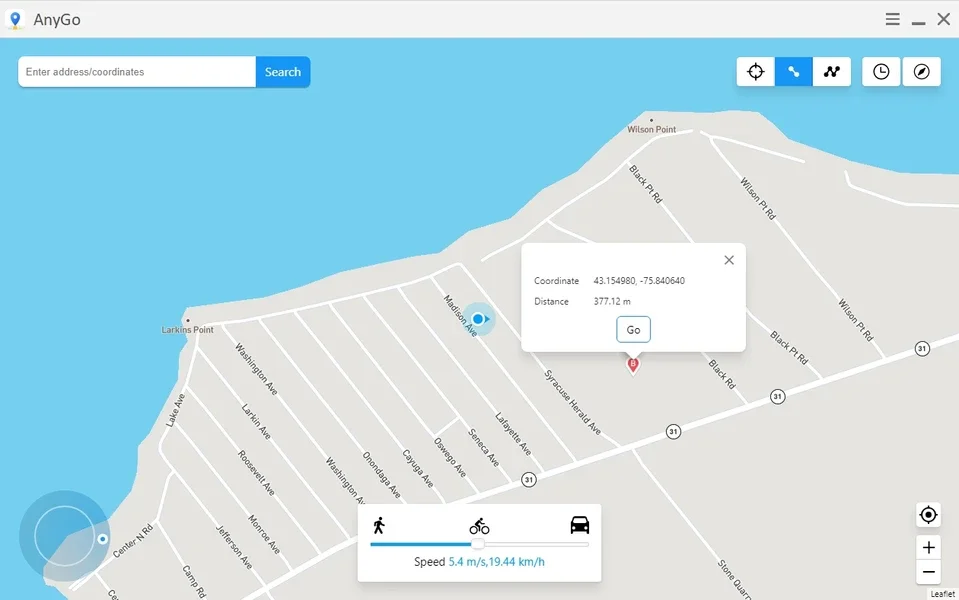
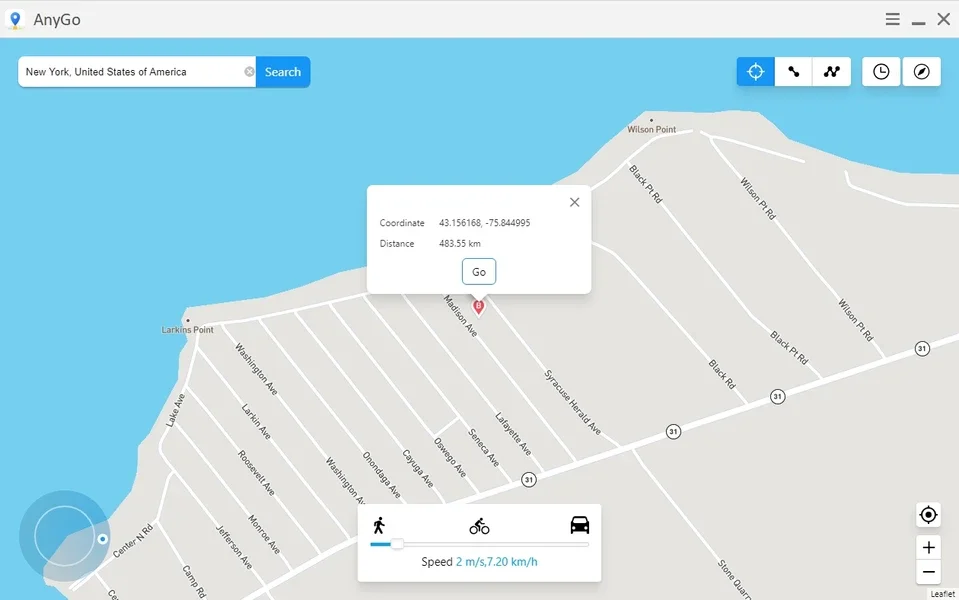
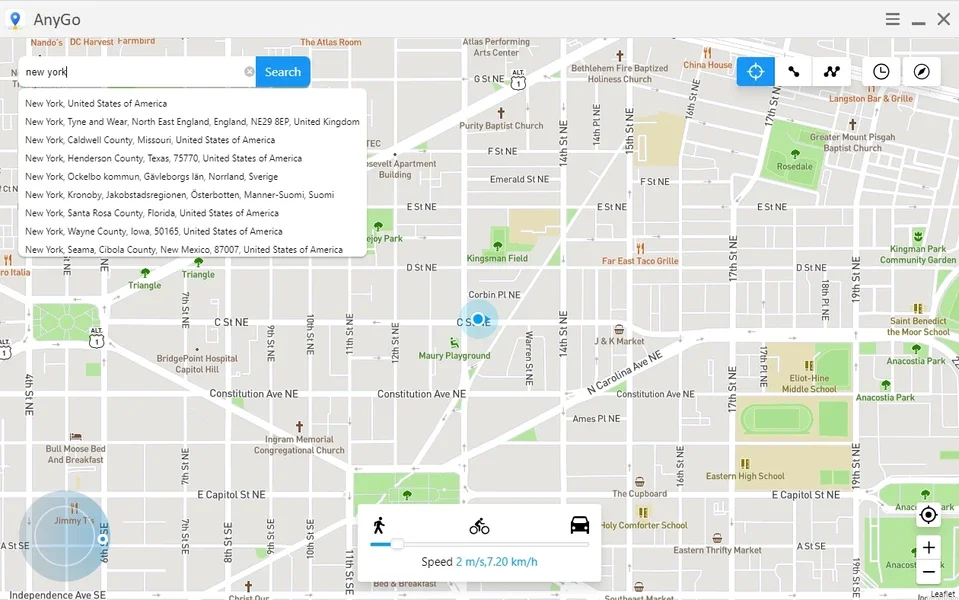
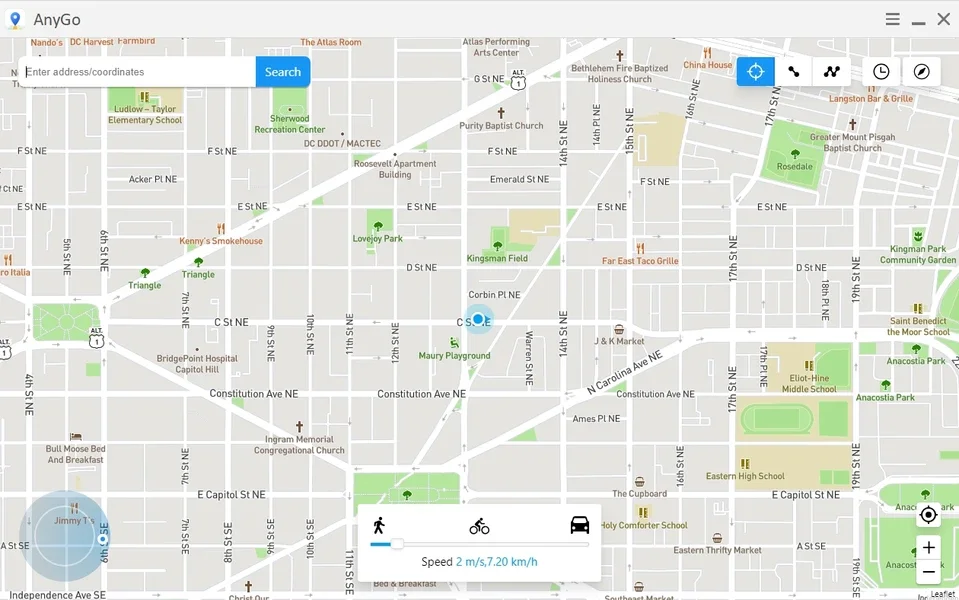
AnyGo changes the GPS location a device reports, on PC or mobile, at no cost. A few clicks set a new position. A central button starts automatic movement.
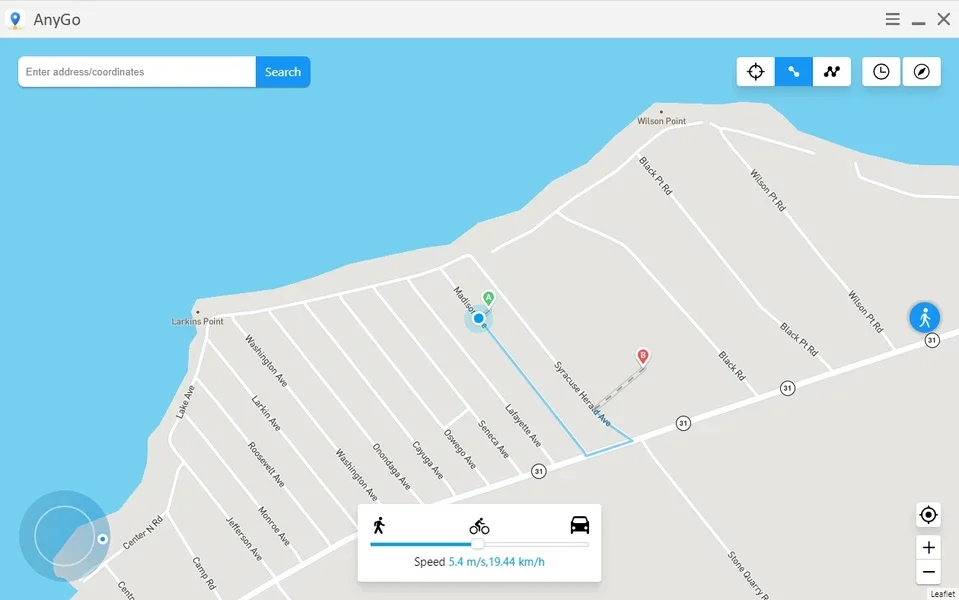
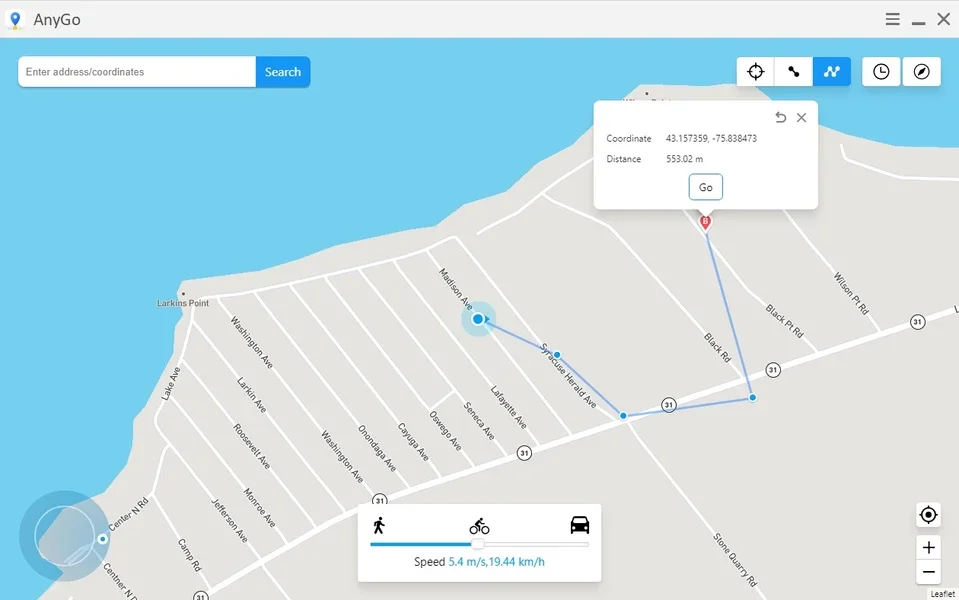
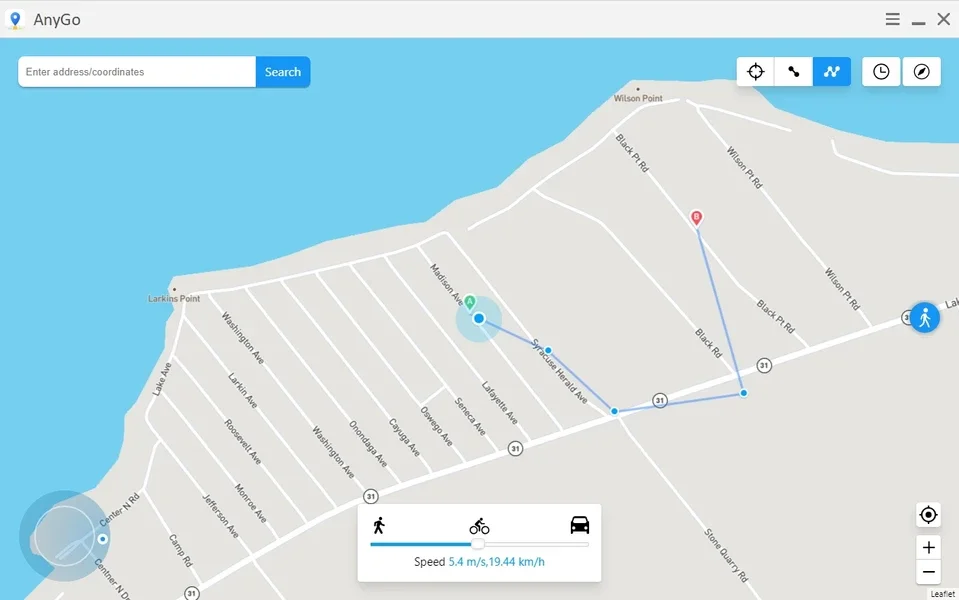
Movement can follow a route you import from a GPX file, or one you draw yourself; favorite routes can be saved. Speed is adjustable, and a realistic mode varies it along the way. Direction turns through 360 degrees. You can pause at any time. On a PC, a joystick and keyboard controls give finer steering, and a cycle time can be set so a route repeats.
The mobile app has three ways to move: between two spots, across several spots, and a jump that teleports. Up to 15 devices can show emulated coordinates at once. Locations visited are saved automatically. Wi-Fi-based spoofing is available as well. The Cooldown Timer is aimed at Pokémon Go players, and GPX files can be imported for rewards in location-based games. Used with location-based games or apps, it risks being flagged or banned.
Download files
24264e6186cb8c630737a989b9c5c1c685e40ee20da0e3e3ac60ad3a6f06c83b
Signed by Shenzhen HappyDog Technology Co., Ltd. · valid until Jan 4, 20260609f930d20bfe2102c826adda955c54f2aa870d6dcde176e0c571a0f66be5d5
Signed by Shenzhen HappyDog Technology Co., Ltd. · valid until Jan 4, 2026d4016051e4b2a27cba2b8ebd20efc0aff902eaf545e00df839f9ffa317b661b4
e82e0a3ab7ad7ce766e34556a318a9ecefa8069a4d4b192022c1805c4170d0a2
c8103ade48b9dfd66497a470cc9ef013fba3fa82c3c3276009639bd7e2134c55
System requirements
Available on:
Minimum OS:
Windows Windows 8 or later
Additional information
Developer
Latest release
Size
Category
File type
SHA-256
24264e6186cb8c630737a989b9c5c1c685e40ee20da0e3e3ac60ad3a6f06c83b