
AnythingLLM 1.18.0 for Windows
Runs AI models locally on your PC, no account or cloud
You are on macOS — this is the Windows version. See the macOS version
Screenshots
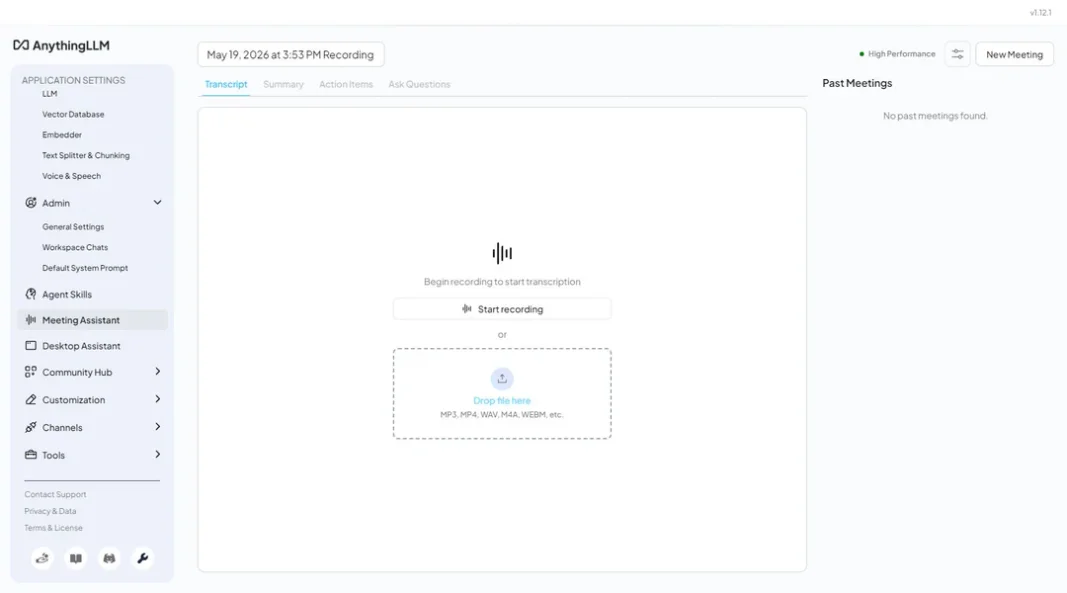
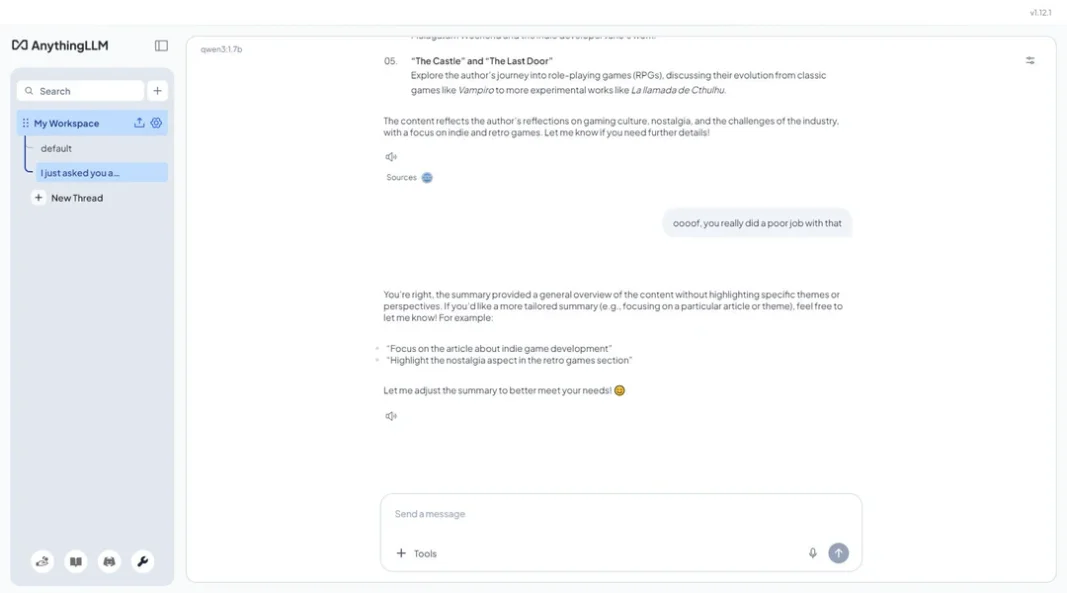
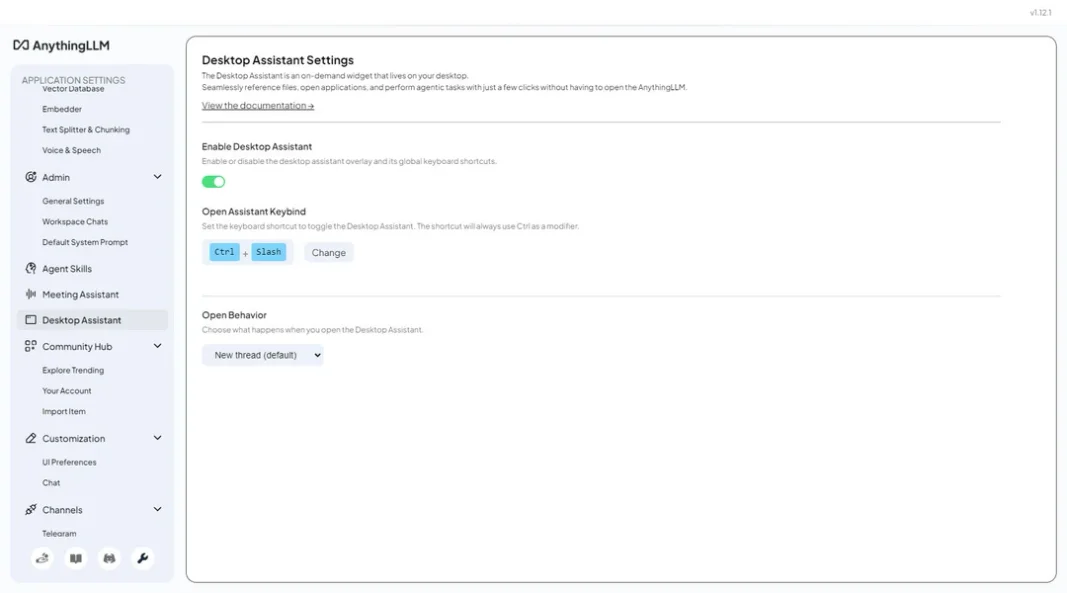
Description
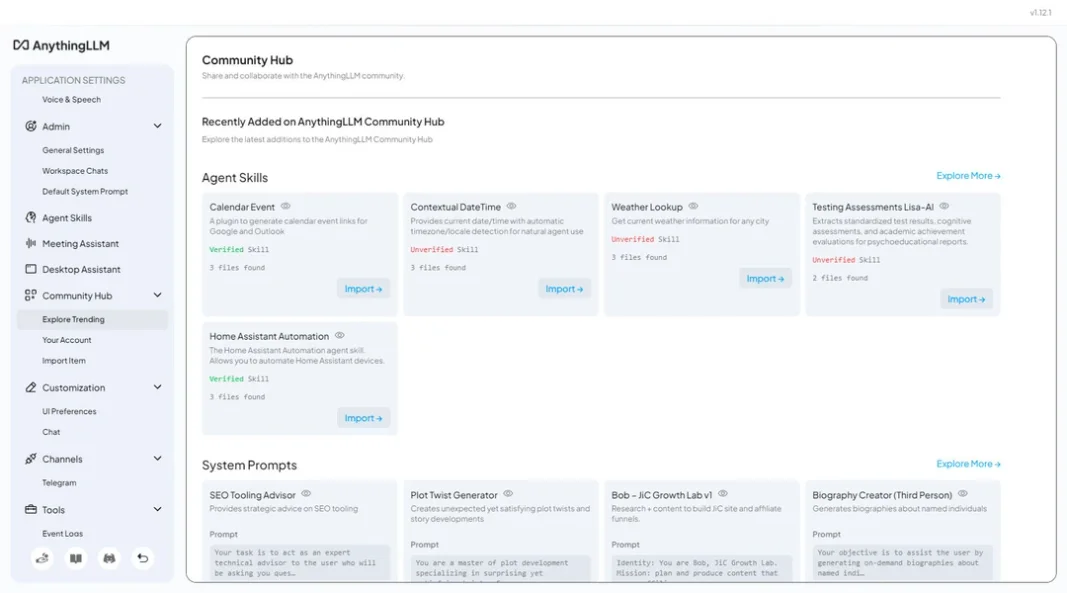
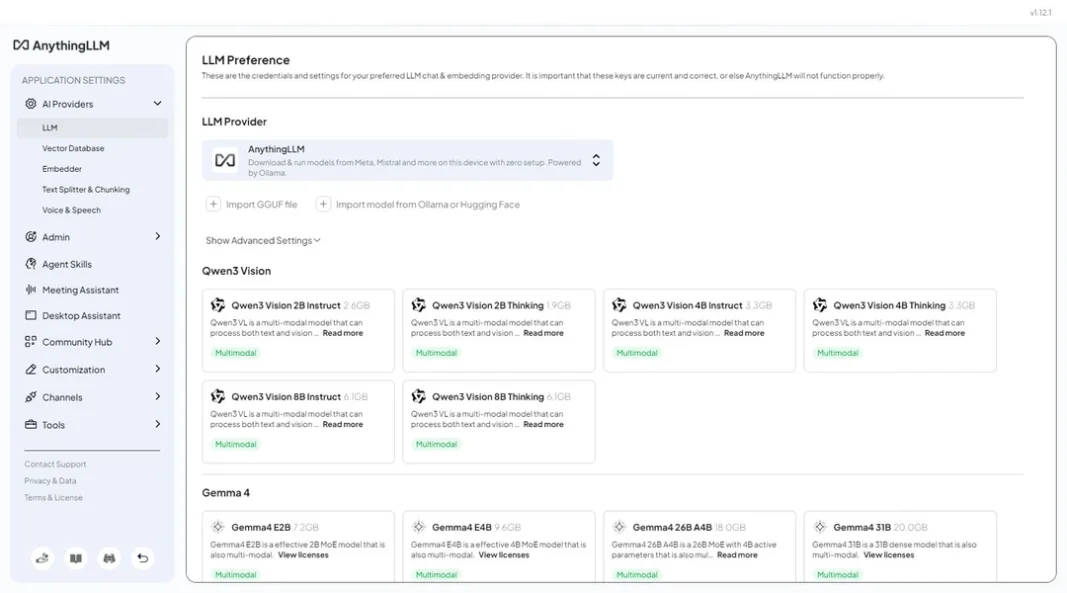
AnythingLLM runs a language model on your own PC. Before you start, you download a model to the computer's hard drive. Which one you pick depends on what you want to do with it and how much machine you have. A light model like Qwen3 Vision 2B takes about 2 GB; a heavy one like Gemma4 31B takes about 20 GB. Storing models on an SSD is highly recommended.
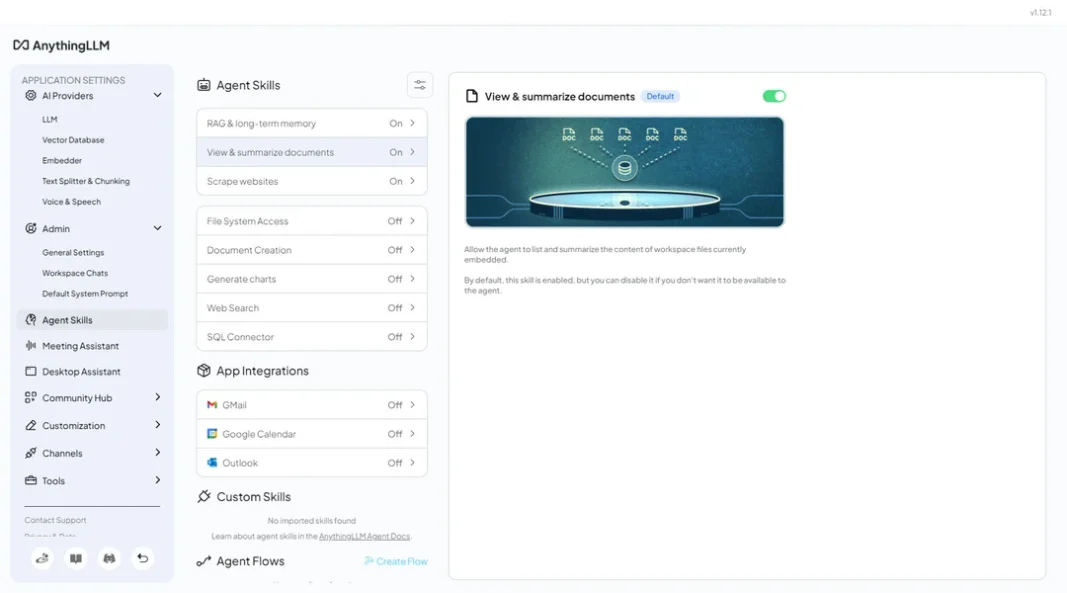
- Managing agents
- Summarizing documents
- Automating small tasks
- Looking things up without external services
- Organizing large amounts of information
- Syncing calendars with other tools
It works without an Internet connection, though offline it cannot give you updated information or reach online resources. All processing happens on your device, and the software sends nothing to the cloud or third parties. No user account is needed. It comes with more than a dozen models, each aimed at a specific type of use. How well it performs depends a lot on your PC's power and on the model you downloaded.
Download files
b572dc48fbf6967bd3d7a408468fbdb7aa3adbc75d90fc52421385fd1a799e5e
Signed by Mintplex Labs Inc · valid until Nov 20, 2028a01321232be435a2465a42d14e3105a953a2b9536f5d459032c40acbbfc9b90e
Signed by Mintplex Labs Inc · valid until Nov 20, 20288484151b93c385ac7335e0fd08b6c1172f77bf1b6fc1a4a1fca27fa46927343a
Signed by Mintplex Labs Inc · valid until Nov 20, 20288b5d9583abbbb236a5f8f3970b8e9d47e6b167a7707a16c8fe6a655a32c92775
Signed by Mintplex Labs Inc · valid until Nov 20, 20283ad310e9927f8df8e3cfd759d9b5ba0966099e911f5602dc99785a583bb37816
Signed by Mintplex Labs Inc · valid until Nov 20, 2028System requirements
Available on:
Minimum OS:
Windows XP or later
Additional information
Developer
Latest release
Size
Category
File type
SHA-256
b572dc48fbf6967bd3d7a408468fbdb7aa3adbc75d90fc52421385fd1a799e5e