ApowerMirror 1.1.1.6 for Windows
Mirror an Android or iOS screen to a desktop over USB or Wi-Fi
Screenshots
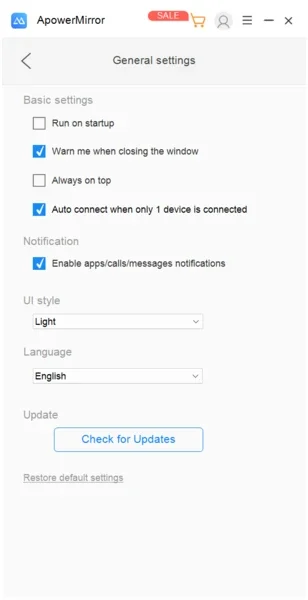
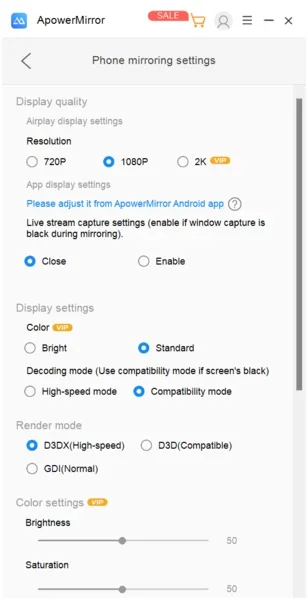
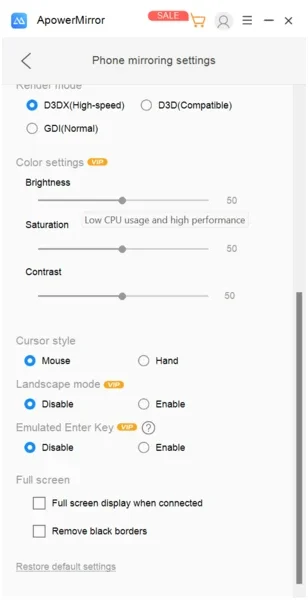
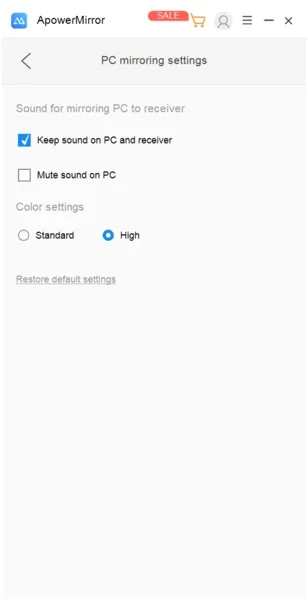
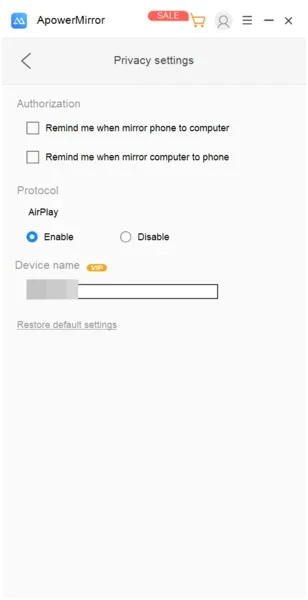
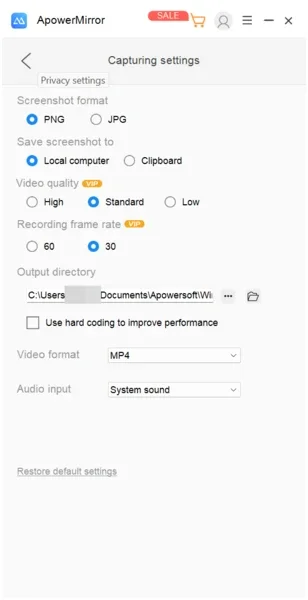
Description
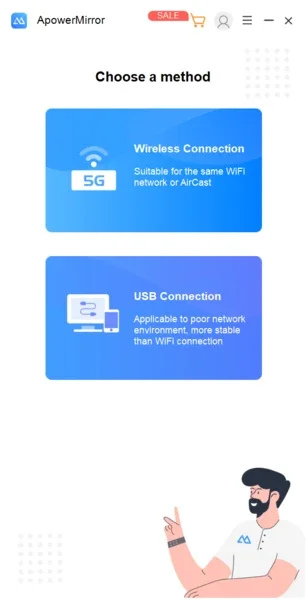
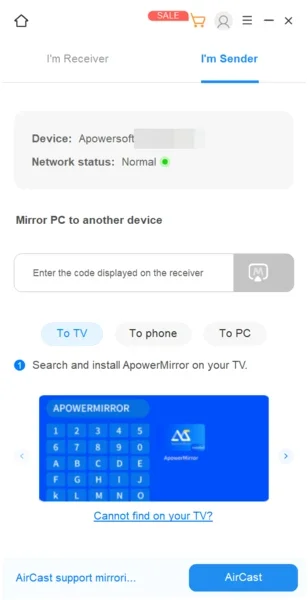
ApowerMirror sends a phone's display to a desktop or a supported TV receiver, with the video and audio going to the larger screen. You connect over USB, Wi-Fi, or a remote sharing tool; USB tends to hold up better for live use than wireless mirroring. Android devices can be driven from the computer with a mouse and keyboard, and game keyboard mapping is supported.
Recording and markup
Sessions can be recorded and screenshots taken while mirroring. A whiteboard lets you mark up the shared screen. One desktop view can hold up to four devices at once.
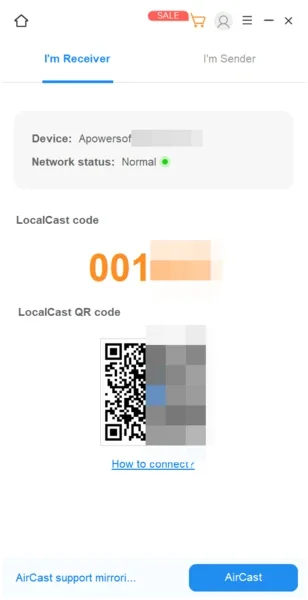
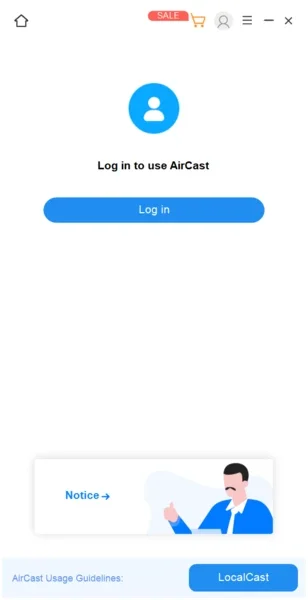
AirCast carries screens between devices sitting on different networks. Remote-control options differ by device type and how you connect, and picture quality depends on the device, the network, and the sharing method. High-resolution mirroring works where the hardware allows it, though the result also depends on the access tier. The trial runs for a limited time with limited features; premium unlocks longer sessions and additional capabilities. Android control needs a mouse and keyboard.
Mirrored screens can expose notifications, messages, and account details on the desktop. The app is made by Apowersoft Limited.
Download files
61bbd85a0dca5a80d214bd0b57e81c22107594b680c899d039cb8f075c65416a
Signed by Apowersoft Ltd · valid until Dec 12, 2026e93dc57a998bf4dd65fdeaa8247a1d5d677758c1509f297b5045df5e5f20d8a3
a05263b8df7764c6ceb033aa81bc0e1c28d953f23b20eefc7fe8c8f56f1a8192
fdcd3167f4a9e197bc49f17ac19a468ca457d04a25c5093954508079b91a3118
b022f095a9b27eb40ec02499d27d116ec200bb22db85ffdcb076401ccaa349e8
System requirements
Available on:
Minimum OS:
Windows XP or later
Additional information
Latest release
Size
Category
File type
SHA-256
61bbd85a0dca5a80d214bd0b57e81c22107594b680c899d039cb8f075c65416a