
Apowersoft Screen Recorder 2.1.1 for Windows
Records your screen, a chosen area, or the webcam, with system and mic audio
Screenshots
Description
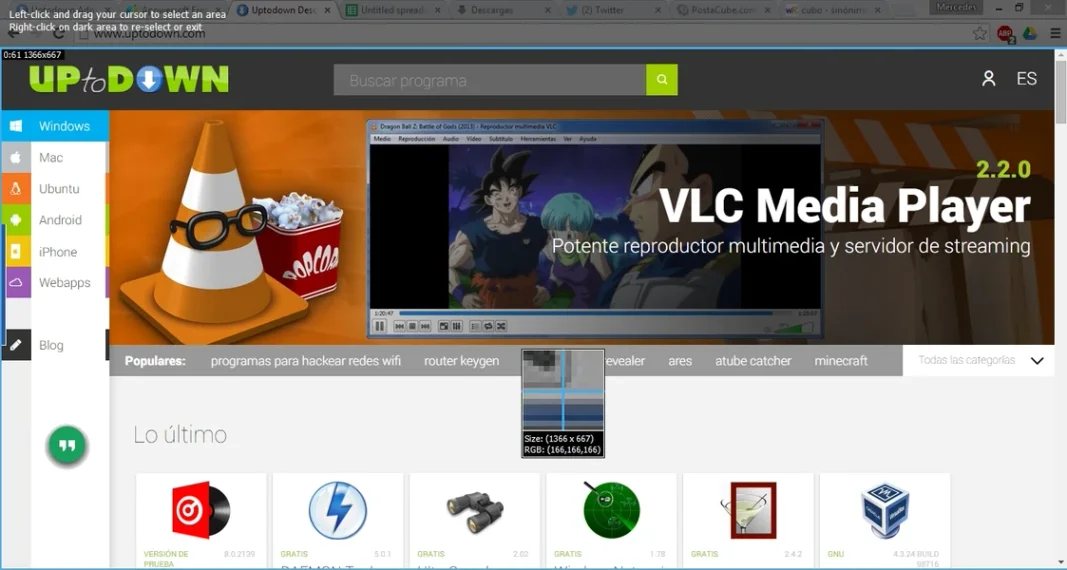
Apowersoft Screen Recorder records video and audio on a Windows computer. You pick a mode first, then start capturing. Full screen mode takes in everything on the display, while customized section mode records only within an area you mark out. Webcam mode captures whatever is in front of the camera.
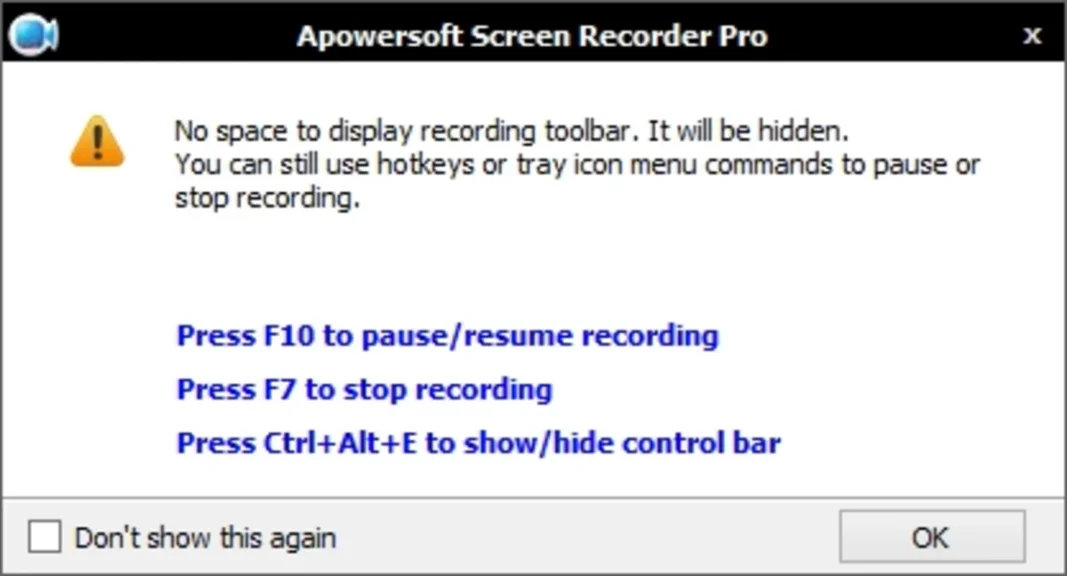
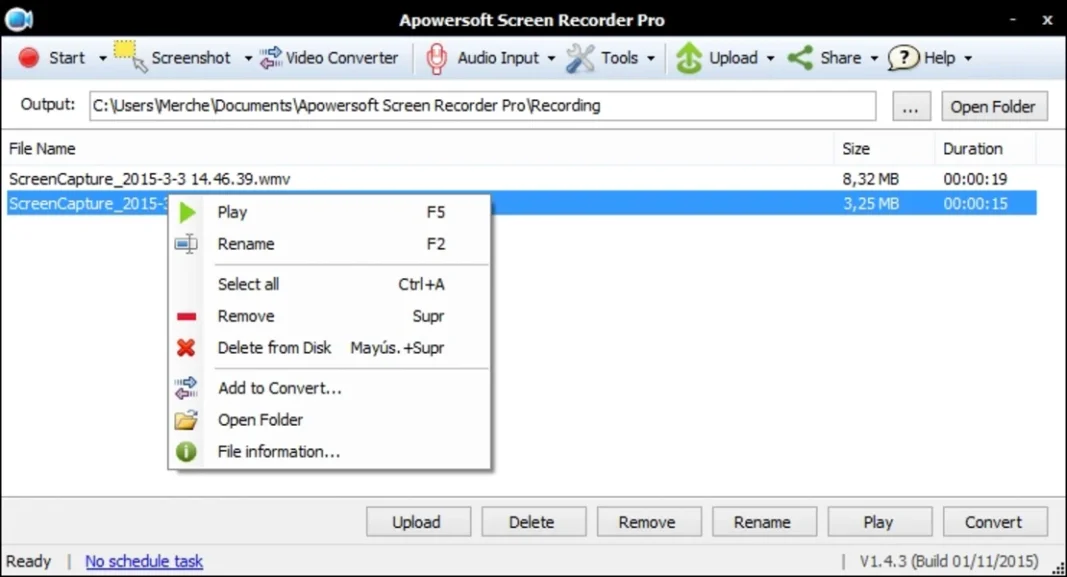
Before you start, set the audio source to the system, the microphone, or both. A stop time can be set to limit what is captured, and the computer can be set to turn off automatically after recording finishes. Recording can also be set to start on its own, either for a specific program or at a specific time. The full version has no time limits on recording length. After a session, the audio and video formats can be changed.
The program is proprietary and runs on Windows.
Download files
48cc5366658837a120329204393d2747ef18cec4458ffe5c58f4c51f5e8123e0
Signed by Apowersoft Ltd · valid until Jan 22, 20191af6495026c70dd441e7dd2467da9b3af25f1ae589737a0efbe7c8b0112fc261
System requirements
Available on:
Additional information
Latest release
Size
Category
File type
SHA-256
48cc5366658837a120329204393d2747ef18cec4458ffe5c58f4c51f5e8123e0