
Audio Converter 4dots 4.15 for Windows
Drag audio files in, pick a target format, and convert
Screenshots
Description
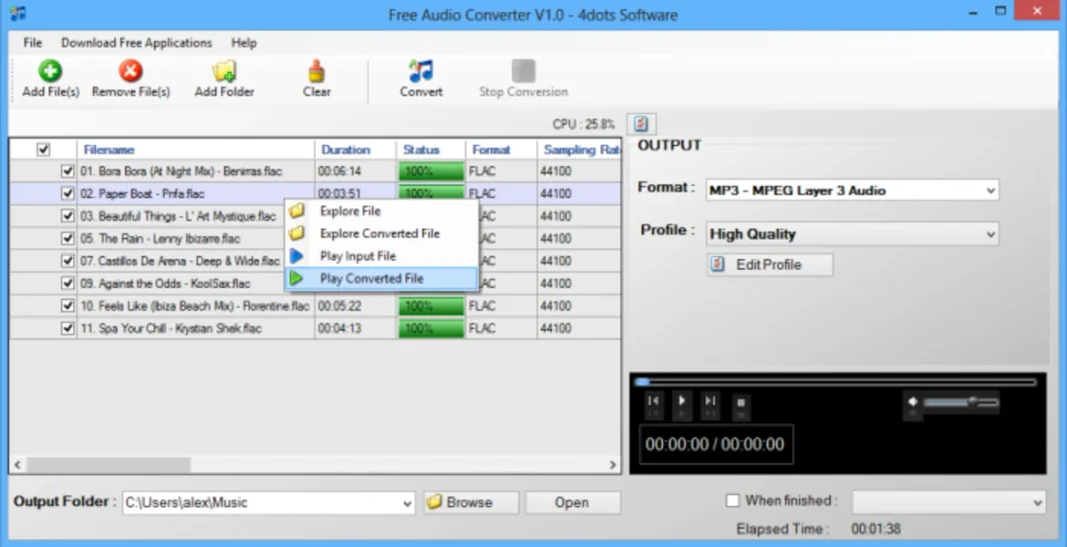
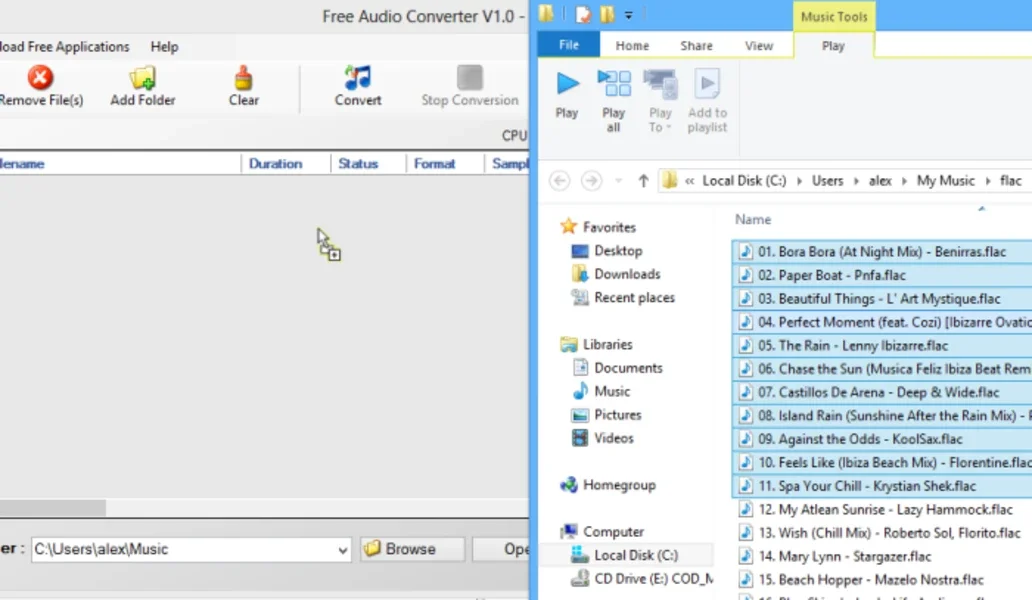
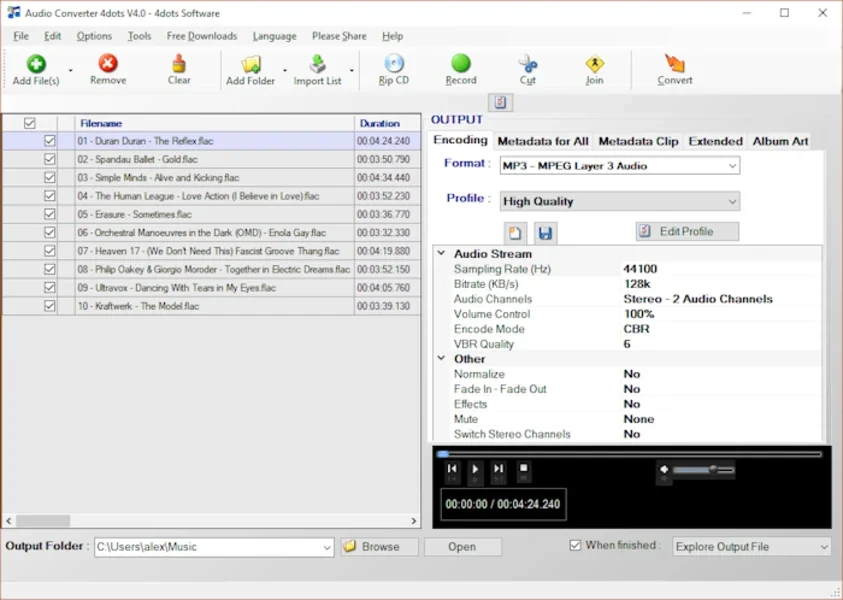
You drag your audio files onto the main tab of Audio Converter 4dots and choose the target format. Clicking Start begins the conversion automatically.
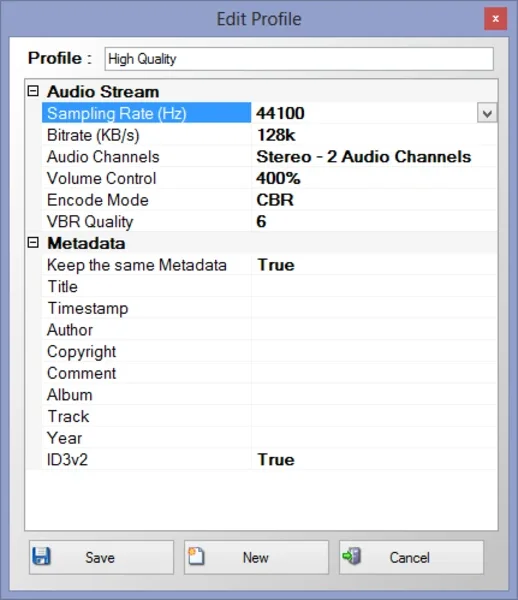
Finished files land in the program folder, or in a location you choose instead. Quality can be adjusted, which is how you shrink large files. Document metadata can be customized as well, so the details written into the output are yours to set rather than whatever came in with the source. The drag-and-drop step and the format choice are the whole of the setup before Start does the work, and the output location and the quality setting are there to change if the defaults do not suit the batch.
The program runs on Windows. It is proprietary software from 4Dots Software, distributed as a trial, and the current build is 4.15.
Download files
19b05a5a6e93e9a03f3df17a5331ffc456797dd15f96f7dd8a6e18e4a958ee86
No digital signatureSystem requirements
Available on:
Additional information
Developer
Latest release
Size
Category
File type
SHA-256
19b05a5a6e93e9a03f3df17a5331ffc456797dd15f96f7dd8a6e18e4a958ee86