
AuthGeek 1.0.0 for Windows
SHA-256 listed
Stores two-factor codes locally in one encrypted vault file
All ages
Age rating
Screenshots
Description
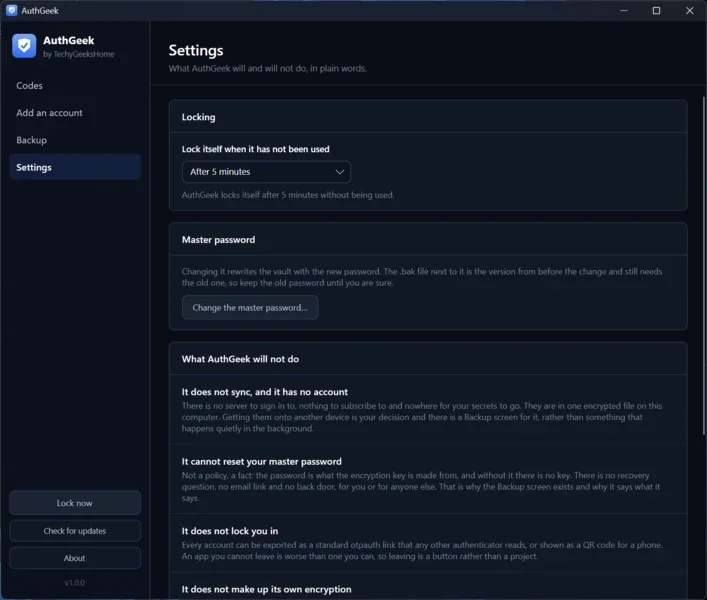
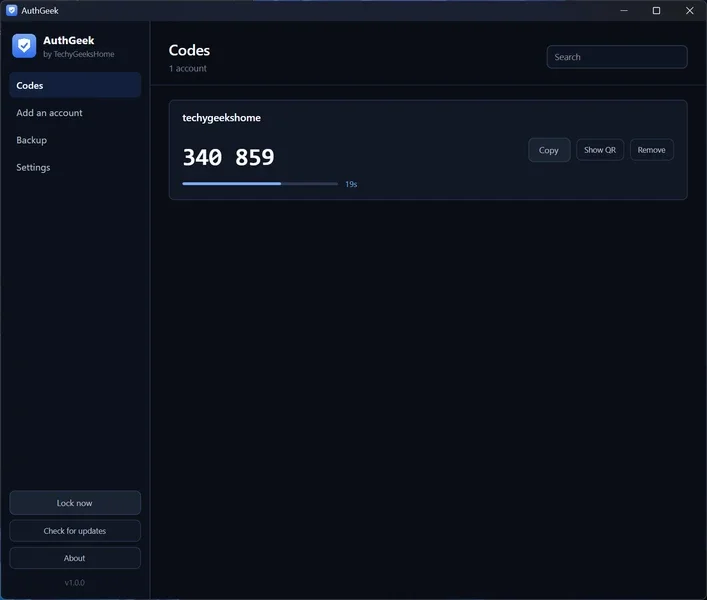
AuthGeek keeps two-factor codes on your own PC, in a single encrypted file. You set a master password to create the vault, and that password cannot be reset. The vault stays on the local machine. There is no account, no server, and no sync.
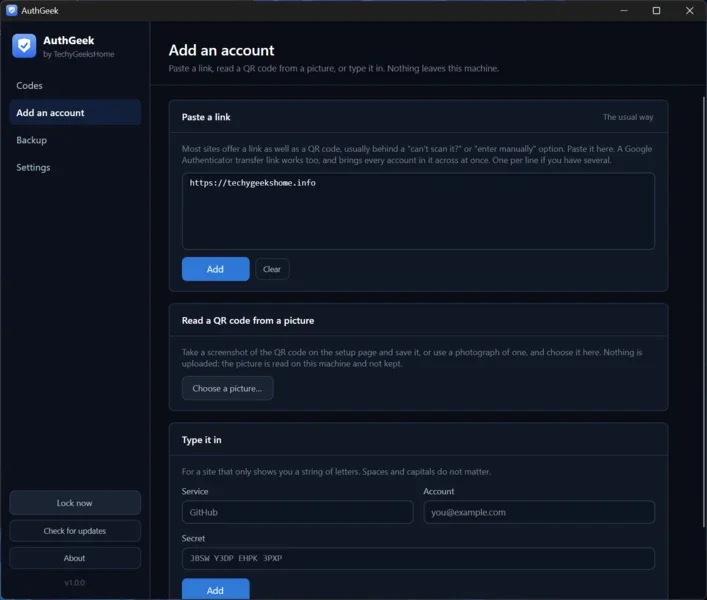
- Add accounts by pasting an otpauth setup link, scanning a QR code from a screenshot, or typing the secret by hand.
- TOTP and HOTP both work.
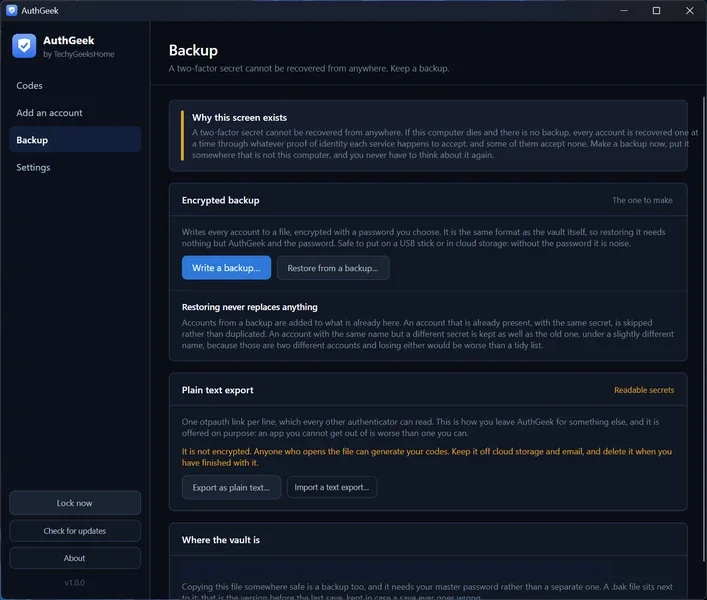
- Back up to a plain text export, or to a file that is encrypted and carries a password of its own.
- Restore does not quietly overwrite what is already there.
Backup and restore were built before the other features. It is free to use, including at work, and contains no adverts and no telemetry. AuthGeek runs on 64-bit Windows 10 or Windows 11 and is open source under GPL 3.0.
Download files
File1.0.0EXE
Version1.0.0
ReleasedOct 16, 2026
Size29.8 MB
SHA-256
Get
004e1ba38c37bf60e6cc65396511ebcae0d554bccb4be9eec78762af1f9be302
No digital signatureSystem requirements
Available on:
Additional information
Developer
Latest release
1.0.0 · Oct 16, 2026
Size
29.8 MB
File type
EXE
SHA-256
004e1ba38c37bf60e6cc65396511ebcae0d554bccb4be9eec78762af1f9be302
Digital signature
No digital signature