Batch HTML to PDF Converter Software 3.8.0 for Windows
Converts a folder of saved web pages into PDF or TXT in one run
Screenshots
Description
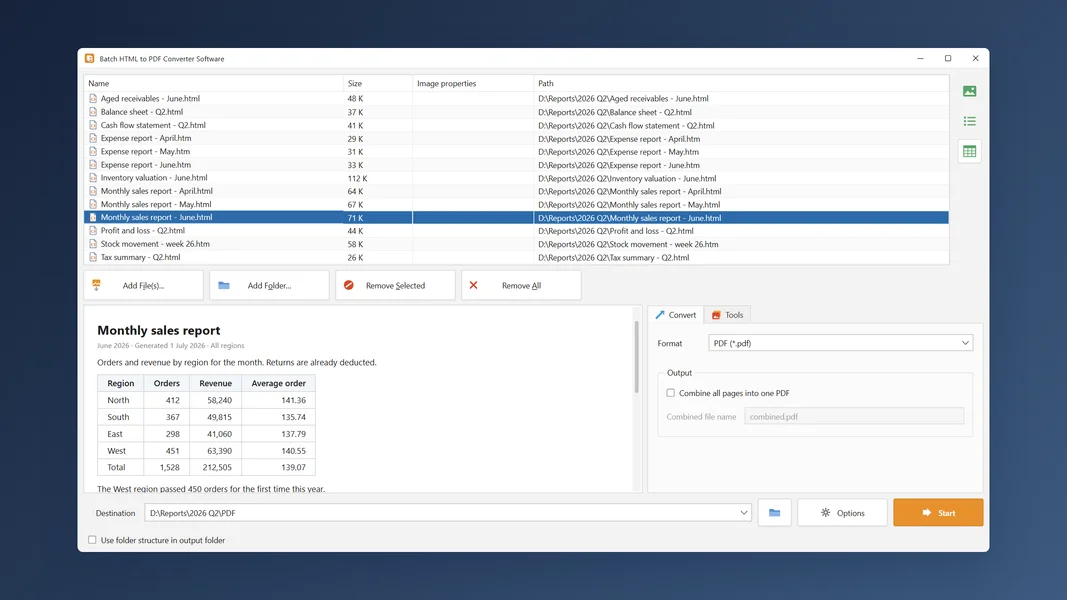
Batch HTML to PDF Converter Software turns a folder of saved web pages into PDFs in one run. It is an HTML to PDF converter for Windows. Nothing is uploaded. Each page is read from local disk along with the images stored beside it.
- Add Folder queues a directory of HTML, HTM and XHTML pages; files can also be dropped onto the list.
- The queue has no file limit.
- Output is one PDF per page, or all pages merged into a single document.
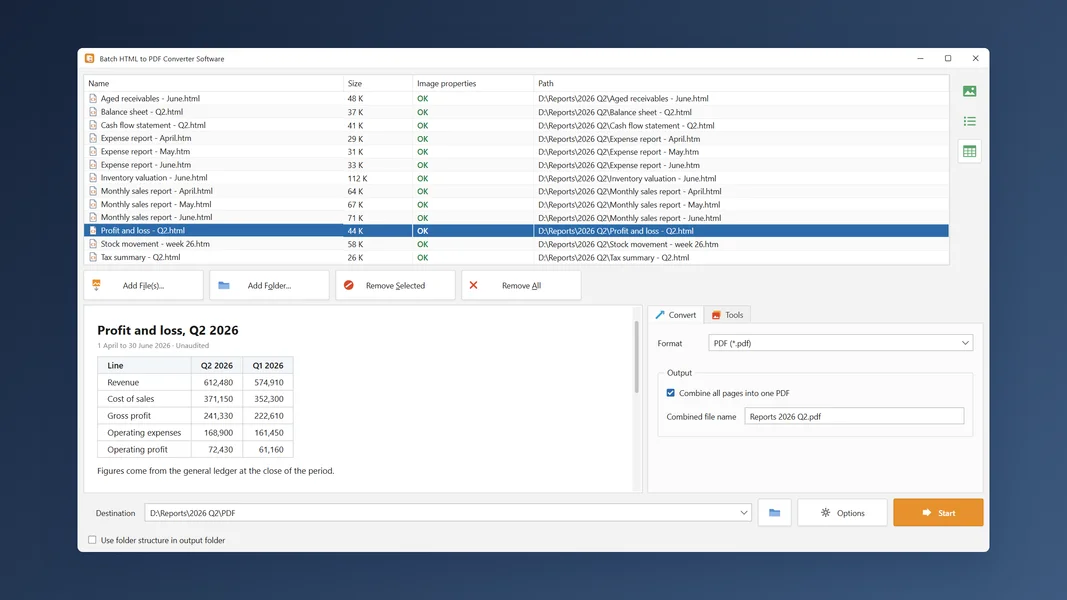
- A finished page is marked OK.
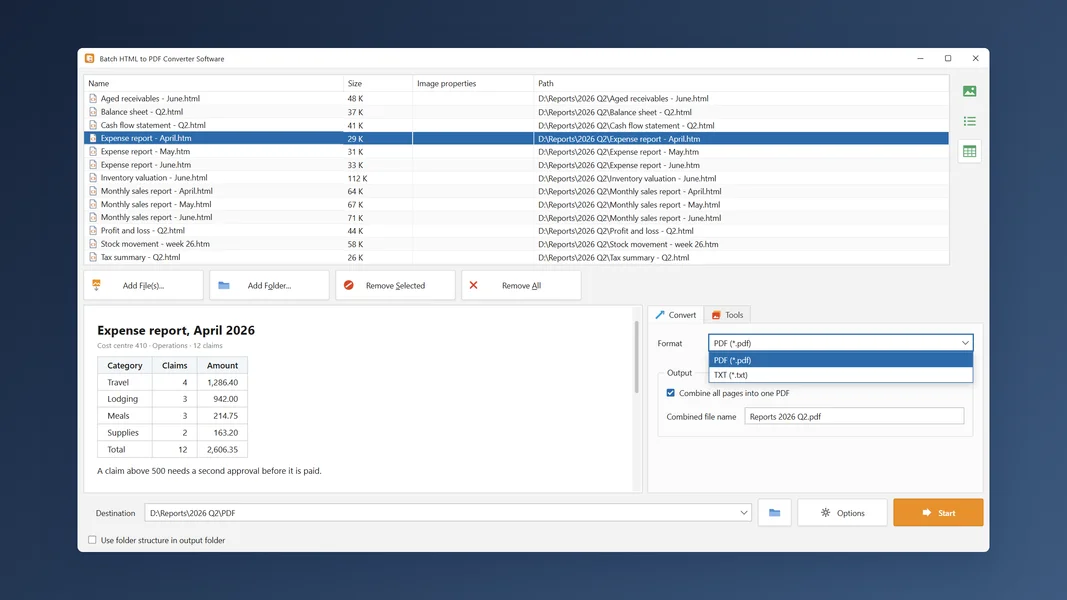
The resources folder has to stay next to each page. The program looks for it by name and pulls images from it, whatever name the browser gave the folder. Grid, Flexbox and CSS variables all render. The renderer runs with networking disabled and JavaScript off, so the PDF holds only local content. One PDF per page is the default; ticking Combine all pages into one PDF and filling in Combined file name gives a single document. Merging follows list order from top to bottom, with no sorting, so add pages in reading order. A page that fails to render, or that hangs for two minutes, is flagged and skipped without stopping the job. If a page sits at a path of 200 characters or more, it is copied first to a short temporary folder to avoid a blank result. HTML code saved from Notepad with the HTML extension reads like any other saved page. Output can be PDF or plain TXT.
Support is available by writing to SoftOrbits.
Download files
b2ae7bb27e6f1239aa0f13157d349ef590cc55dcaf15d12f19f16542d3325db7
Signed by SoftOrbits Company Limited · valid until Oct 9, 2027System requirements
Available on:
Additional information
Developer
Latest release
Size
File type
SHA-256
b2ae7bb27e6f1239aa0f13157d349ef590cc55dcaf15d12f19f16542d3325db7
Digital signature
Price
Report a problem
Nothing here yet.