
Bing Wallpaper 1.1.459 for Windows
Sets your desktop to wallpapers from the Bing homepage
You are on macOS — this is the Windows version. See the macOS version
Screenshots


Description
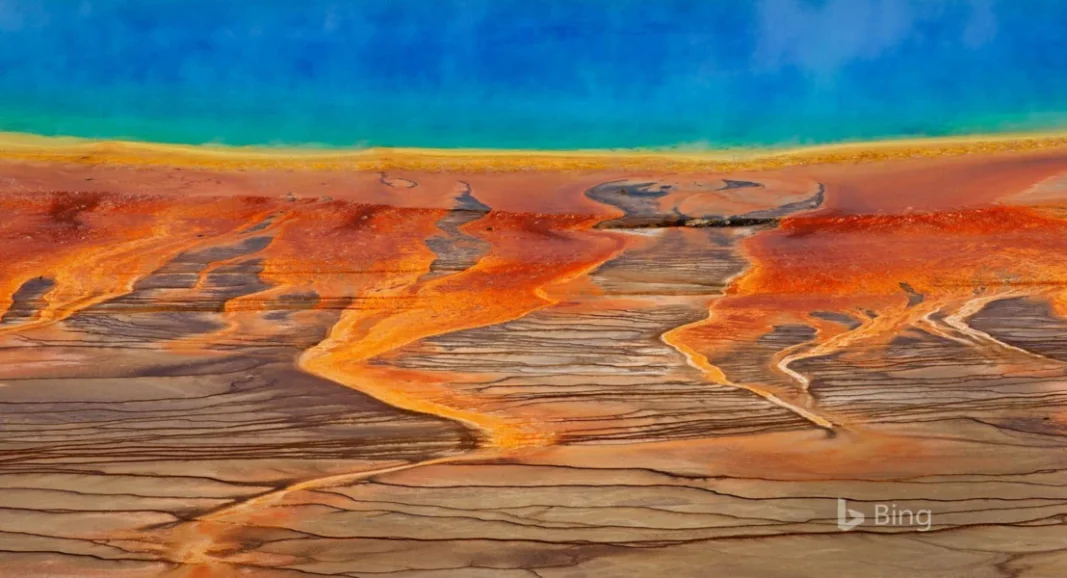
Bing Wallpaper collects wallpapers from around the world that have appeared on the Bing homepage, and you set one by cycling through the wallpaper reel. The program is free and made by Microsoft for PCs. After installation, an icon appears in the system tray, and clicking it opens a small settings window.
- The first option moves through wallpapers with left and right clicks.
- The second is a toggle for daily wallpaper refresh.
- The third opens bing.com in your browser for a new search query.
You can browse the full catalog and pick any wallpaper to set as the desktop background. The top of the window shows information about the current wallpaper, such as its location and source. The settings menu is minimal, and the program lacks additional features beyond the basic ones. Wallpapers cannot be downloaded or saved to your PC, and you cannot choose or set a custom resolution.
Download files
4e0aa0f9d0f650cb8093586820fd6c453db2893e7aab02a2e533b7340c9e911a
Signed by Microsoft Corporation · valid until Apr 15, 20275ffc8fcf18f6040eedbb0621a963974b8278e28b74e87a1adf4fc0fa11804b8c
Signed by Microsoft Corporation · valid until May 11, 2023fbaf1e778d5c3ff9feb56fb50ab44e7040a9b24bd1ed22ad8869dc5c0c1015c3
1ad30732463e6f60dd637562cbf14c5c151aa93d06d901bd8beadbc3345d51eb
6af7f9d8c0d52f7a6afa5d4ec247195db6ec2678fb5c6f09c26f800705182b19
System requirements
Available on:
Minimum OS:
Windows Windows 11 or later
Additional information
Developer
Latest release
Size
Category
File type
SHA-256
4e0aa0f9d0f650cb8093586820fd6c453db2893e7aab02a2e533b7340c9e911a