
Bluestacks AI 5.22.170.4024 for Windows
Runs OpenClaw locally on your PC and connects it to Telegram
You are on macOS — this is the Windows version.
Screenshots
Description
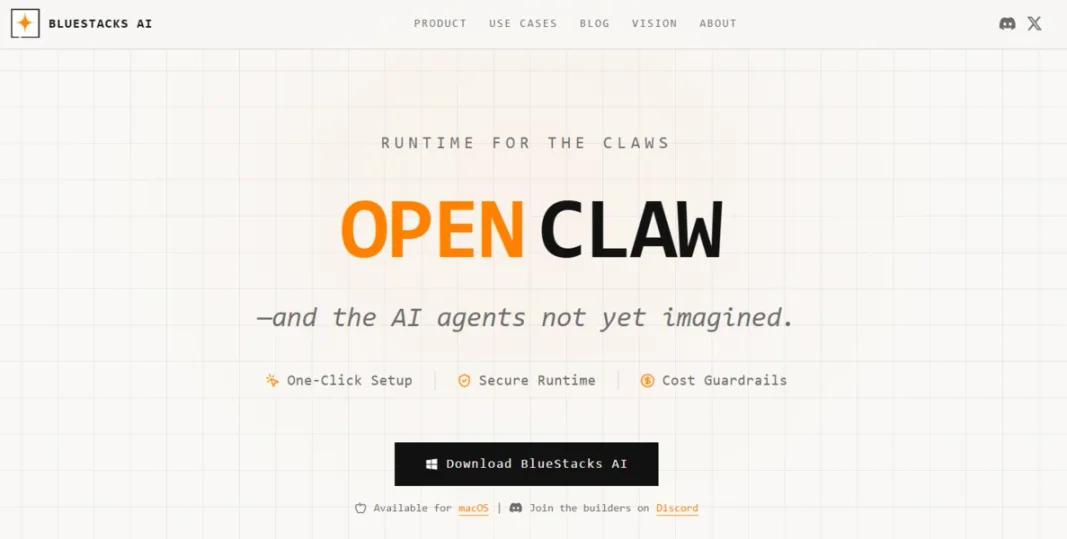
OpenClaw runs on your own machine. Conversations stay there too, since they are not sent to BlueStacks servers. To get it going, start at bluestacks.ai and grab the BlueStacks AI Runtime installer; the Runtime is free, and it works on Windows and Mac. Windows needs 16 GB of RAM with at least 4 GB free, plus 12 GB of disk space. On Mac you need an Apple Silicon (M series) machine and macOS 15.1 or later.
There are two ways to power OpenClaw. BlueStacks Prime is one: you sign in, complete the subscription flow, and get 5,000 AI credits. The other is your own key, where you pick a supported provider, choose the model, enter your personal API key, and click Start OpenClaw. Model costs depend on which provider or model you choose.
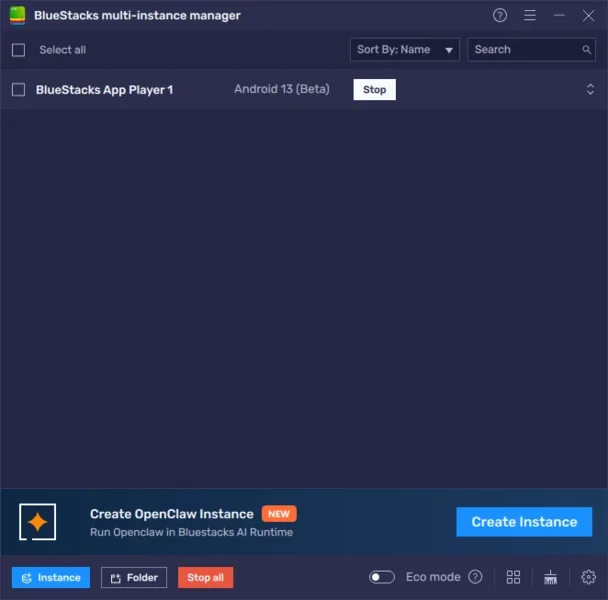
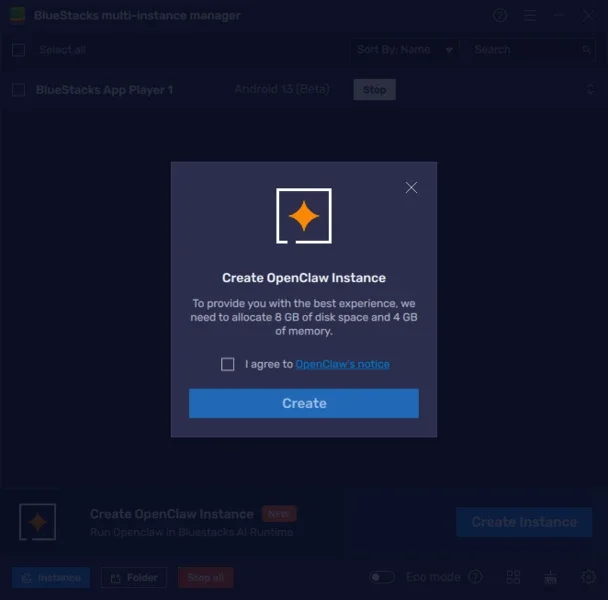
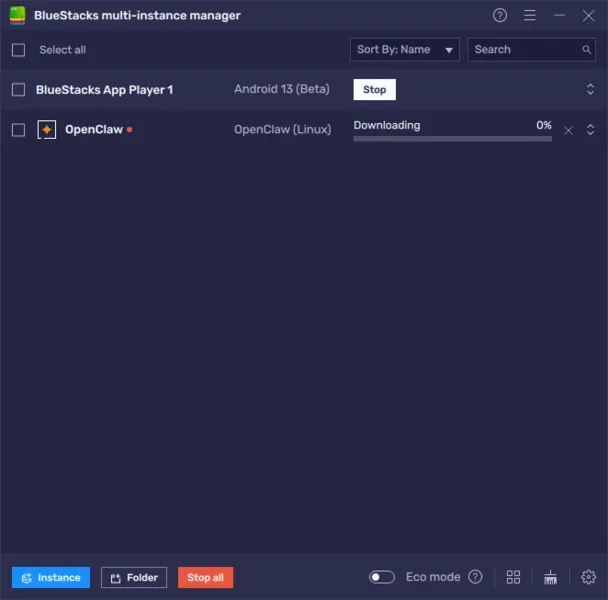
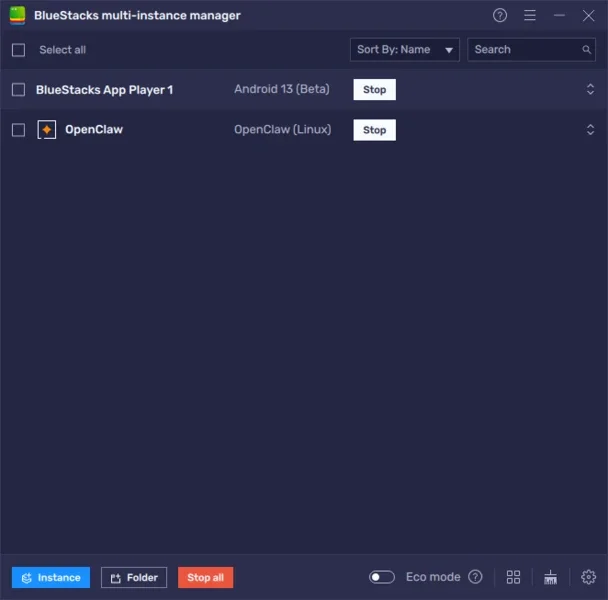
Next, create an OpenClaw instance in the Multi-Instance Manager by clicking Create Instance for OpenClaw, and let the download finish before you go on. You set a security password by choosing it, confirming it, and clicking Continue. From there you can message OpenClaw on Telegram from your phone while it keeps running on the computer. One limit: OpenClaw does not work while your PC is turned off.
Download files
6a4b32caa8332373ad163c87e3142d06a6de6e91ce7fc3507dc6de1e9667ea86
Signed by Now.gg, INC · valid until Mar 17, 2027System requirements
Available on:
Additional information
Developer
Latest release
Size
Category
File type
SHA-256
6a4b32caa8332373ad163c87e3142d06a6de6e91ce7fc3507dc6de1e9667ea86