
Blurb BookSmart 3.1.1 for Windows
Makes photo books in four steps, free
You are on macOS — this is the Windows version. See the macOS version
Screenshots
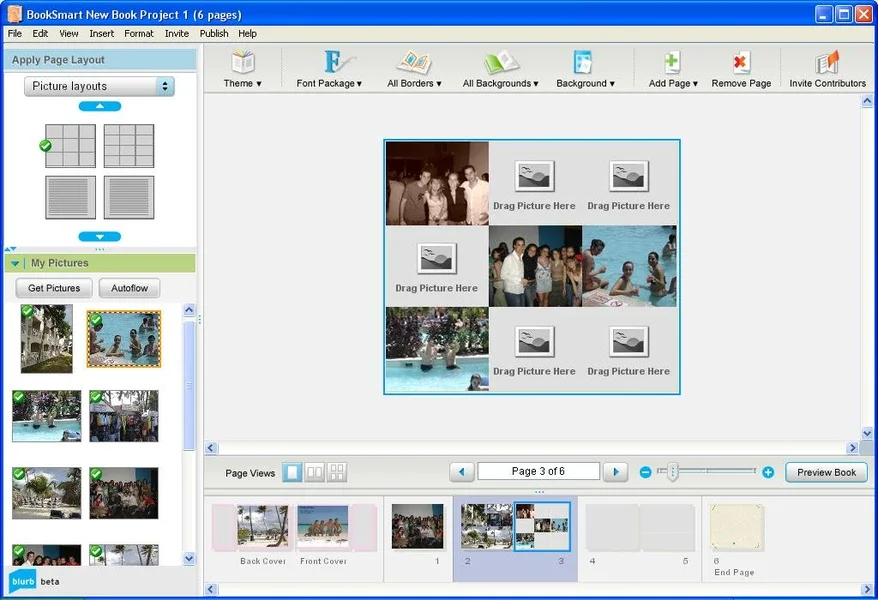
Description
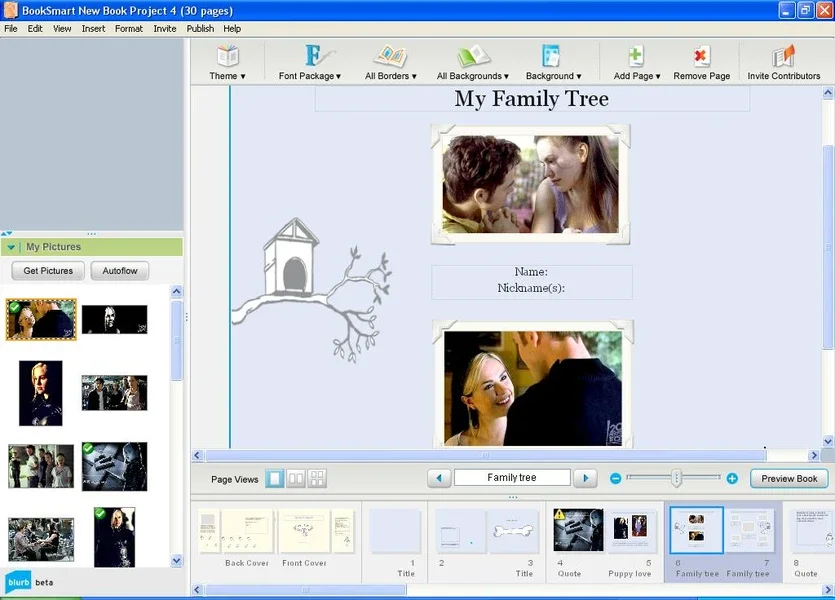
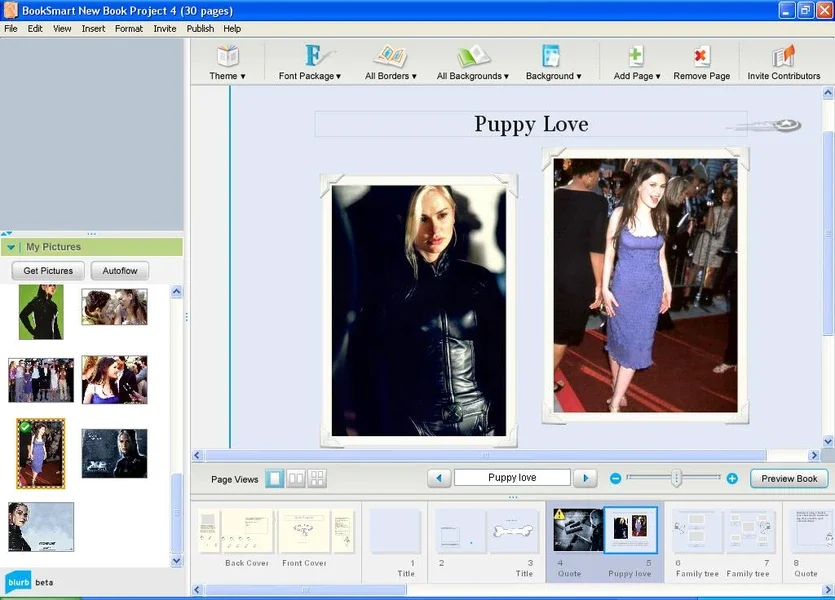
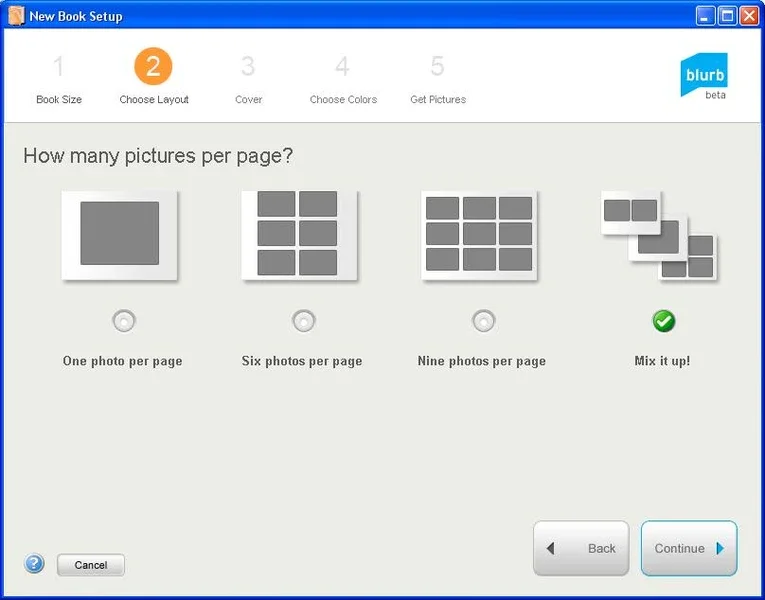
You make a book in Blurb BookSmart in four steps: pick a size, choose a template design, give it a title, and add the pictures. A book can be built by hand that way or with an assistant tool that walks through it. Photos go in by dragging and dropping them onto the marked area of the screen.
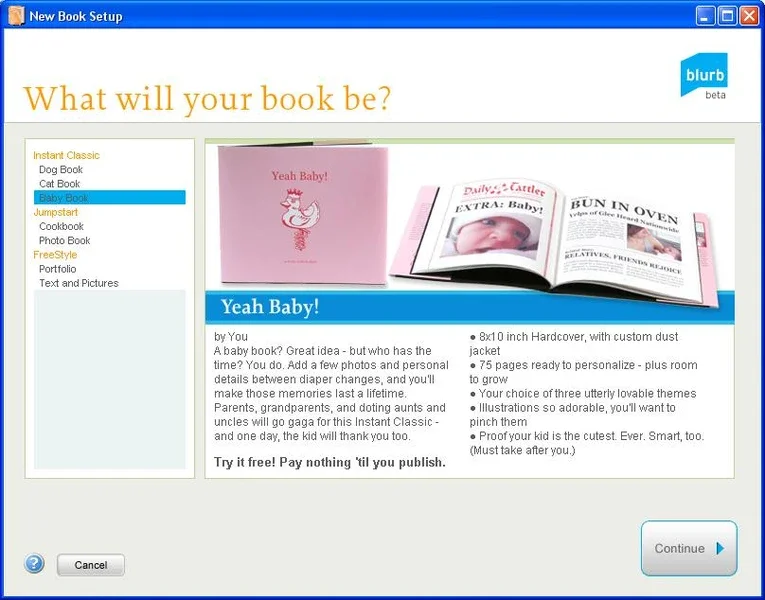
Templates cover themes such as pets, babies, cookbooks, and photo albums. When the book is done you have two routes for printing: print it locally, where the resolution holds up, or send it to the program's author for a high-quality print. If a PDF printer is set up on the computer, the book can also be exported to PDF. The output format itself is one that only this program opens, so keep the working files if you expect to come back to them.
Blurb BookSmart is free and runs on Windows.
Download files
3d813c8314fa1e01084670f61d637b28c9df77728b61f1dd2a6fb26d44321618
Signed by BLURB, INC. · valid until Oct 5, 201273f851d1519654e8b849b1f586cab594f5730e70040e38e193c2374df569fd90
System requirements
Available on:
Additional information
Developer
Latest release
Size
Category
File type
SHA-256
3d813c8314fa1e01084670f61d637b28c9df77728b61f1dd2a6fb26d44321618