
Borderless Gaming 9.6.0 for Windows
Runs games in a borderless window and fixes alt+tab
Screenshots
Description
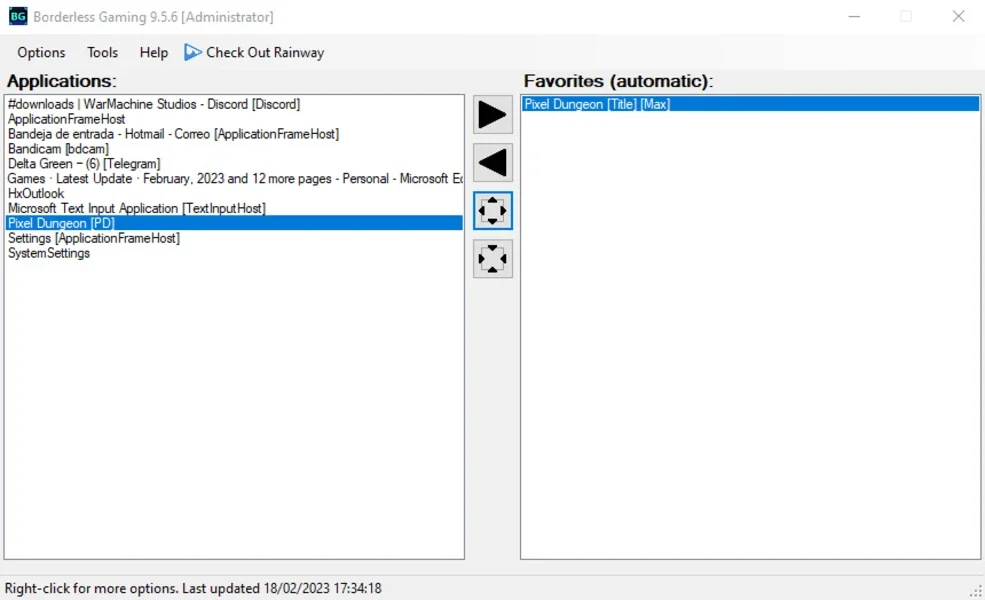
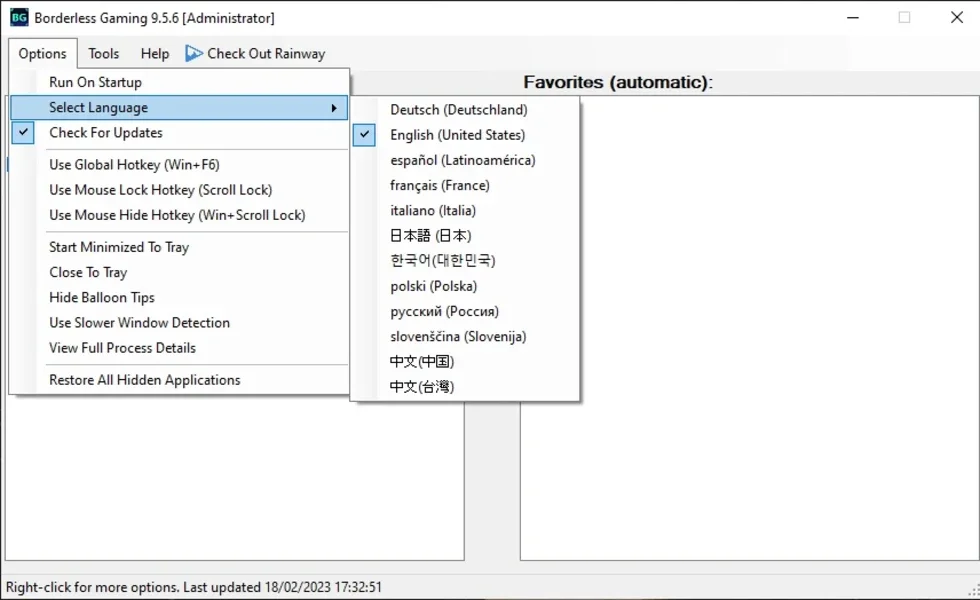
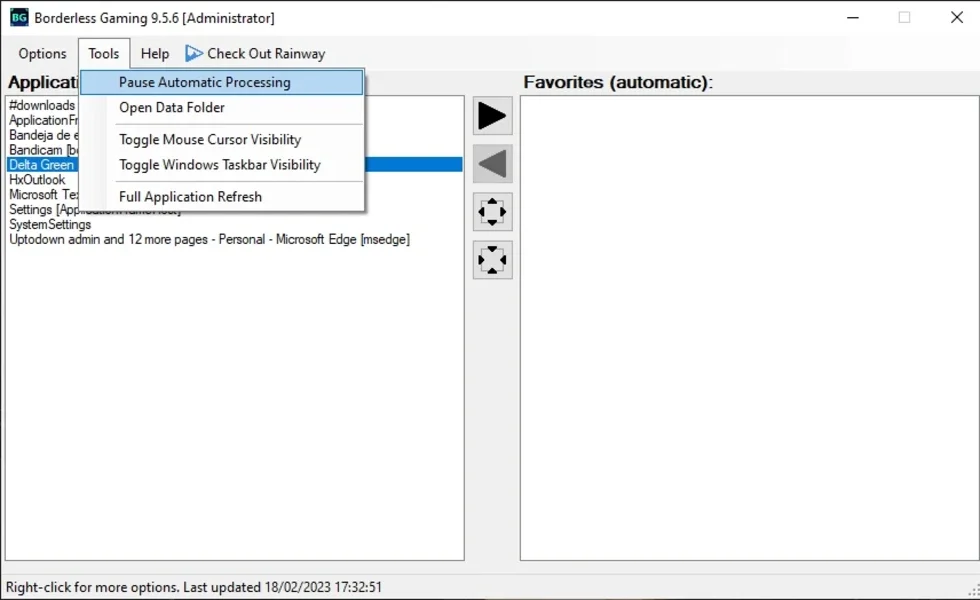
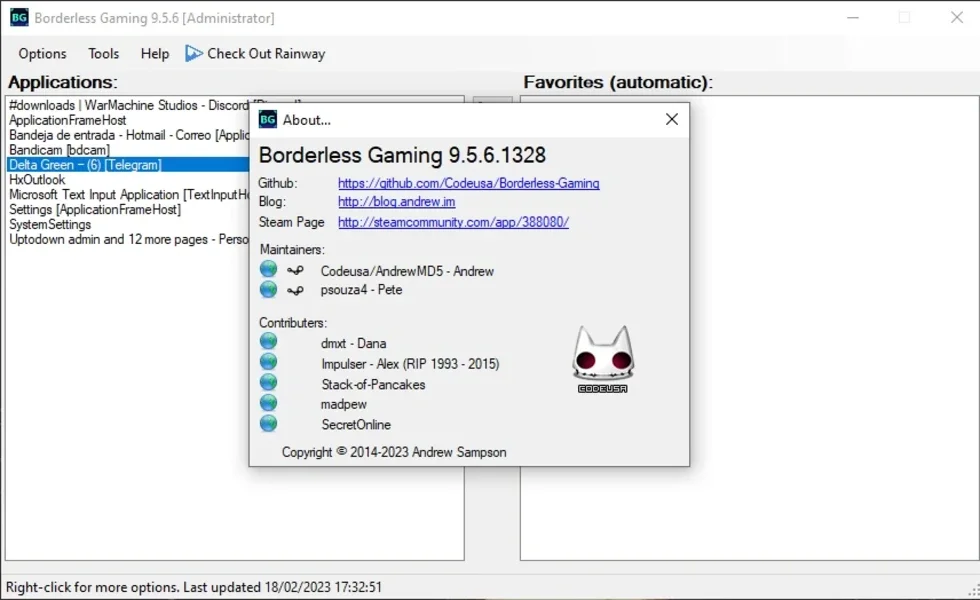
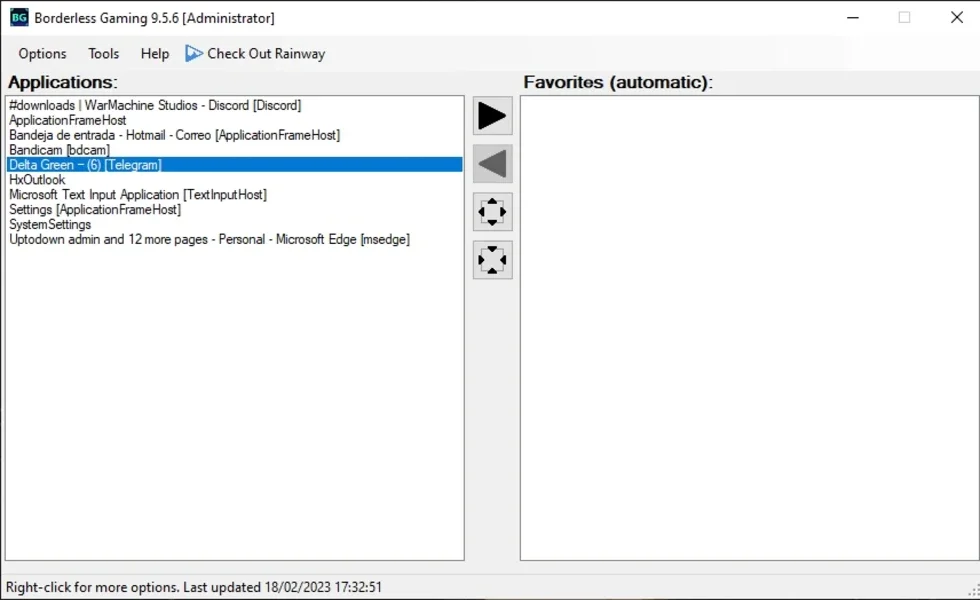
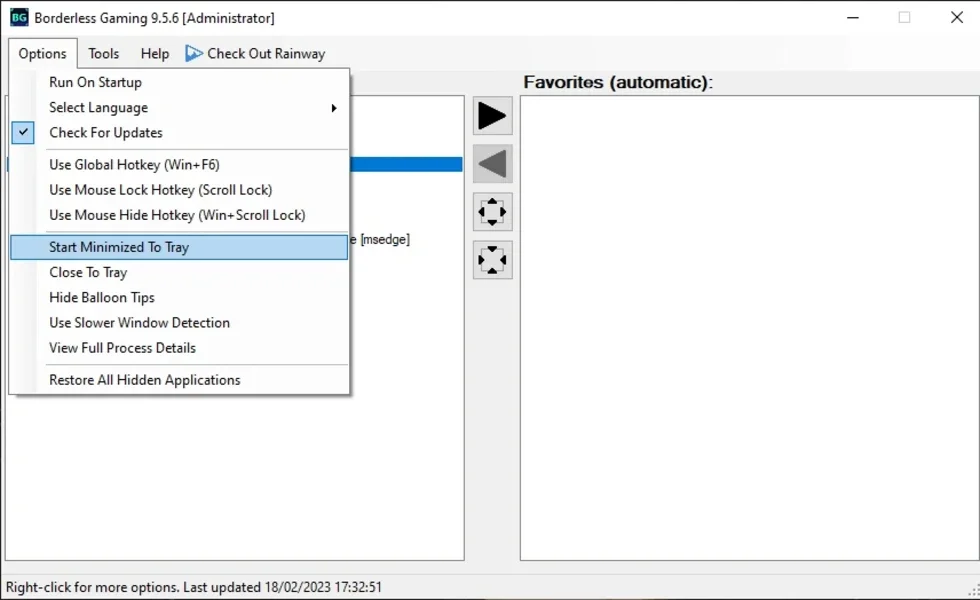
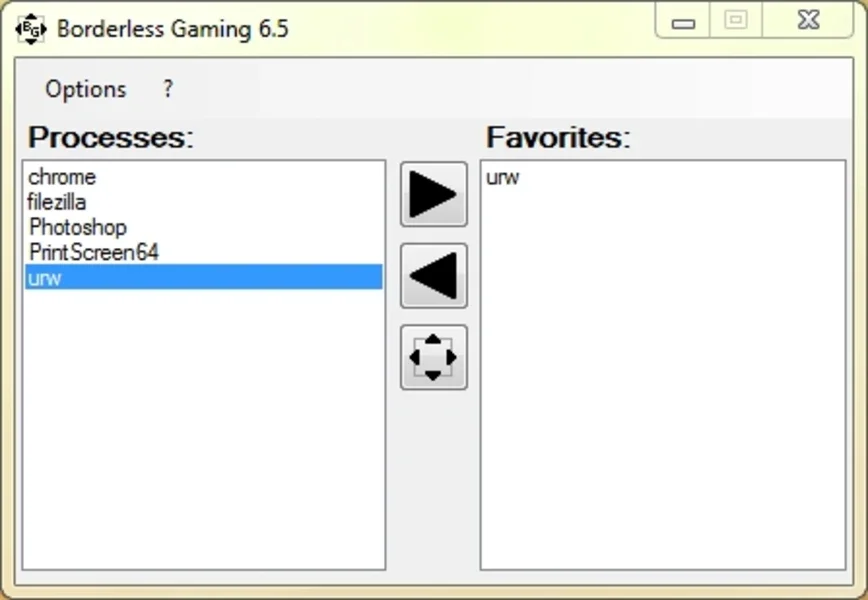
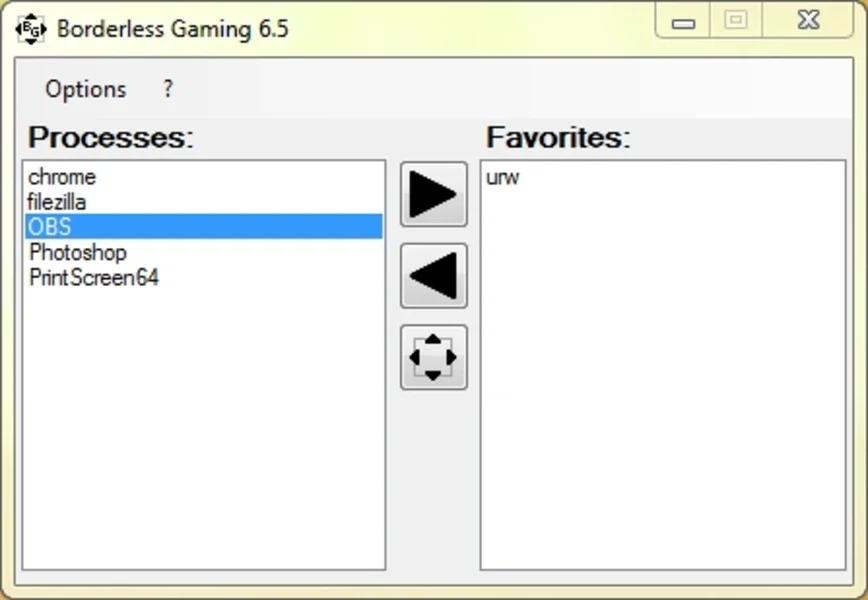
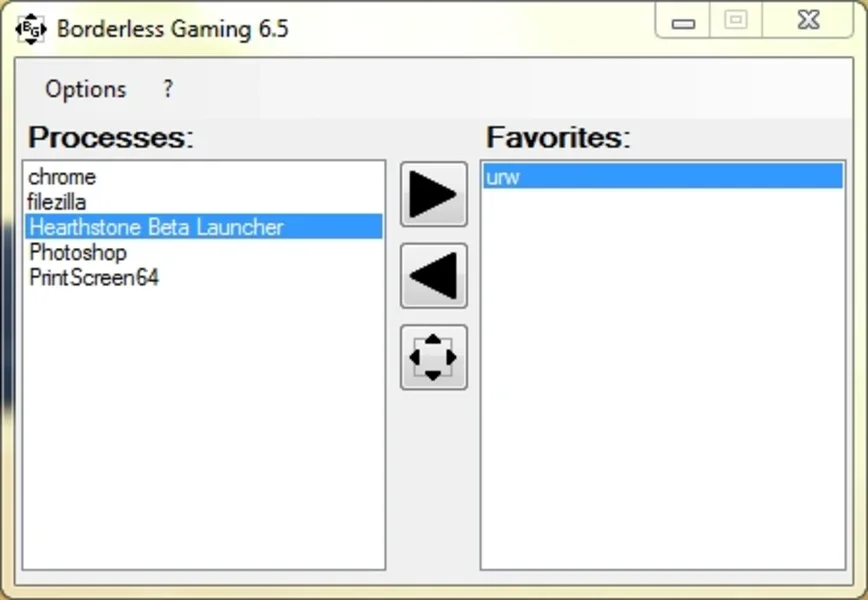
Borderless Gaming runs a game in a borderless window, which makes it easier to switch away and back while you play. On launch it instantly lists all open applications and games in the left column. You select a game and click the right arrow to move it to favorites.
The program can fix the alt+tab shortcut in many PC games, especially console ports, and no other configuration is needed. It can also force full screen mode in games that only offer windowed mode. The selected game switches to full screen within seconds.
With two screens, the setup lets a game run on one and a guide on the other, switching between them without losing game progress. Windowed-only support is fairly common in older games, and Borderless Gaming is recommended for anyone who often uses two screens. It is open source and occupies less than 5 MB of hard disk space.
Download files
f8026c1b7e78c80e8e85ddbbfe96f76cae6fc0bf3d09fb06a85c68aefadc8a6a
Signed by Viorae, Inc. · valid until Sep 1, 2026250d2d883cb9f5a05a60be5b74191ca357489686a979cf7832fcb4c5f0522eda
fab50b95fead95c556f657fbd012eac1f288219f7f2aecd515839dd636a385e3
System requirements
Available on:
Minimum OS:
Windows XP or later
Additional information
Developer
Latest release
Size
Category
File type
SHA-256
f8026c1b7e78c80e8e85ddbbfe96f76cae6fc0bf3d09fb06a85c68aefadc8a6a