
Brisk 2.4.0 for Windows
Paste a URL and it fetches, sorts and files the download for you
Screenshots
Description
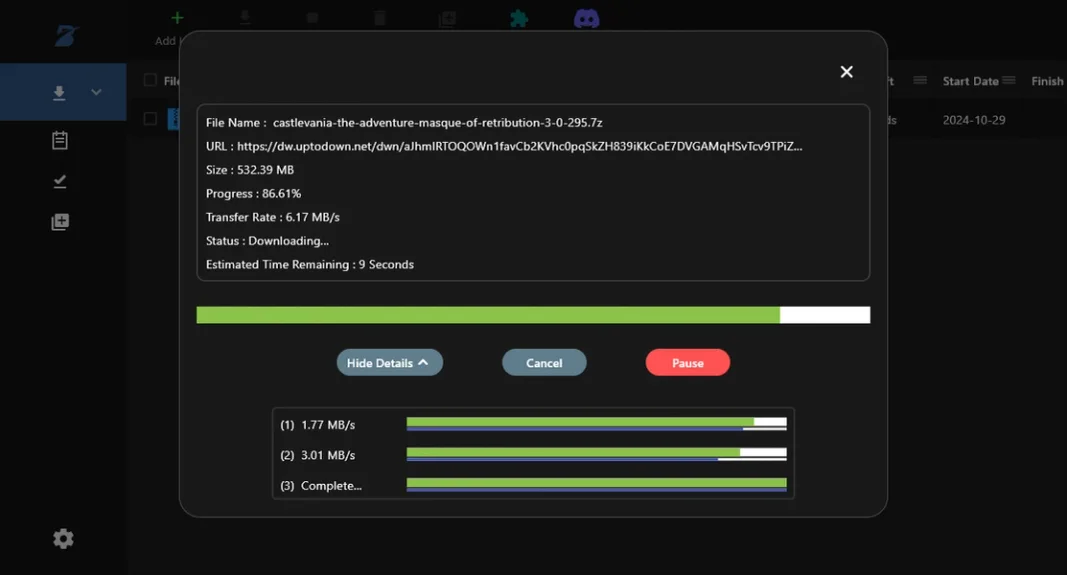
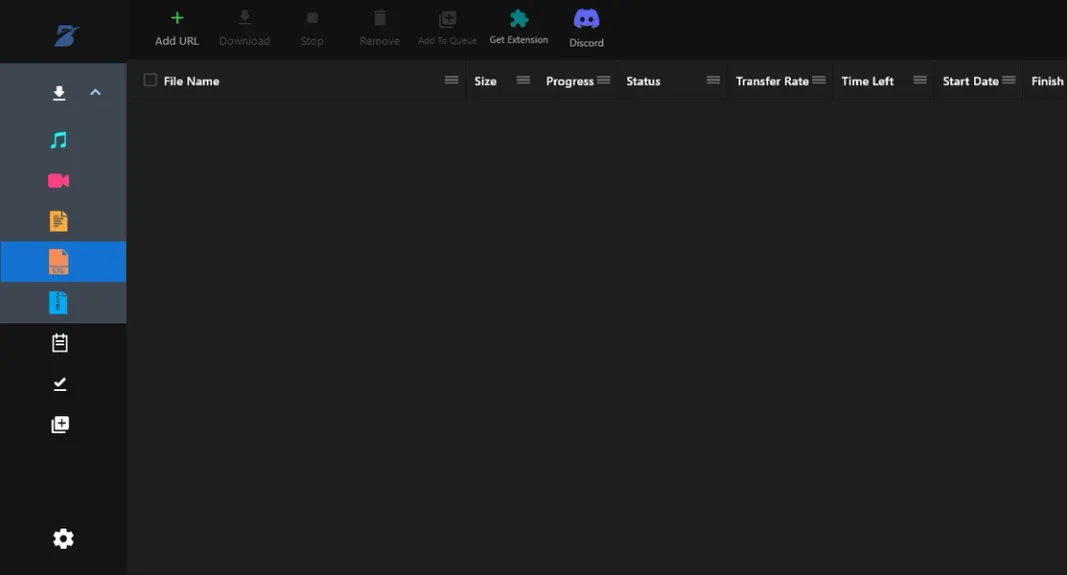
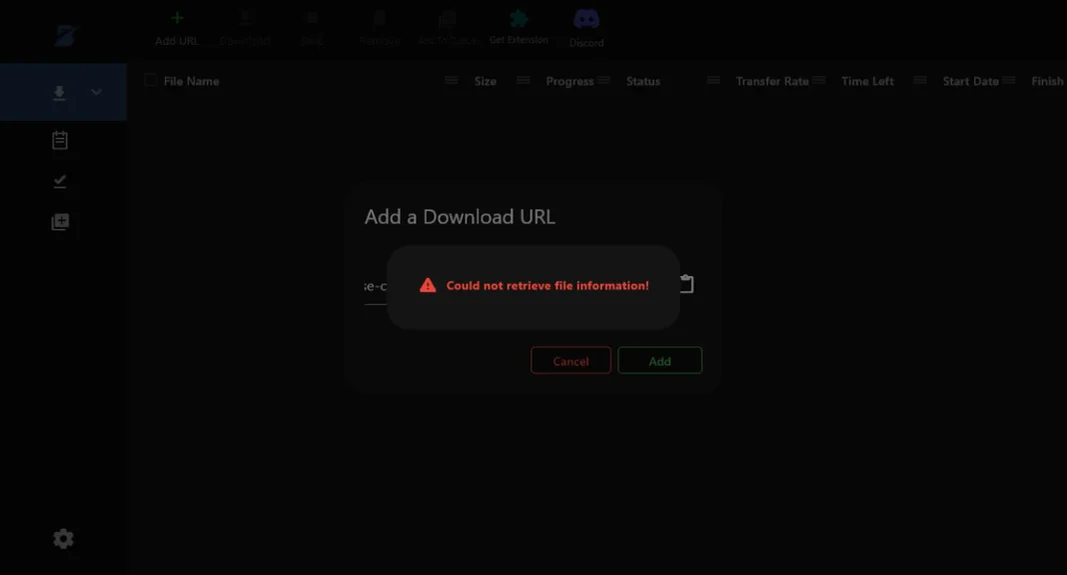
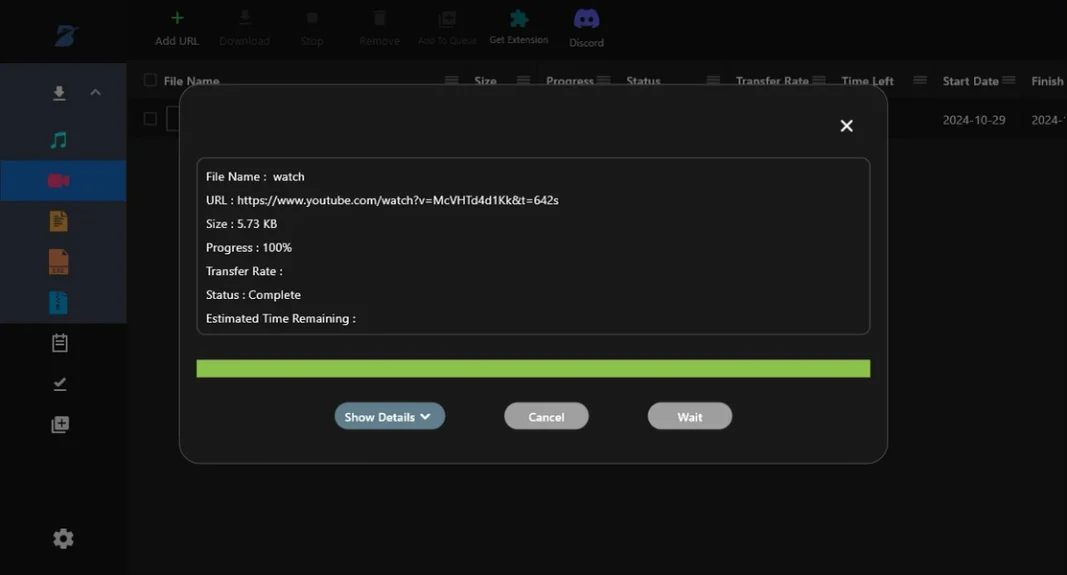
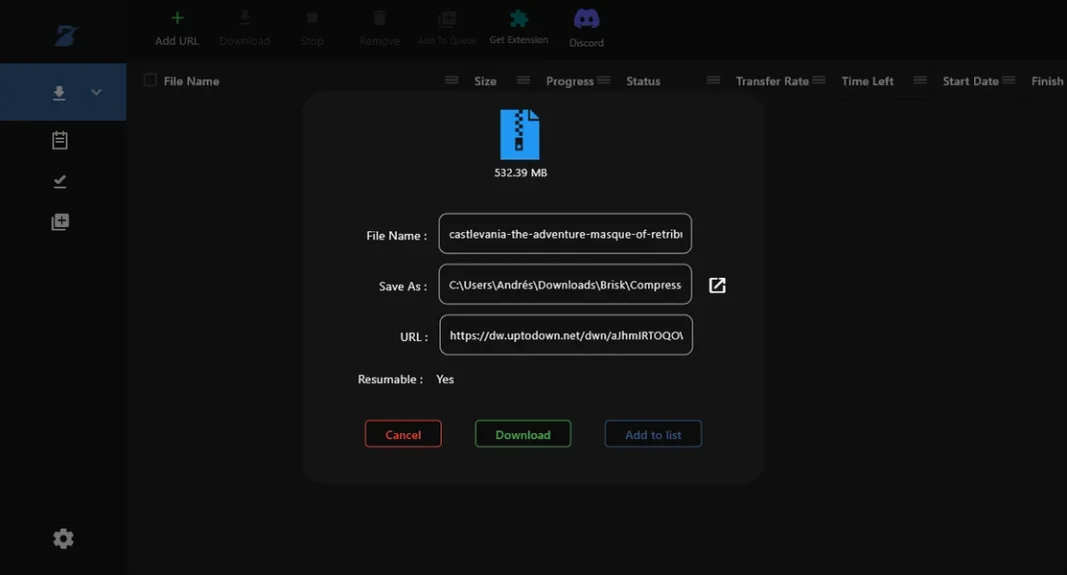
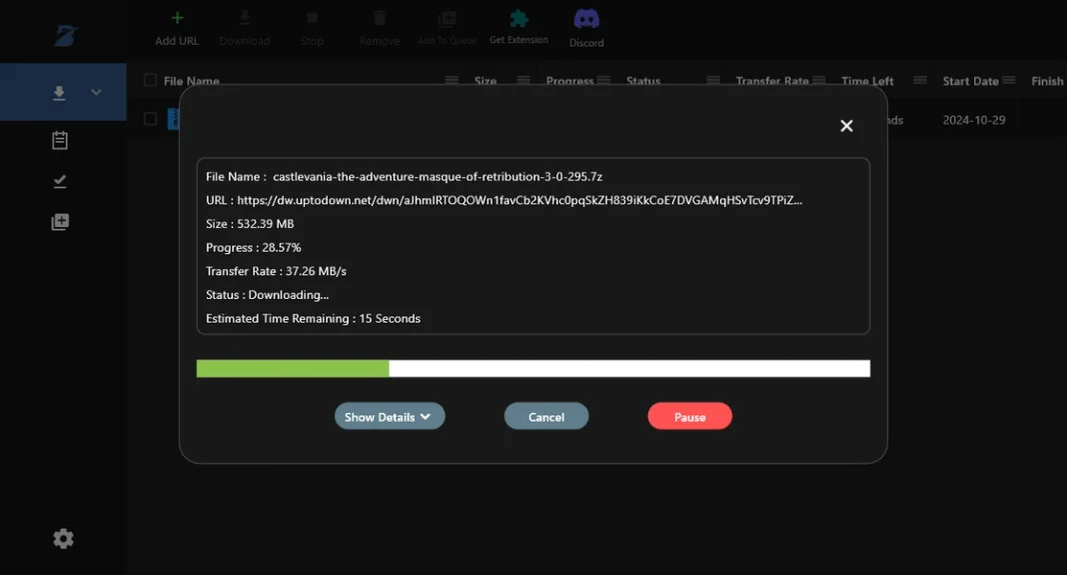
Paste a URL, or a list of them, and Brisk starts downloading. The program works out what it is fetching on its own, whether that turns out to be a video, a document, a song, or a compressed folder, and it files each download into the folder that matches its type without being asked. Downloads start as soon as there is a connection to run them on.
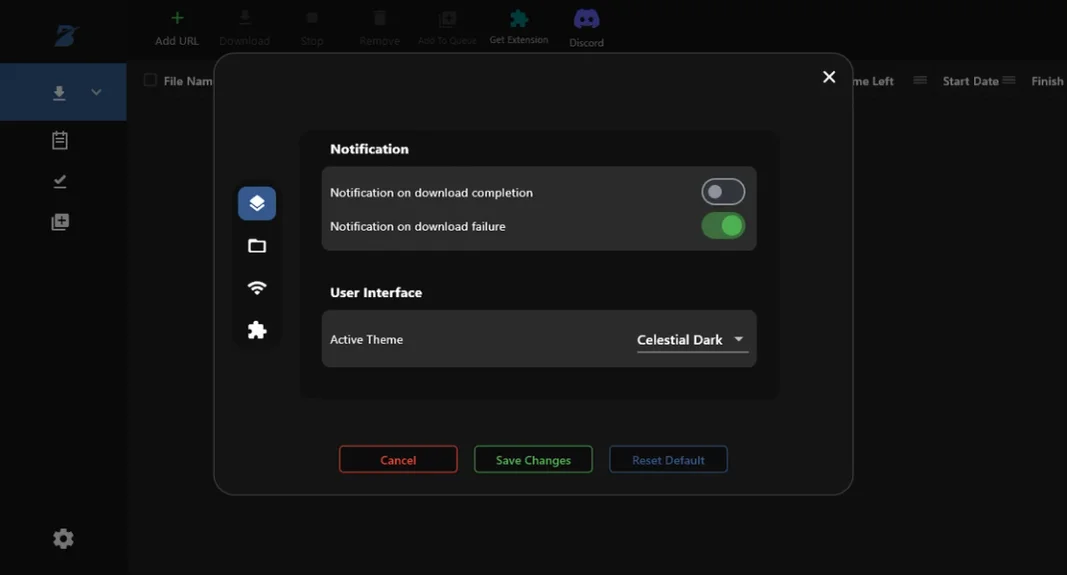
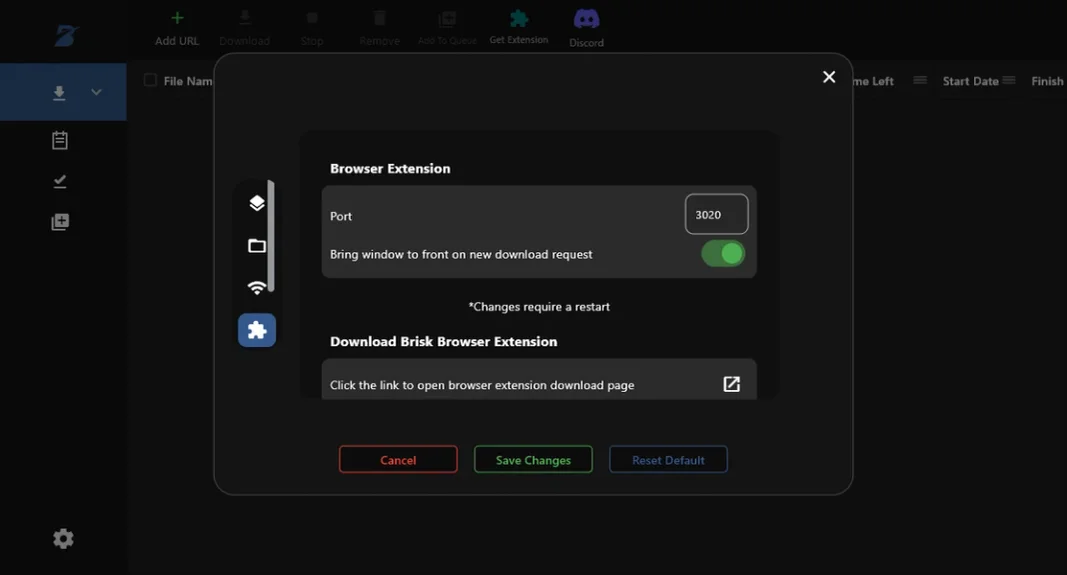
The engine holds as many active connections as it can to keep the speed up, and adds new ones as a download moves along without disturbing the ones already running. Dynamic Connection Spawn and Dynamic Connection Reuse are the two parts it runs on. Browser extensions can be paired with it if you want the download to pick up from the browser.
It is built for Windows and is free to use.
Download files
fefc72e1354cf1fc7f59adf64df52b9eb3da3c62764ece0a36f97e3a42c73d96
No digital signature493cc92ee6d1ce616f0c1ff7d766df8ec8f17a55515ec087868772306e39e922
965965fc2aa56f5917e3b4278003079c2f2bcdec60147b4190dad51aa2498ee2
acf5eb9dbeadd40ee6e99705ef9785767b2434c7e43e32d72f39e21794f0fdfd
ec55d2734a8c4f909c40d0d5a900defa9105165ddfe76294f885738204638d1c
System requirements
Available on:
Minimum OS:
Windows XP or later
Additional information
Developer
Latest release
Size
Category
File type
SHA-256
fefc72e1354cf1fc7f59adf64df52b9eb3da3c62764ece0a36f97e3a42c73d96