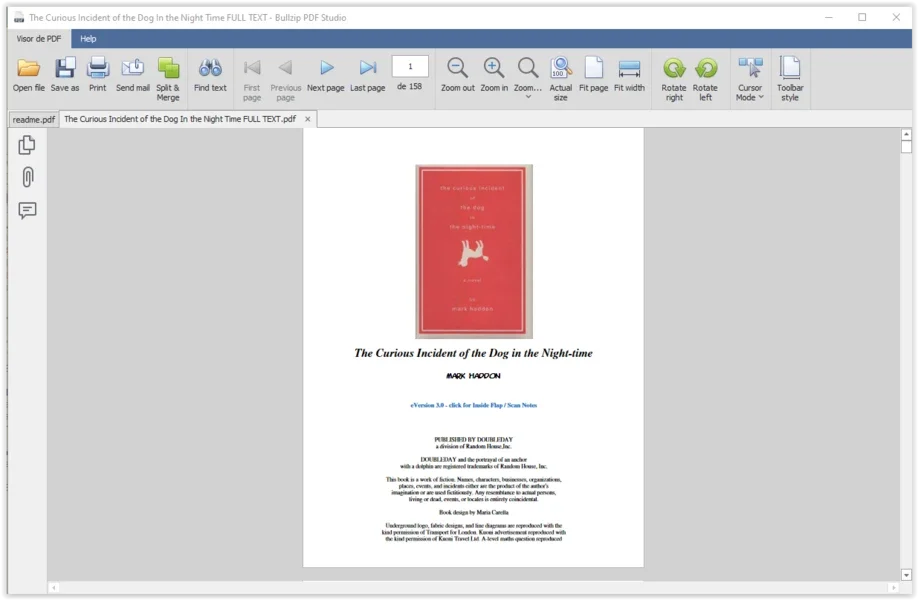

Bullzip PDF Studio 1.1.0.188 for Windows
Reads, edits, merges and splits PDF files on Windows
Screenshots
Description
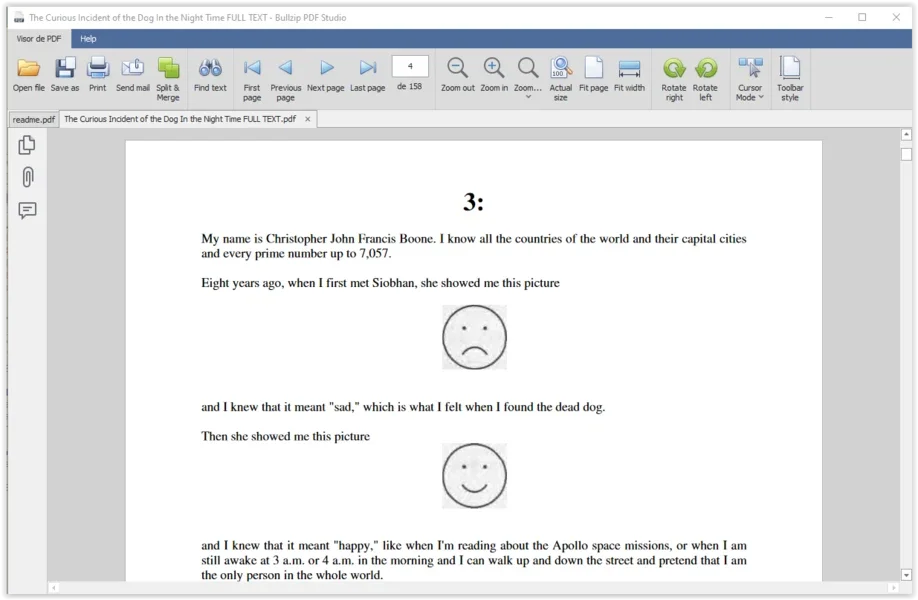
Open a PDF by selecting it or dragging it into the interface from any location, and Bullzip PDF Studio reads it without complex configuration. Searching works for words and annotations, and the page display and zoom adjust to how you want to read.
Editing and page handling
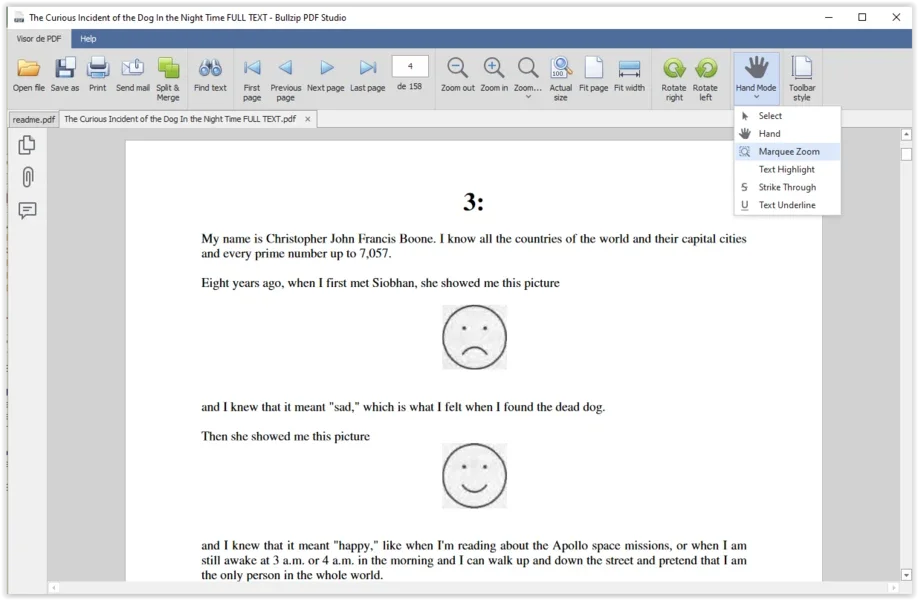
Pages can be copied to a new document, removed, added, or deleted along with other parts of a document, and the composition of a document can be changed. It splits documents into pages and combines several into one, or merges two files into a single document organized the way you want. The cursor can be changed to add marks, and document comments are there to read. It performs advanced functions without needing complementary tools.
The program is free and runs on Windows.
Download files
f0321e76d7832943f602b30c6b557a2ebb04b3e3cddfbd920a89afd60a45a35b
Signed by BioPDF ApS · valid until Mar 17, 2024System requirements
Available on:
Additional information
Developer
Latest release
Size
Category
File type
SHA-256
f0321e76d7832943f602b30c6b557a2ebb04b3e3cddfbd920a89afd60a45a35b





