
CCleaner Free for Windows
Cleans junk files, checks drivers, and manages startup apps on Windows
You are on macOS — this is the Windows version. See the macOS version
Screenshots
Description
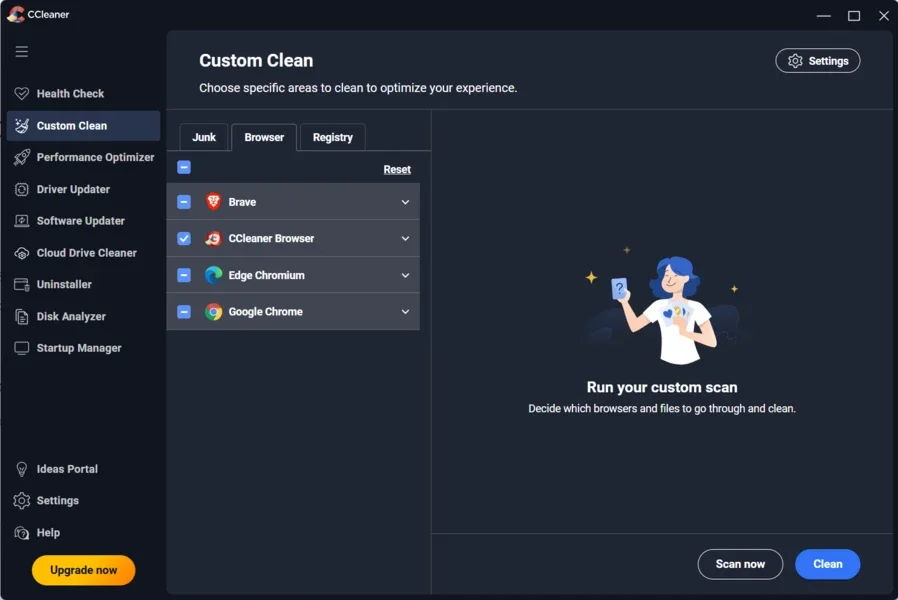
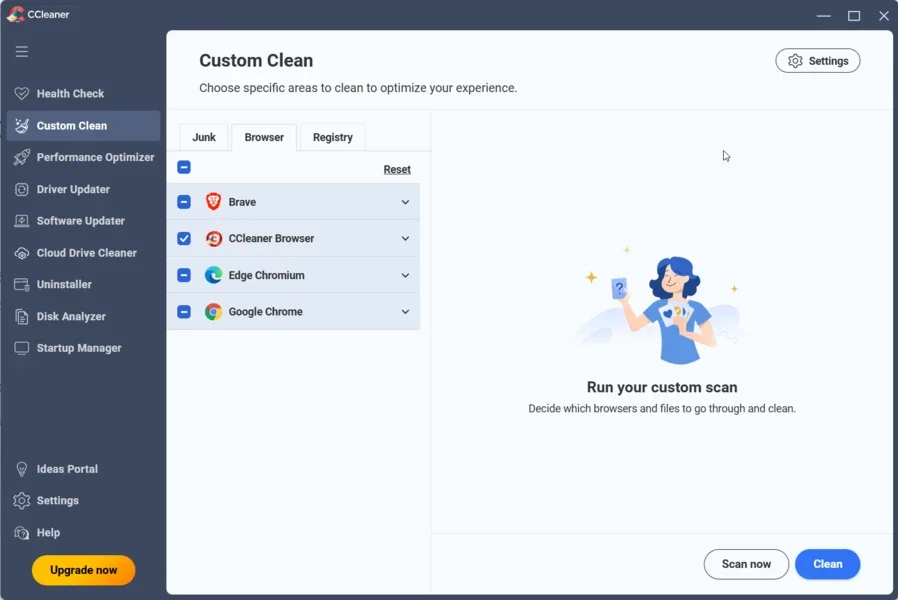
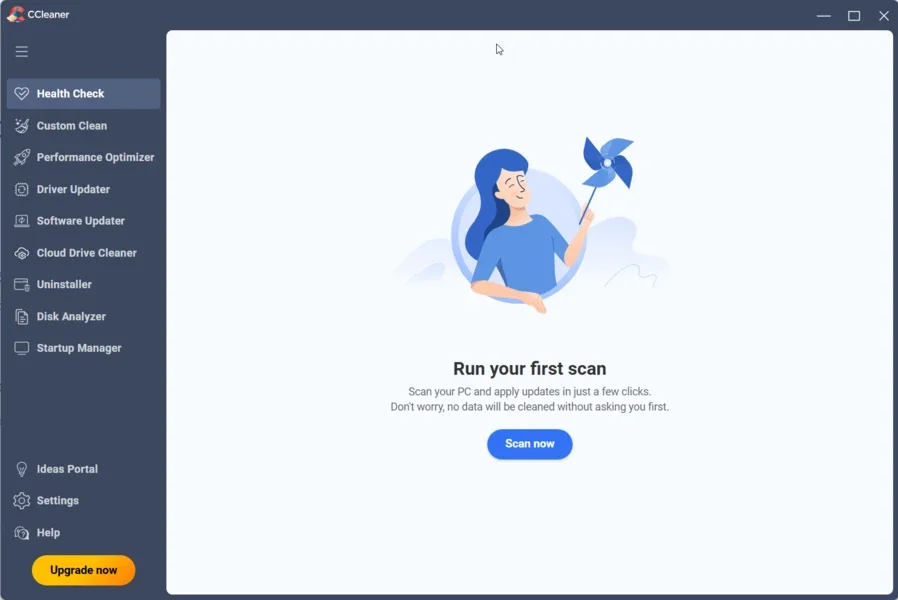
CCleaner Free is a maintenance program for Windows that has been around since 2003. Health Check is the place to start: it scans for unused and outdated apps, website trackers and advertisers, and junk files, then acts with a single click. The left-side menu also leads to Custom Clean, where you decide which parts of the PC to clean and watch the cache of each web browser empty separately. History and temporary Internet files can go too, along with residual files left by dozens of programs. The Explorer cache is fair game as well, and the whole job works with two clicks.
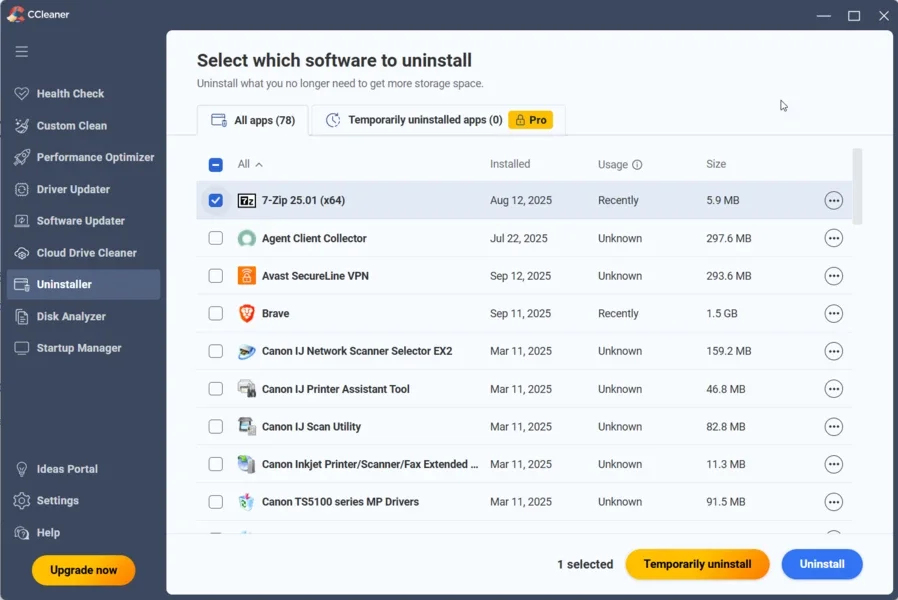
Performance Optimizer can improve startup speed or extend battery life on a laptop. Driver Updater takes no more than 30 seconds to show which drivers are out of date, then lists every driver with an available update; deciding to update is up to you. The Registry tool scans the Windows Registry for issues. Seeing dozens of entries is relatively common, and the advice is to keep a log and delete the entries. The Tools tab lists all installed programs and lets you erase any of them in seconds, several at once if you like, and can perform a system restore. It also controls which apps launch when Windows starts. Deep clean removes residual files left behind. No permanent changes are made without your confirmation, and you can verify the proposed changes before finalizing. Check which boxes are ticked before starting the analysis.
After installation, you can open the program by right-clicking the Recycle Bin and create a desktop shortcut. Pop-up ads during uninstall can be removed. ARM64 support is included.
Download files
906c94c584696d1a3a9456d05141e3391f34fce018e39614cf7ff8ece61c0ceb
bfd7acf69815e336a4377a9df674030c8b21f4c009f3ac22153dc42fa5e8ec23
67878ad7e694ee69c64874628538bb8dedfc7d9bd0f419ee456ef50619ba818c
System requirements
Available on: