
Screenshots
Description
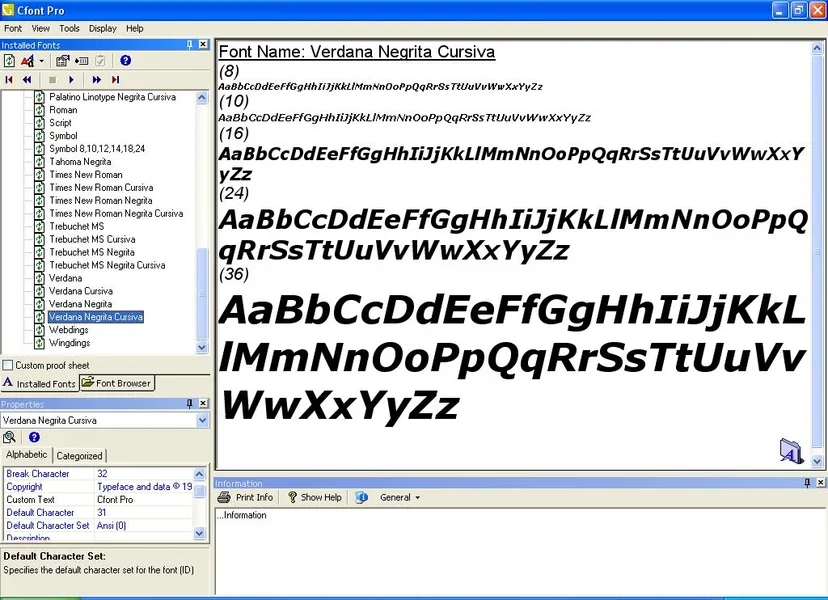
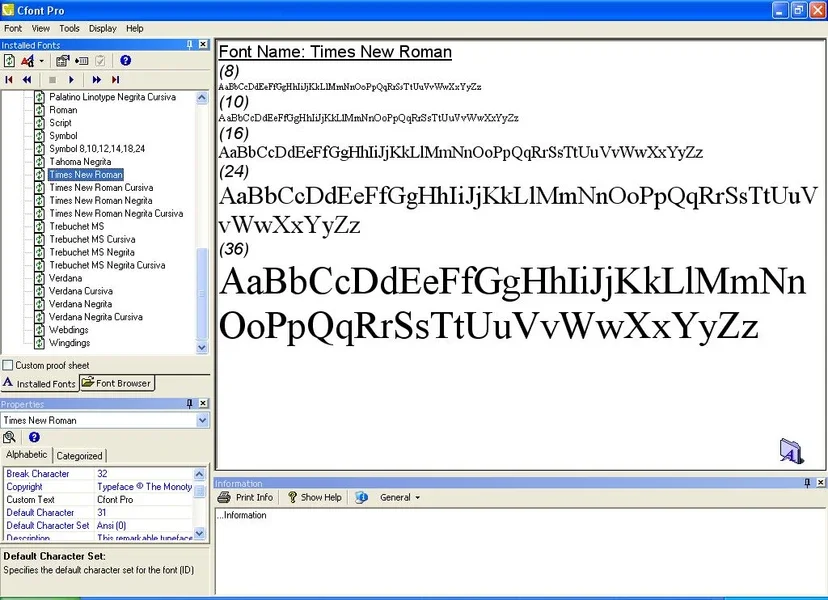
Cfont Pro scans the PC and shows a sample of every font it finds, installed or not. The font list sits on the left and the samples render on the right, so you can scan the whole collection in one pass. It is a quick way to see all the fonts you have.
Type a piece of text and Cfont Pro renders it in the different fonts on your system, which makes comparing typefaces across the list easier. The program also reaches fonts stored on removable drives, so a font library kept on external media shows up alongside the rest.
The layout keeps the list and the live samples side by side while you work through it.
Download files
System requirements
Available on:
Additional information
Developer
Latest release
4.0.0.20 · Mar 19, 2010
Size
3.0 MB
File type
ZIP
SHA-256
379745ca7f6df4398e45d955f73a081cf7ea35e89e852137b1a066e29b88fc02