
ChanSort 1791417600 for Windows
Reorder, rename and lock TV channels on a PC after a USB export
Screenshots
Description
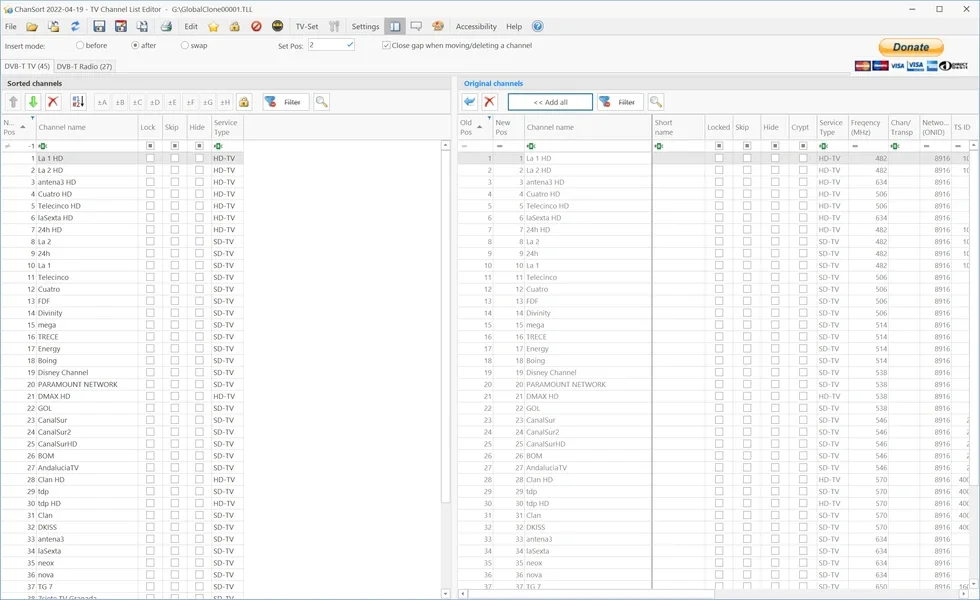
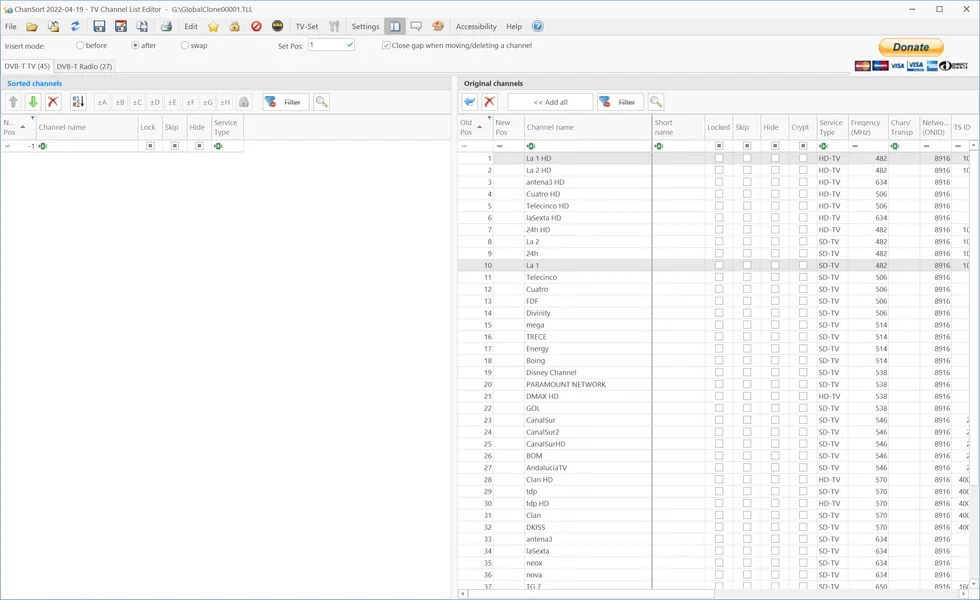
ChanSort is used on a PC to put a TV channel list in a different order. The workflow runs through a USB stick: you export the channel list from the TV, open the exported file in the program, edit it, and load it back onto the television. It works with lists exported by Samsung, LG, Sony, Panasonic, Philips and Hisense. The one thing the setup depends on is the TV being able to write its channel list to USB, and actual compatibility follows the format each TV uses.
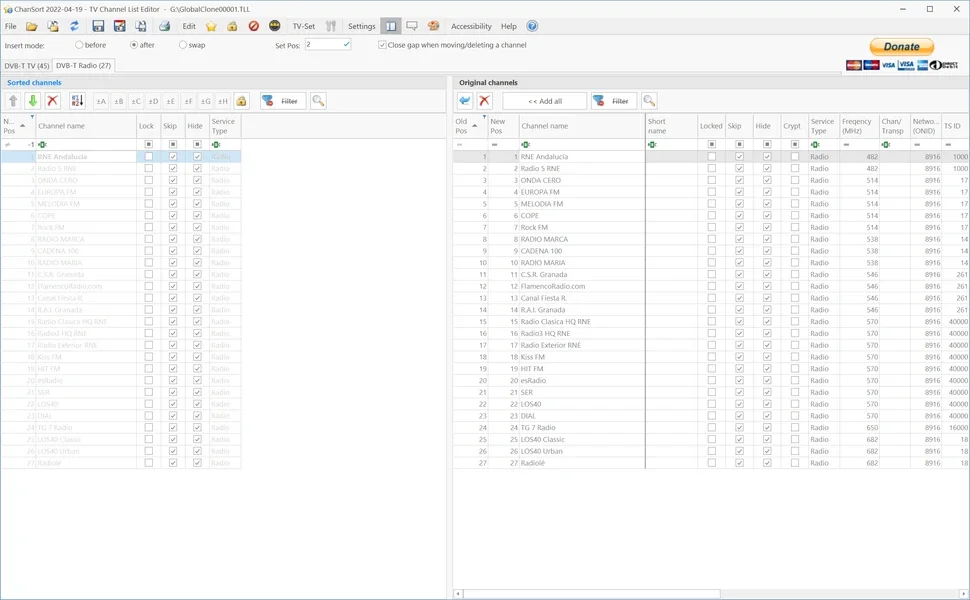
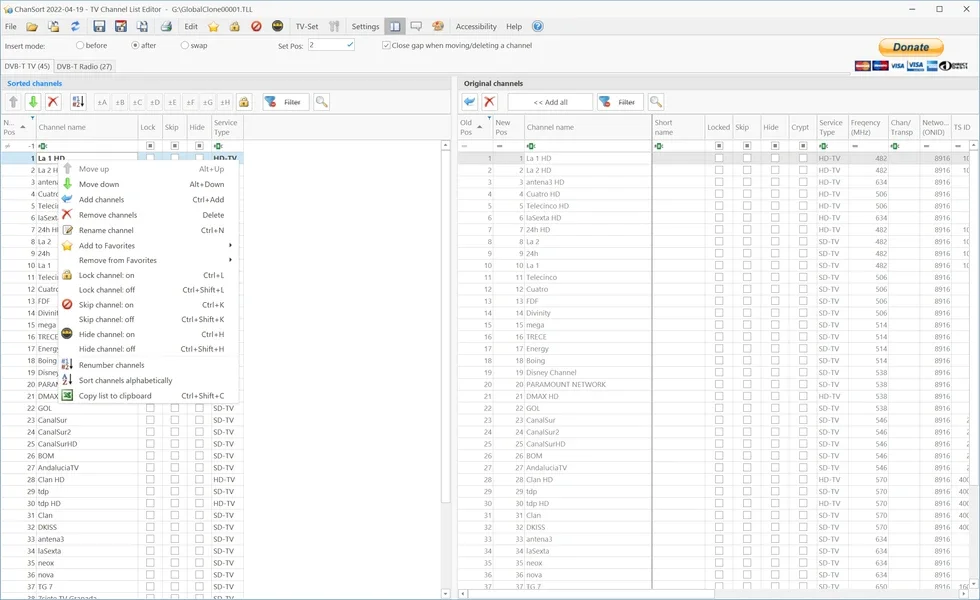
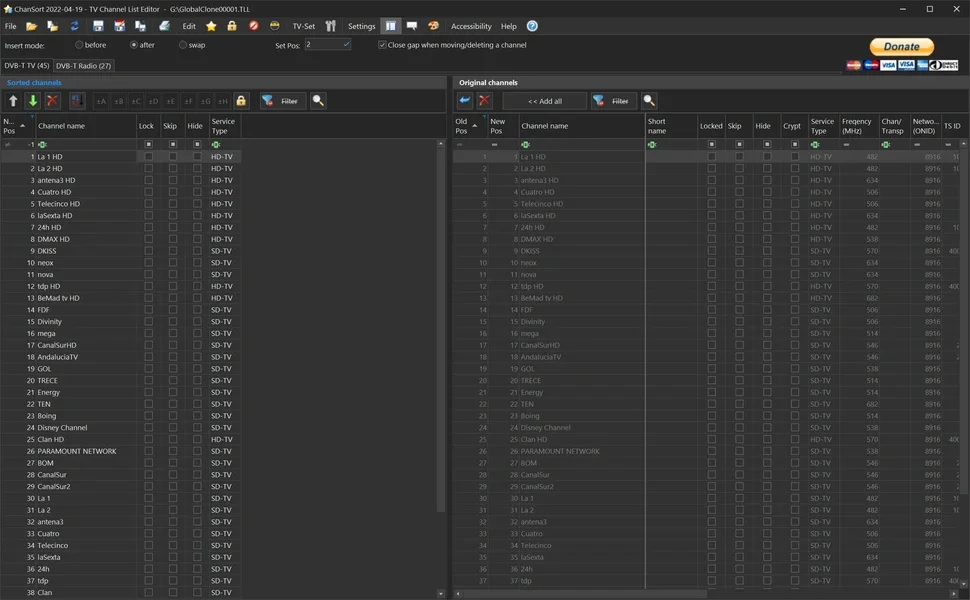
Once the file is open, the original list and the new ordering sit side by side. You can drag channels around, give them different numbers, shift them up or down the list, and edit several entries at once. Channels can be renamed or deleted, hidden, marked as skipped while zapping, or placed under a parental lock, and favorites are managed in the same place. If you already have a prepared list, the program can take it as a reference and copy its numbering and favorites onto the current list. That reference can come from a different model or brand in some cases.
It runs on Windows and is free.
Download files
743da5e072dabd16532f12d33b4cd79654c93a5560defe38657e3ef4c626612f
9fb547b4923416ae4437255b45ec7bd6e9dc13bca06a7d2cd8a2efd252395c46
2accc0bbf656292bcd0181e076360571d2bc26060b7c9240d1d32b4138b83eac
bbd95a96629f4738194c74a1dbec3d4bfaac6bc6ca8fb0189d03ba436d9c274e
f3dd3469ce03d964df94a66a3583e0d08212c9cafafe9f716f3a2f03624ec77d
System requirements
Available on:
Additional information
Developer
Latest release
Size
Category
File type
SHA-256
743da5e072dabd16532f12d33b4cd79654c93a5560defe38657e3ef4c626612f