
Chessigma 1.0.2 for Windows
Desktop chess app for game review, puzzles and practice tools
Screenshots
Description
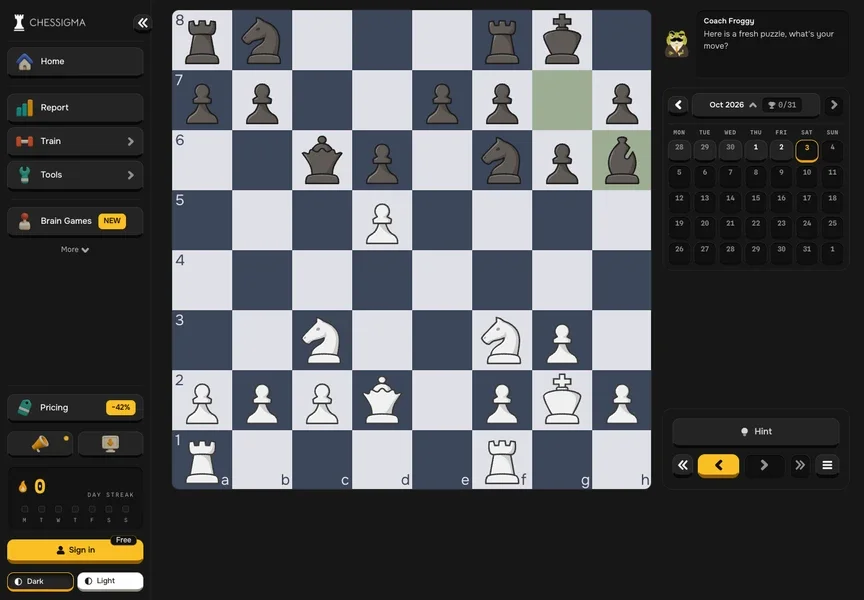
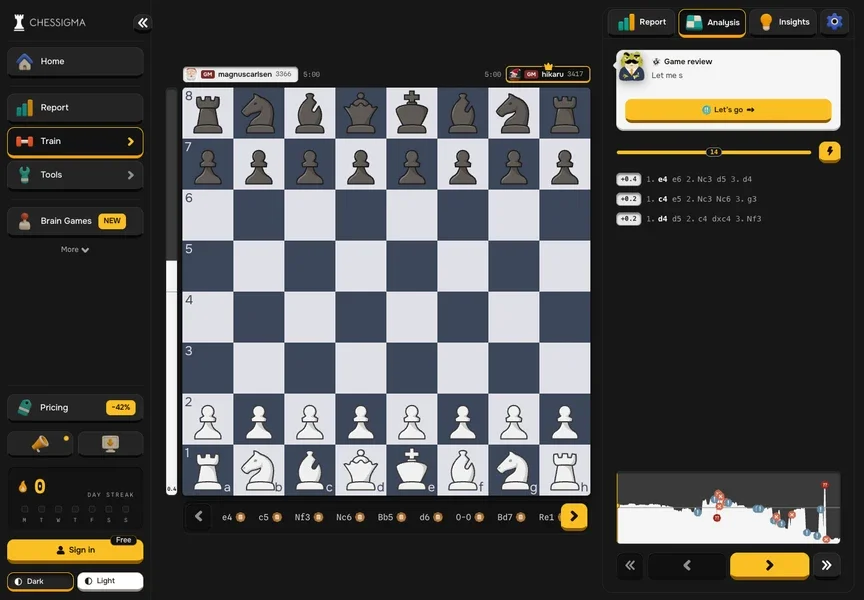
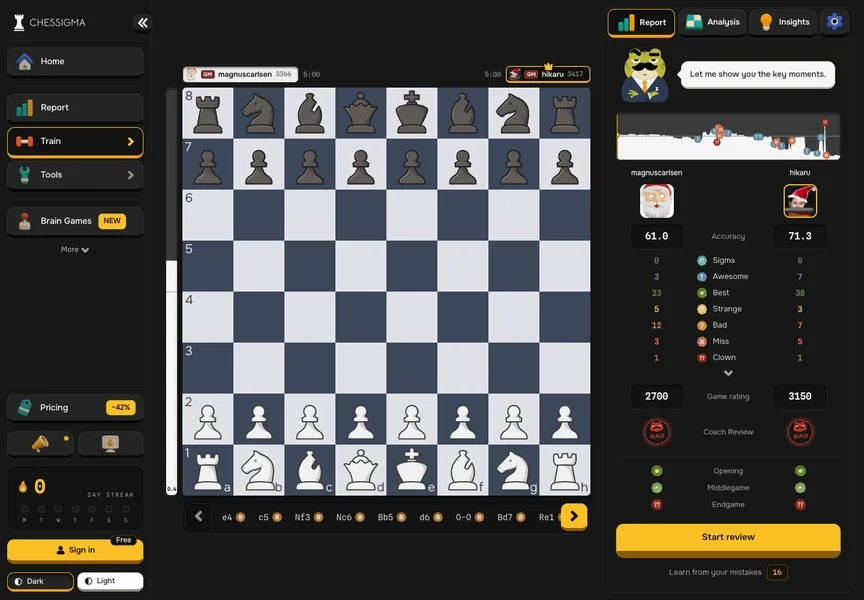
Chessigma is a desktop chess app for Windows. It does game review, daily puzzles, and a set of chess tools, with Brain Games included. Analysis with a chess engine runs on your own device rather than on a server. You bring games in by typing a Chess.com or Lichess username to pull public games, or by pasting a PGN from somewhere else; the imported game then opens for move review and mistake analysis. The app also lets you explore openings and practice tactics. A chess clock and an Elo calculator sit among the tools.
A hosted service backs the app, and using it needs an internet connection. You can begin with game review alone and decide later whether coaching is worth it. That coaching is an optional paid AI coach that gives personal guidance.
Nothing is locked behind the subscription to start: the tools that cost nothing sit next to the optional plan. On the desktop side, the app opens in its own window, with shortcuts and navigation built for desktop use.
Download files
064688203516a2f8bf73c5b4d559fb13e58d8004790a205e3f4a2d65a1da7631
Signed by Developer ID Application: ARCHE LABS LTD (4DYVLTLR68) · valid until Feb 1, 2027System requirements
Available on:
Minimum OS:
Windows 10 or later
Additional information
Developer
Latest release
Size
Category
File type
SHA-256
064688203516a2f8bf73c5b4d559fb13e58d8004790a205e3f4a2d65a1da7631