Chrome Remote Desktop 154.0.8037.40 for Windows
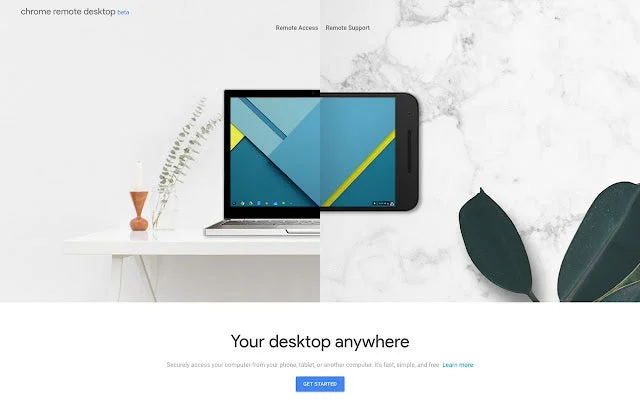
Free remote access tool for desktop and mobile
You are on macOS — this is the Windows version. See the macOS version
Screenshots
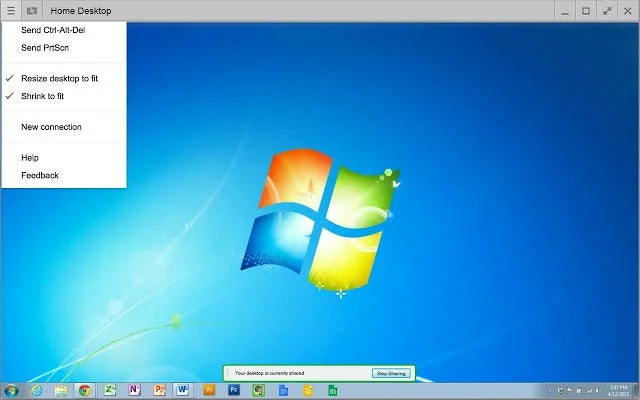
Description
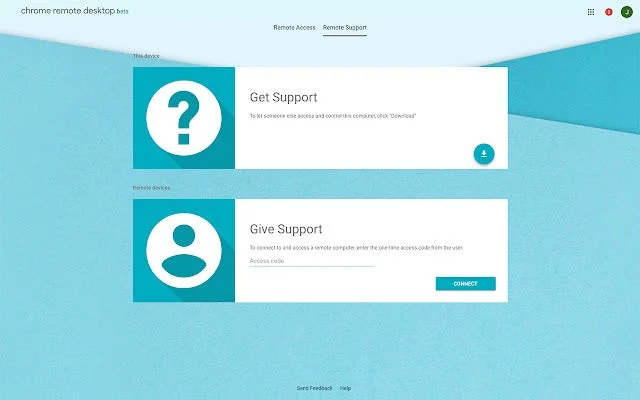
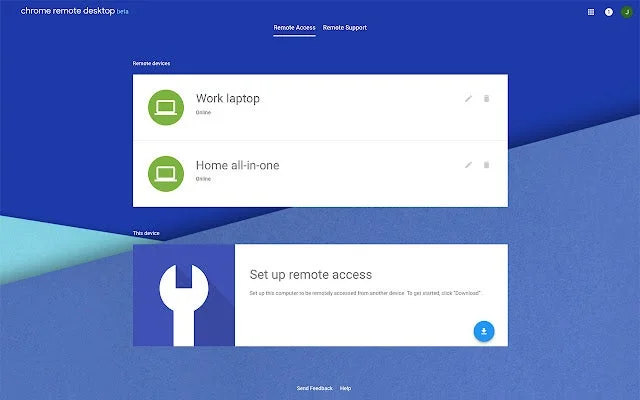
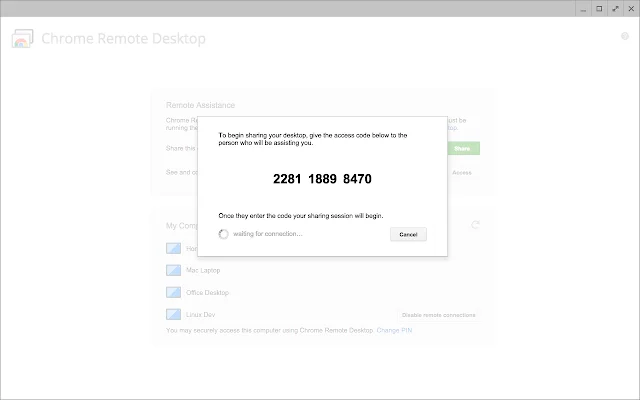
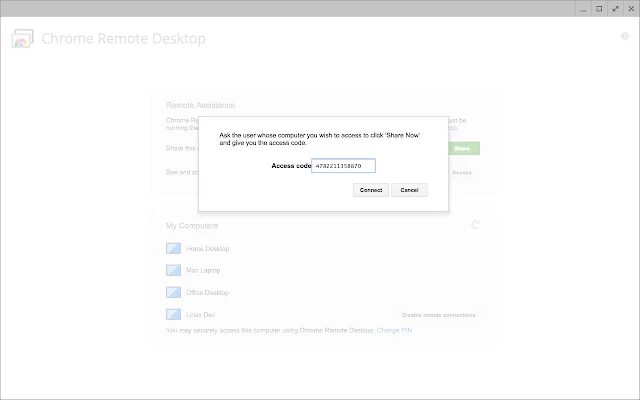
You install Chrome Remote Desktop on the machine you want to reach, set a PIN, and link the device to your Google account. From another computer or a phone, you sign in with the same account and connect to that machine. The program handles the authentication through those credentials.
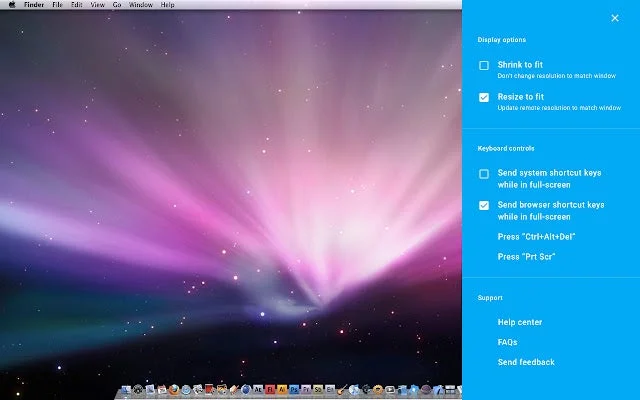
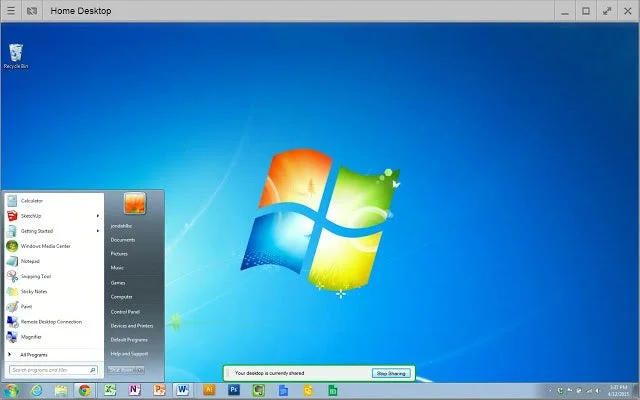
Once connected, you can view multiple monitors, sync the clipboard, and transfer files between the two ends. On a stable network the session stays responsive with little lag; large file transfers can slow down if bandwidth is tight. It runs on Windows and other desktop and mobile systems, and the structure is light enough that it does not need special software knowledge or an extensive setup.
People use it to grab a file from the office computer or to help someone troubleshoot a problem on their machine. It is free.
Download files
c7f6fb29bb6da0ddad9a847e4a4c353ab20b255d1a6ab60978285673dc57d10b
Signed by Google LLC · valid until Apr 10, 20275cfa8606454fee54c0225a1af3244741240fb373517841b5a67dfa0aa2d62677
Signed by Google LLC · valid until Apr 10, 2027a16927fe689a26461ce867740750ced9188cad839851117b54ad3e1012165055
Signed by Google LLC · valid until Apr 10, 2027b8fa7f3497760c5bea20f1b408cd2a49561070e3fe4d8173d28404d8c65ada43
Signed by Google LLC · valid until Apr 10, 202789b058df425ce019a153dc8e5ce97810c6f00ceaaddffeb8e74edbb957068efa
Signed by Google LLC · valid until Apr 10, 2027System requirements
Available on:
Minimum OS:
Windows Windows 11 or later
Additional information
Developer
Latest release
Size
File type
SHA-256
c7f6fb29bb6da0ddad9a847e4a4c353ab20b255d1a6ab60978285673dc57d10b
Digital signature
Price
Platform
Report a problem
Nothing here yet.