
Clipchamp 4.7.10240.0 for Windows
Windows video editor with templates, AI voice and watermark on free exports
Screenshots
Description
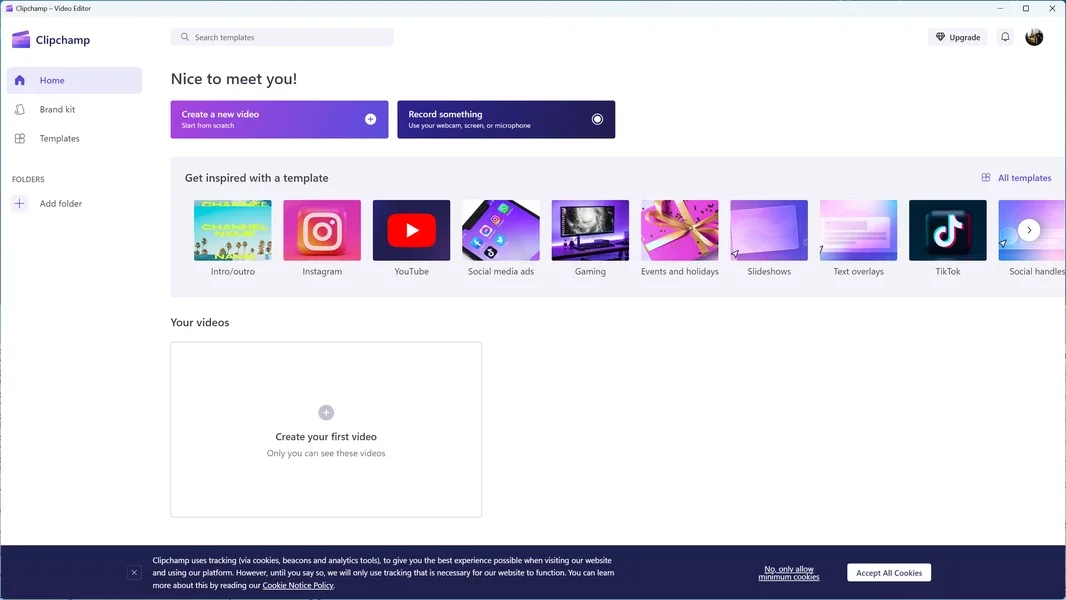
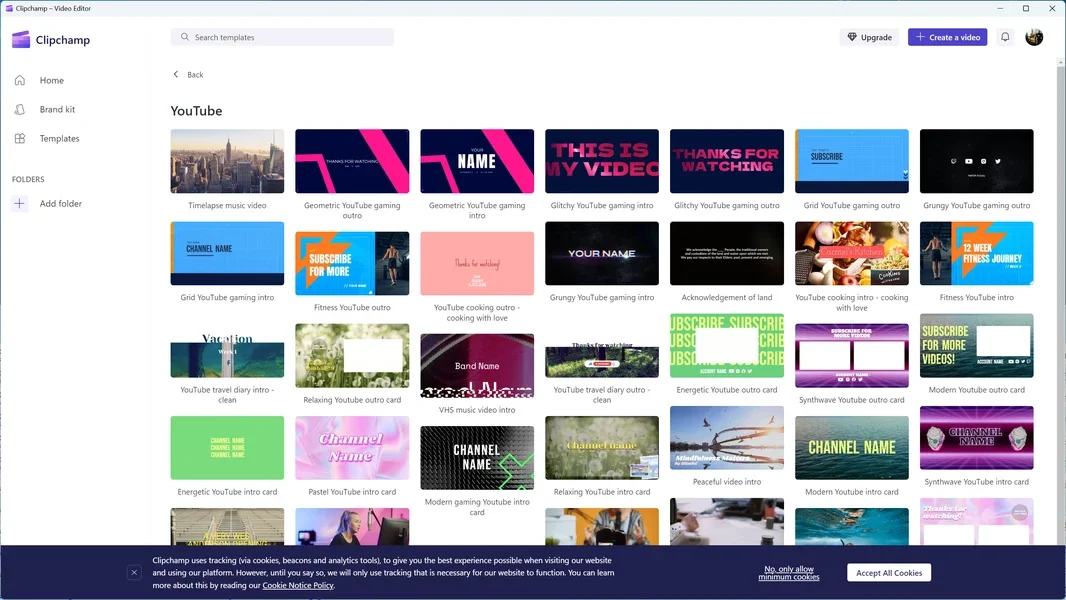
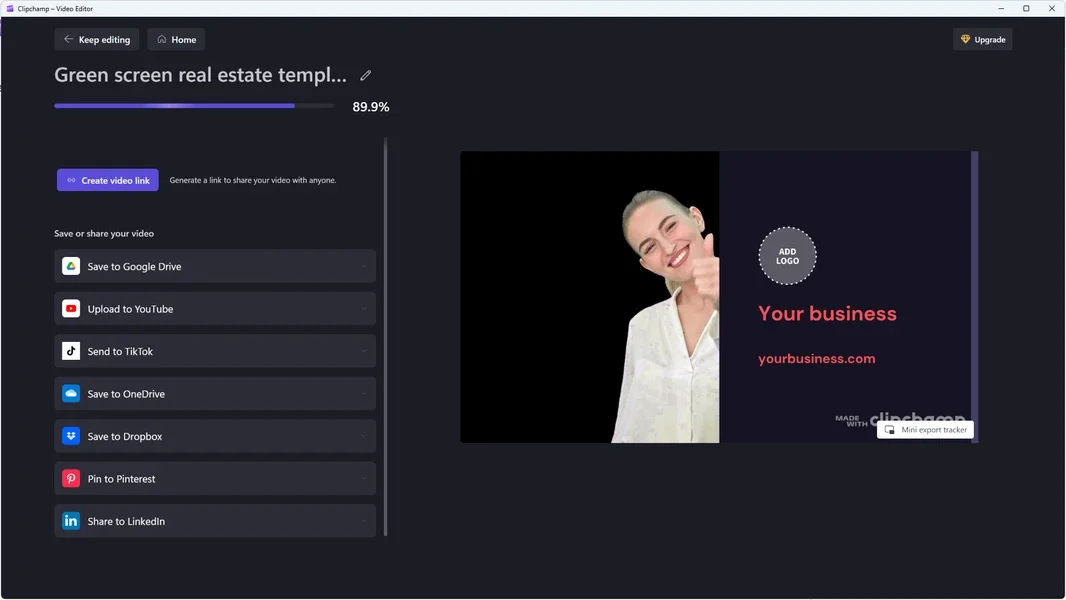
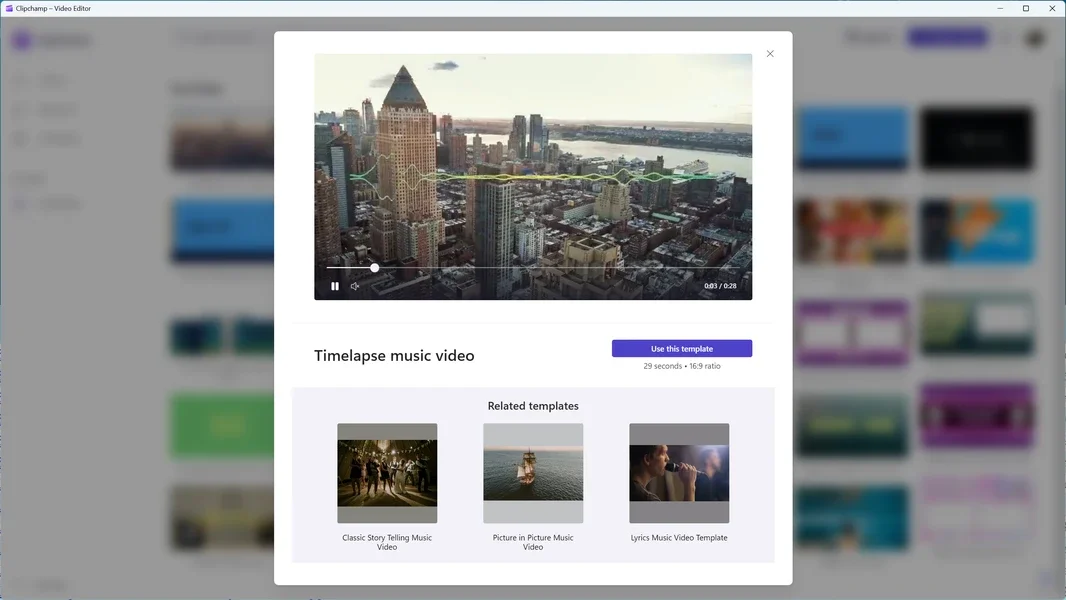
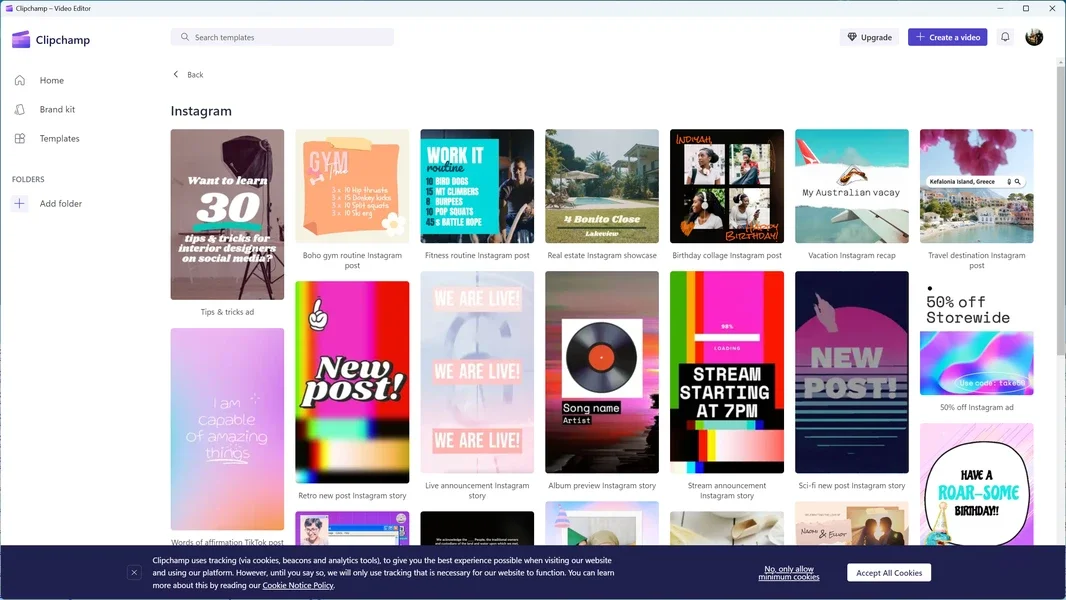
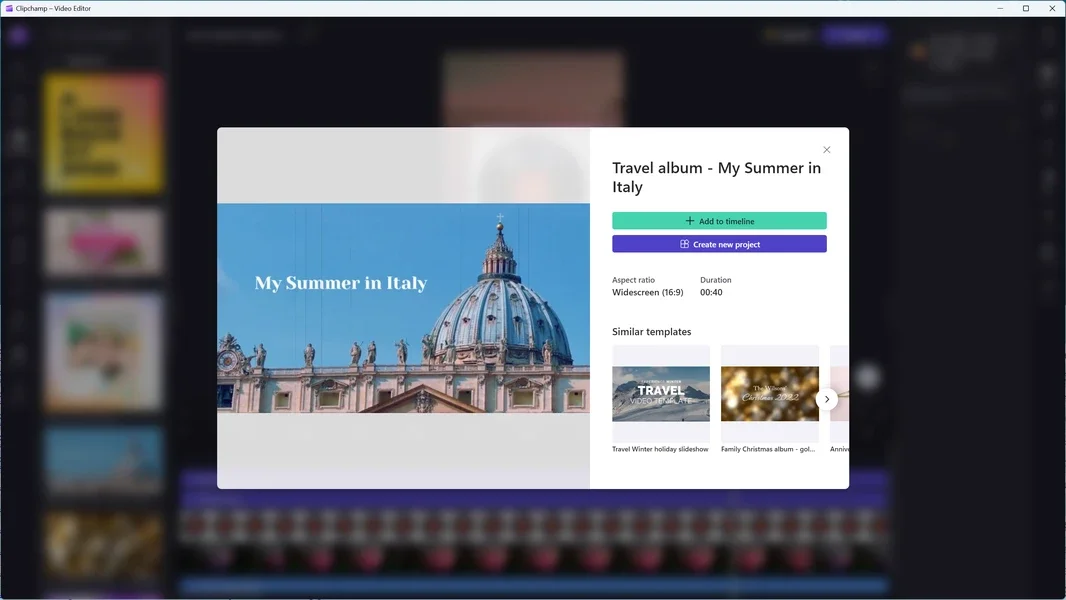
Clipchamp is a Windows app for creating and editing video. Projects can start from a template or from scratch, and there are many templates to pick from. The topics cover Instagram, YouTube, TikTok, or general subjects.
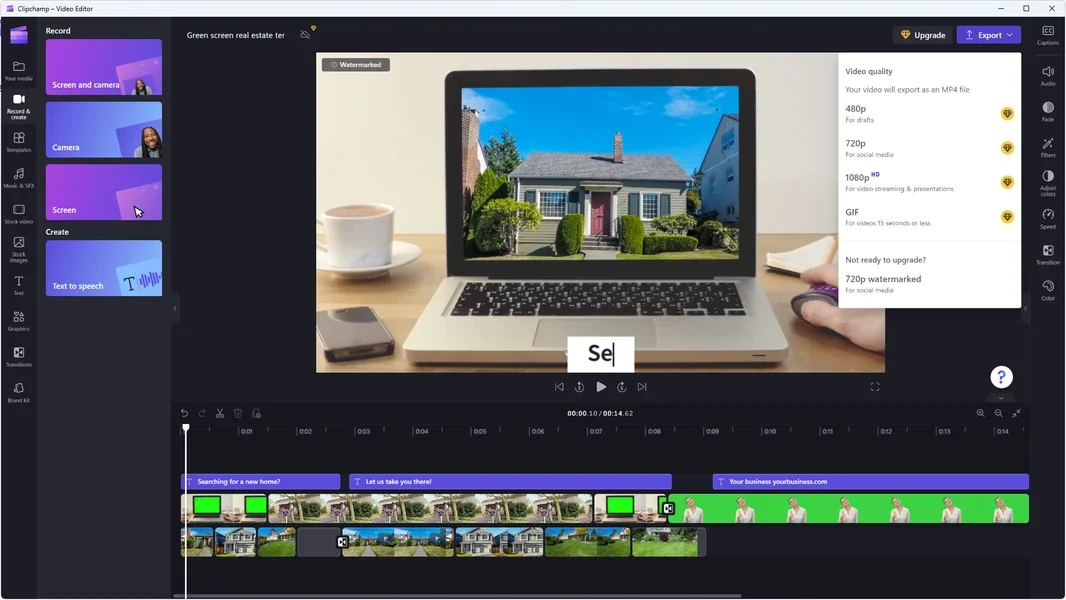
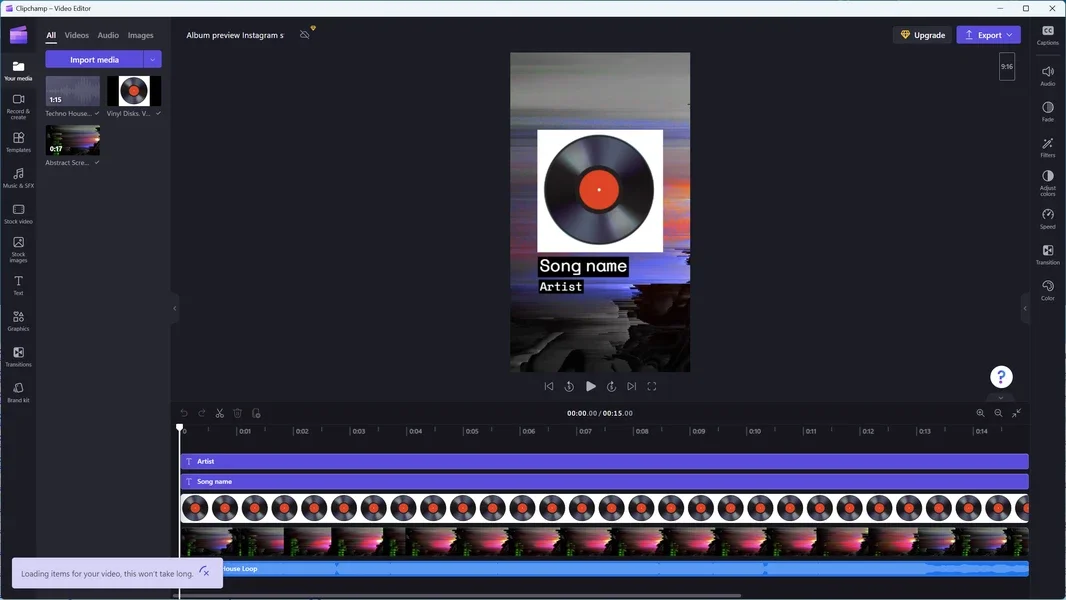
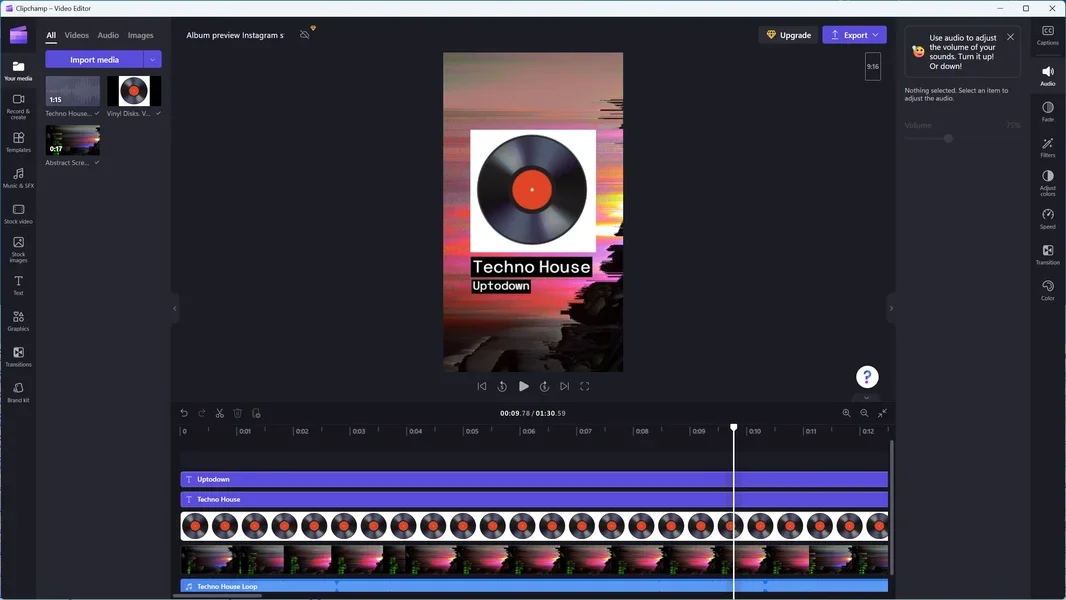
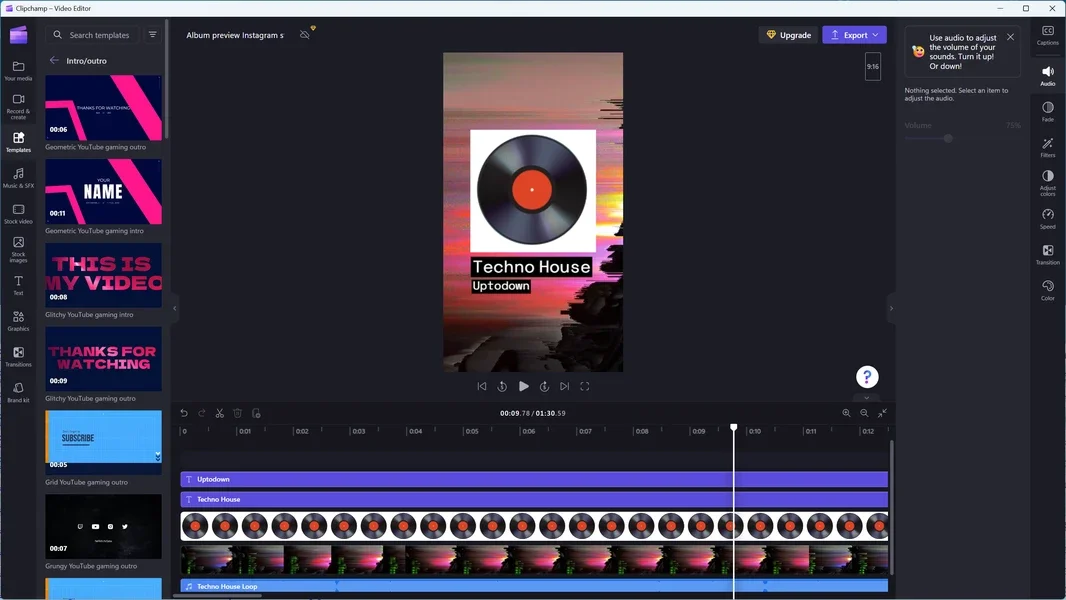
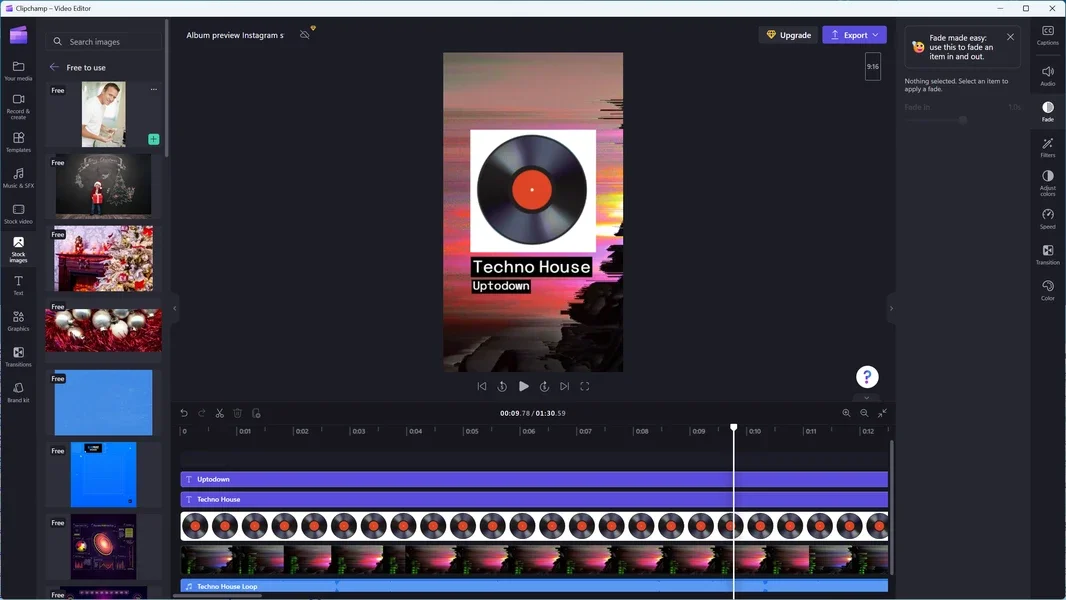
The editor lets you add transitions and effects, edit green screens, and work with audio: cut it, edit multiple tracks, and add audio effects. A library of sounds, songs, and effects is included, both free and paid, and stock images are available on the same basis. An AI-based voice can narrate content. Video can be captured directly from the camera.
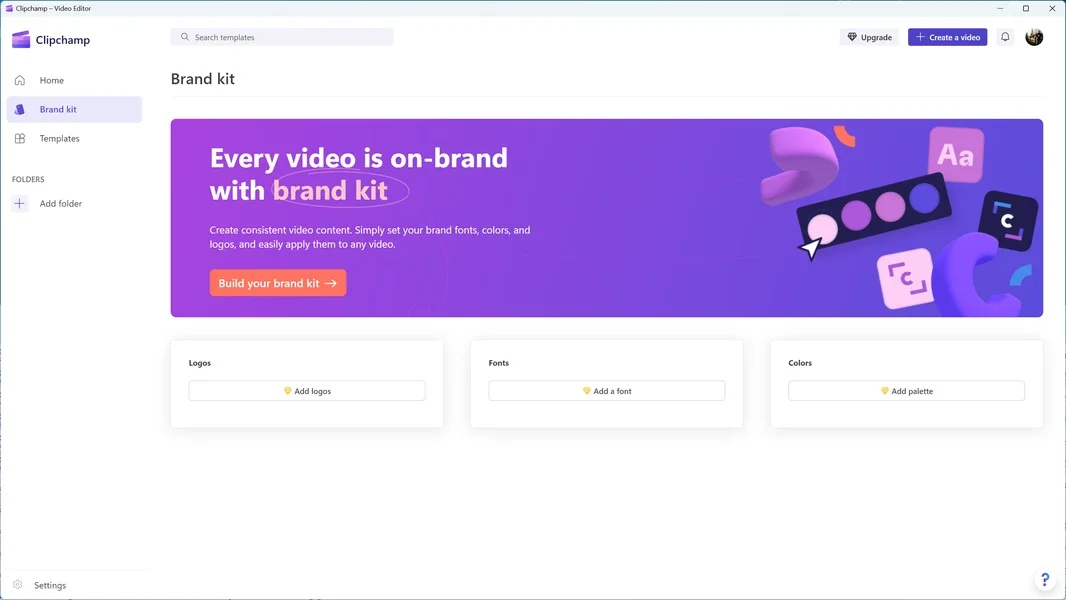
For professional use, a company logo and images can be added and kept on hand for reuse in creations. Export resolutions are 480p, 720p, and 1080p, and GIF format is also supported. Exports from the free version carry a semi-transparent watermark in the bottom right corner, and removing it requires a premium subscription.
Download files
bd9a925447eed689674cc32012a0fe341d432887f41628ca9190187ada89ccb0
Signed by 33F0F141-36F3-4EC2-A77D-51B53D0BA0E4 · valid until Oct 24, 20268279da9334d571308ff58a1ead8c53def97ca22d15e972ff51daef9a14b15fd7
Signed by 33F0F141-36F3-4EC2-A77D-51B53D0BA0E4 · valid until Oct 3, 2026ba0e46c31b5a04228f8e3124362441da809a15e4f80071d7ea5f727c9399fc2a
Signed by 33F0F141-36F3-4EC2-A77D-51B53D0BA0E4 · valid until Sep 20, 202618f1e4dbada65b7968cfcf23af368d5c1db3c21f7c8e14b5435039a769a458cb
Signed by 33F0F141-36F3-4EC2-A77D-51B53D0BA0E4 · valid until Sep 13, 20264ab9a77c3e1fad8dba3404072f397f012756b810036e19a5881a5157f059a689
Signed by 33F0F141-36F3-4EC2-A77D-51B53D0BA0E4 · valid until Jul 23, 2026System requirements
Available on:
Additional information
Developer
Latest release
Size
Category
File type
SHA-256
bd9a925447eed689674cc32012a0fe341d432887f41628ca9190187ada89ccb0