
Clipify 22.0 for Windows
Cuts and exports video on Windows, with a paid pro tier
Screenshots
Description
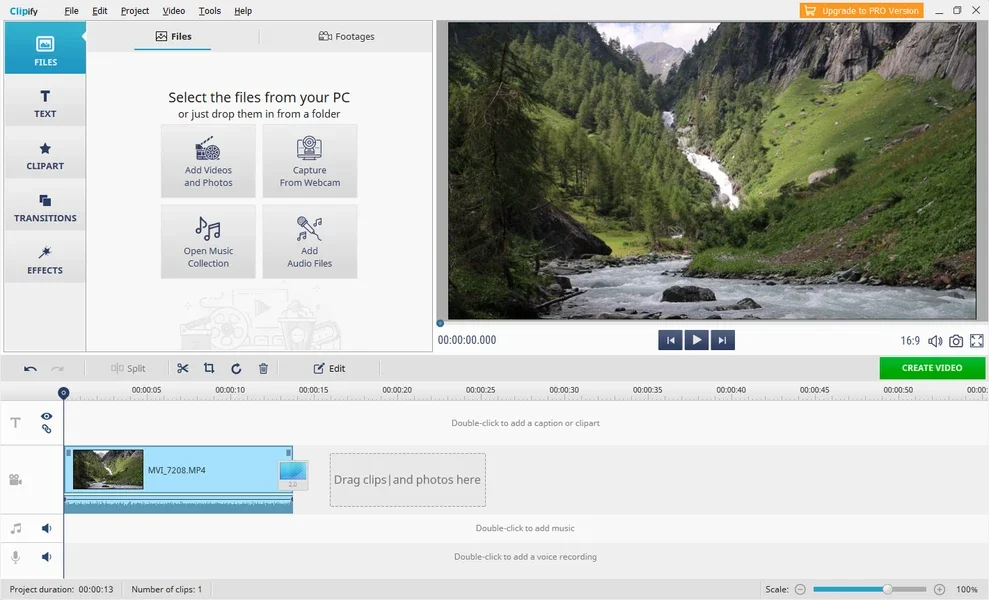
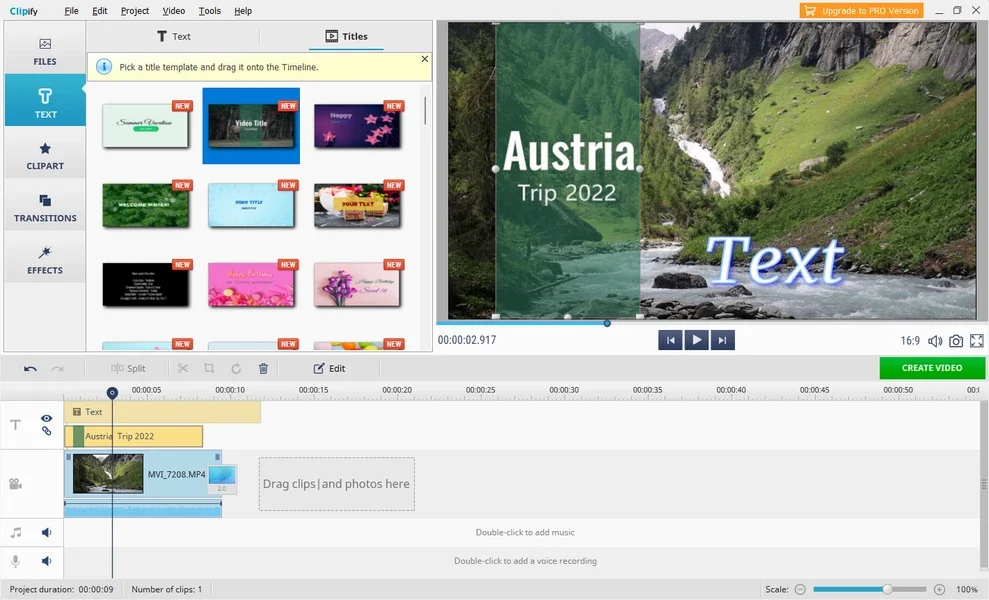
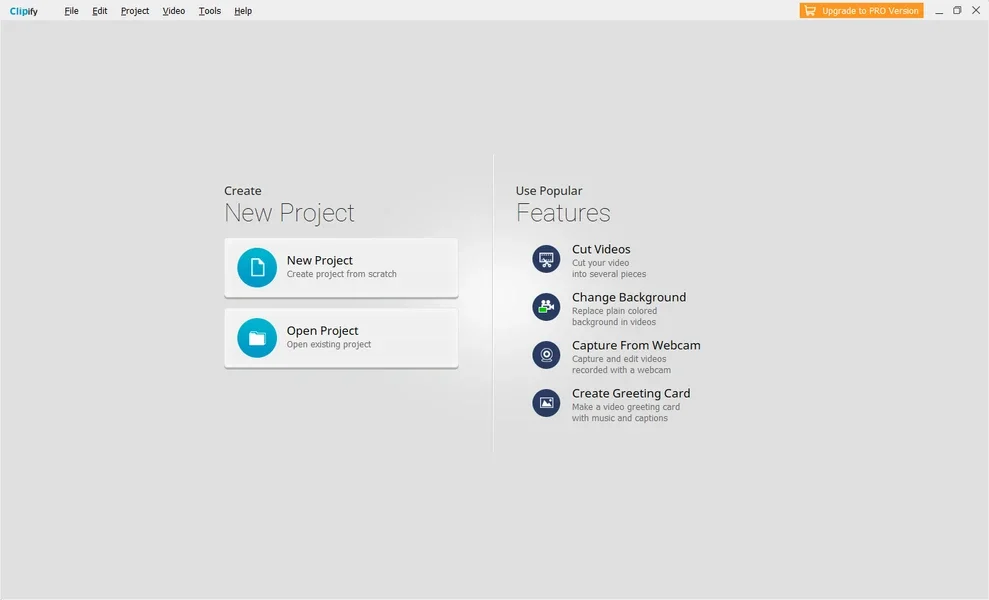
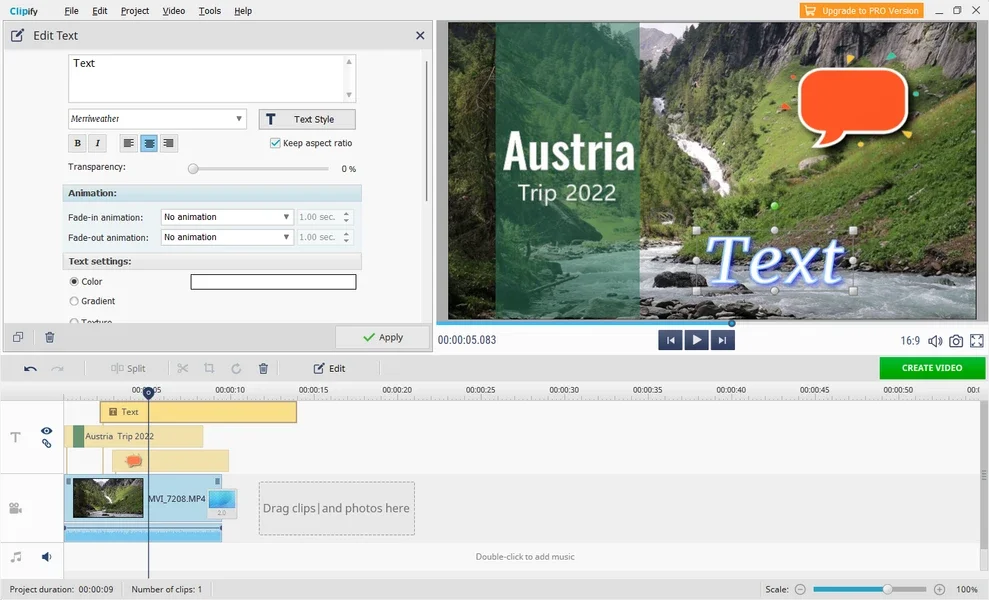
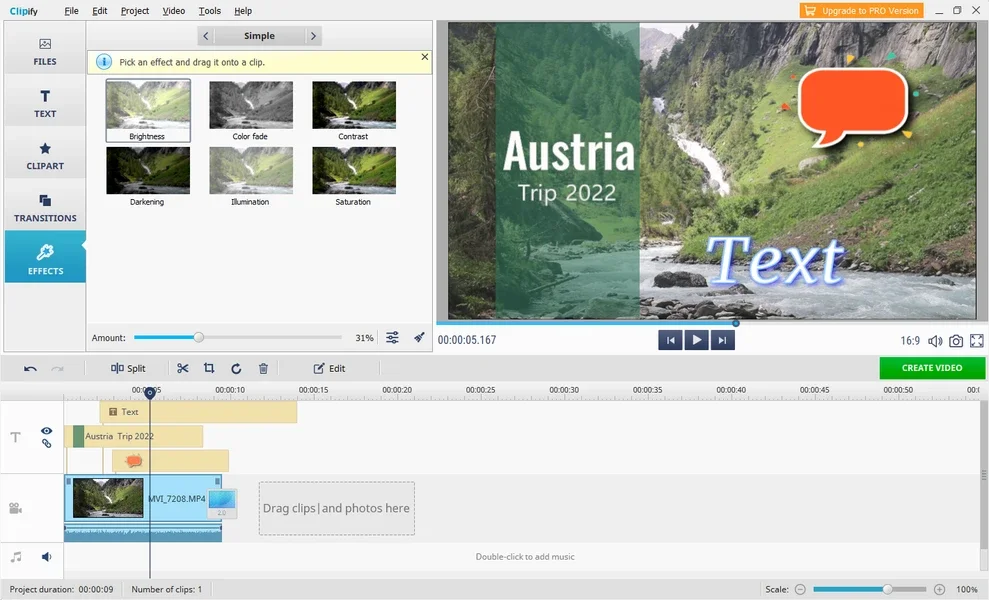
Clipify edits video on Windows and exports it to the resolution, bitrate, FPS and audio codec you pick. When you start a project you either set every option yourself or use one-click editing mode. Lighting fixes come down to brightness, contrast and saturation. Customization covers extra video tracks, texts, credits, icons and speech bubbles.
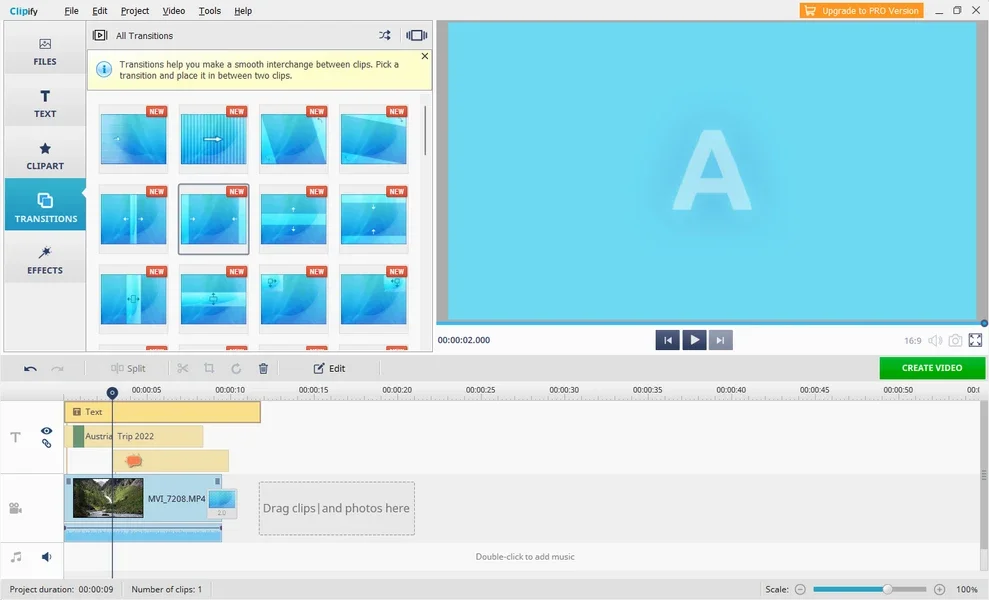
It has a free trial mode and a paid pro version. The free version puts a watermark at the bottom saying the video was made with a free version of the program, and videos exported that way can't have music added. The pro version adds more transition effects, more export formats and higher video quality, and it drops the watermark.
Download files
3b62766e0a40553b484883b373137d23e2951e5fdf900674cd988cb0b5f914f3
Signed by AMS SOFTWARE LLC · valid until Jul 1, 2027c06b28504ef343f26d2f7695fdc70d898823a5e493569907af1c9912524775d8
9130ea22c49f2f495207d508a1ac15053d7036237adee871e2ca188f60d29f1f
Signed by AMS SOFTWARE LLC · valid until Jul 1, 2027System requirements
Available on:
Minimum OS:
Windows Windows 11 or later
Additional information
Developer
Latest release
Size
Category
File type
SHA-256
3b62766e0a40553b484883b373137d23e2951e5fdf900674cd988cb0b5f914f3