
Clipboard manager that saves copied text, URLs and images in tabs
You are on macOS — this is the Windows version. See the macOS version
Screenshots
Description
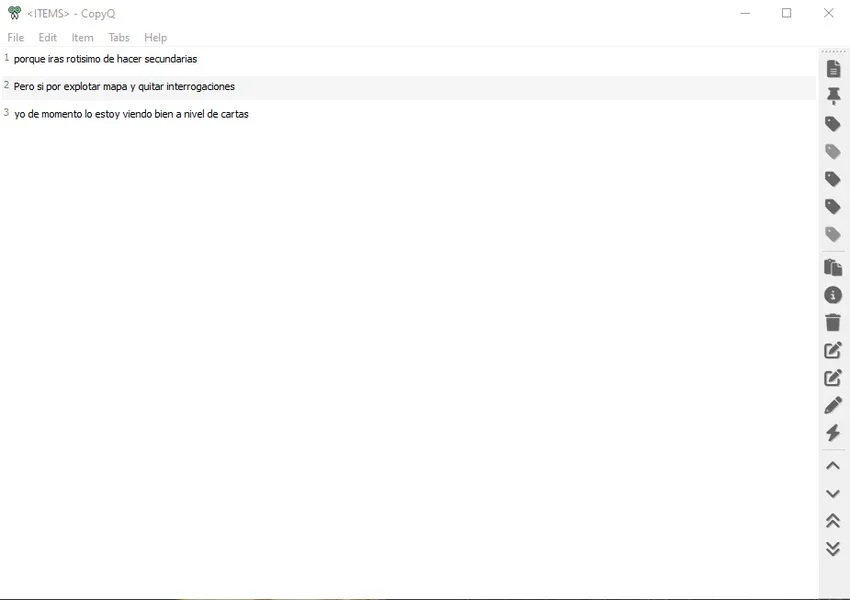
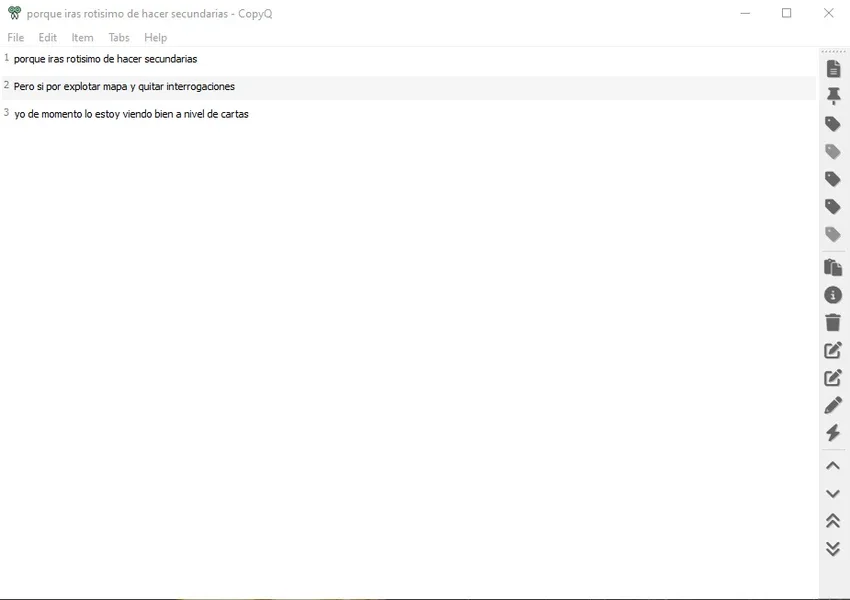
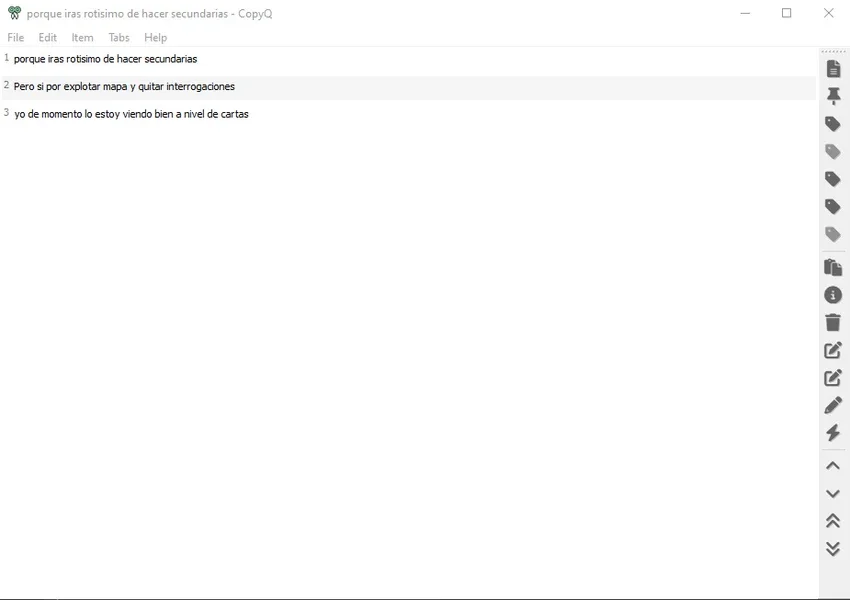
CopyQ is a clipboard application. Everything you copy during a session is saved, and each text fragment lands in its own tab.
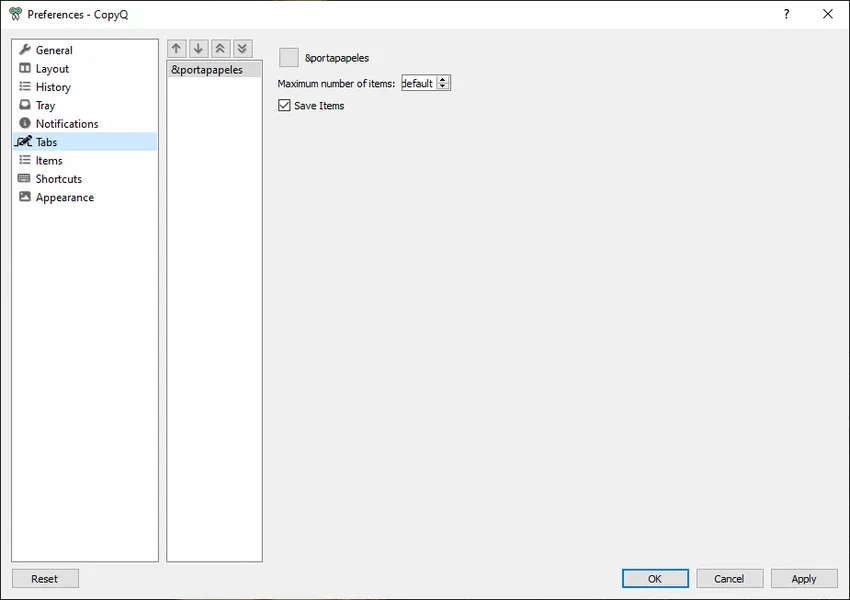
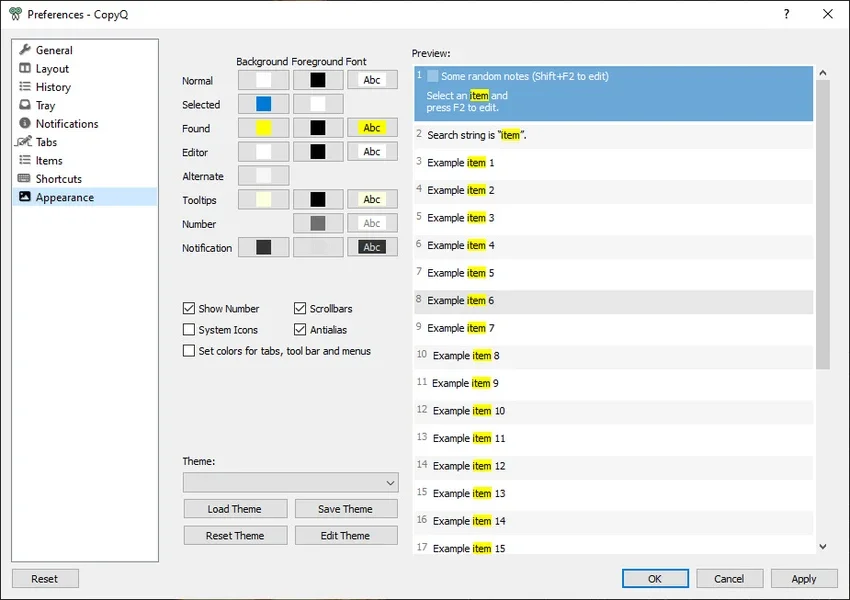
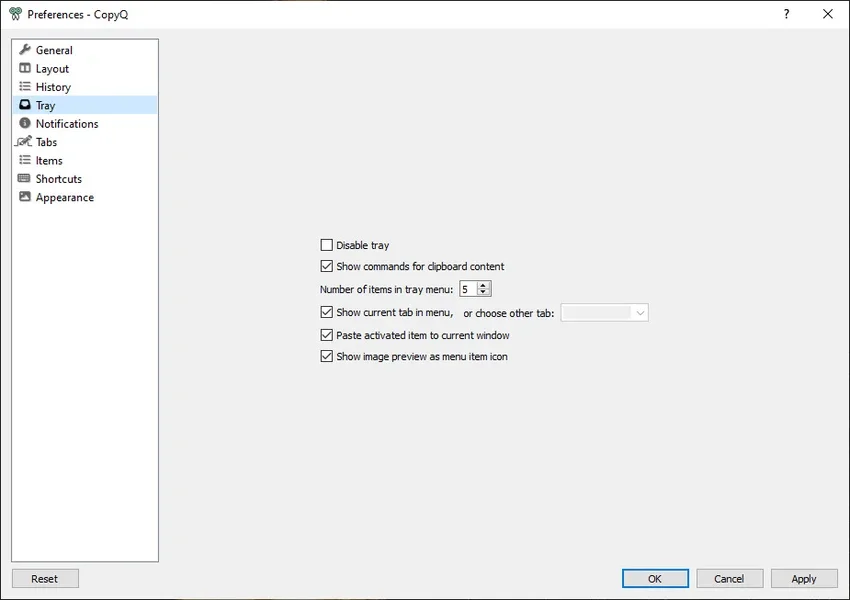
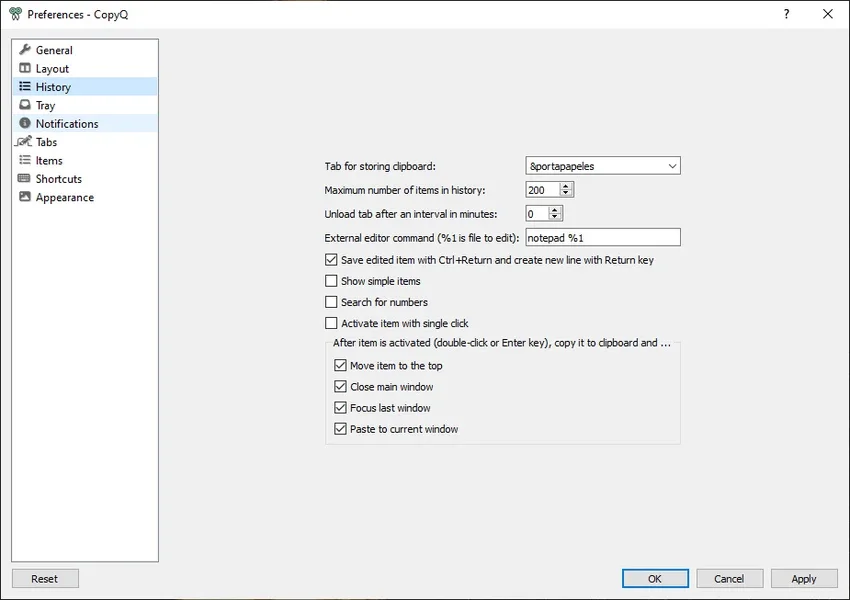
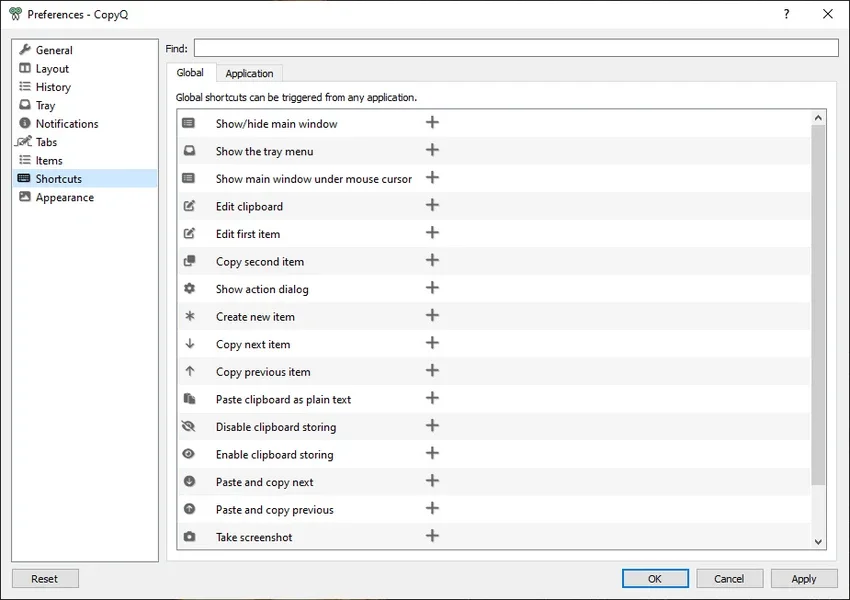
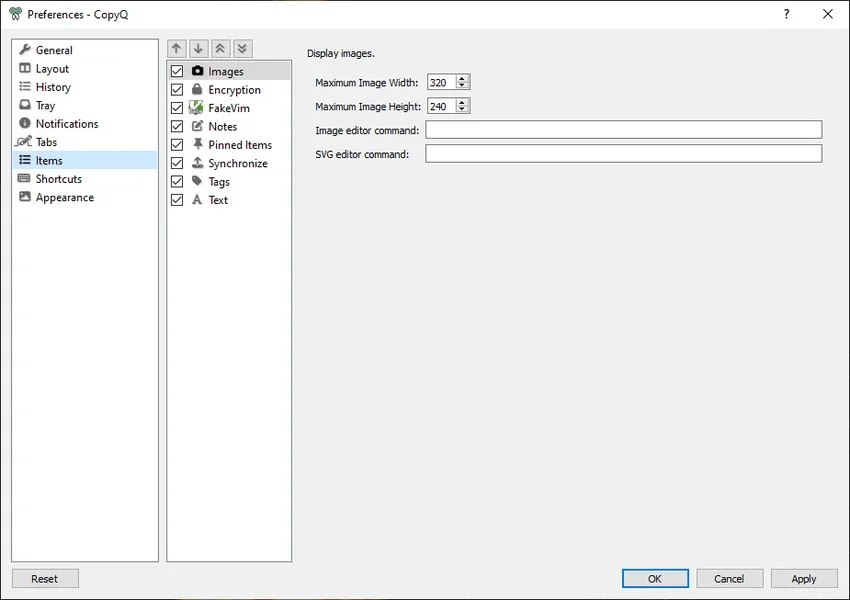
Tabs are what keep the list workable: text fragments, URLs, images and other items can each sit in a separate one, and you choose how many tabs the clipboard has. Stored fragments paste into other applications as usual. Settings let you set the maximum number of stored elements and how long stored elements are kept, so the list does not grow without limit. Keyboard shortcuts go well beyond ctrl+c and ctrl+v; more than a dozen different actions can be assigned to key combinations. The program's appearance can be customized in detail, and many themes are available, or you can create your own. It is recommended for people who regularly work with text documents.
CopyQ runs on Windows. The license is GPL 3.0, and the current version is 17.0.0.
Download files
33585174067273b391df13c0332adb60a3797ec47bfff9c26ff7c26e7dcd85d8
No digital signaturef271a1467589ca55cd56d1faf727a4bc34e686b4965ac742854a93be4b186f82
No digital signature71792c0e231f6f0cc987b9b8ab65afa839dc3df2e491455544c82abbedfcf640
No digital signatureffa4d402f0e634039adeed26a042ba619eef80d96b81d5d547634650c6f3ee39
No digital signature2564b81819d054e87ca578e1ef1c3377af1863d28f0019bdb0fe6984cb06ce03
System requirements
Available on:
Minimum OS:
Windows XP or later
Additional information
Developer
Latest release
Size
File type
SHA-256
33585174067273b391df13c0332adb60a3797ec47bfff9c26ff7c26e7dcd85d8