
CutGeek 1.0.1 for Windows
AI background remover for Windows with local processing
Screenshots
Description
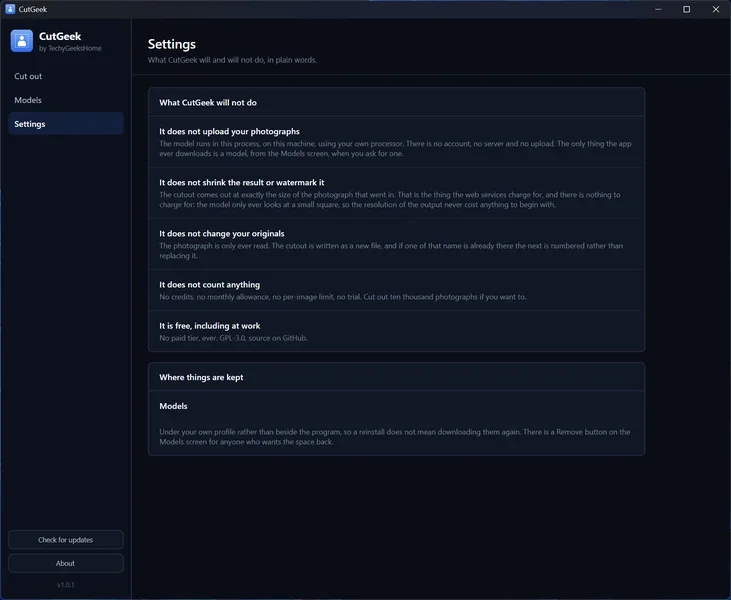
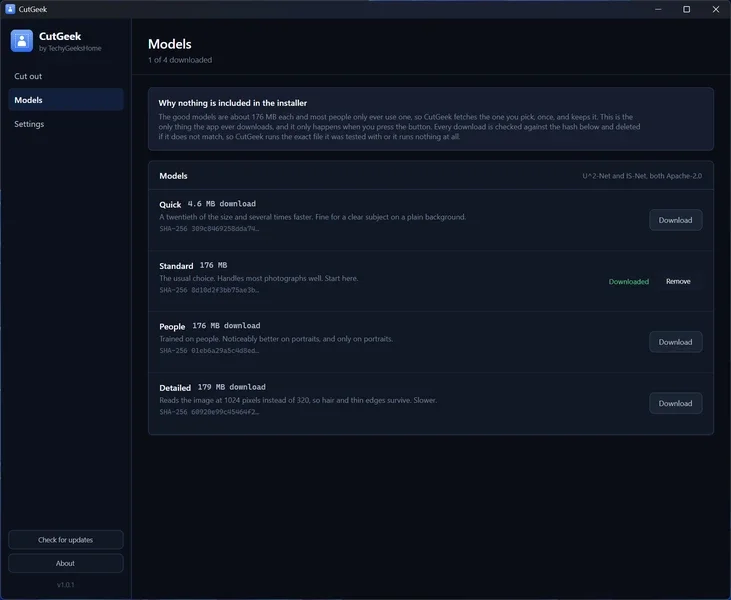
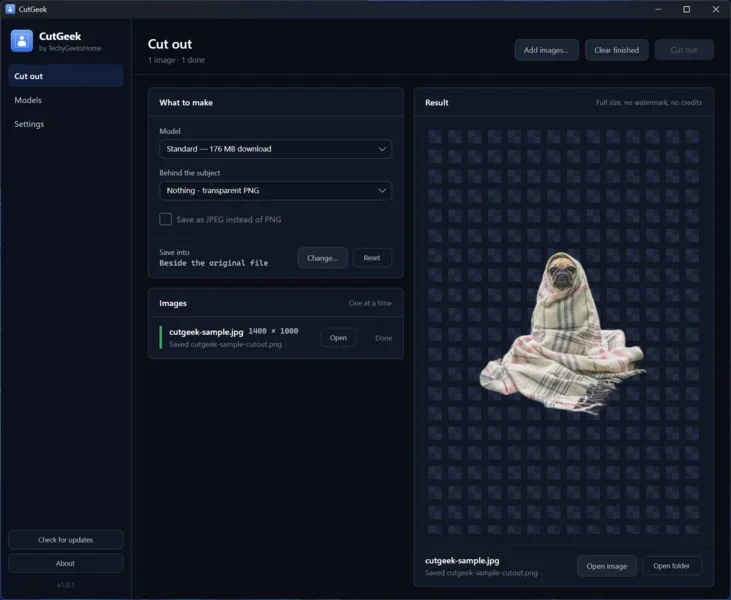
CutGeek is a desktop tool for removing backgrounds from images. You feed it a standard image file, and its AI models cut out the subject. The segmentation models, U²-Net and IS-Net, run through an ONNX runtime right on your machine. Nothing is sent to a server, and it never uploads photos externally.
Output comes as a transparent PNG or with a custom backdrop, such as flat-color presets like passport blue and green screen, or a blurred background. The original image resolution is preserved, and there are no advertising overlays or enforced branding. You can batch process entire folders, though that works better on a capable machine. Memory and CPU load go up with image size and hardware limits, and very large images will tax your system during segmentation.
It’s a single-purpose Windows utility. Setup uses a standalone installer for 64-bit Windows, and after that no extra dependencies install or run in the background. The installer doesn’t add watermarking or bundled software. The source code is on GitHub for public inspection.
Download files
c9a6292add292f1dc6248a9e60a1a66e3ddb92662a6e00a058f5df0b6df67a99
No digital signatureSystem requirements
Available on:
Additional information
Developer
Latest release
Size
Category
File type
SHA-256
c9a6292add292f1dc6248a9e60a1a66e3ddb92662a6e00a058f5df0b6df67a99