
DbVisualizer 26.3 for Windows
Connect to databases and run queries from one workspace
You are on macOS — this is the Windows version. See the macOS version
Screenshots
Description
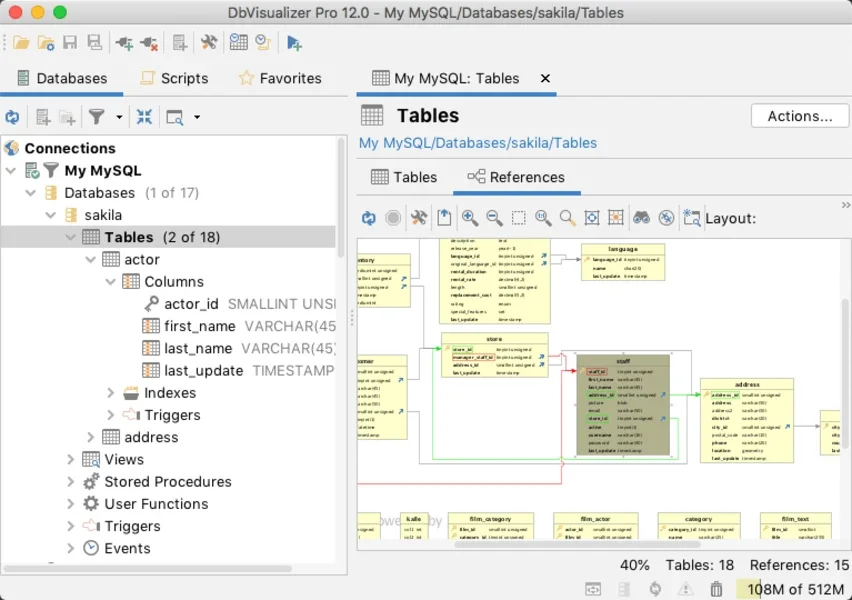
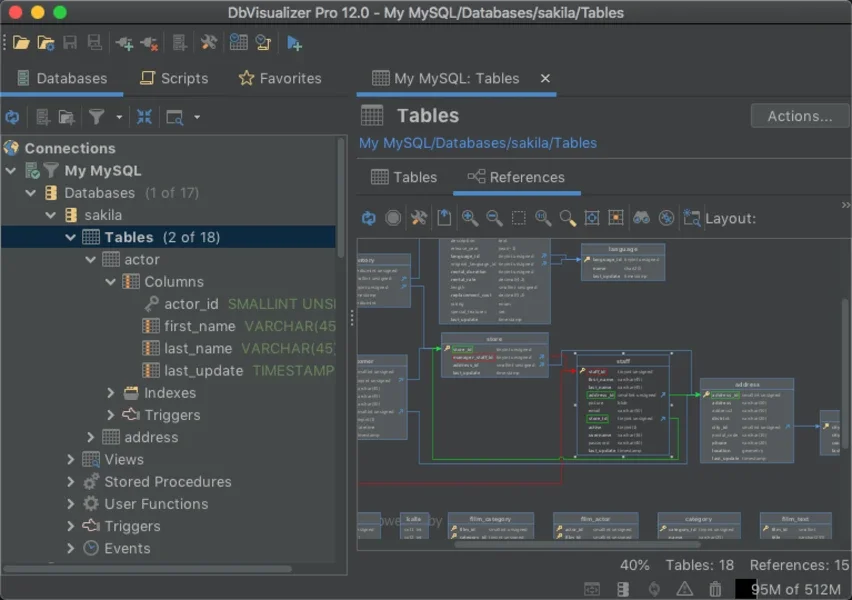
DbVisualizer connects you to databases and keeps the work in one place. You set up each connection manually or with a wizard, then use the interface to manage resources from a single workspace. The point is to reduce the time you spend on database management.
Customization options let you adapt the workspace to the functions you use most, so frequent tasks sit where you need them. The program has multiple options for understanding data and running queries. Coding goes faster with those options in reach, which eases the daily work. It is designed to be intuitive, so database access stays uncomplicated.
It supports the main operating systems: Windows, macOS and Linux. Database access can be shared across those systems.
Download files
3e31438111bcd6f7ea883cc41ab579bda122207320eb0a19a8582951db94877e
Signed by DbVis Software AB · valid until Sep 23, 202775f34c8d7f38c21906c3a9c88e61a6d2a3e1b59e9c3d6bc9c88c2471200b1941
Signed by DbVis Software AB · valid until Sep 23, 2027a7fb845de5a437e18a3e7e280d0d133d05558fde6842d514184dfe425918b936
Signed by DbVis Software AB · valid until Sep 23, 202697b7edbb2da5448be69c98f6621080e756f817b02b321eea0cf11bde80a437ef
Signed by DbVis Software AB · valid until Sep 23, 2026d387267dfc380a42bf881c2d4ab15f72139e31c7f4810045c96bc22b0b307c53
Signed by DbVis Software AB · valid until Sep 23, 2026System requirements
Available on:
Architecture:
64-bit
Additional information
Developer
Latest release
Size
Category
File type
SHA-256
3e31438111bcd6f7ea883cc41ab579bda122207320eb0a19a8582951db94877e