DesktopNoteOK 4.66.0.0 for Windows
Post-it style sticky notes for the Windows desktop
Screenshots
Description
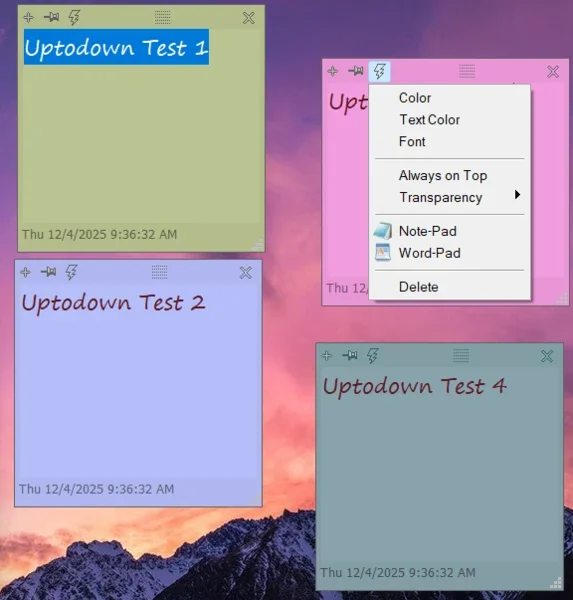
Double-click any note and DesktopNoteOK lets you edit its text, lists, or long paragraphs in place. Notes are Post-it style sticks on the Windows desktop, and a single command hides all of them; the same menu brings them back. Any note can be forced to stay in the foreground, overlapping other open programs.
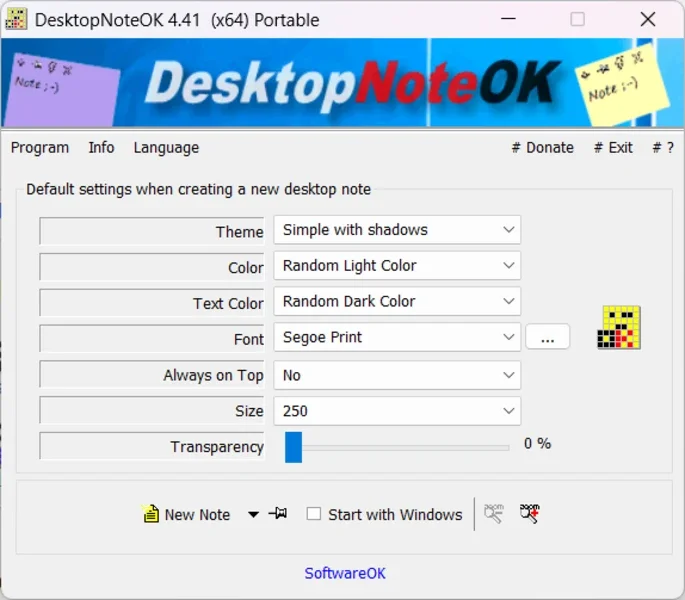
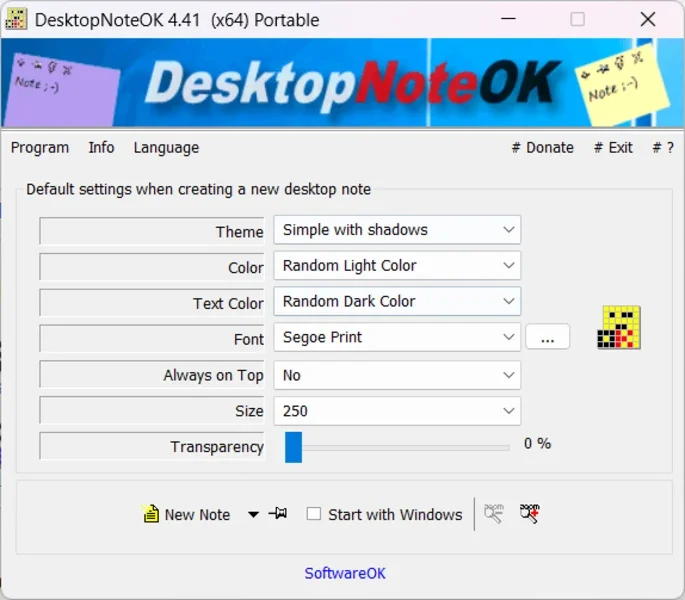
Drag a note's corners to resize it, or set a default size in Settings so new notes start at those dimensions. Content from other programs can be copied and pasted directly into notes, and existing notes can be duplicated to replicate lists or structures for repetitive tasks. Right-click the taskbar icon to create new notes or edit open ones.
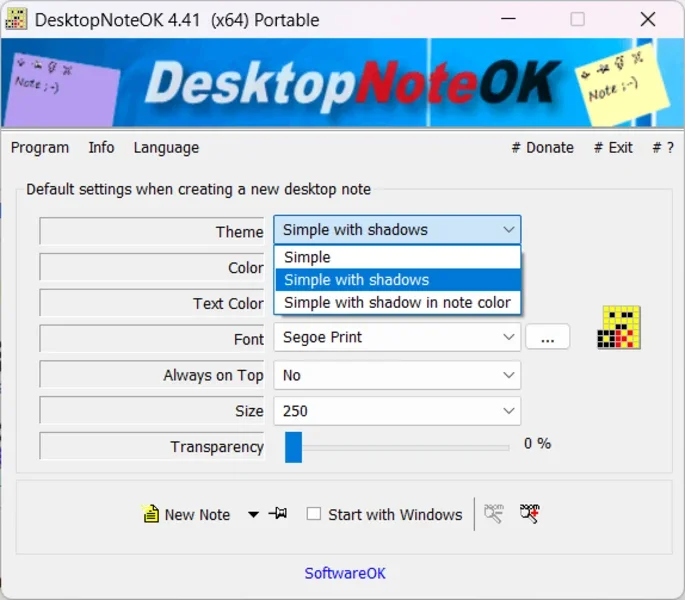
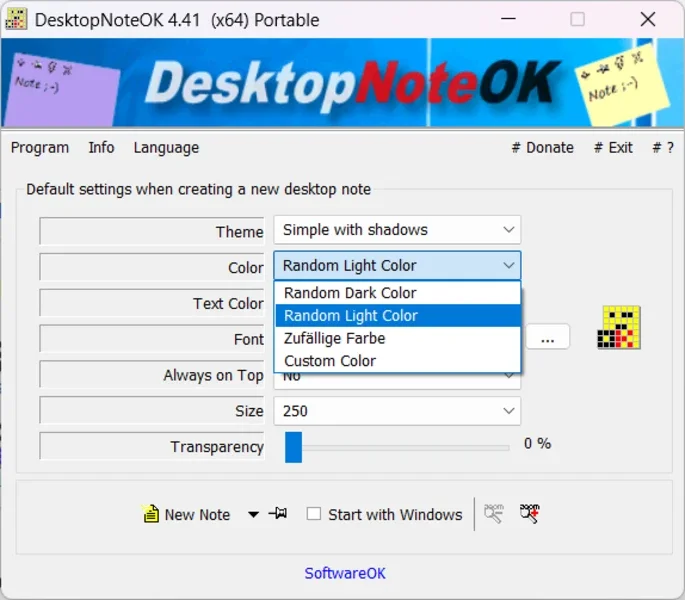
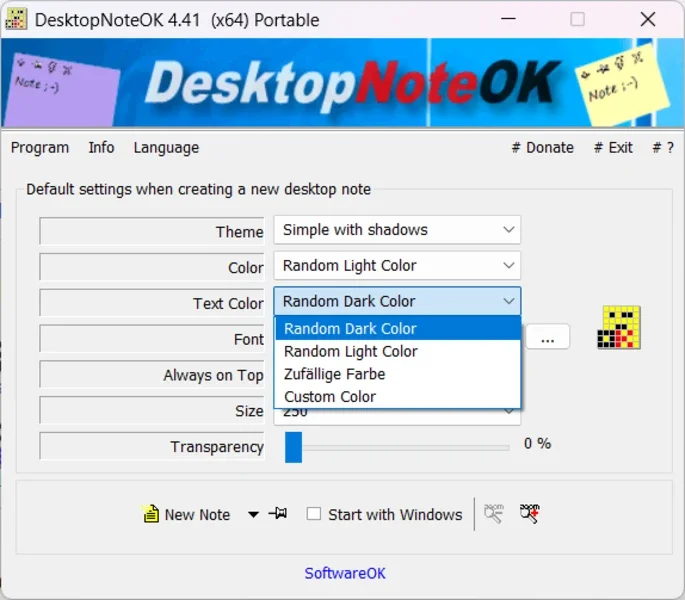
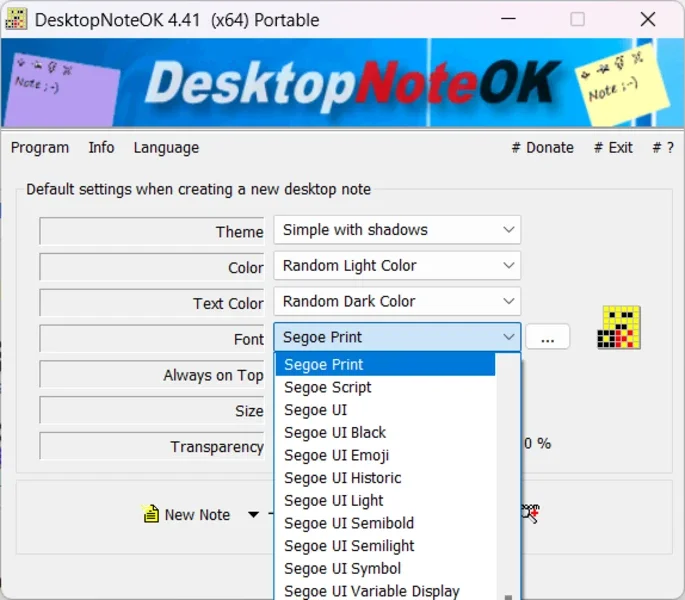
Themes can be customized with solid colors and applied to new or existing notes. Several predefined themes are available, and themes can be mixed randomly so each note looks different. You can pick your own color and font, use backgrounds and text in fully random colors, or switch between auto-generated colors and custom tones matching the desktop background. A random dark text mode gives contrast on light backgrounds. A slider sets the transparency level of notes.
Download files
03fcb4661a8b336af915b1ff2f7e9cb5d606be4b5d111a01a28c3b6ab1a2f349
4f44f3c10974b60f556107730649613bcb2dd1fbd47ac34d4a61a728da644d37
b4c8f7430cb65339a01c6491379c4aa323b9f7405cdf2960a6b94cad55e8fdd0
System requirements
Available on:
Minimum OS:
Windows XP or later
Additional information
Developer
Latest release
Size
Category
File type
SHA-256
03fcb4661a8b336af915b1ff2f7e9cb5d606be4b5d111a01a28c3b6ab1a2f349