
Ditto 3.25.113.0 for Windows
SHA-256 listed
Open source
Replaces the Windows clipboard and keeps every text or image you copy
You are on macOS — this is the Windows version. See the macOS version
All ages
Age rating
Screenshots
Description
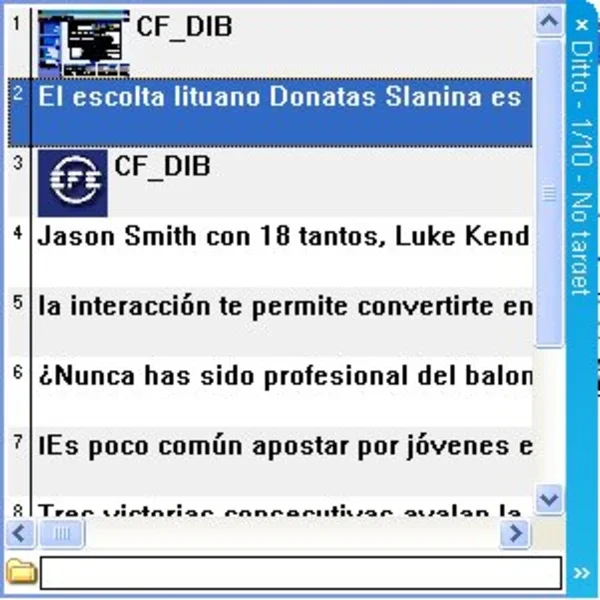
Ditto replaces the regular Windows clipboard and keeps every text or image you copy, so pasting does not stop at the last item. It shows up on the taskbar. Select a fragment in the Ditto window and paste as usual.
- Copy any number of text fragments.
- Images can be stored too.
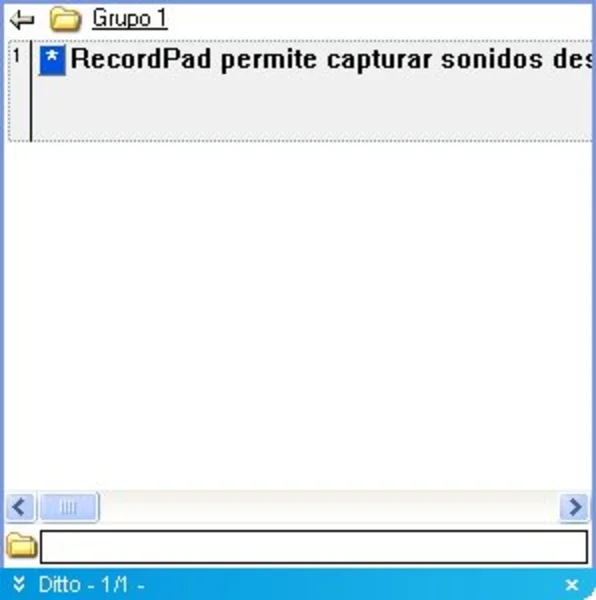
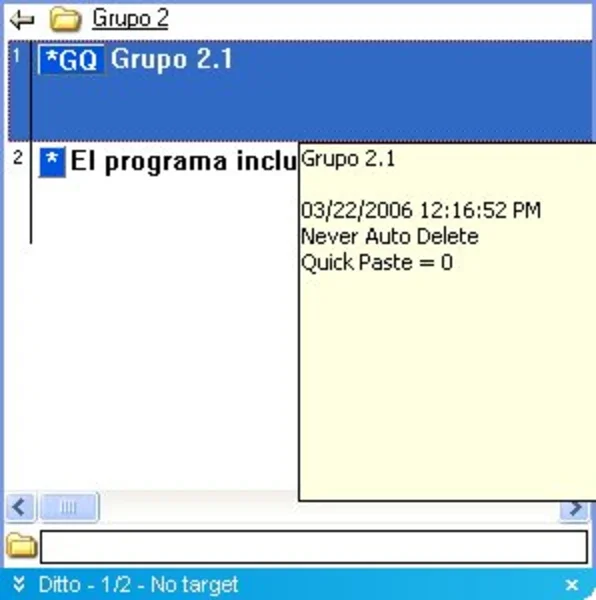
- Sort fragments into categories when you need to.
- Drag and drop fragments in and out.
- Set your own keyboard shortcuts to automate tasks.
It can be set to run when Windows starts.
Download files
File3.25.113.0.exeEXE
Version3.25.113.0
ReleasedNov 4, 2025
Size5.5 MB
SHA-256
Get
fc354f1e9b9d2984099d4da93b4c569866dfe9bf1f590c1313e85e07f41224d3
Signed by SignPath Foundation · valid until Sep 7, 2027File3.25.113.0ZIP
Version3.25.113.0
ReleasedSep 29, 2025
Size4.9 MB
SHA-256
Get
c21dc05f27f744813e0f19d2d20842546baea160ab366382548aa283e2636216
Fileditto-3.25.76.0.exeEXE
Version3.25.76.0
ReleasedAug 21, 2025
Size5.5 MB
SHA-256
Get
f093225156eaee37f7dc178db66f0d14ed1988e4db9a561d8d2eaa421fd6b4a2
Fileditto-3.24.246.exeEXE
Version3.24.246
ReleasedApr 17, 2023
Size4.8 MB
SHA-256
Get
ecc193ad66a559b28969b451ede6b4d3ef5c8789587bafcc1ae538d7ea2dd93b
Fileditto-3.24.238.0.exeEXE
Version3.24.238.0
ReleasedOct 5, 2022
Size5.2 MB
SHA-256
Get
24fcb7577a7c4e585c886fd93604f3da8d7cce032a8423cb45ce83e5ed89af80
System requirements
Available on:
Minimum OS:
Windows Windows 11 or later
Additional information
Latest release
3.25.113.0 · Nov 4, 2025
Size
5.5 MB
Category
File type
EXE
SHA-256
fc354f1e9b9d2984099d4da93b4c569866dfe9bf1f590c1313e85e07f41224d3
Digital signature
Signed by SignPath Foundation · valid until Sep 7, 2027





