

DWG FastView 7.6.0 for Windows
Lightweight DWG/DXF viewer and editor with cloud sync and mobile access
Screenshots


Description
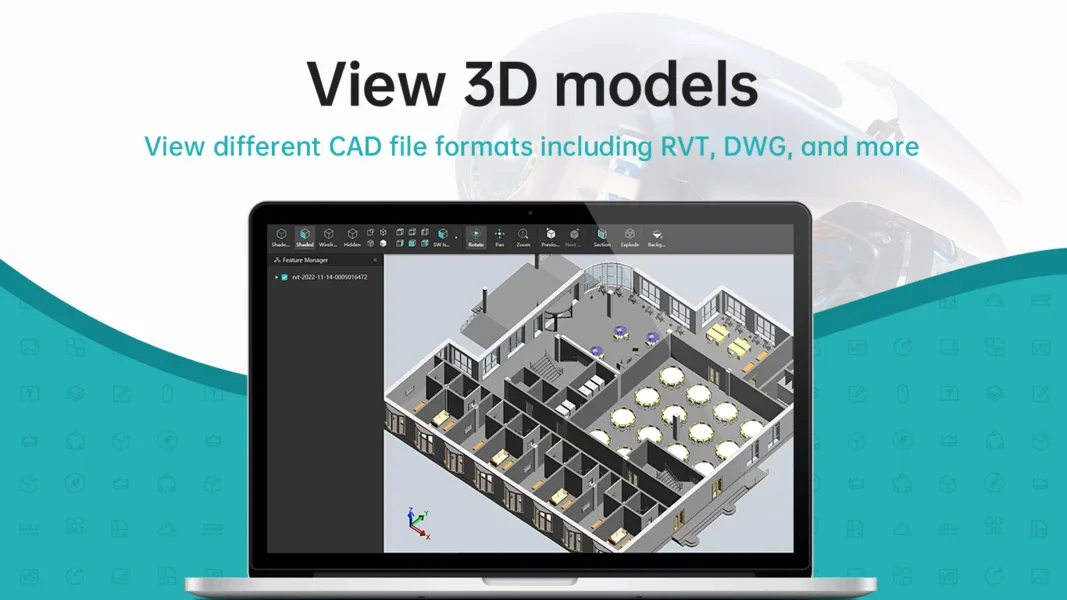
DWG FastView opens DWG and DXF files directly, without converting them first. It's a lightweight viewer and editor from Gstarsoft, fully compatible with AutoCAD DWG and DXF. The CAD parsing handles AutoCAD files, external references and 3D drawings, and 3D models can be viewed as well.
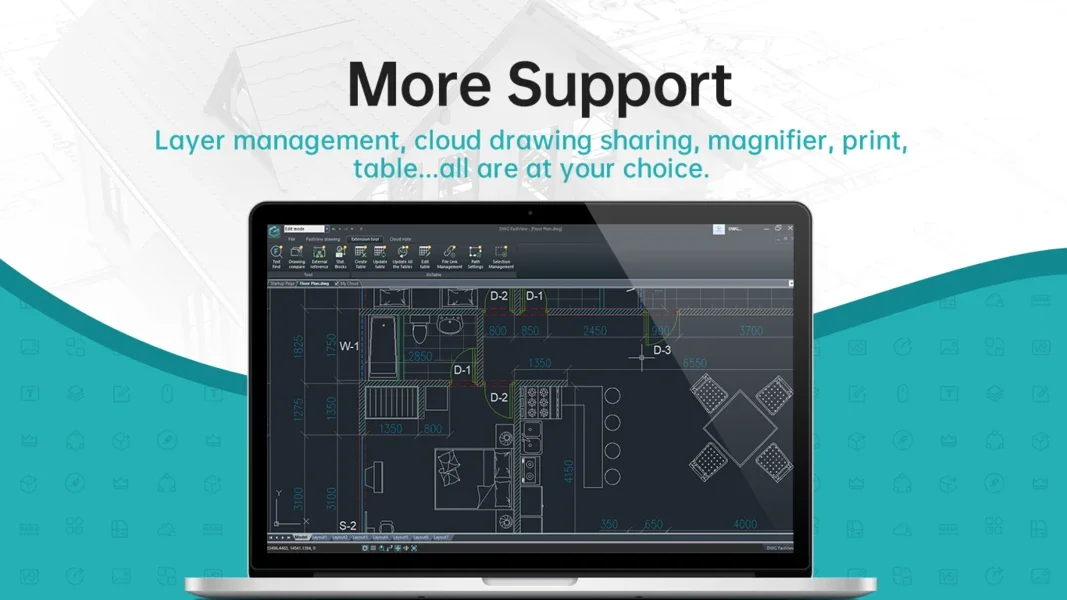
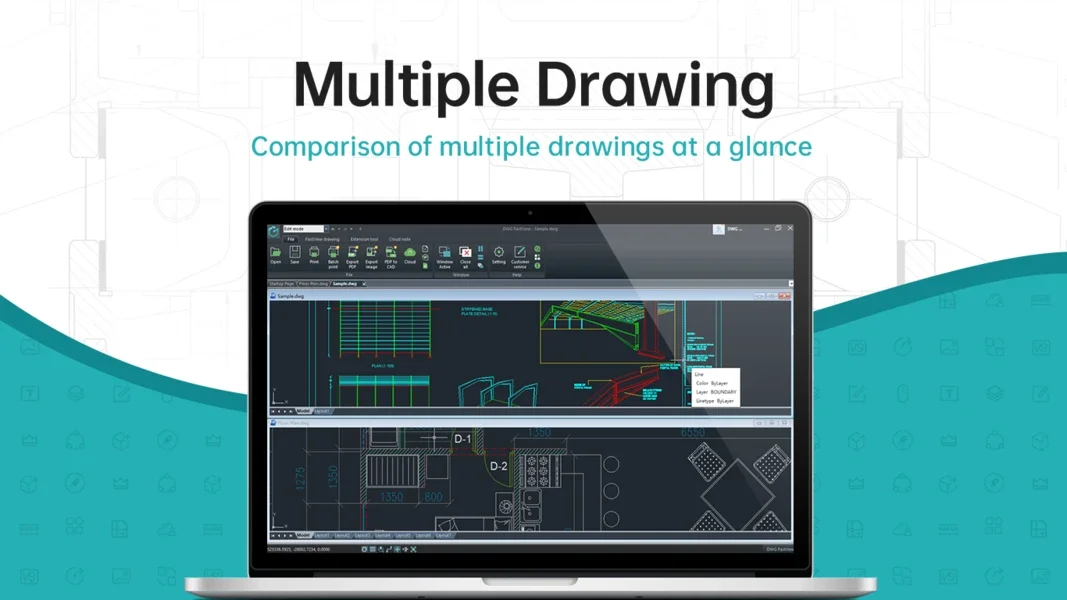
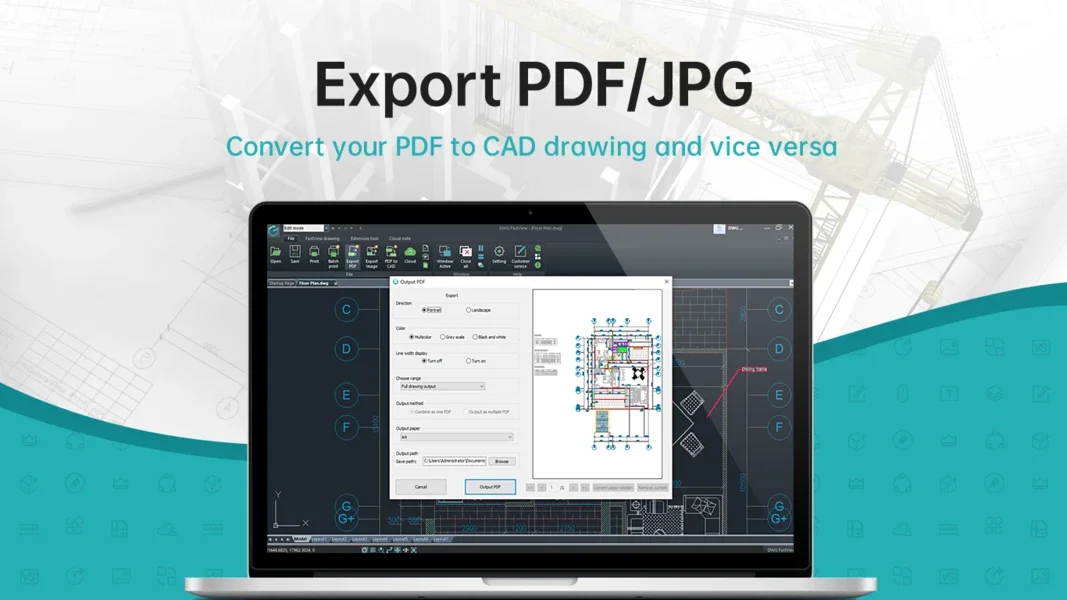
Drawing tools cover straight line, poly line and ellipse, alongside smart capture, intersection and table insert. Common commands such as delete, move and copy are there for editing. It measures length, angle, radius and area, and measurements export to Excel with one key. Layers can be managed, and vector graphics enlarge without distortion. You can annotate, dimension, compare drawings, work with tables and export to PDF or JPG. Printing comes out without a watermark. The program does not assume technical skills, so someone new to CAD can still open a file and look around. Beyond DWG and DXF, it views RVT, Solidworks, Creo, NX, Inventor and SolidEdge files, plus over 20 other formats. A magnifier and social sharing sit alongside the rest of the toolset.
One account reaches your project files on the cloud from a web browser, a phone or a PC, and drawings sync across all three. Instead of sending DWG files, you can share a link, which is described as strongly secured. Annotations made anywhere stay visible through the cloud.
Download files
5f2ead36a0d526915043453b4bdf7b80978ca5a3fa08c0883036d7ee4cff60e2
Signed by Gstarsoft Co.,Ltd. · valid until Nov 18, 2025System requirements
Available on:
Architecture:
64-bit
Additional information
Developer
Latest release
Size
Category
File type
SHA-256
5f2ead36a0d526915043453b4bdf7b80978ca5a3fa08c0883036d7ee4cff60e2