
Screenshots
Description
DWGSee opens CAD files on Windows without the editor that created them. The picture fills most of the screen, with a small toolbar off to one side, so most of the window is drawing and little of it is controls. Layers are supported, which means you can pick one layer and look at that alone.
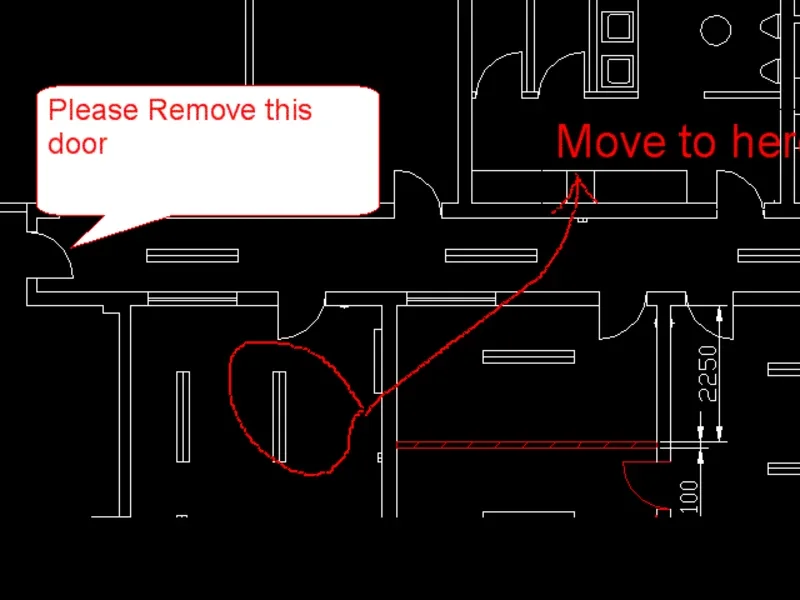
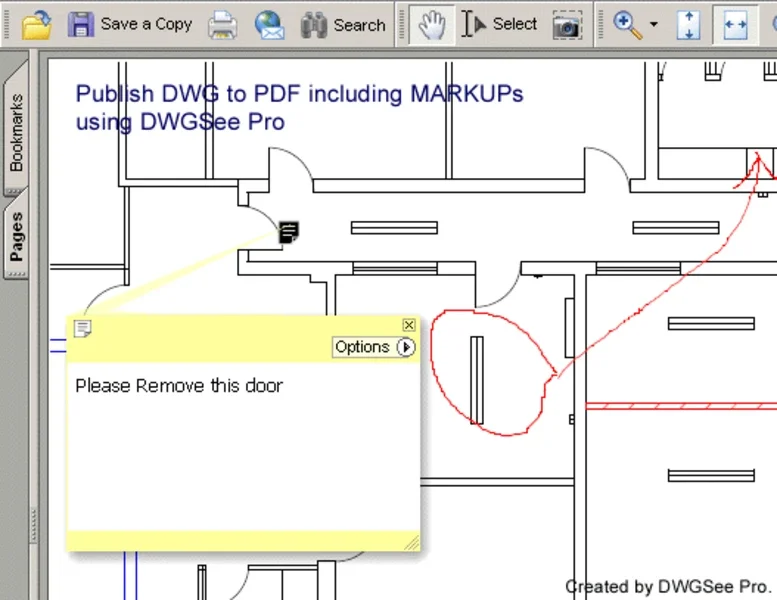
Any section of the display can be highlighted, and you can take notes on the display itself. A tab manager switches between open files without delay. AutoCAD 2008 files are supported.
Download files
System requirements
Available on:
Additional information
Developer
Latest release
2012 · Feb 22, 2012
Size
13.5 MB
Category
File type
EXE
SHA-256
fe9aa408bd13dacd6b11dc3c0a0abbc420bd450f3038e7cf2f234af50901583a
Digital signature
No digital signature