
Easy Image 0.4.8 for Windows
Converts, resizes and watermarks whole folders of photos offline
Screenshots
Description
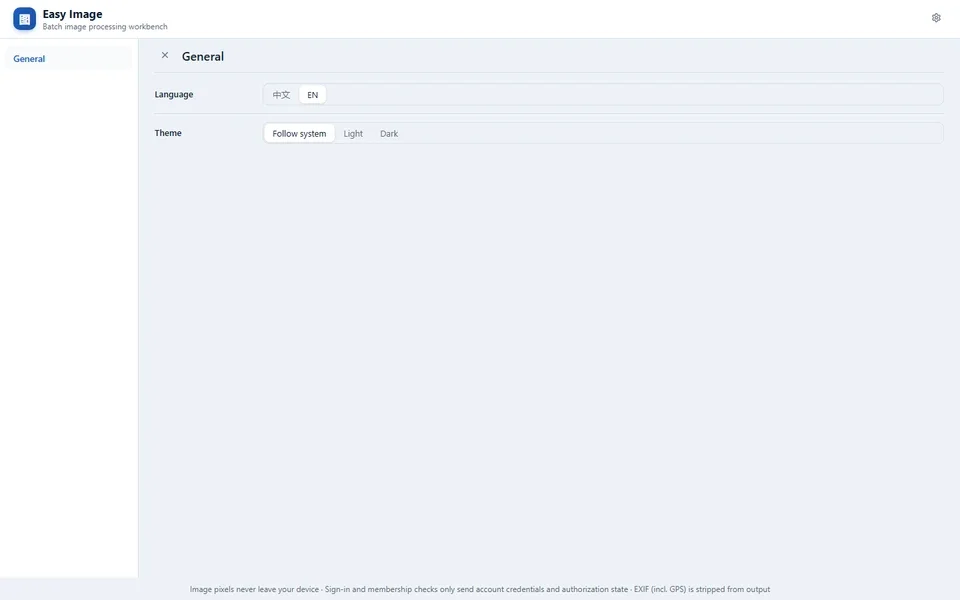
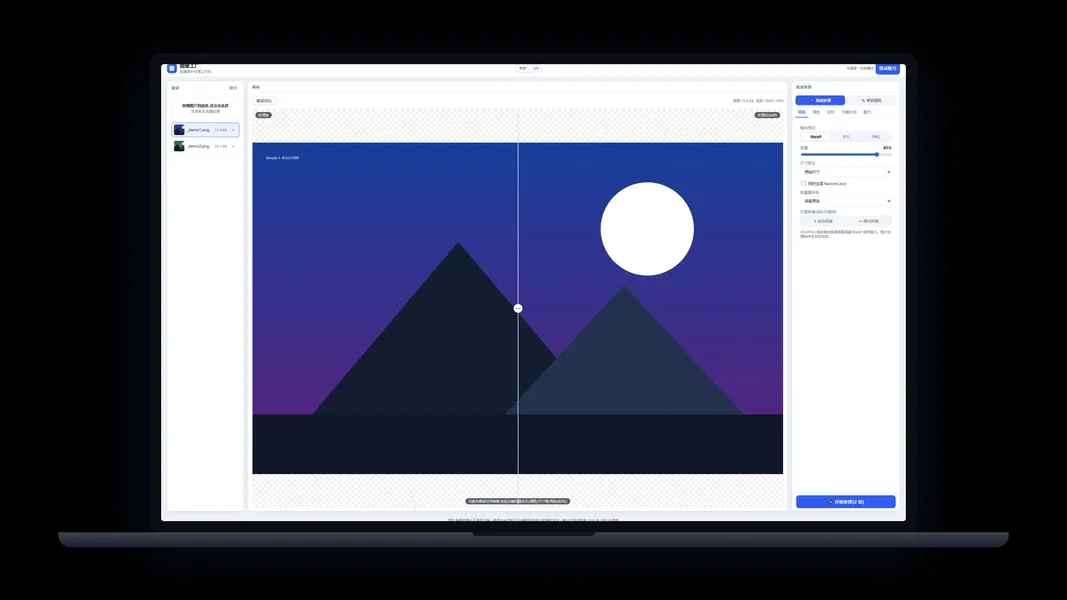
Easy Image handles photos in batches on Windows. You point it at a folder, pick the operations, and the batch runs. Everything happens on your own machine; nothing is uploaded.
Formats convert between PNG, JPG and WebP, and resizing scales with them, so hundreds of photos can be turned around in one pass. Compression comes with a live preview that shows the quality you trade for the smaller file, which helps when the images are headed for the web. Watermarking works the same way in bulk: add a text or image watermark once and it lands on every file in the folder.
Output carries no location history. The program removes EXIF data, GPS coordinates included, before the files are written, so a photo shared afterwards has nothing in it that points back to where it was taken.
Download files
1a701ab754e1f2123868c0a3e4b171da79f65e5d834a0f12201bb9e376a90c9c
No digital signaturecec5dbd807257f9c59de614af34983b6806f7719a18e1b6e9e82918c770d57ce
No digital signatureSystem requirements
Available on:
Minimum OS:
Windows XP or later
Additional information
Developer
Latest release
Size
Category
File type
SHA-256
1a701ab754e1f2123868c0a3e4b171da79f65e5d834a0f12201bb9e376a90c9c