
exe4j 10.1 for Windows
Converts Java JAR files into Windows EXE executables
You are on macOS — this is the Windows version. See the macOS version
Screenshots
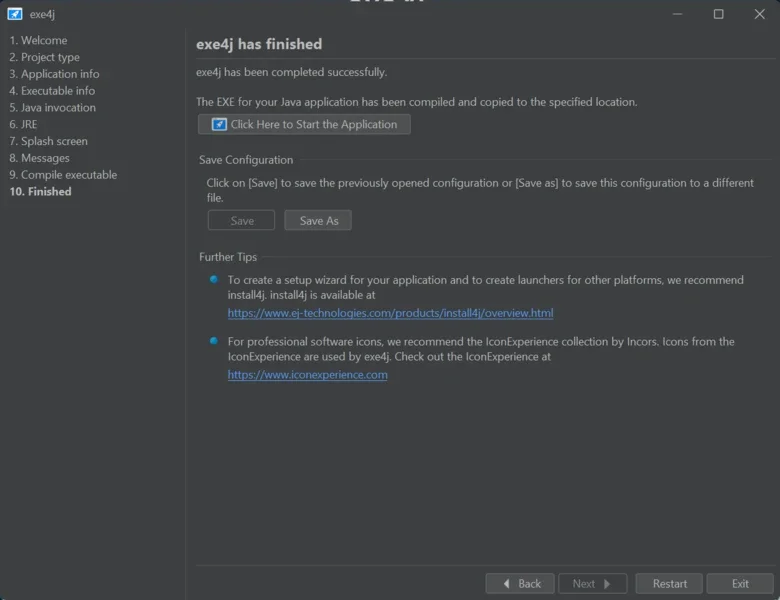
Description
exe4j is a Windows development tool for turning Java applications into native executables. Java tools normally ship as JAR files, which do not run on a double-click, so this is the step that makes them launchable.
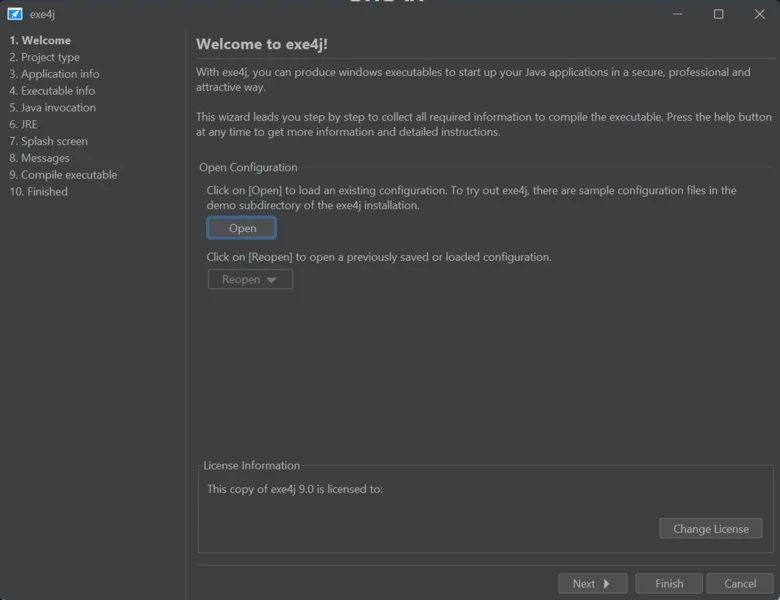
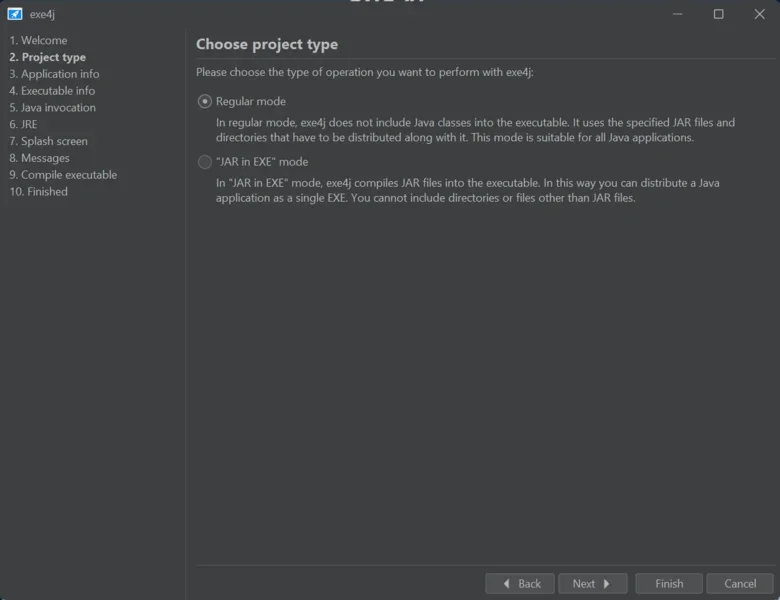
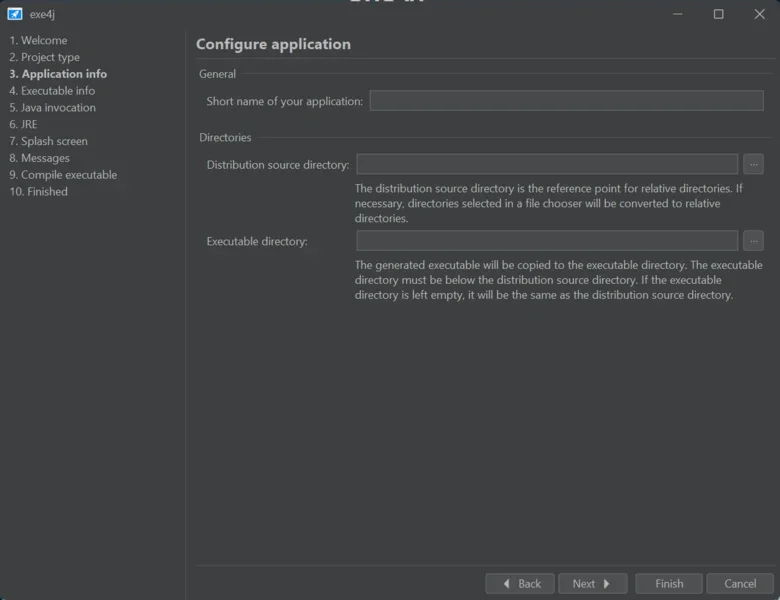
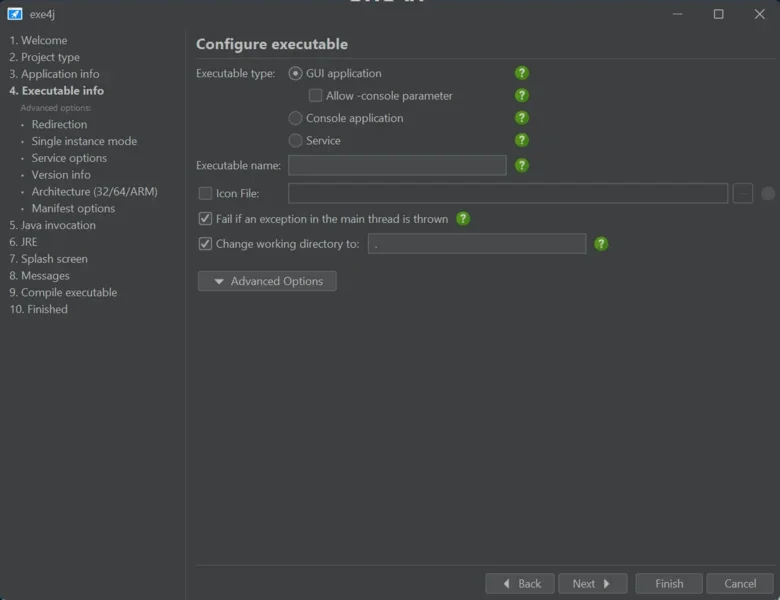
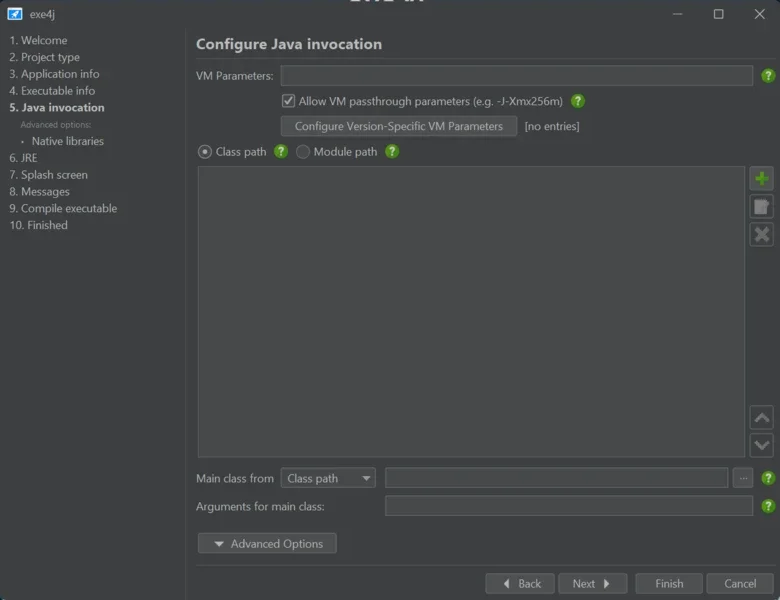
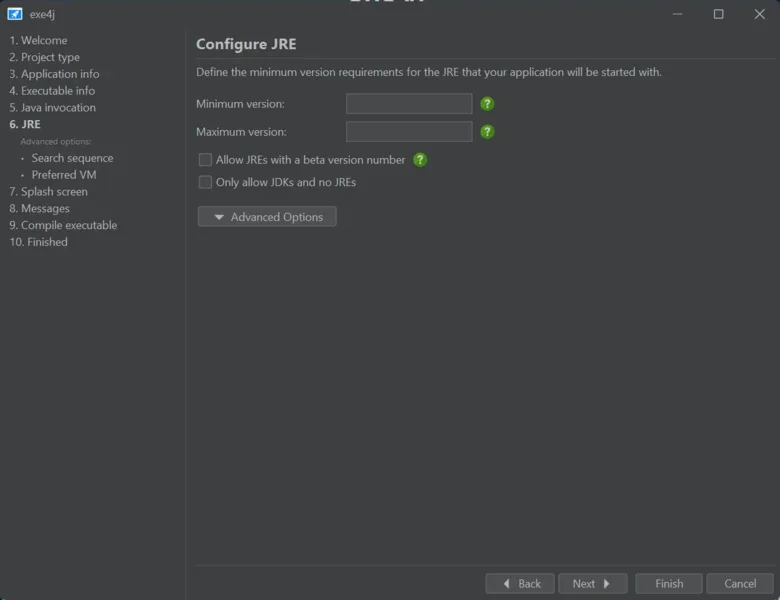
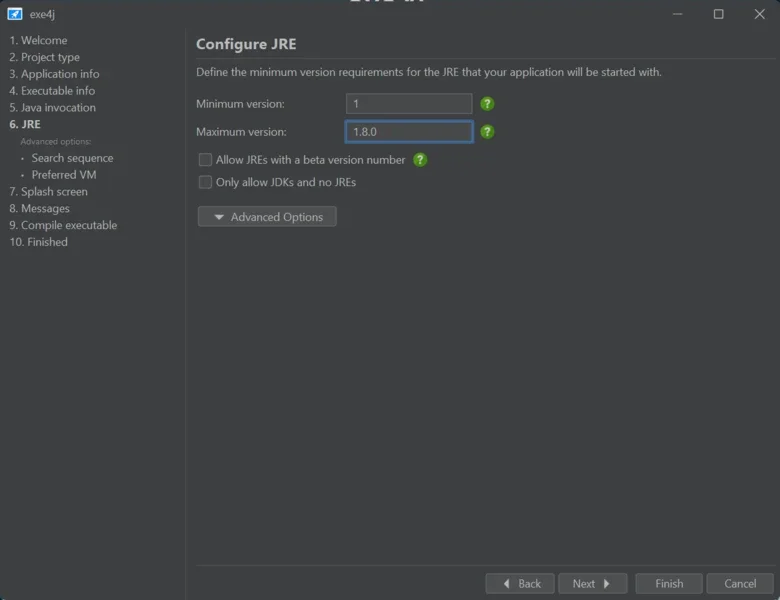
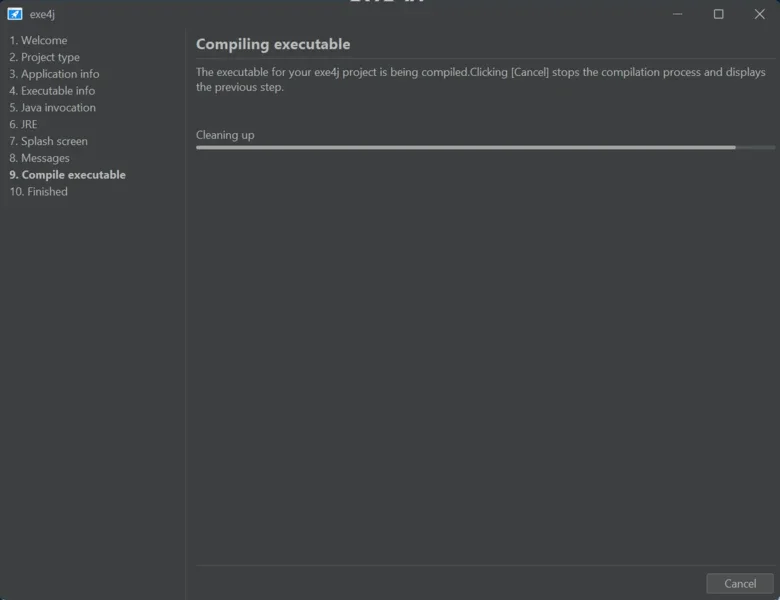
A step-by-step guide walks through the whole conversion, from JAR to EXE, with help boxes built into the guide so you don't have to leave the program to look something up. You can set the allocated memory, the execution environment and startup arguments, and configure environment variables. The executable icon can be changed. Compatibility options can be set for different Java versions, which helps avoid problems on older systems, and different versions of the Java Runtime Environment are supported. Obfuscation and integrity verification help keep the app running only in secure environments where nobody can modify it. Advanced options cover performance and Windows integration. GUI applications are supported, and the executable's behavior can be customized according to the program type. A Java app can also be configured to run as a Windows service in the background without user intervention.
The program works with Eclipse, IntelliJ IDEA and NetBeans, so executables can be built from those IDEs. Command line support lets you plug the conversion into automated build scripts.
Download files
3b076e55b98edfa9351166aa5b37a709185973f598ea98d689e6949c598e3991
Signed by ej-technologies GmbH · valid until Sep 10, 2027ce78720703ae04b13a555c79ea0deea0c6d390757466bd4a1d35f6e36d5c7733
5ca685228d188512768769f9672ccc70a01600d83d53faa5e39d1763cda58c37
b03f450764a48a63023ec9fd9c6074d243b5b77584a11098878bb0998760c6fe
System requirements
Additional information
Developer
Latest release
Size
Category
File type
SHA-256
3b076e55b98edfa9351166aa5b37a709185973f598ea98d689e6949c598e3991