
Fantashow 2.0.1 for Windows
Three-step tool for making photo and video presentations
Screenshots
Description
Fantashow creates photo and video presentations. It starts with a theme, then lets you build the project, and ends with a choice of where the presentation goes.
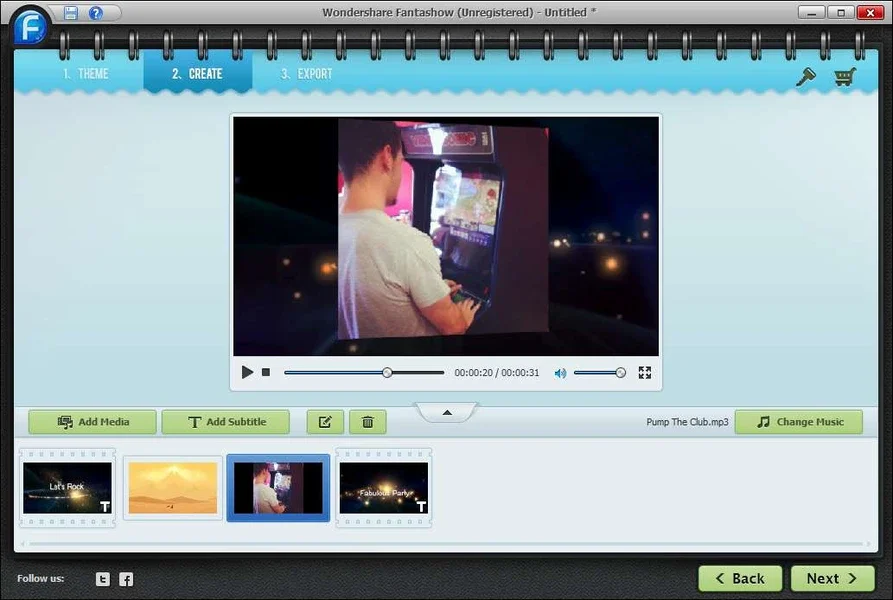
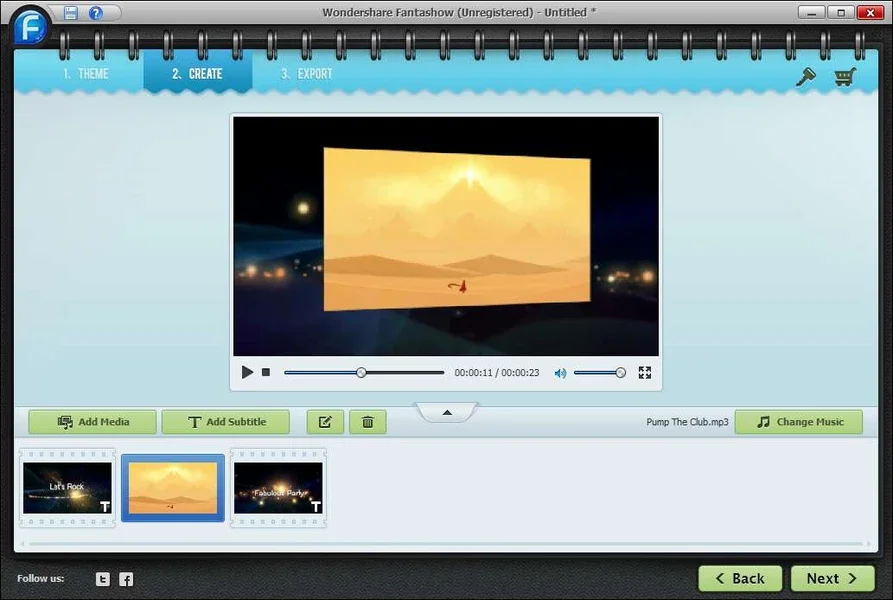
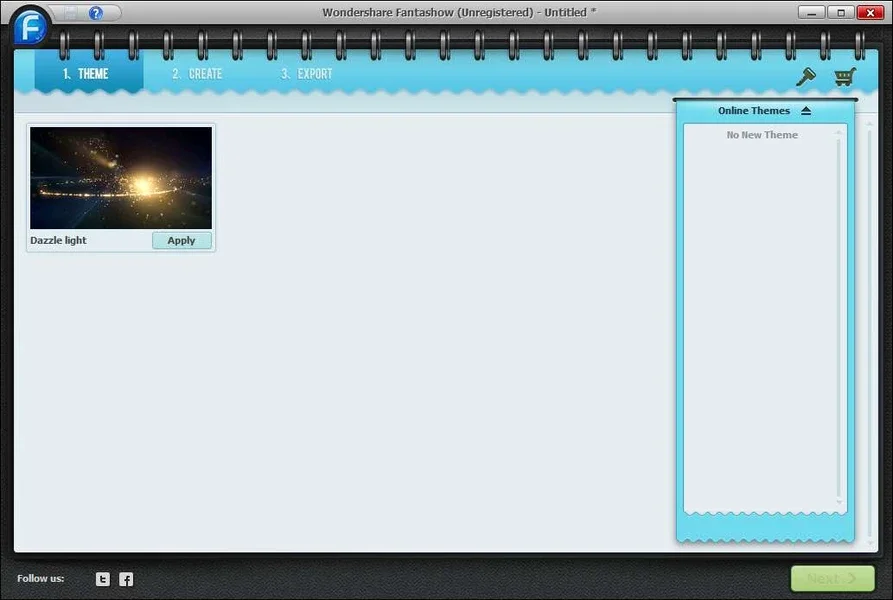
Step one is picking a theme. That means a template that matches the subject of your pictures, chosen from the options the program offers. Step two is where you add as many pictures and videos as you want and arrange them freely. It also lets you add effects and transitions, along with music. You can bring your own music, special effects and transitions rather than sticking to what came with the theme.
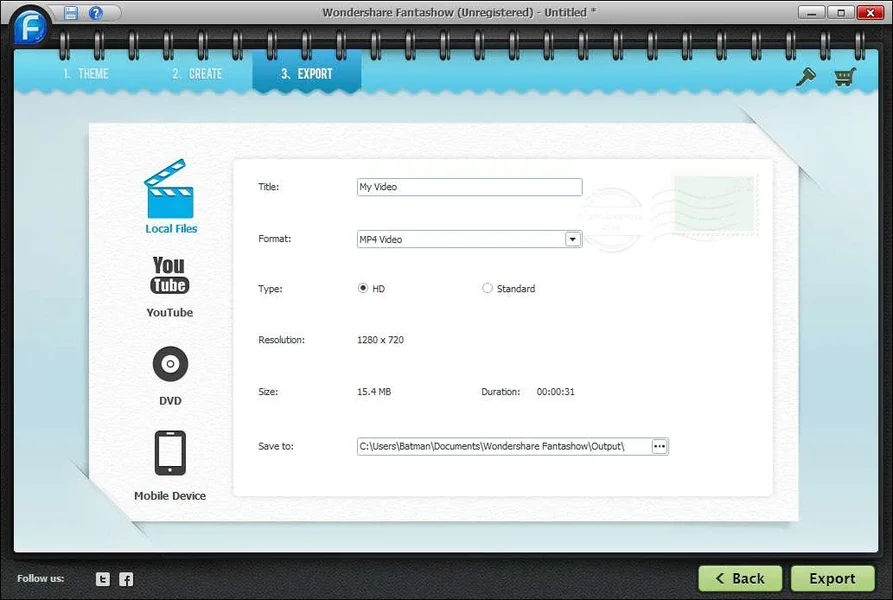
Step three is deciding what to do with the finished presentation. You can save it to the hard drive in several formats and quality levels. It can be sent via mobile phone, or uploaded to YouTube.
Download files
485f9a459276aee50aa5b831a554df7d7ba05df8e642f124fb5f8bf634a9f3dd
Signed by Wondershare Software Co., Ltd. · valid until Sep 20, 2013System requirements
Available on:
Additional information
Developer
Latest release
Size
Category
File type
SHA-256
485f9a459276aee50aa5b831a554df7d7ba05df8e642f124fb5f8bf634a9f3dd