
FFMPEG Audio Encoder 4.11 for Windows
Drag in audio, pick a codec, encode with FFMPEG
Screenshots
Description
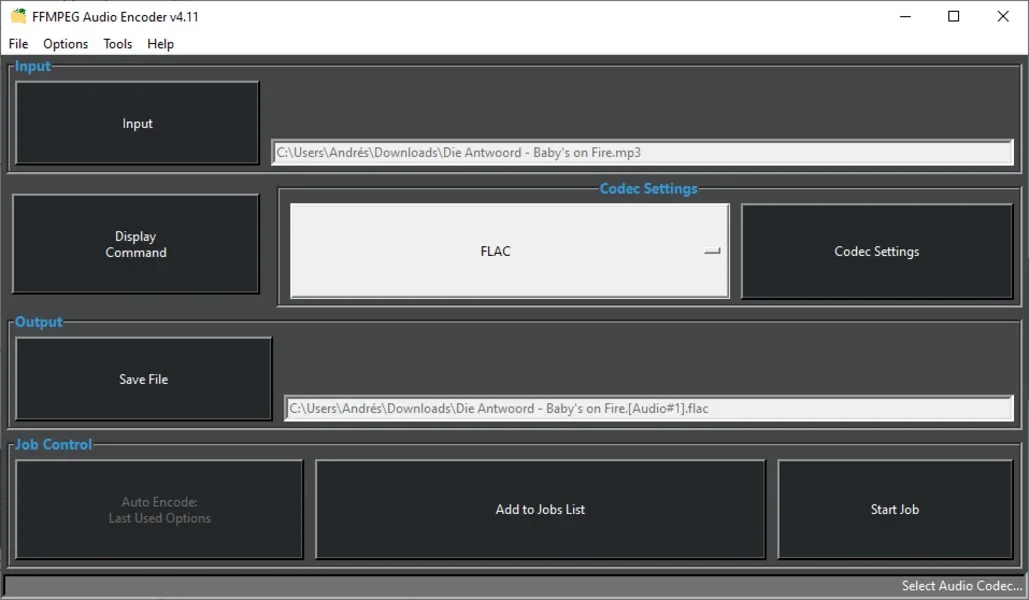
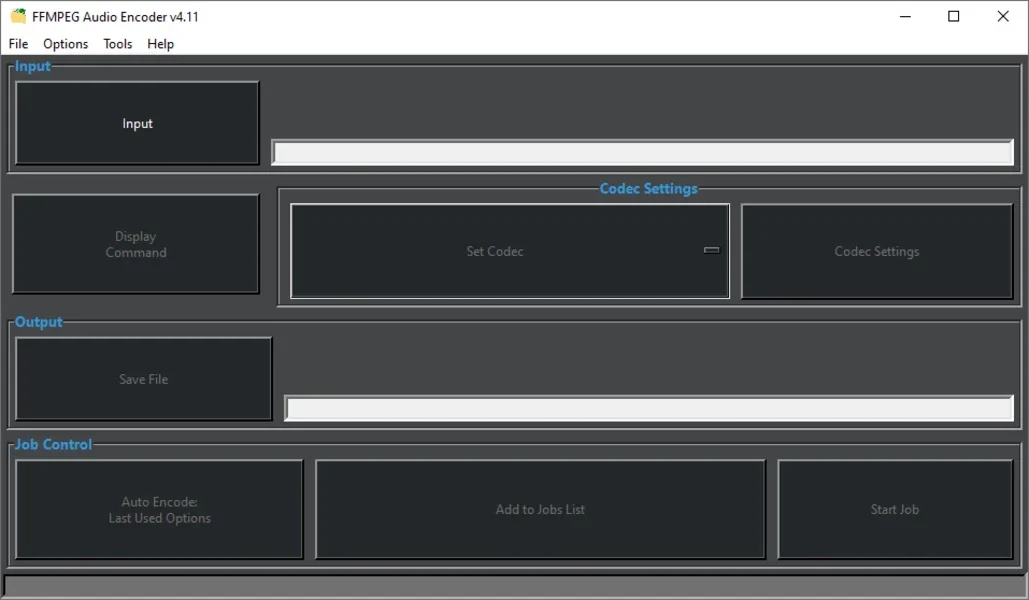
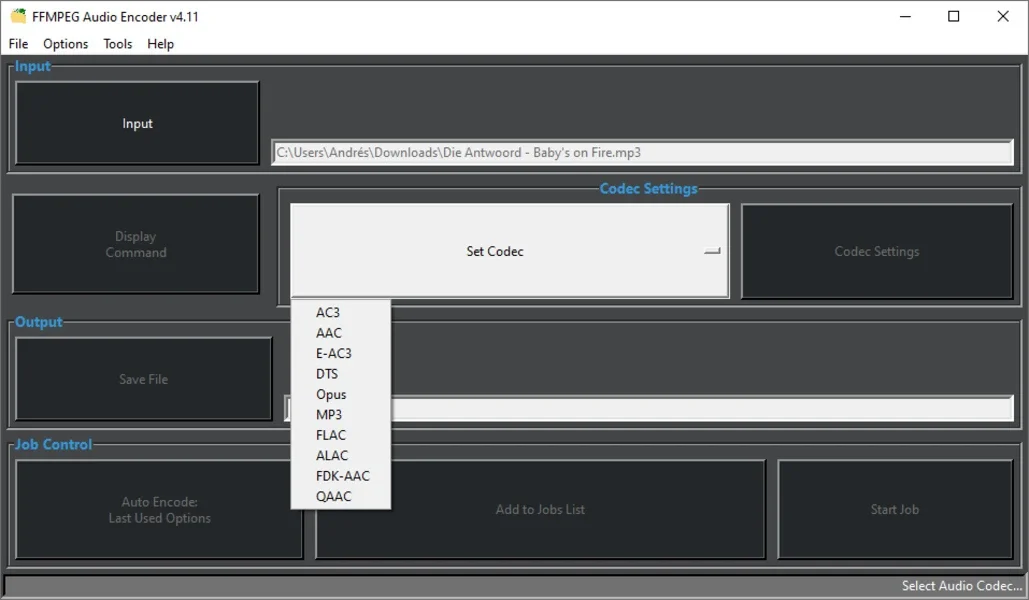
Drag an audio file into the FFMPEG Audio Encoder window to start. Encoding runs through a graphical interface built on FFMPEG, so you don't work from the command line. Then select the audio codec to use.
It handles individual files or entire folders of audio and video files. Batch Processing lets you select multiple files and encode them at the same time. Adding more files increases the time needed to parse and then encode them, and depending on the number and size of the audio and video files, processing can take several hours. Clicking Codec Settings lets you adjust options, or you can leave them unchanged. Click Start Job to begin encoding.
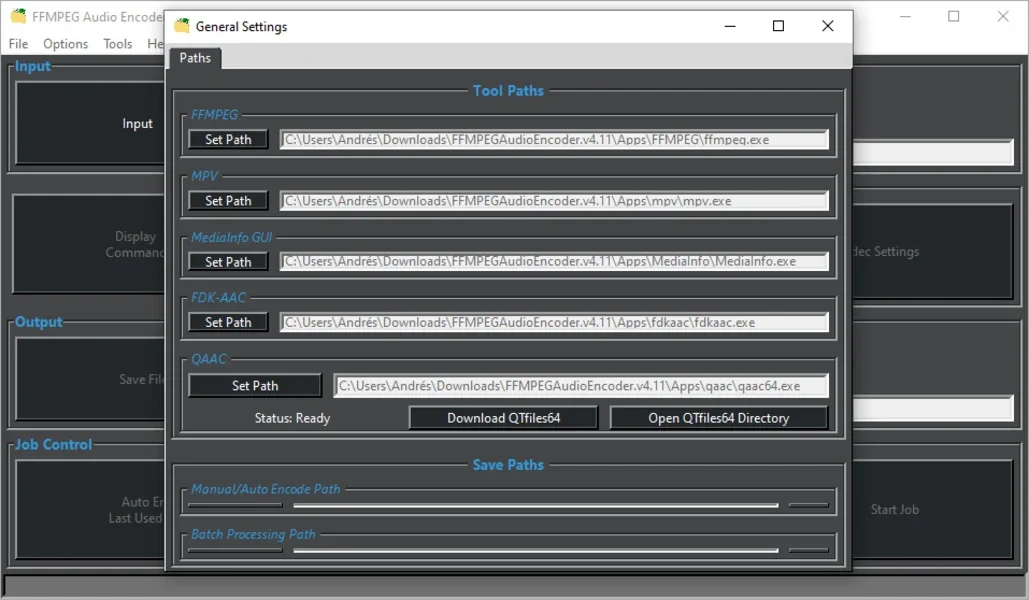
There is no installation: you unzip the file into a folder and run it. Because it is portable, it can be launched from a USB memory stick. Version 4.11 is the current release.
Download files
b16b96917434210102f57873b5b1f4ed6d29eddd6914ed83b1908f8262e74593
System requirements
Available on:
Minimum OS:
Windows XP or later
Additional information
Developer
Latest release
Size
File type
SHA-256
b16b96917434210102f57873b5b1f4ed6d29eddd6914ed83b1908f8262e74593