
FindInside 2.3 for Windows
Searches inside file contents and previews the matching text
Screenshots
Description
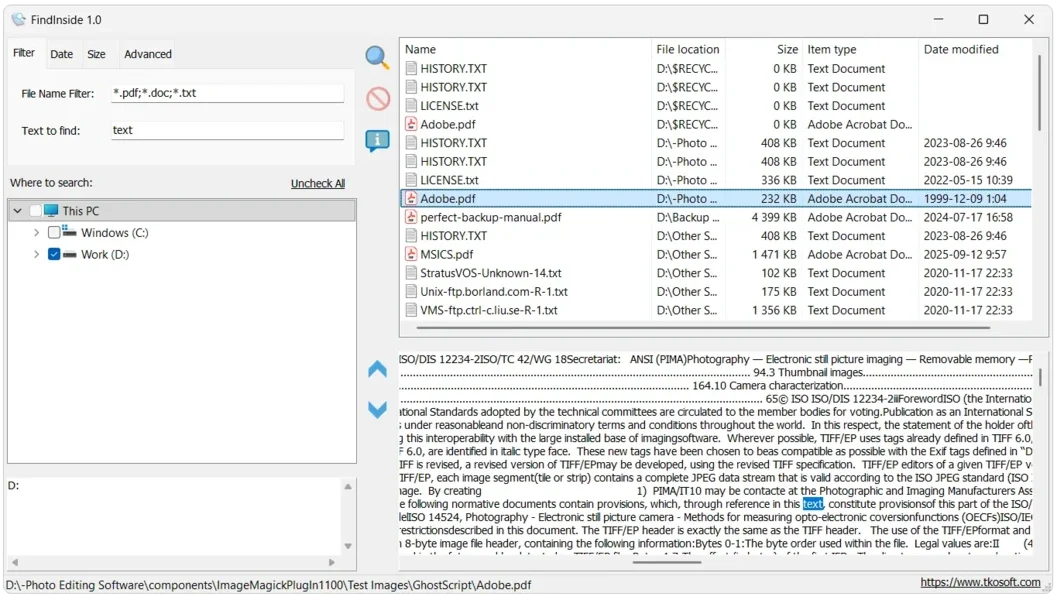
FindInside searches inside file contents rather than only file names. It looks through a folder and its subfolders, and what it turns up can be an invoice number, a name, a note, a snippet of code, a setting value, a line from a log, wording in a contract, or a section of a report.
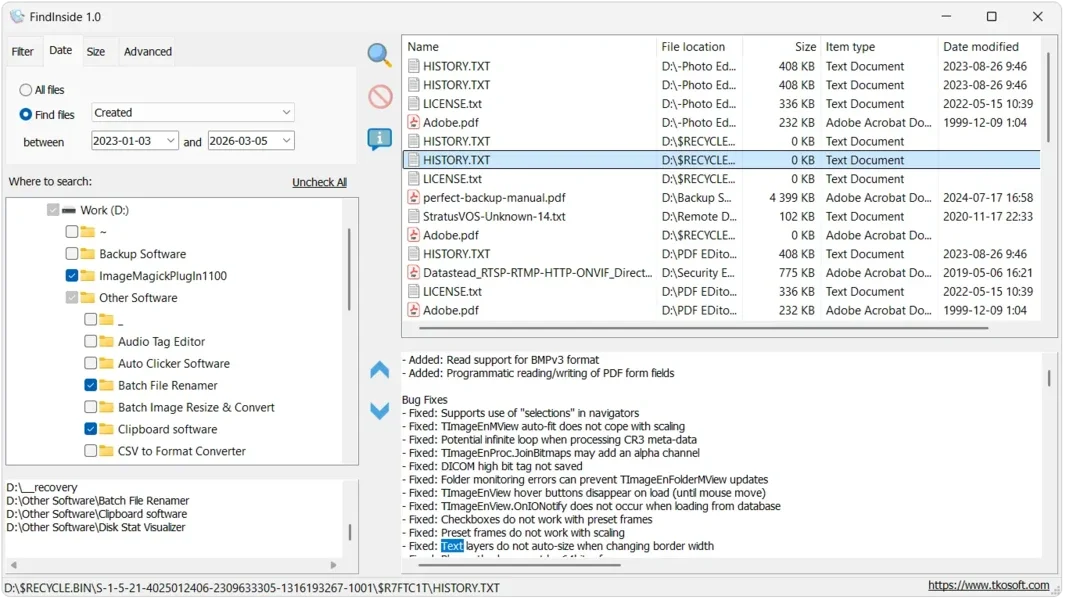
The search reaches text in PDFs and DOCX files, in spreadsheets and presentations, in plain text documents, in source code, and in logs and configuration files. A preview panel shows the readable text pulled from whichever result file is selected, scrolled to sit near the phrase that matched.
Buttons step through each occurrence of the search term, so repeated hits in one long file are easy to walk through in order.
Office users, students, developers, administrators and support specialists are the intended users, along with anyone sitting on a large collection of files. It runs on Windows.
Download files
533e2f0860726bb44471eb7d0ee0cd92d1763879c1a794f1466de672a480dac4
Signed by German Gorodokuplya · valid until May 24, 2027b843b58753e404357750754305e1065bae3928fb911d048b7ff6e82c0d534018
Signed by German Gorodokuplya · valid until May 24, 20276e0fdab6bb6c8964e03e7e416be7f1f51b7792fdaac9d174369453ae27eaa29e
Signed by German Gorodokuplya · valid until May 24, 20274fa62371f0e6cb2833c9126d7d6d0ef86d0346e18b9d8664155d512db2327436
Signed by German Gorodokuplya · valid until May 24, 2027d7f82d82aab627c404b4af3ecb59afb28224cc617d1db7e3786bad894a7ffe10
Signed by German Gorodokuplya · valid until May 24, 2027System requirements
Available on:
Minimum OS:
Windows XP or later
Additional information
Developer
Latest release
Size
Category
File type
SHA-256
533e2f0860726bb44471eb7d0ee0cd92d1763879c1a794f1466de672a480dac4





